
What MotoPress Hotel Booking Plugin Can Do for Multi-Property Management
Table of Contents
How do you keep flexible pricing, accurate calendars, organized payments, and guest communication under control when your business revolves around multiple properties? For many accommodation providers, growth means a different type of complexity. This is the point where a WordPress property management plugin comes in handy for adding more houses, apartments, cabins, or rental units.
MotoPress Hotel Booking is a widely known solution in the rental accommodation niche. In this article, we’ll explore how this plugin adapts to multi-property businesses and which capabilities become valuable as your accommodation portfolio expands!
What Is MotoPress Hotel Booking?
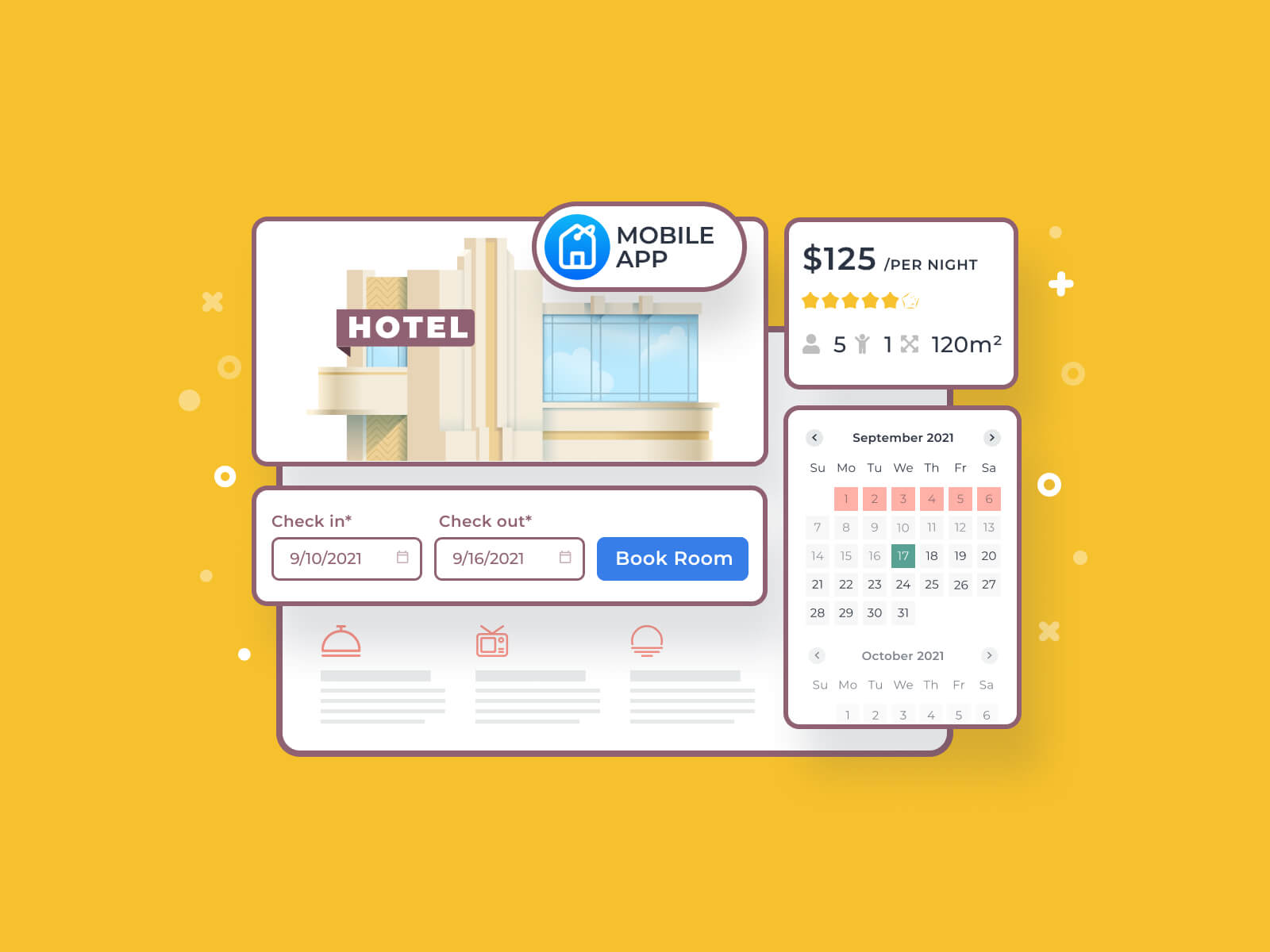
MotoPress Hotel Booking is a WordPress property plugin built for a wide range of rental properties: hotels, vacation rentals, serviced apartments, etc. Its core purpose is to manage availability, rates, and reservations directly from a WordPress website.
Along with single-property owners, it can fit property managers, chalet networks, small hospitality groups, and vacation rental operators working across different locations. Instead of creating separate websites or fragmented booking systems, they will manage multiple accommodations within one installation.
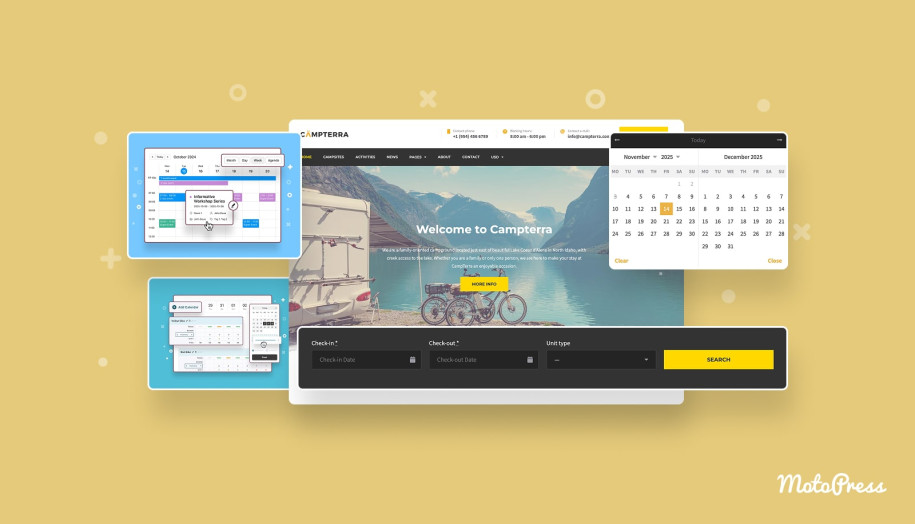
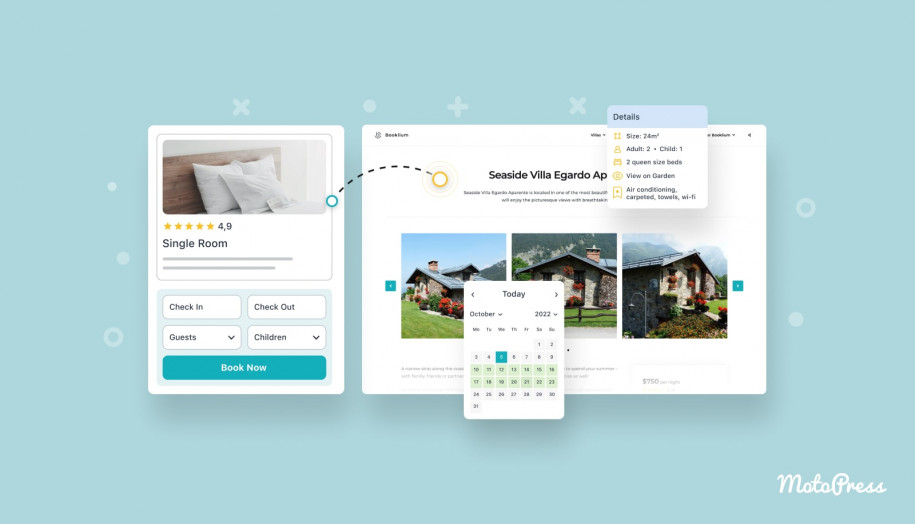
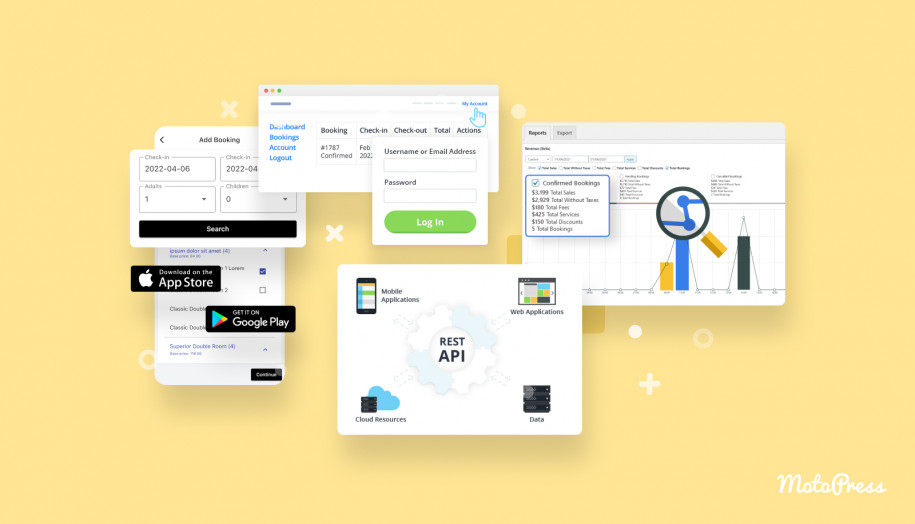
How MotoPress Hotel Booking Supports Multi-Property Management
Now, let’s explore the multi-property management software features available with MotoPress Hotel Booking. While guests need better search, pricing needs to diverge per unit, OTAs must stay in sync, and payments become more complex, it can help you reduce day-to-day friction.
Centralized Multi-Property Management in Core Plugin Settings
MotoPress Hotel Booking centralizes key controls in the plugin settings while allowing each accommodation to follow its own operational logic. It’s a setup that feels closer to the best property management software approach. Below are the core areas of this under-one-roof structure.
Easier Property Discovery for Guests
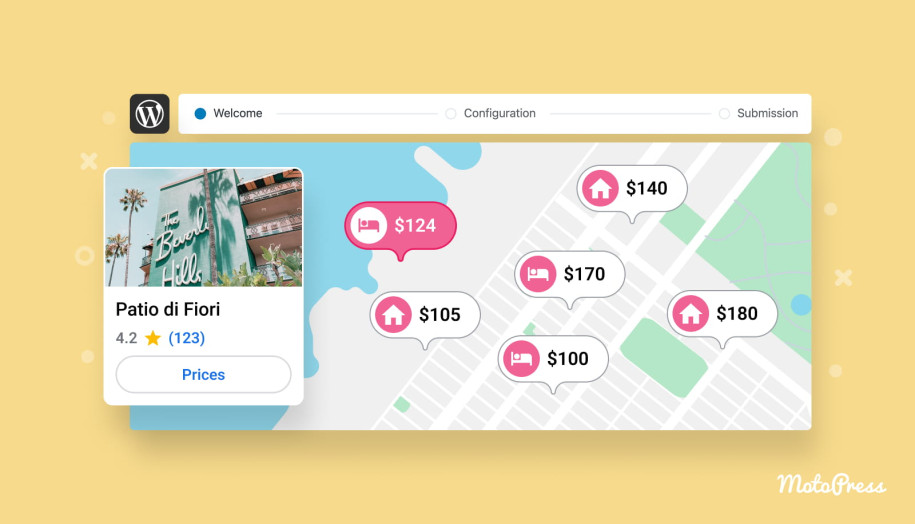
If your website has many listings, guests want to quickly find the available options. Attributes help you expand the search form experience beyond dates and number of guests. For example, you can include location/region, unit type (cabin, villa, or apartment), and anything else you define.
Pricing Strategies That Adapt to Each Property
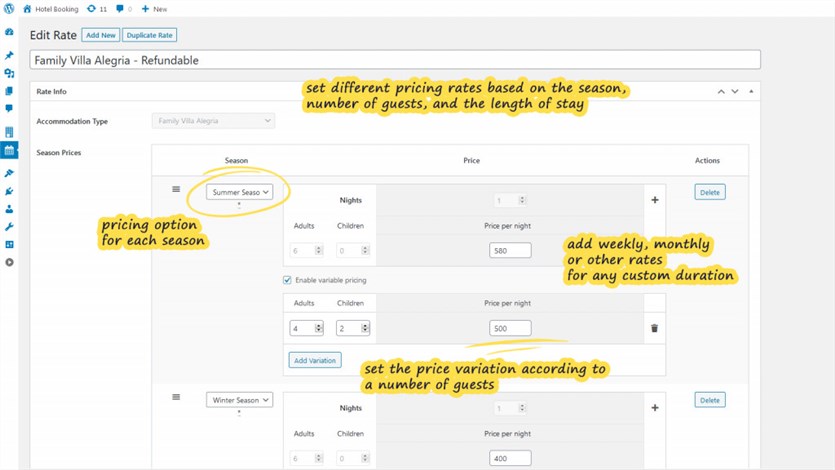
When it comes to multi-property pricing, some units have different demand curves, minimum stays, weekend patterns, or seasonal behavior.
MotoPress Hotel Booking supports unlimited rates, seasons, and booking rules to enable separate pricing strategies per accommodation type.
Property-Level Financial Control
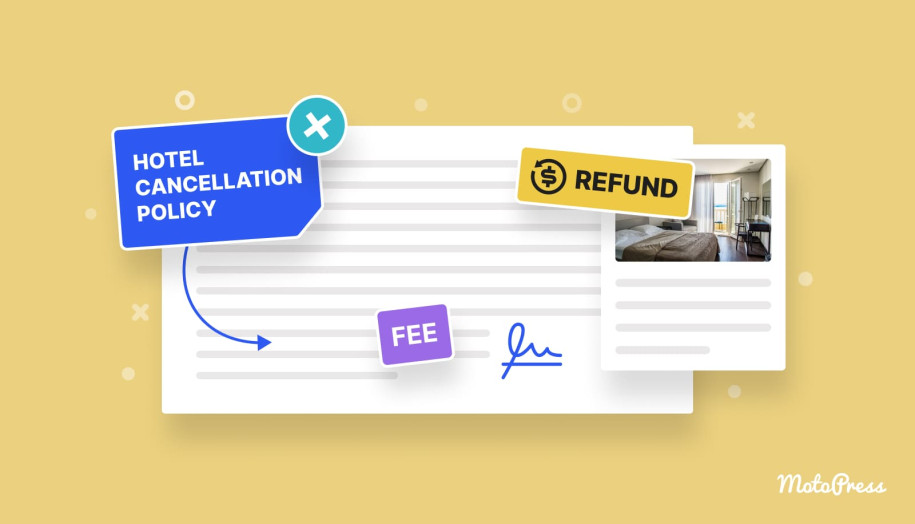
Taxes, fees, discounts, and restrictions often vary by property. The WordPress Hotel Booking plugin by MotoPress gives you the flexibility to apply taxes/fees/discounts and booking restrictions in a property-specific way. That results in fewer edge-case workarounds.
OTA Synchronization To Prevent Double Bookings
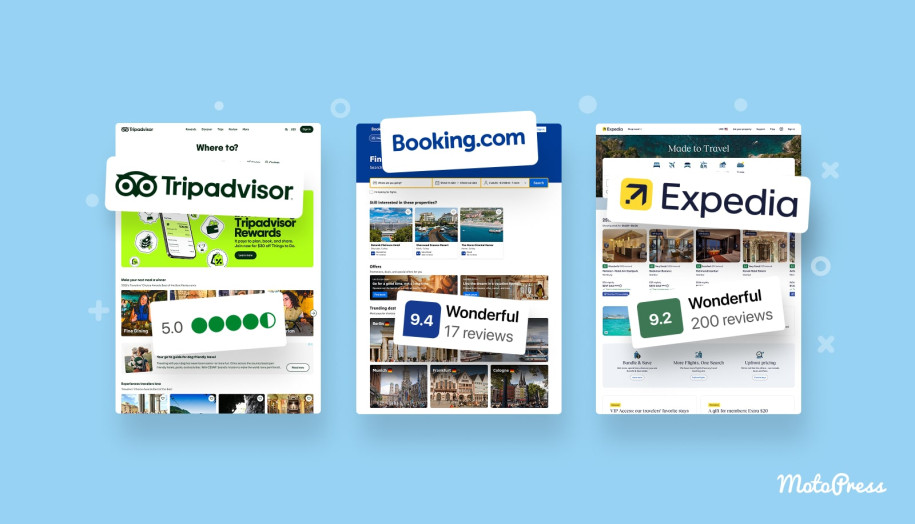
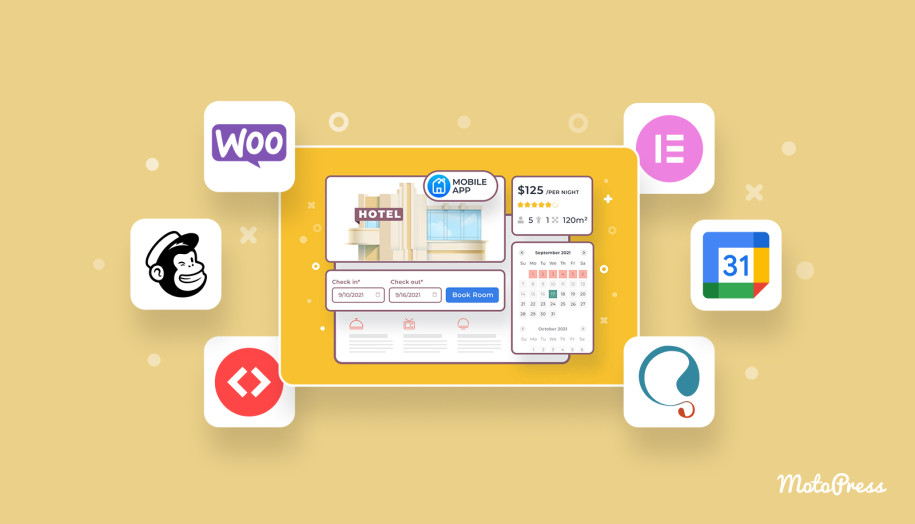
Once you list your properties across multiple OTAs, it’s essential to keep availability aligned across external channels and your website.
MotoPress Hotel Booking is a WordPress property management plugin that supports iCal-based OTA synchronization. In real life, this reduces the daily “did we block that date everywhere?” anxiety and lowers the risk of double bookings when you’re managing multiple listings at once.
Payment Flexibility Across Regions and Markets
Since payment expectations vary by region, multi-property businesses often serve a mixed audience.
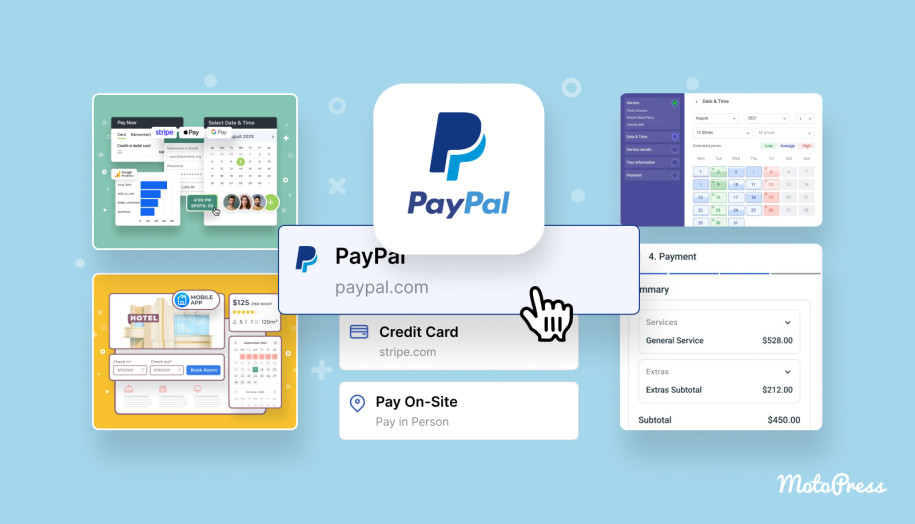
MotoPress Hotel Booking supports an extensive set of built-in gateways and payment options, including the ability to charge full payment or deposits (fixed or percentage). Out of the box, you can accept payments via PayPal, 2Checkout, Braintree, Stripe, or Beanstream/Bambora.
Stripe additionally supports region-specific methods like Bancontact, iDEAL, Giropay, SEPA Direct Debit, and SOFORT. You can also allow guests to pay after arrival or via Direct Bank Transfer.

If you need more region-specific gateways, there is the WooCommerce Payments add-on. It lets you connect Hotel Booking to WooCommerce payment ecosystem when you’re targeting specific markets or already rely on WooCommerce-friendly payment providers.
Role-Based Access for Property Management Teams
Multi-property operations are rarely a one-person show. You need staff to handle bookings, availability, guest questions, and payments. However, they may have a different set of permissions.
MotoPress Hotel Booking lets you restrict or grant access to plugin functionality. For example, some team members can only view bookings while others can manage payments, clients, or reservation workflows.
The plugin includes two custom user roles for this:
- Hotel Worker
- Hotel Manager
These roles come with custom capabilities (tasks allowed to be performed).

Increased Booking Value with Multi-Accommodation Reservations
When guests book for families, small groups, or event weekends, they often need more than one unit.
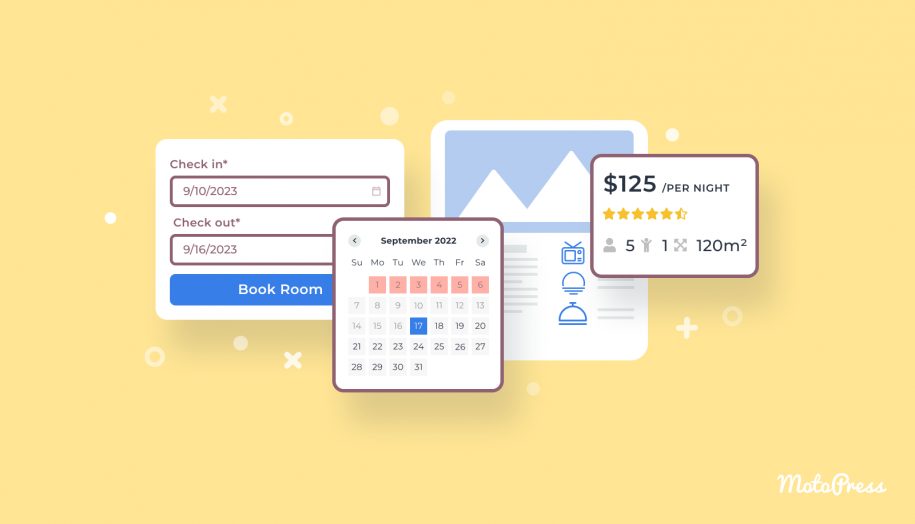
MotoPress Hotel Booking allows booking multiple accommodations in one reservation (provided that it’s for the same dates).
Availability Across All Properties from One View
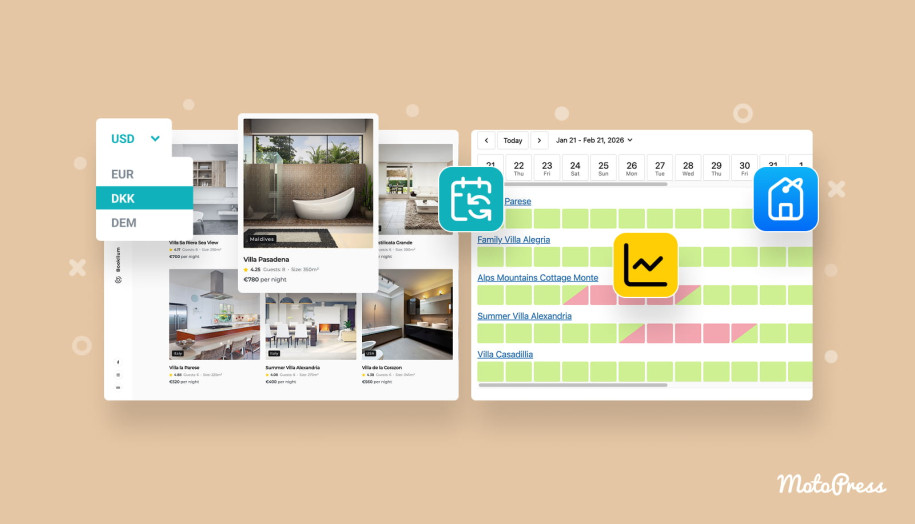
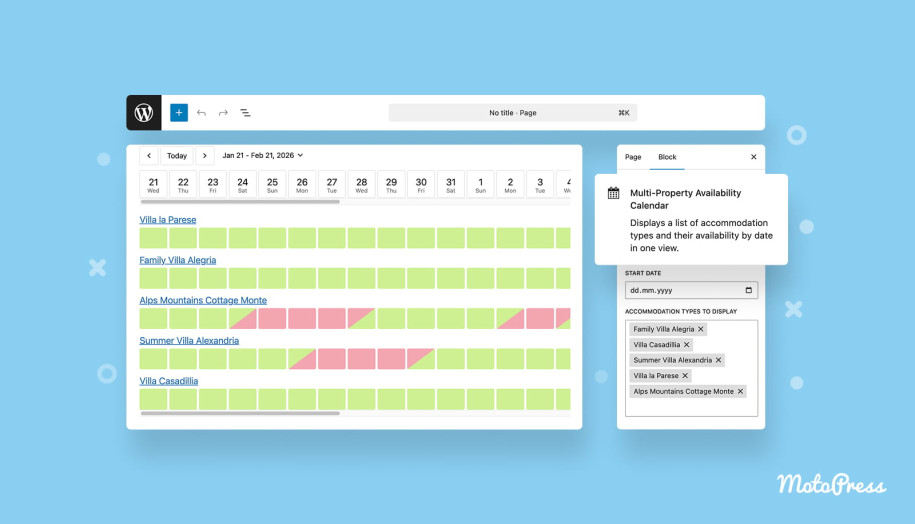
Since the MotoPress Hotel Booking plugin version 5.3.0, one of the most requested features has been available in the core WordPress property management plugin: the Multi-Property Availability Calendar.
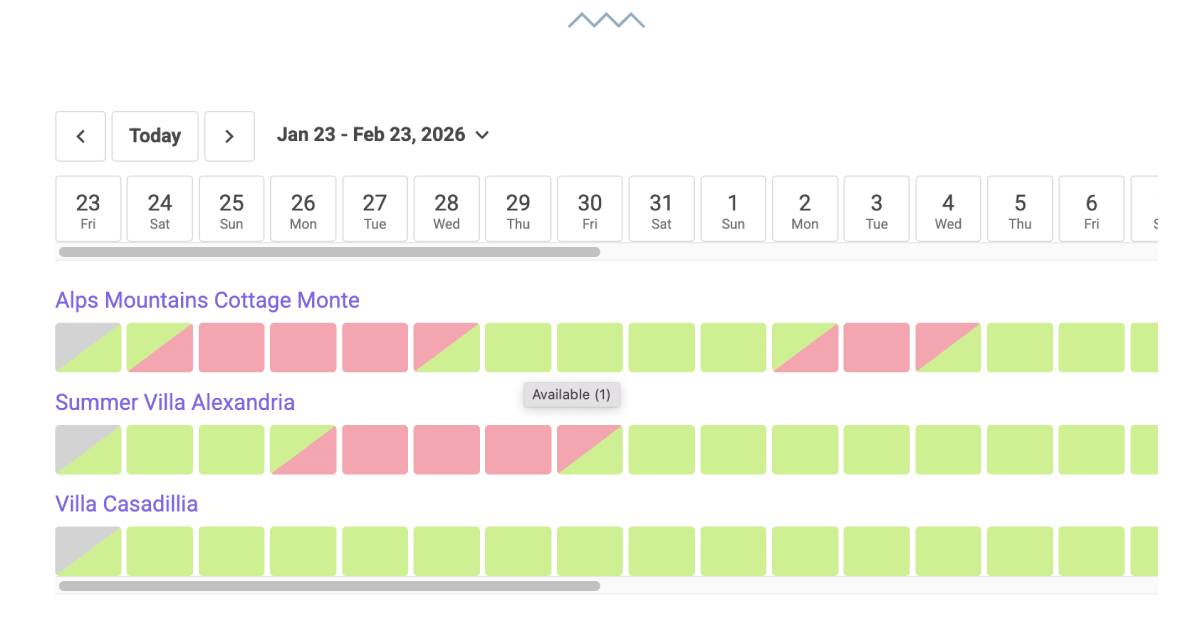
Many users asked for a simple way to see availability across multiple properties at once. You can display a single shared availability grid for selected accommodation types. It’s simple for guests to compare what’s available at a glance.
Built-In Analytics and Performance Insights
The built-in stats chart lets you see sales and bookings within a chosen period in a graphical representation. It helps you understand:
- How much you generate from bookings and extra services;
- How much you earn after taxes;
- And what you lose on canceled bookings.
You can also generate booking reports and download a CSV with detailed booking info. Those reports open in Excel/Google Sheets and can be printed, saved, or shared. Managers use this feature to report to owners or track performance without a separate tool.

Cost Efficiency for Growing Multi-Property Businesses
In many cases, property management software comes with per-unit fees, per-booking charges, and extra costs for channel volume. With MotoPress Hotel Booking, there are NO additional charges based on:
- number of accommodations,
- number of listings on external platforms,
- or booking volume.
Here are the available pricing options:
| Package | Cost |
|---|---|
| Hotel Booking Plugin | Annual:
Lifetime:
|
| Hotel Booking Bundle (Plugin + 9 Addons at the discounted price) | Annual:
Lifetime:
|
| As a Part MotoPress Membership (includes All MotoPress Plugins, Add-ons & Themes) | $349/year |
| Free Trial | Yes, 7 days |
Get the Hotel Booking + Addons Bundle
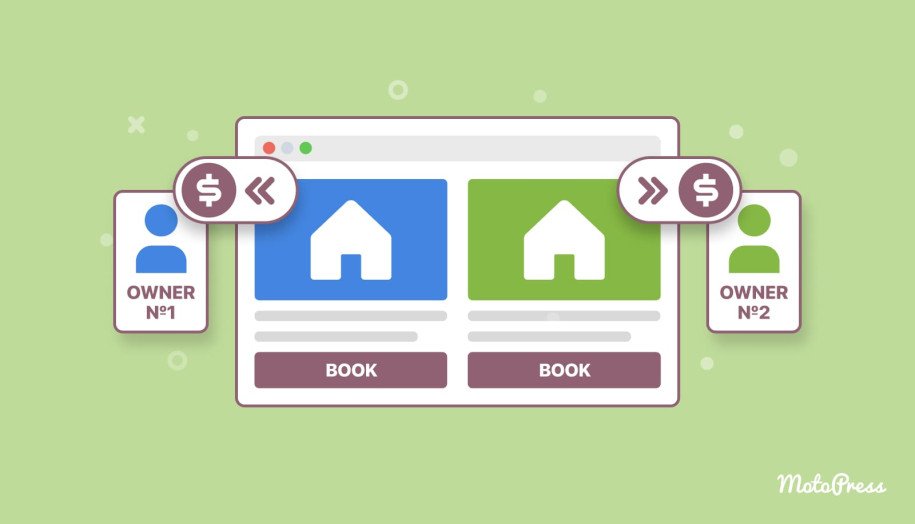
Automated Owner Payouts Across Multiple Properties
If you manage properties for different owners, you need tools to handle payout distribution within multi unit property management software.
The Accommodation-Based Payments add-on enables you to customize which payment methods appear at checkout based on the accommodation type. You can:
- Assign unique payment accounts to individual accommodation types.
- Send the money automatically to the right owner (no manual transfers).
- Use Stripe, PayPal, and Direct Bank Transfer for per-accommodation payments.
- Use fallback to default payment settings for accommodation types that don’t need custom routing.
Reduced Manual Payment Work for Large Booking Volumes
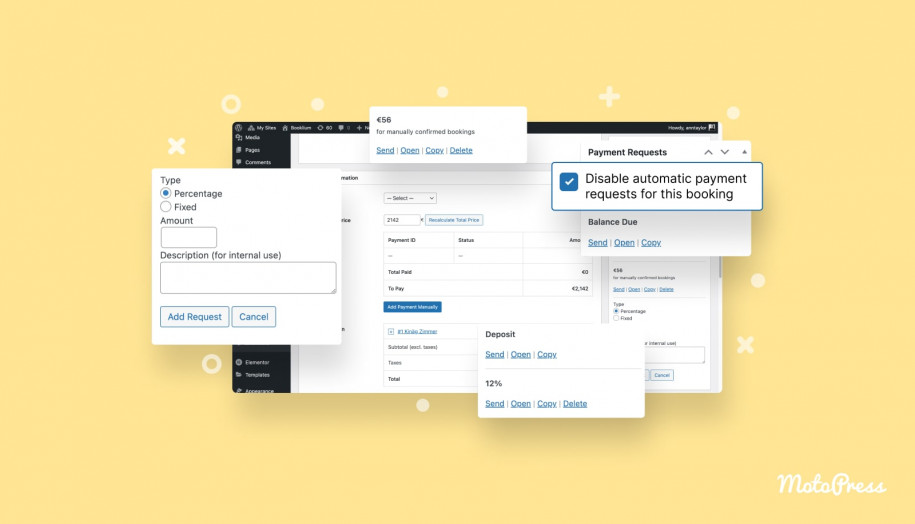
When you have many accommodations, “partially paid bookings” quickly turn into admin tasks. To reduce manual tracking, MotoPress Hotel Booking offers the Payment Request add-on to automate the request and collection of rental payments before guest arrival. It equips you with such options as:
- Automatic balance due requests.
- Manual balance due requests.
- Manual deposit requests.
- Manual custom payment requests for any flat or percentage amount.

Property-Specific Guest Communication
With multiple properties, guest communication can’t be generic. Even if the email type is the same, the content often differs. For example, door code instructions, check-in location, parking rules, key pickup, etc.
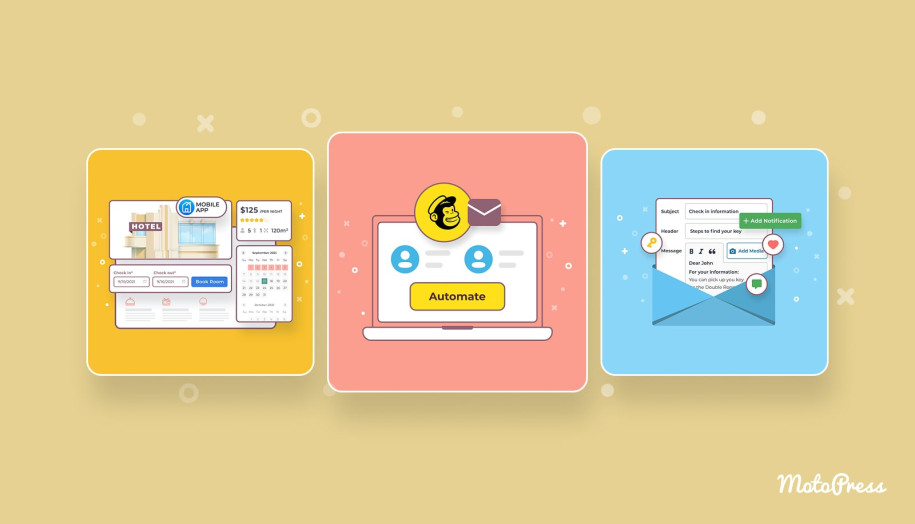
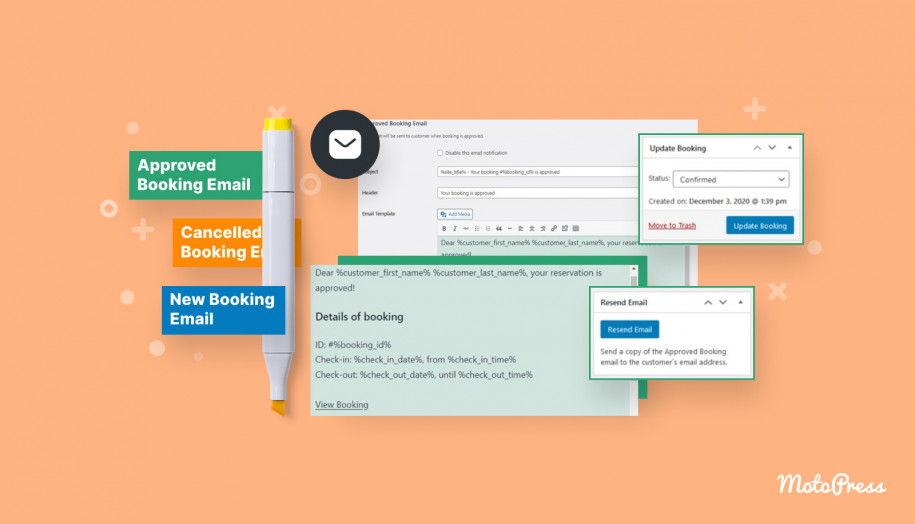
MotoPress Hotel Booking sends automated system emails to admins and guests (booking details, status changes, cancellations, and more). You can edit email templates and customize branding elements like colors, logo, and text.
The Hotel Booking Notifier add-on takes this even further. You can send any volume of custom automated emails tied to the specific accommodation type booked.
Examples that make sense for multi-property operations:
- where to pick up keys for this property;
- how to reach the place (per location);
- self-service check-in kiosk info;
- review requests;
- local attraction lists (region-specific);
- dining/extra services details;
- custom welcome notes.
The addon supports pre-arrival and after-departure workflows. It lets you schedule conditional emails for any number of days before/after check-in and check-out.

Mobile App for Reservation Monitoring On the Go
Multi-property management rarely happens behind a desk. Managers frequently move between locations, properties, and operational contexts.
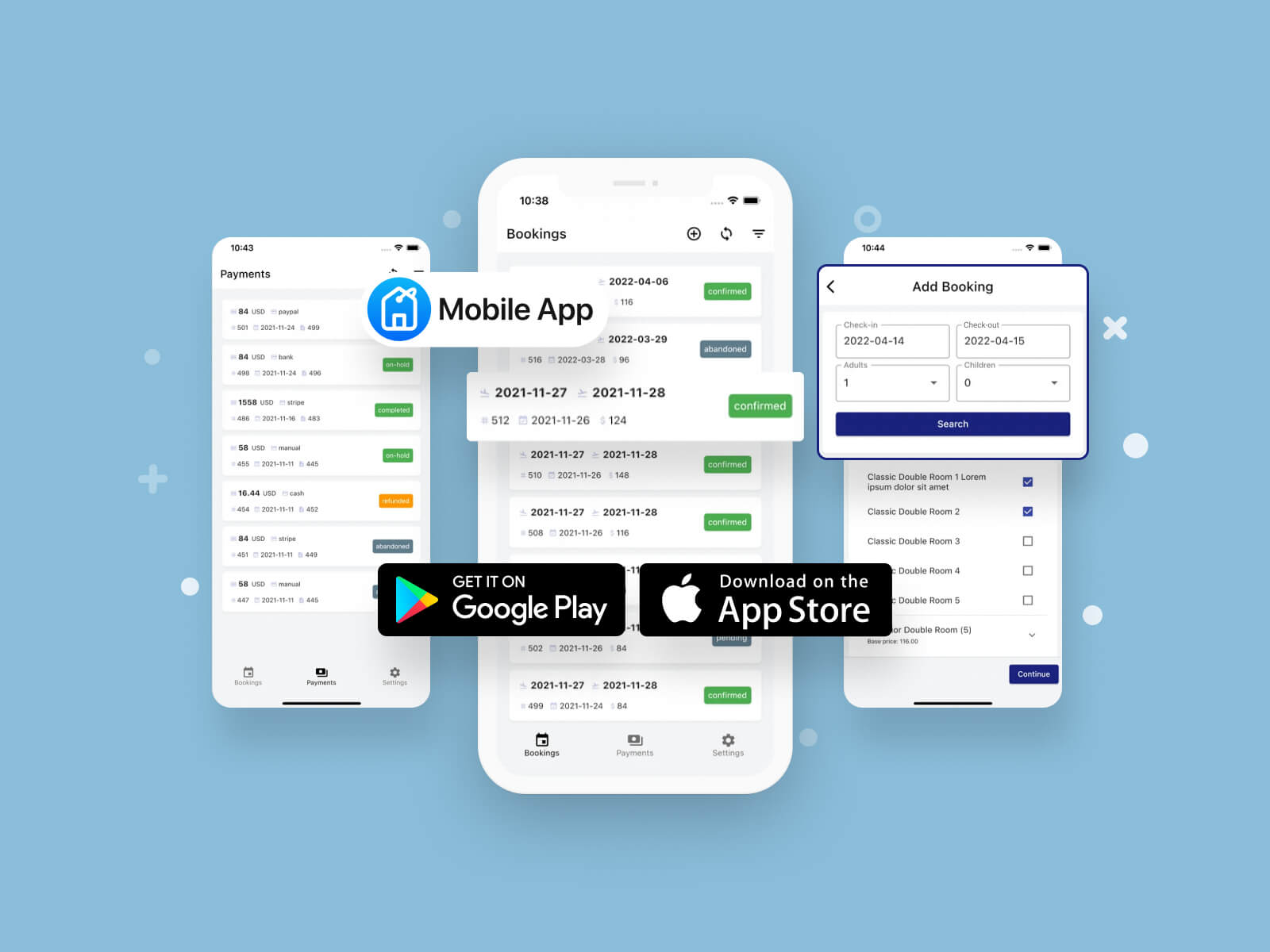
MotoPress offers a free mobile app (App Store/Google Play) for the Hotel Booking plugin. You connect it to your WordPress site in a few steps and get access from your phone on the go.
How can it help you in day-to-day work?
- Check accommodation availability in real time.
- Add a booking from your phone.
- View all bookings in a list (arrival/departure times, booking date, etc.).
- Manage individual bookings (change status, delete).
- Access guest contact details.
- View notes left by staff or clients.
- Review payment and transaction info.
- Search and filter bookings/payments by status and date range.
Requirements: WordPress website + MotoPress Hotel Booking plugin version 4.1.0 or greater.
Dynamic Pricing Automation for Large Property Portfolios
Demand fluctuations, local events, seasonality shifts, or competitor movements can make fixed rate structures either uncompetitive or suboptimal.
That’s why dynamic pricing tools become essential in rental property management software for many accommodation providers. Instead of manually adjusting rates across properties and channels, they rely on systems that automatically react to market signals.
PriceLabs is one of the widely used solutions in this niche. It provides data-driven pricing recommendations based on demand patterns, occupancy trends, seasonality, and local factors.
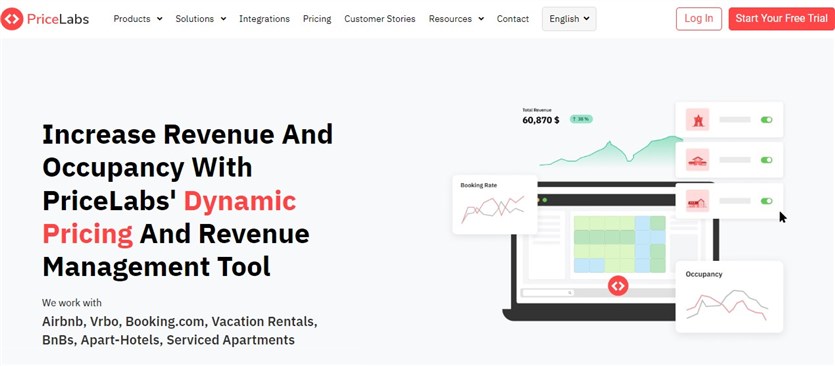
MotoPress Hotel Booking integrates with PriceLabs via a dedicated add-on. You can sync your existing PriceLabs listings with the respective accommodation types in the plugin to avoid duplicate pricing management and keep website rates aligned with dynamic pricing strategies. Once connected, PriceLabs-driven rates can be displayed directly on your WordPress accommodation pages.
Important requirement:This extension requires existing listings in your PriceLabs account connected to external OTAs/PMSs.
Ready-to-Go Layouts for Clear Multi-Property Presentation
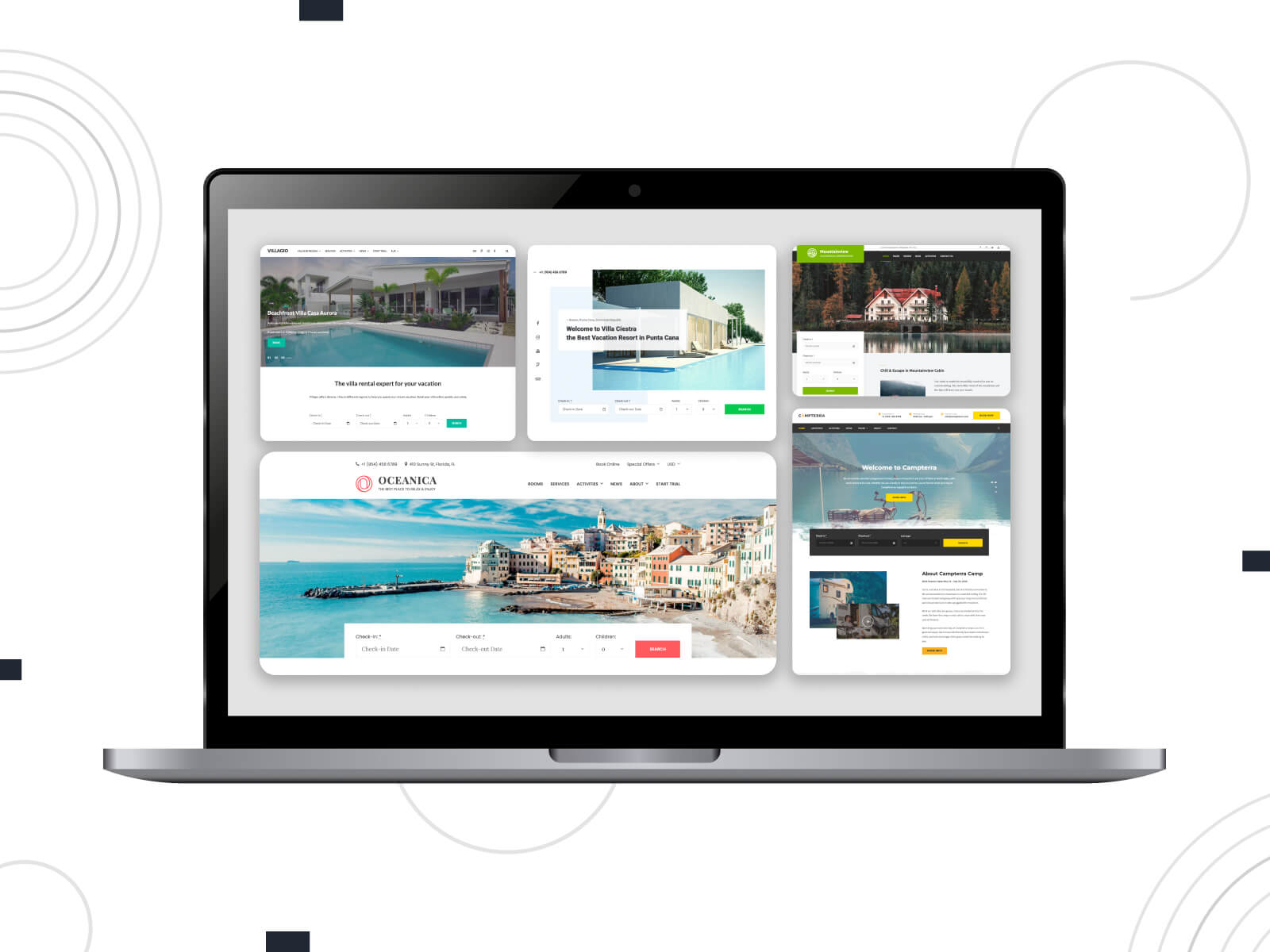
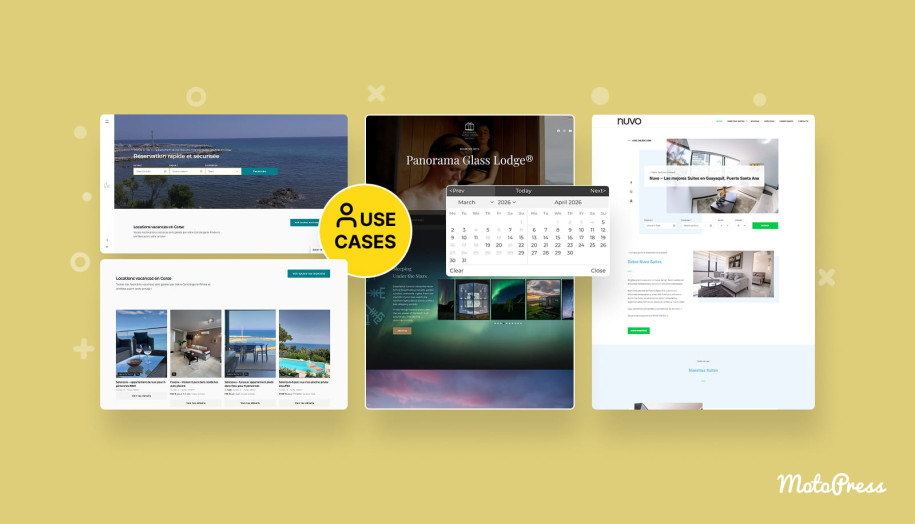
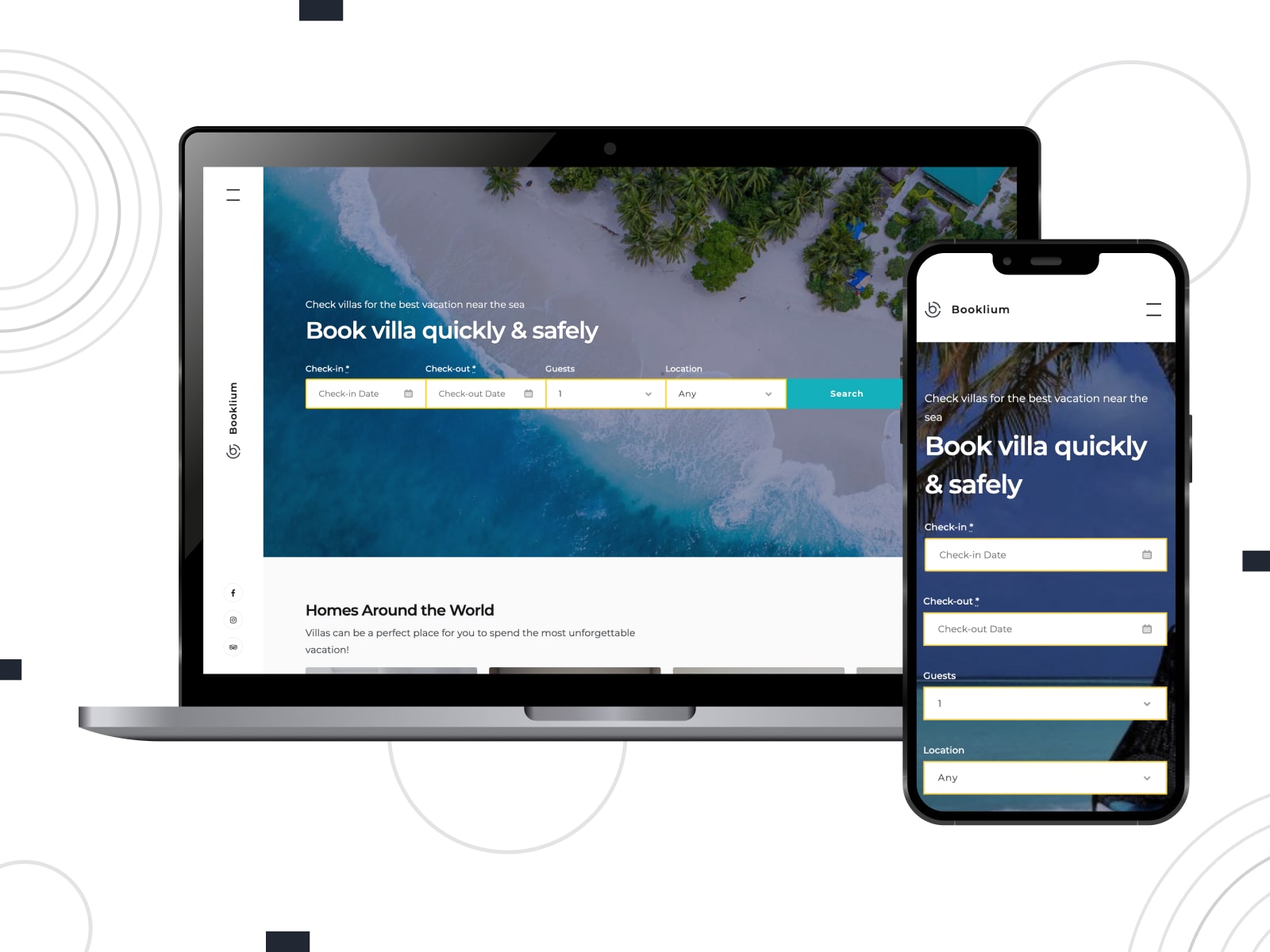
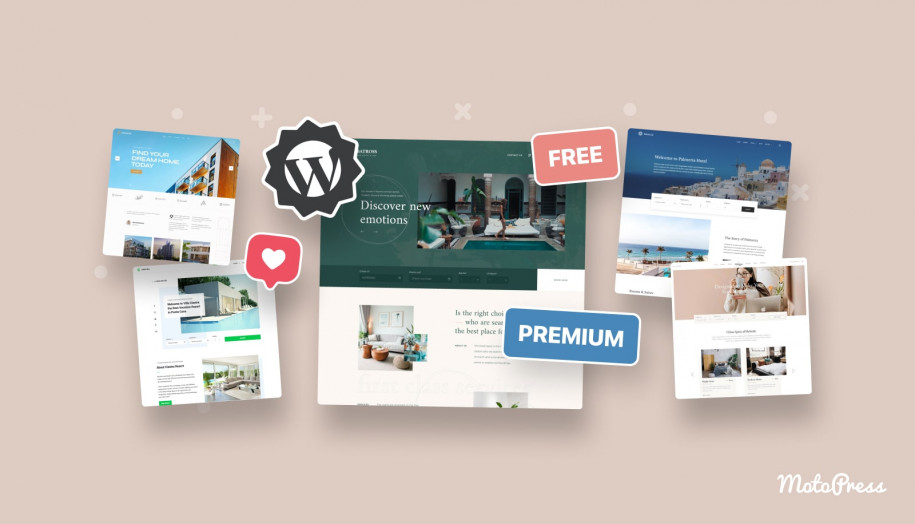
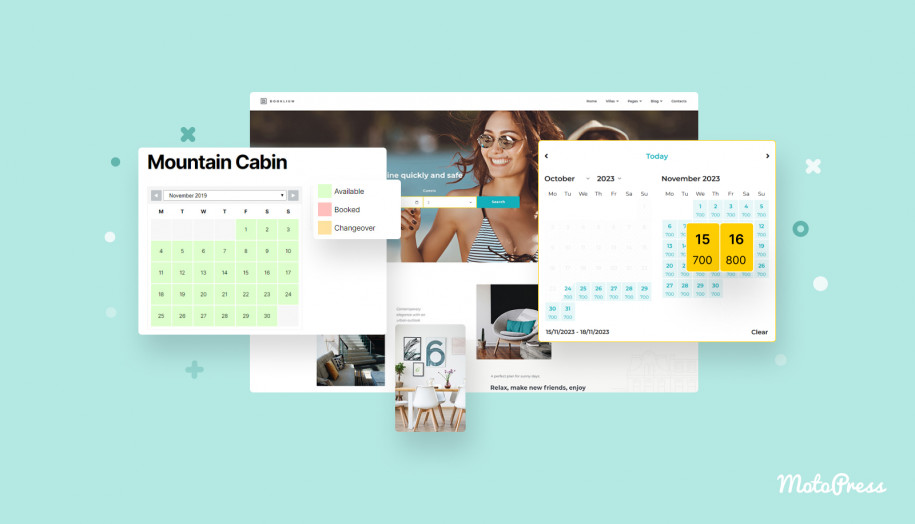
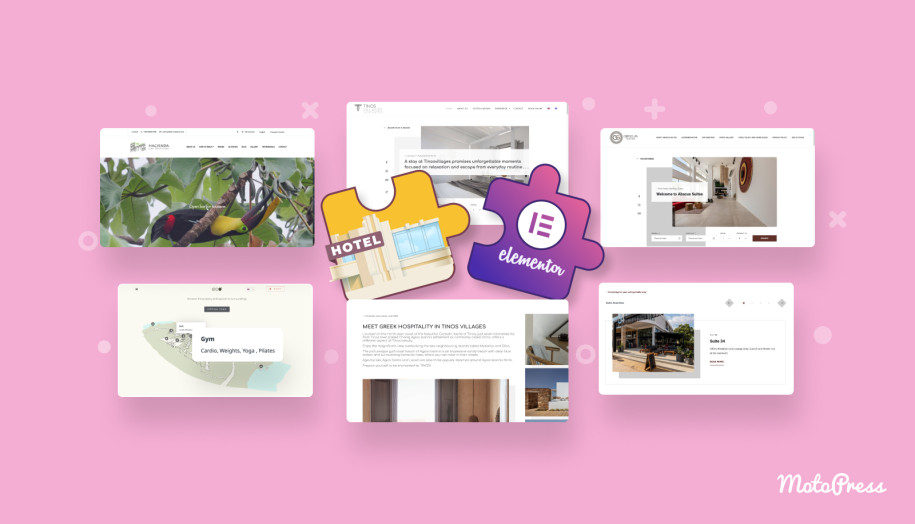
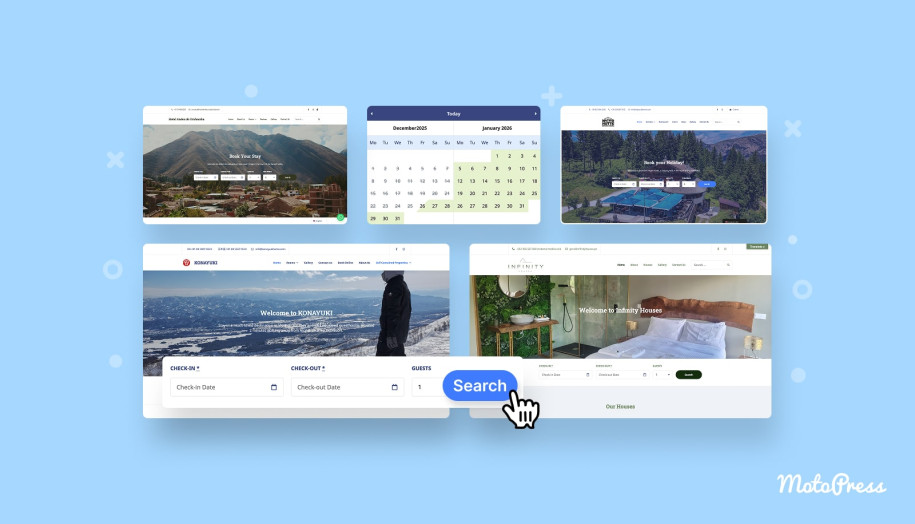
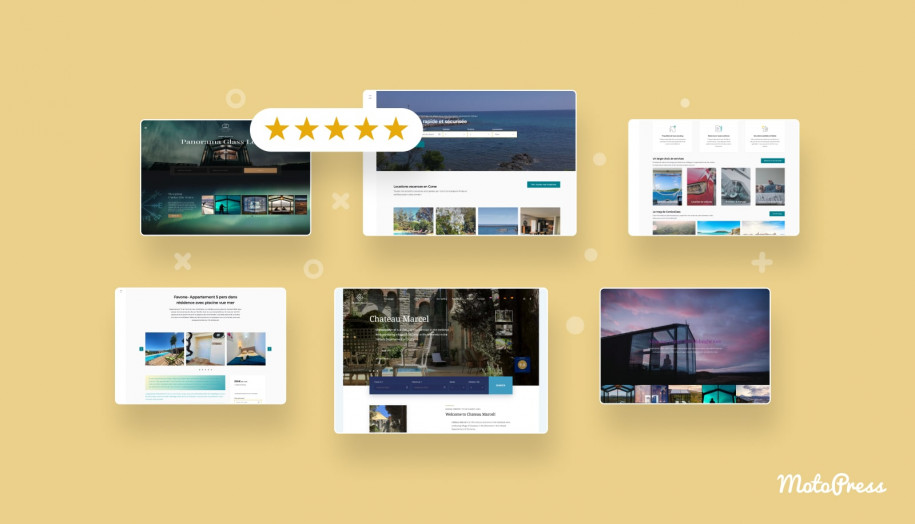
MotoPress provides a collection of professional vacation rental themes powered by MotoPress Hotel Booking. Themes like Booklium are designed to show listings/directories in grid or list layouts, with individual accommodation pages and the functionality of a WordPress property management plugin.
Property owners access a ready-made structure that includes property directories, accommodation pages that support booking, and layouts that keep multiple accommodations easy to browse.
MotoPress Hotel Booking Themes
Multi-Currency Pricing for Global Guests
If you accept international guests, the Hotel Booking Multicurrency add-on adds a multi-currency widget to your rental website. You can place the converter in always-visible areas like navigation menus or widget zones. Travelers can switch currencies and recalculate rates/totals in a few clicks.
Running a Multi-Property Website Across Languages and Regions
Do your properties target guests from different countries, regions, or language groups? They are far more comfortable navigating listings, policies, and booking steps in their native language. Multilingual workflows improve clarity, reduce guest confusion, and create a smoother booking experience.
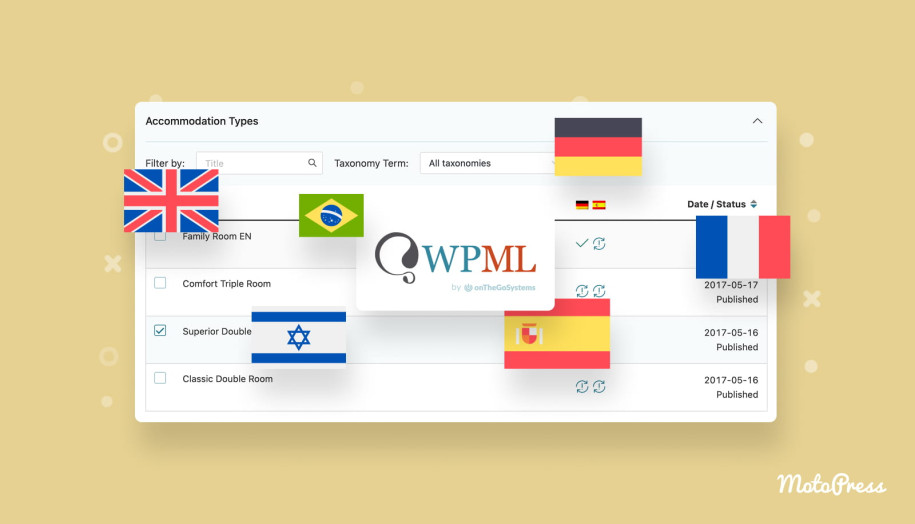
Being translated into 18+ languages, MotoPress Hotel Booking has been officially tested for compatibility with WPML. These two plugins integrate smoothly in real-world setups. WPML covers both website content and booking-related texts within a single translation workflow. In other words, you’re not just translating the site but also localizing the reservation experience.

Faster Setup for Large Property Portfolios
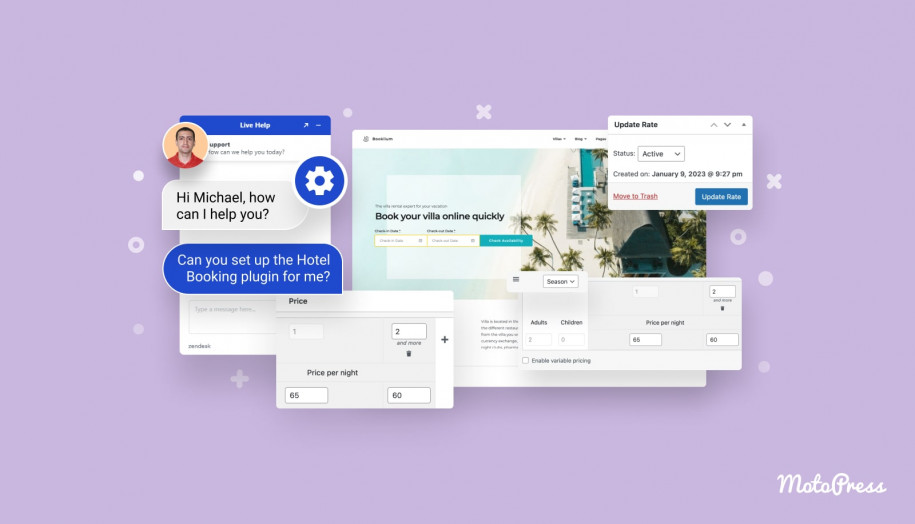
Configuring dozens of accommodations, rates, and rules in the property management system WordPress can be time-consuming.
MotoPress offers a Hotel Booking Initial Configuration service to speed up the setup process. It covers initial setup and configuration according to your real business needs (property pricing, booking rules, booking confirmation, the search form, and more).
Get Hotel Booking Plugin Configured
When MotoPress Hotel Booking May Not Be the Right Fit for Multi-Property Management?
MotoPress Hotel Booking follows a reservation-first logic built for accommodation providers. Suitable for many portfolio owners and property managers, it also implies certain boundaries. You need to keep them in mind when comparing multi property management software solutions.
- MotoPress Hotel Booking is designed primarily for short-term rentals. It focuses on reservation workflows typical for hotels, vacation rentals, and short-term rental businesses.
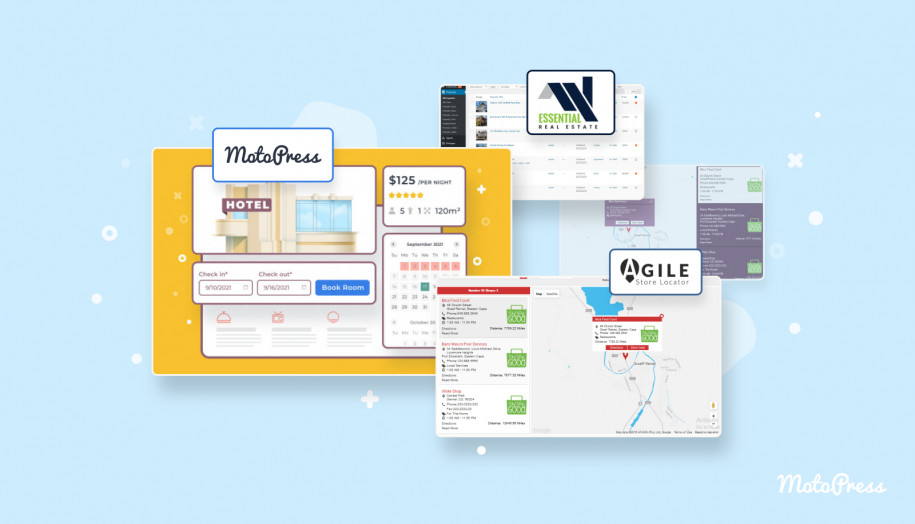
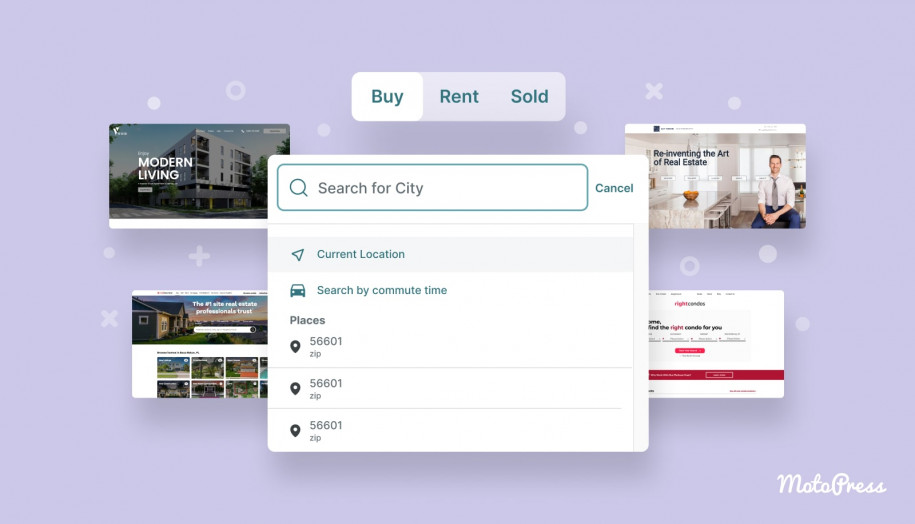
- The plugin also does not provide an out-of-the-box multivendor environment similar to Airbnb, where independent property owners register accounts and publish accommodations through personal dashboards.
- Property managers and property management companies maintain direct control over listings, pricing logic, availability, and booking rules. When needed, financial workflows can support multi-owner setups via the Accommodation-Based Payments add-on.
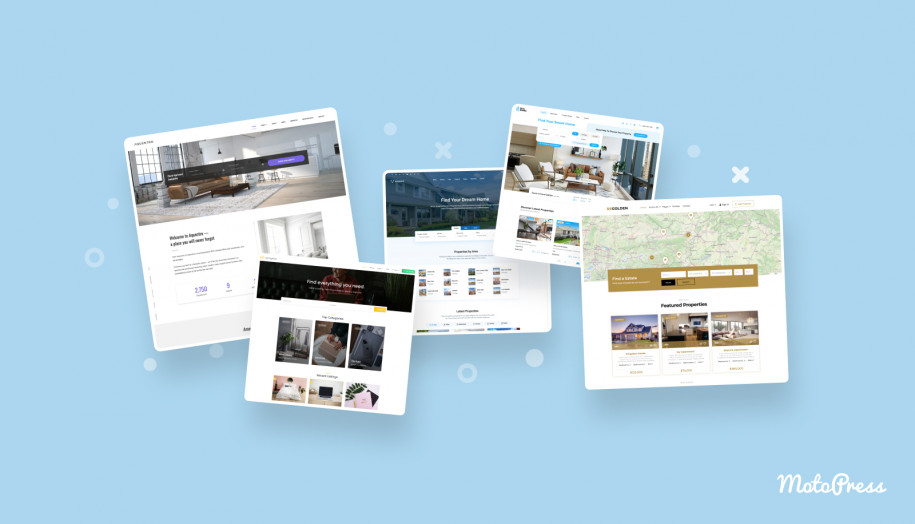
In short, MotoPress Hotel Booking functions best as a centralized WordPress property management plugin rather than an open listing real estate marketplace.
Wrapping Up
So, MotoPress Hotel Booking helps multi-property businesses optimize and simplify key processes such as:
- Organizing inventory so guests can find the right place faster.
- Building flexible pricing logic per accommodation.
- Reducing calendar conflicts across channels.
- Handling payments more smoothly across markets and use cases.
- Maintaining clarity at scale.
- Reducing operational workload (owner payouts, payment requests, and automated property-specific emails).
Used as a WordPress property management plugin, it’s a practical framework for multi-property owners and managers.
Are you eager to build a centralized booking system? Start a free trial and test the workflow on a few real accommodations first.
Disclosure: this article may contain affiliate links for third-party products. If you click a link and later make a purchase, we may earn an affiliate commission that doesn’t result in additional charges to you.
FAQ on the WordPress Property Management Plugin by MotoPress
Can MotoPress Hotel Booking manage multiple properties on one website?
Is there a limit on the number of properties or accommodations I can add?
What payment gateways does MotoPress Hotel Booking support?
Does MotoPress Hotel Booking replace a full PMS or channel manager?
Is MotoPress Hotel Booking designed for real estate marketplaces?