What Type of Zoom WordPress Plugin Do You Need? Reviewing Best Options
Table of Contents
Looking for the best Zoom WordPress plugin to help enhance your business opportunities? You’re in luck! In this post, we’ll explore some of the popular and trending WordPress plugins and integrations that make it easy to connect Zoom – one of the leading video conferencing platforms – directly to your website. Whether you’re running an online coaching business or managing remote appointments, these WordPress video conference plugin options can streamline your workflow, automate meeting scheduling, and create a more interactive user experience.
Before we begin, here are the top 3 plugins and extensions you may want to explore right away:
| Name | Price | Works with |
|---|---|---|
| Video Conferencing with Zoom | Free | Zoom |
| MotoPress Appointment Booking with Video Conferencing Add-on | From $49/year | Zoom and Google Meet |
| Bookly PRO with Zoom Add-on | Free or from $9.95/year | Zoom, Google Meet, BigBlueButton, and Jitsi Meet |
WordPress video consultation plugin options bridge the gap between your WordPress website and the powerful functionality of Zoom. As a result, they make it easy to deliver real-time, face-to-face interactions online.
In today’s world, businesses, educators, and service providers rely on virtual meetings to connect with clients, students, and audiences across the globe. That’s why integrating Zoom directly into your WordPress website eliminates the need for manual scheduling and creates a more seamless experience.
Below we have gathered 15 WordPress plugins that are either developed for the purpose of connecting your website to Zoom or use extensions and add-ons to enhance their default functionality!

Top Video Conferencing Plugins for WordPress
Sometimes, all you’re looking for is a reliable way to run meetings on different platforms without leaving WordPress. The plugins below are built with video conferencing in mind.
Video Conferencing with Zoom
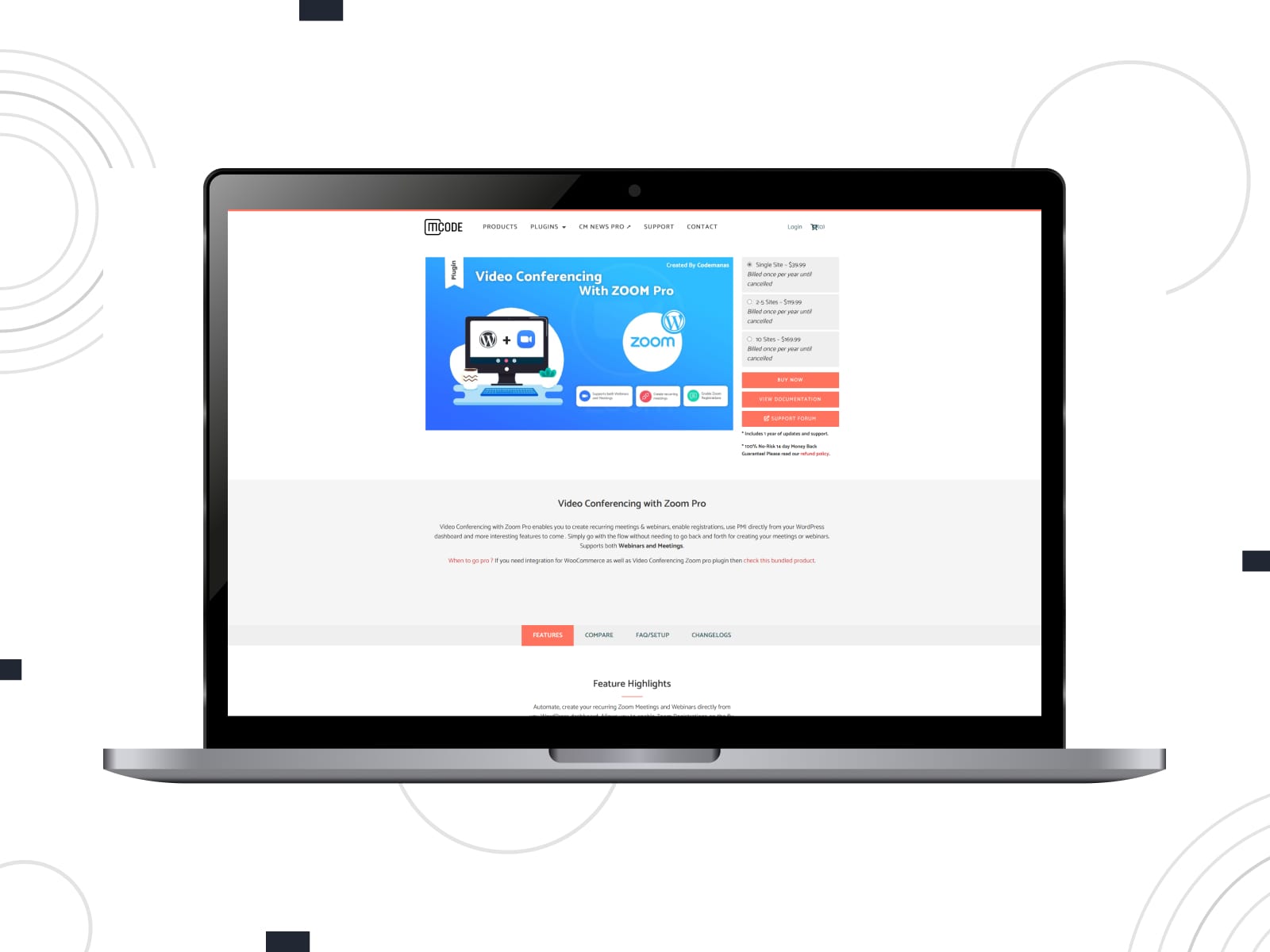
We begin our list of Zoom WordPress plugin options with the Video Conferencing with Zoom plugin. It allows users to seamlessly integrate Zoom meetings and webinars into their website. As a perfect solution for businesses, educators, and content creators, it simplifies the process of hosting virtual events and online classes With features like automatic meeting creation, the ability to schedule sessions directly from your WordPress dashboard, and the option to embed Zoom links into pages and posts, this video conference WordPress plugin delivers a streamlined, professional experience for both users and admins.
Key features:
- Zoom meeting management;
- Template override for changing frontend layouts;
- Shortcode support;
- Multiple premium add-ons;
- Gutenberg & Elementor support.
| Name | Developer | Price | Installations |
|---|---|---|---|
| Video Conferencing with Zoom | Deepen | Free | 20k+ |
eRoom

If you’re looking for a Zoom plugin for WordPress that is a comprehensive solution for your WordPress site, eRoom may be a fitting choice. It enables you to schedule and manage Zoom meetings and webinars directly from your WordPress dashboard. Besides, it provides a seamless experience for both administrators and participants. With shortcodes to embed meetings on pages, user management, and synchronization with Google Calendar, the WordPress video conferencing plugin is a must-have tool for your appointment booking website.
Key features:
- Integrated messaging system;
- Support for online purchases and recurring meetings;
- Compatible with Zoom API;
- Detailed reporting;
- Easy meeting synchronization with Zoom and Google Calendar.
| Name | Developer | Price | Installations |
|---|---|---|---|
| eRoom | Stylemix | Free or from $39/year | 10k+ |
MeetingHub
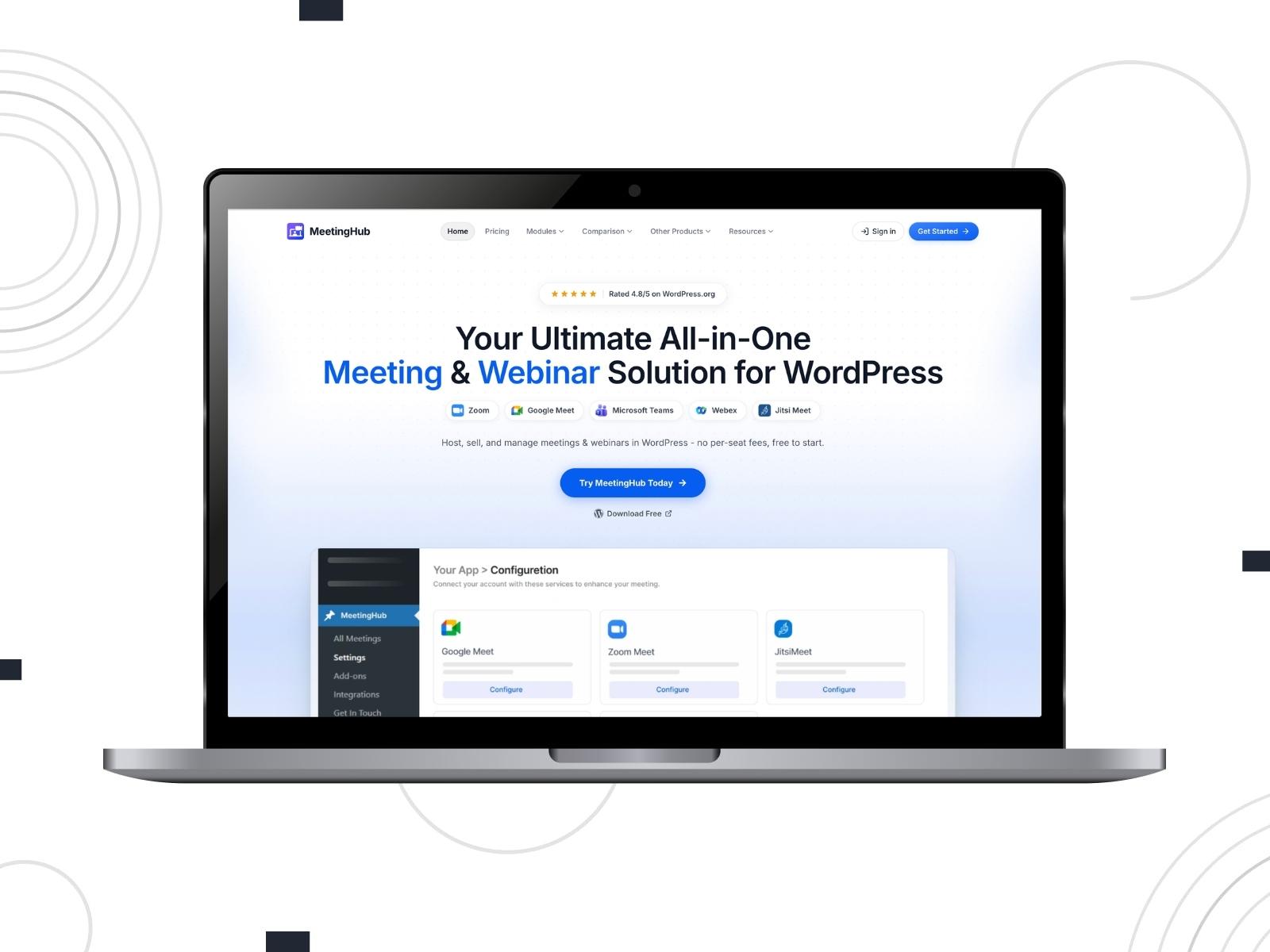
When we first looked at MeetingHub, the number of supported platforms immediately caught our attention. Zoom webinar WordPress integration is only the starting point here. You also get Google Meet, Microsoft Teams, Webex, and Jitsi Meet, all managed from the same WordPress dashboard.
The plugin isn’t limited to creating meetings. It connects with WooCommerce, booking plugins, LMS platforms, and Google Calendar, so it can fit into quite a few different workflows. The countdown timers and custom meeting thumbnails are small touches, admittedly, but they do make upcoming sessions look more professional.
Key features:
- WooCommerce integration for paid webinars and consultations;
- Google Calendar synchronisation and event reminders;
- Recurring meetings and appointment sessions;
- Multi-vendor support for Dokan, WCFM, and MultivendorX.
| Name | Developer | Price | Installations |
|---|---|---|---|
| MeetingHub | Sovlix | Free or from $79/year | 400+ |
Uncanny Automator
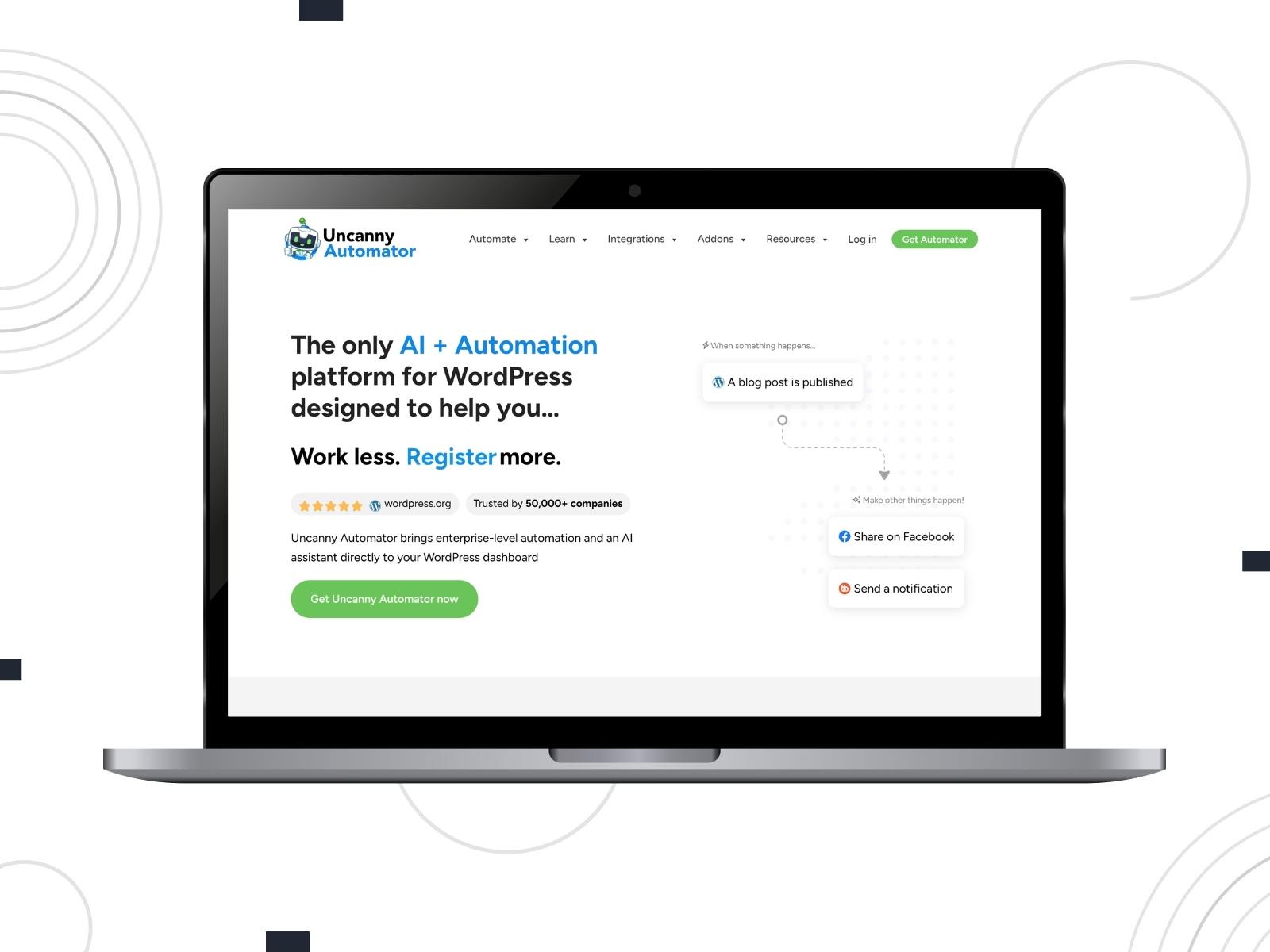
This one is a little different from everything else in the WordPress plugin for video conference roundup. You won’t use Uncanny Automator to schedule or host Zoom meetings. What it actually does is connect Zoom with the rest of your WordPress website, allowing routine tasks to happen automatically.
Imagine someone buying a course. They can be enrolled, registered for a Zoom webinar, added to your CRM, and even receive a welcome email without you lifting a finger.
Key features:
- Zoom Meetings and Zoom Webinars actions and triggers;
- No-code automation recipes;
- Connections between WordPress plugins and external apps;
- WooCommerce purchase-based automations;
- Conditional actions and scheduled delays in the Pro version.
| Name | Developer | Price | Installations |
|---|---|---|---|
| Uncanny Automator | Uncanny Owl | Free or from $25/month | 40K+ |
WordPress Zoom Plugins: Best for Appointment Scheduling
For coaches, consultants, therapists, and other service providers, Zoom is usually just one step in the booking process. That’s why these plugins combine appointment scheduling with automatic meeting creation, calendar synchronisation, and client notifications.
MotoPress Appointment Booking Video Conferencing Add-on

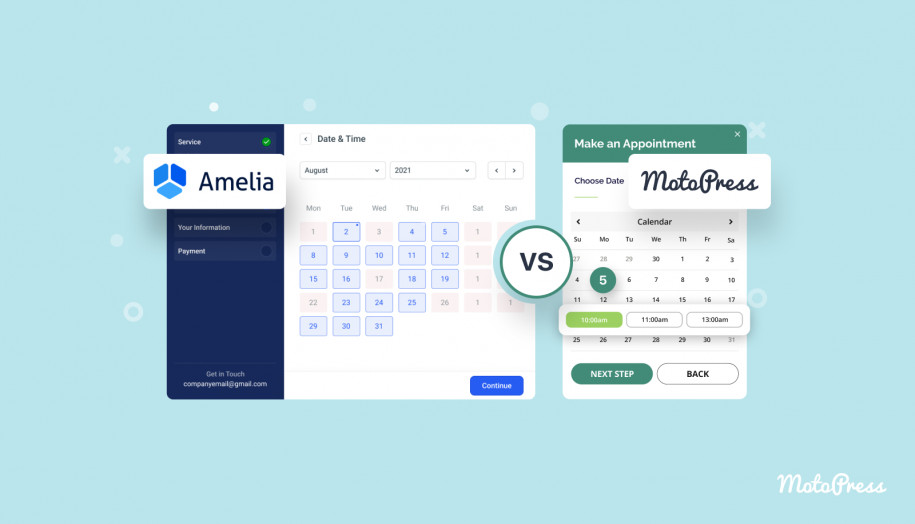
Next on our list is the Video Conferencing Add-on for MotoPress Appointment Booking. It enhances the said plugin by integrating Zoom and Google Meet, enabling seamless virtual appointments. Supporting both one-on-one and group sessions, automatically generating unique meeting links for each confirmed booking, the add-on provides necessary online meeting tools without having you buy a third-party plugin for it.
As a result, this is one of the WordPress Zoom plugins that streamlines the scheduling process, making it ideal for service-based businesses like coaches, therapists, and educators.
Note: You need to get the core Appointment Booking plugin as well.
Key features:
- Google Meet and Zoom appointments support;
- Meeting links;
- Confirmation reminders;
- Tracking logs for booked meetings;
- Optimized for multiple hosts.
| Name | Developer | Price | Installations |
|---|---|---|---|
| Appointment Booking Video Conferencing | MotoPress | From $49/year | N/A |
Amelia

One of the widely known booking management plugins, Amelia includes the Zoom appointment add-on that provides seamless integration for scheduling and managing online meetings directly from your WordPress dashboard. Combining the capabilities of both platforms, this Zoom WordPress plugin allows you to automate the creation of Zoom appointment details for events, avoiding manual setup.
Key features:
- Easy Zoom integration setup;
- Detailed Zoom integration guide;
- Simple and efficient reminder configuration process;
- Meeting attendee management.
| Name | Developer | Price | Installations |
|---|---|---|---|
| Amelia | TMS | Free or from $49/year | 80k+ |

Bookly PRO with Zoom Add-on
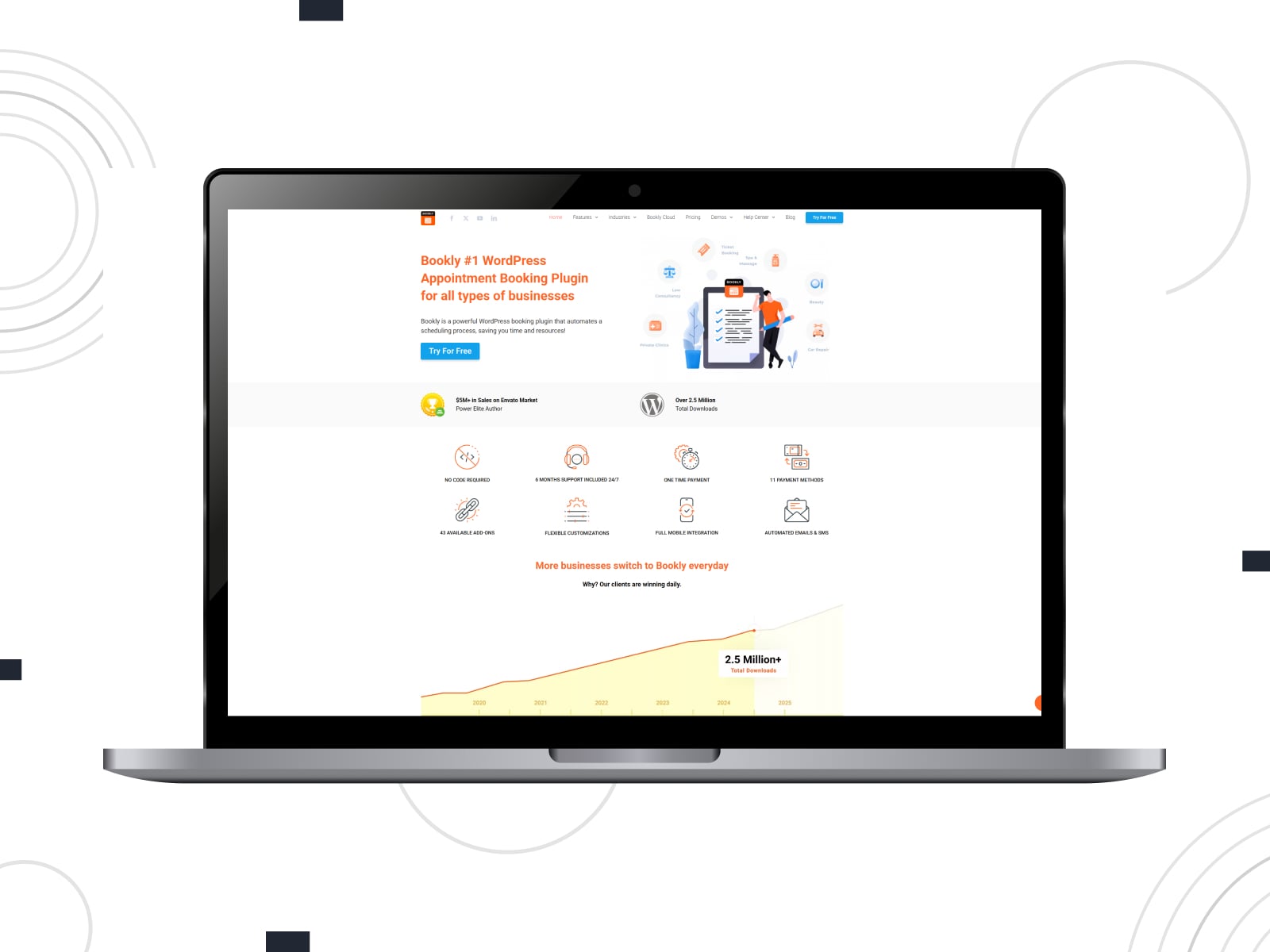
Another Zoom WordPress plugin we’d like to mention is the Bookly PRO Zoom integration. It enables seamless scheduling of virtual appointments directly from your website.
After integrating with the app account, this Zoom booking system automatically generates unique meeting links for each booking, which are included in confirmation emails and SMS notifications. With this one of WordPress Zoom plugins, you can assign personal Zoom accounts to staff members, allowing them to conduct meetings on any device.
Key features:
- Flexible integration settings;
- Easy employee connection process;
- Embeddable Zoom meeting tags for email notifications;
- Additional support for Google Meet, BigBlueButton, and Jitsi Meet.
| Name | Developer | Price | Installations |
|---|---|---|---|
| Bookly | Booking Technologies, Inc. | Free or from $9.95/year | 60K+ |

Wappointment
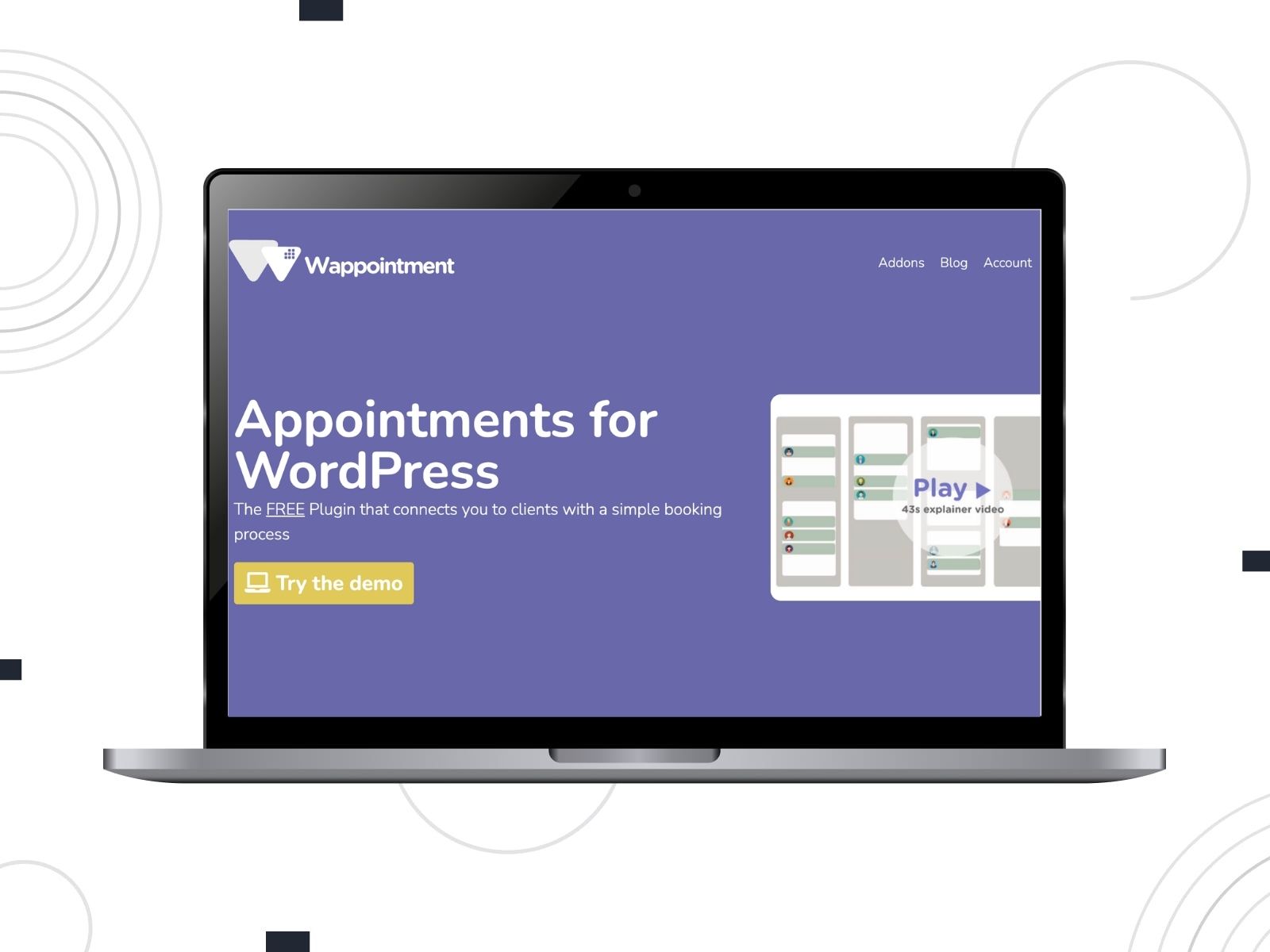
Last but not least option in this section, Wappointment isn’t trying to become an LMS or an event platform. This simple WordPress booking plugin with Zoom integration concentrates on one thing: helping people book appointments without endless email exchanges.
Whether you meet clients on Zoom, Google Meet, Jitsi, Skype, by phone, or face to face, the booking process stays almost identical. Visitors choose an available time through the booking form, while the plugin takes care of confirmations and reminders.
Key features:
- Appointments through Zoom, Google Meet, Jitsi, or Skype;
- Two-way Google Calendar synchronisation;
- Editable four-step booking form;
- Confirmation, reminder, cancellation, and rescheduling emails.
| Name | Developer | Price | Installations |
|---|---|---|---|
| Wappointment | Wappointment team | Free | 1K+ |
Curated Zoom Plugins for Event Management & Webinars
Hosting a webinar usually means dealing with much more than the meeting itself. There’s quite a bit happening behind the scenes: registrations, tickets, reminders, recurring sessions, attendee lists. In this section, we’ll take a look at the solutions that simplify these processes.
WP Event Manager with Zoom Add-on
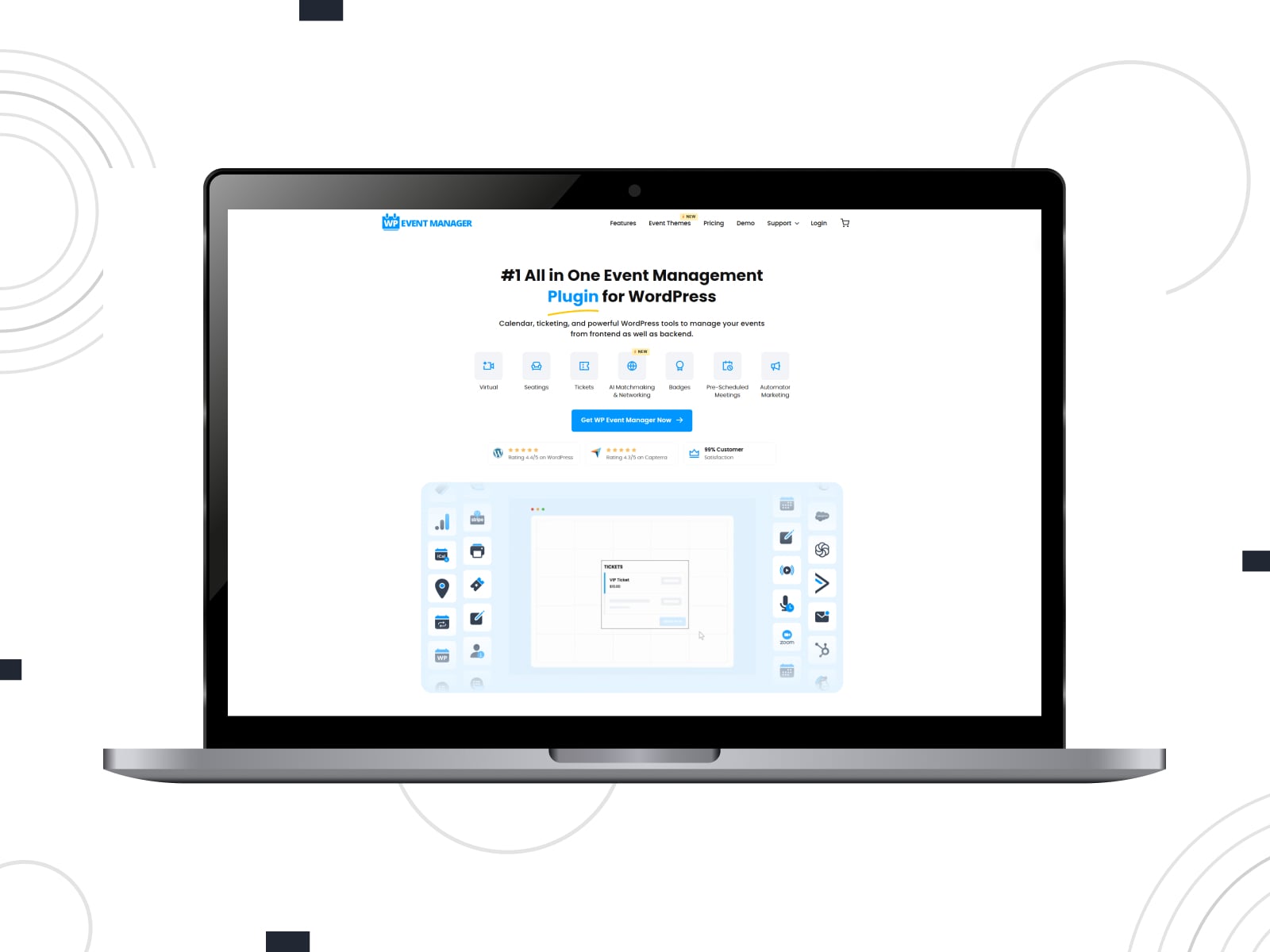
Moving on to the next Zoom integration, we should mention WP Event Manager with Zoom integration. This Zoom WordPress plugin enables the creation, management, and monetization of virtual events directly from your dashboard.
It allows you to schedule Zoom meetings or webinars, embed them into event listings, and automatically generate join links for attendees. With features like countdown timers, frontend meeting controls, and compatibility with WooCommerce for ticket sales, it’s ideal for hosting online conferences, classes, or webinars.
Key features:
- Easy setup & configuration process;
- Join links support;
- Customizable link visibility;
- Easy meeting synchronization with WordPress.
| Name | Developer | Price | Installations |
|---|---|---|---|
| WP Event Manager | WP Event Manager | From $49/year | 30k+ |
The Events Calendar

One of the most well-known event plugins, The Events Calendar, also has a built-in integration for Zoom and other online meeting platforms.
The plugin’s Virtual Events add-on enables seamless Zoom integration, allowing you to schedule and manage virtual events directly from your WordPress dashboard. After connecting your Zoom account, you can automatically generate unique meeting or webinar links for each event with this Zoom plugin. The links you created can be embedded into event pages. This integration streamlines the process of hosting online events, making it a great fit for conferences, workshops, and webinars.
Key features:
- Easy online meeting management via the Zoom WordPress integration;
- RSVP & registration support;
- Meeting access control;
- Automatic time zone adjustment.
| Name | Developer | Price | Installations |
|---|---|---|---|
| The Events Calendar | StellarWP | Free or from $149/year | 700k+ |
Events Manager – Zoom Integration
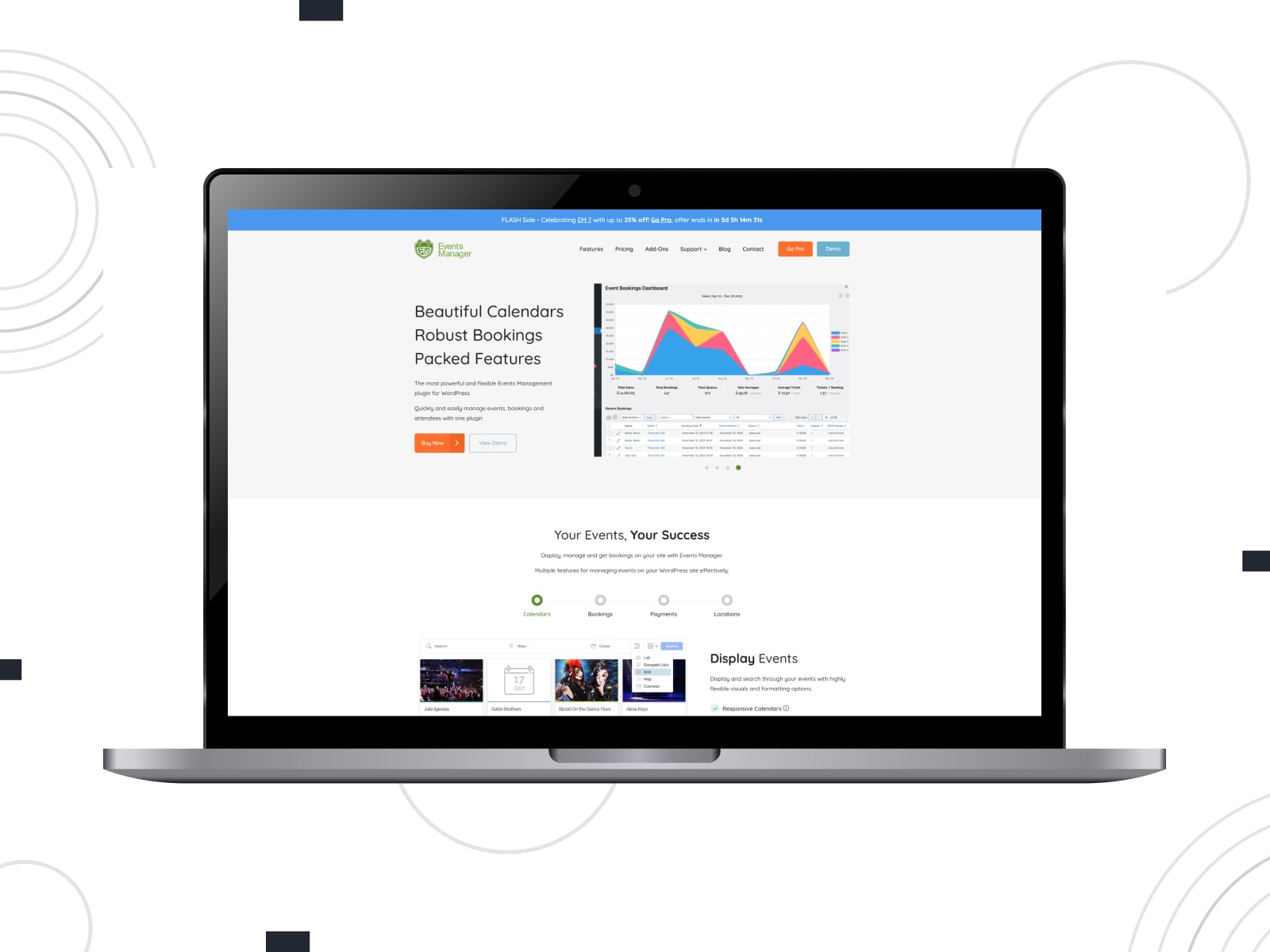
Moving on to the next Zoom WordPress plugin, we need to mention that it is available separately from the main plugin itself. We are talking about the Events Manager Zoom Integration that seamlessly connects your WordPress site with Zoom.
As a result, it enables you to create and manage virtual events directly from your dashboard. It provides support for recurring events and generates corresponding Zoom meetings or webinars, making the initial setup process smooth.
Key features:
- Easy online meeting management;
- Unique meeting URLs;
- Automatic integration with Events Manager plugin;
- Custom booking forms ready for Zoom fields;
- Automatic user registration for online meetings.
| Name | Developer | Price | Installations |
|---|---|---|---|
| Events Manager — Zoom Integration | msykes | Free | 800+ |
Eventin
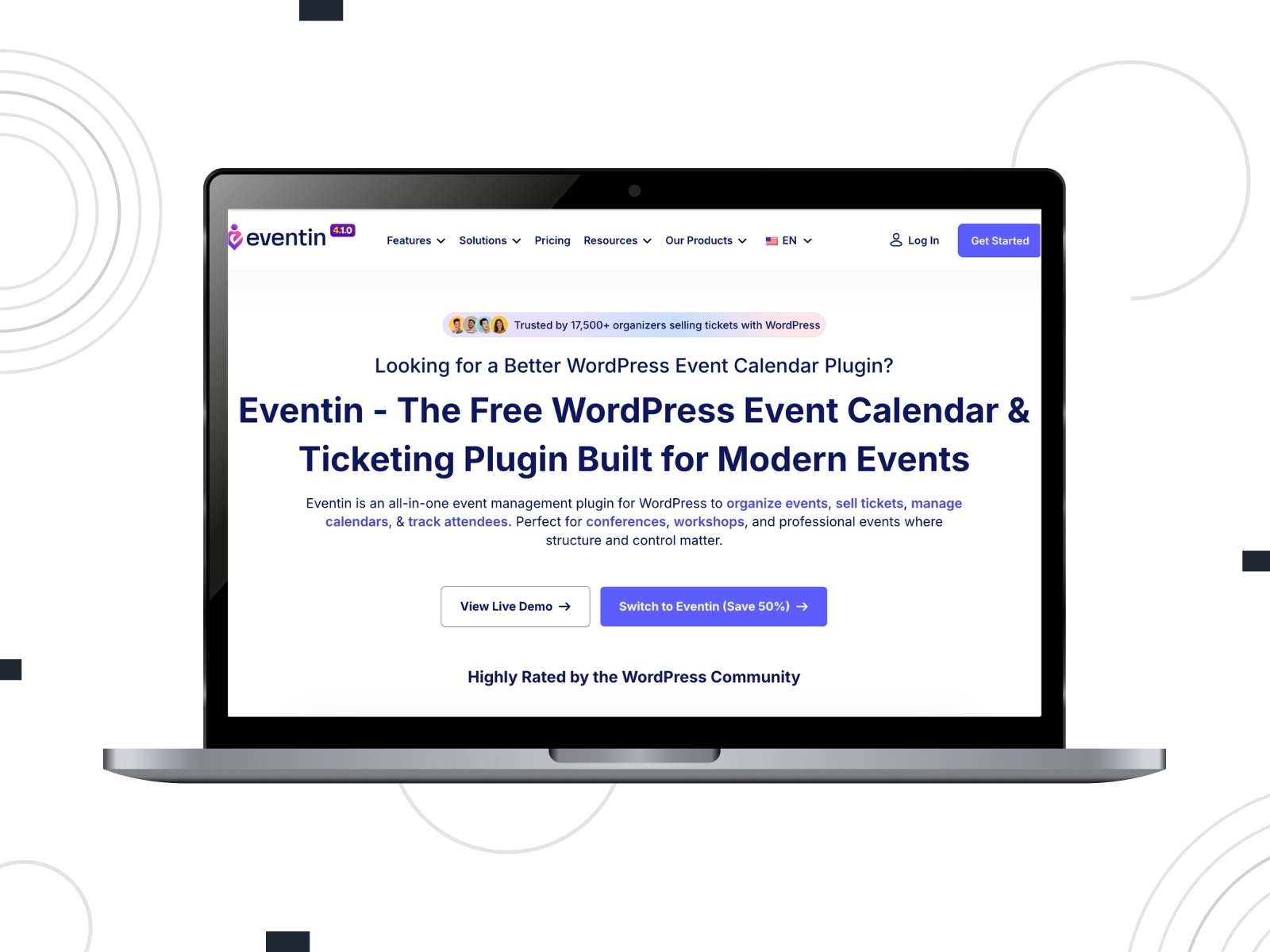
At first glance, Eventin looks like a traditional WordPress events plugin. Then we realised it does considerably more than that. Besides managing events, it handles registrations, ticket sales, recurring sessions, and, perhaps most importantly for this list, Zoom meetings without requiring a paid upgrade. Registrants receive their meeting details automatically, which saves organisers from copying links into individual emails.
Key features:
- Zoom integration included in the free plugin;
- Free, paid, and multi-tier event tickets;
- Payments through WooCommerce, Stripe, and PayPal;
- Google Meet, Google Calendar, Outlook, and iCal support.
| Name | Developer | Price | Installations |
|---|---|---|---|
| Eventin | Arraytics | Free or from $89/year | 10K+ |
Zoom Integration for WPForms
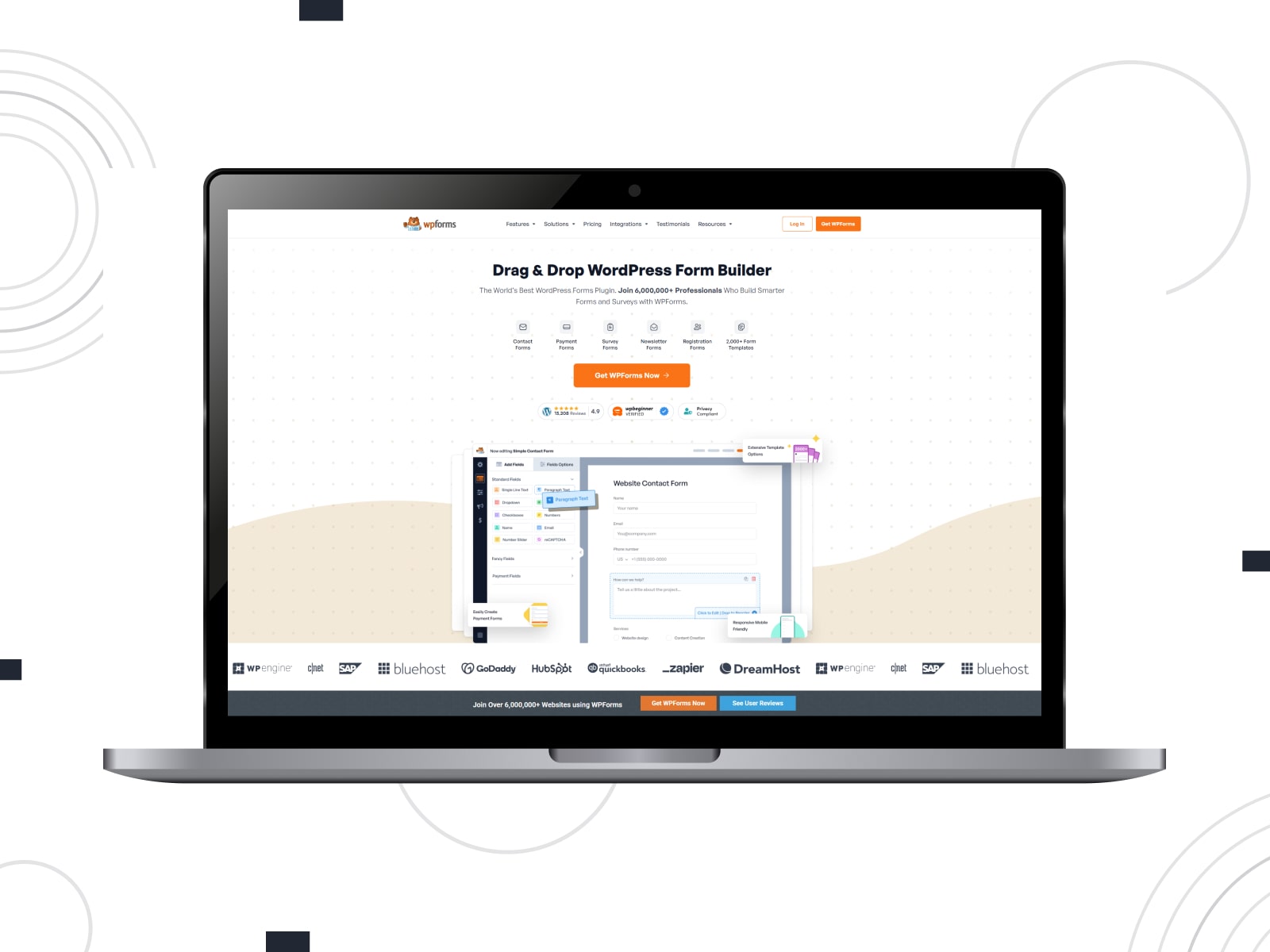
The Zoom Integration for WPForms provides seamless registration for Zoom meetings and webinars directly through the forms plugin on WordPress. By connecting WPForms with Zoom via platforms like Zapier, you can easily add meeting participants to your Zoom events when the form is submitted. As a result, this webinar plugin for WordPress simplifies event management and reduces manual data entry, ensuring a smooth registration experience for attendees.
Key features:
- Efficient and user-friendly connection process;
- Zoom meeting form customization;
- Automatic meeting link sharing;
- Works with the Free pricing plan.
| Name | Developer | Price | Installations |
|---|---|---|---|
| WPForms | Syed Balkhi | Free or from $49.50/year | 6m+ |
LMS Plugins with Zoom WordPress Integration
Live classes sit alongside lessons, quizzes, assignments, certificates, and student progress, so it often makes more sense to use an LMS with Zoom support than a standalone meeting plugin. This section covers 2 solutions that are widely known in this niche.
Tutor LMS with Zoom Integration

The Tutor LMS WordPress Zoom integration is a perfect way to enhance your WordPress-based learning platform. It allows you to add live, interactive online classes using one of the most popular video meeting apps.
With the help of this Zoom class booking system, teachers and instructors can schedule and manage meetings directly within the LMS interface. From individual lessons to entire courses, this WordPress Zoom plugin will help with the management of online courses and schedule your Zoom lessons efficiently.
Key features:
- Direct meeting scheduling from the dashboard;
- Session recording and playback;
- Zoom account integration for instructors;
- Attendance tracking.
| Name | Developer | Price | Installations |
|---|---|---|---|
| Tutor LMS | Themeum | Free or from $199/year | 100k+ |
MasterStudy LMS
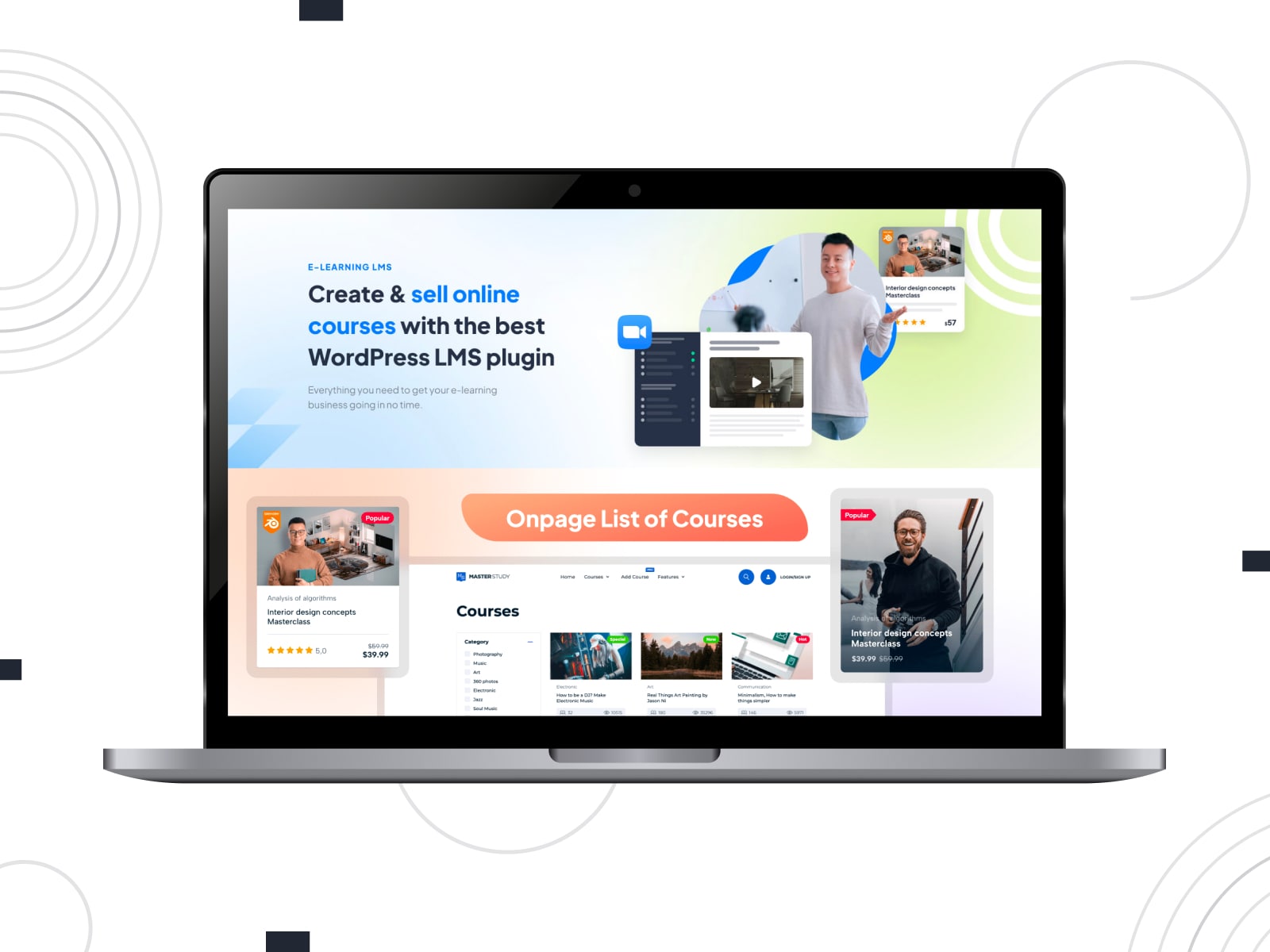
Not every teacher needs a standalone Zoom plugin. Quite often, live classes are simply another lesson inside a larger online course, and that’s exactly where MasterStudy LMS makes sense. The plugin focuses on course creation first, with Zoom integration for WordPress available as part of the premium version.
There is also support for multi-instructor marketplaces, although setting up such a platform will naturally take more work than launching a basic course website.
Key features:
- Zoom meetings, webinars, and live lessons in the premium version;
- Visual course builder with lessons, quizzes, and assignments;
- Student profiles, dashboards, and course progress tracking;
- Course subscriptions, memberships, bundles, and trial access;
- Google Meet and Google Classroom integrations.
| Name | Developer | Price | Installations |
|---|---|---|---|
| MasterStudy LMS | Stylemix | Free or from $99/yea | 10k+ |
Conclusion
We hope this overview of Zoom WordPress plugin options proved useful to you and helped you choose the right solution to elevate your online business opportunities. With integrations and tools like those described above, you can easily elevate the user experience of your clients and business partners. By offering remote consultations and connecting scheduled appointments to Zoom conferences, you can build a stronger, more connected online presence without considerable financial investment. Besides, using such plugins allows for:
- Seamless integration: One of the prime advantages this type of plugin provides is smooth integration with Zoom for WordPress websites of any complexity. Thus, they allow you to manage meetings, webinars, or classes without switching platforms. Everything stays organized in one place thanks to these Zoom appointment booking tools.
- Time-saving through automation: With various automation alongside Zoom integration, any WordPress video consultation plugin will help you save time on routine actions such as updating your schedule when a user registers, books, or signs up for a Zoom-based event. This saves time and reduces manual errors.
- Better user engagement: Thanks to live Zoom sessions embedded on your site, you’ll be able to increase user engagement and build stronger community interaction.
- Monetization: Monetizing your Zoom conferences allows you to sell appointments, classes, or event tickets through eCommerce plugins or booking plugins that integrate with Zoom. As a result, it becomes easy to earn income from virtual services.
- Scalability: With Zoom integration and WordPress plugins, you can easily grow your business without having to switch solutions and increase your financial commitment.
FAQ
Which is better for webinars: Zoom or Google Meet?
Can I embed Zoom in WordPress?
How do I create a Zoom meeting in WordPress?
Can I use both Zoom and Google Meet with WordPress?