
SEO Guide for Event Marketing: How to Rank Higher for Calendar & Event Pages
Table of Contents
Are you planning a great event by investing in speakers and building a thoughtful agenda? Make sure people can find your event page online. Because today, events don’t just compete with each other. They compete for attention in search results, recommendation feeds, and in AI-generated answers. In this article, we’ll walk through an SEO guide for event marketing to optimize your pages for those environments!
We’ll cover the main steps to make your event visible from the very beginning. Thus, you can reach the right audience at the exact moment they’re searching for something to attend. Let’s get it started!
Why Is SEO Important for Event Marketing?
Before diving into our SEO guide for event marketing, we will briefly step back and understand what SEO actually is.
In general, Search Engine Optimization (SEO) is the process of improving your website so it appears higher in search results when people look for relevant topics. The goal is to make your content easier for search engines to understand and easier for users to find.
Studies consistently show that most clicks go to the top results on Google. For example, the first organic result alone receives around 27–30% of all clicks, while the top three results capture more than half of the total traffic.
Recent data also shows how search is evolving. With the rise of AI-generated answers, organic click-through rates can drop significantly.
This means SEO today is about being visible in the right place, whether that’s a top search result or part of an AI-generated answer.
When it comes to event marketing, SEO becomes even more valuable because of how people search.
1. Unlike general browsing, event-related searches are usually intentional. This makes organic traffic especially powerful for events because it tends to be:
- High-intent – users are already interested;
- Time-sensitive – they are looking for something happening soon;
- Action-oriented – they are more likely to register or buy tickets.
2. One of the biggest advantages of SEO is that it continues to work over time.
While paid campaigns end when your budget runs out, your optimized content can keep driving traffic. It comes in handy if you:
- Run recurring events;
- Mnage multiple listings;
- Maintain an event calendar on your website.
How AI Is Changing Event Discovery
Search behavior is changing. Instead of clicking through multiple links, people now ask direct questions:
- “What marketing events are happening in Europe this summer?”
- “Best conferences for designers in 2026”
- “Any workshops near me this weekend?”
And they often get answers summarized by AI. If your page is complete and easy to understand, it’s much more likely to be surfaced in search results or AI-generated answers.

Now, let’s get down to the practical steps!
How to Optimize Pages: Detailed SEO Guide for Event Marketing
Your event page, calendar, and content create an ecosystem. And the smoother that ecosystem is, the easier it becomes for both users and search engines to navigate it.
Set Clear SEO Goals
Before diving into optimization, it helps to pause for a moment. What do you actually want this event to achieve? It might sound obvious, but skipping this step often leads to scattered efforts.
Depending on the situation, your goal might be:
- Increasing registrations;
- Reaching a new audience;
- Building visibility for a recurring event;
- Attracting sponsors or collaborators.
Once that’s clear, you know what to prioritize while building an event branding SEO strategy.
Define Your Target Audience and Perform Keyword Research
Different audiences approach your event from different angles.
- An attendee might search for a “design workshop Berlin 2026”
- A speaker might search for a “submit talk UX conference Europe”
- A sponsor might search for “events to sponsor the marketing industry”
And all of these perspectives matter.

Tools like Google Keyword Planner, Ahrefs, or similar platforms can show you:
- How often certain phrases are searched.
- How competitive those keywords are.
- What variations people actually use.
This is especially useful for event marketing, where search queries tend to be very specific.
Instead of chasing high-volume keywords, it helps to focus on combinations:
- topic + location + timeframe
- format + audience
Optimize Your Website Content
At the heart of event SEO is your content. This is what both users and search engines rely on to understand your event. Let’s break down how to approach this in practice.
On-Page Optimization (Content)
This section covers content improvements. Let’s talk about what people actually read and interact with.
1. Start with a Clear Event Narrative
Before thinking about keywords or structure, focus on clarity. Your event page should immediately answer:
- What is this event about?
- Who is it for?
- Why should someone attend?
2. Structure Content Around Real User Questions
Instead of writing one long block of text, organize your page into meaningful sections. Most effective event pages include:
- About the event;
- A concise overview that explains the purpose and value;
- Agenda or schedule;
- A breakdown of sessions, timings, or format;
- Speakers or hosts;
- Short bios that build credibility;
- FAQs;
- Answers to common questions (pricing, access, format, etc.).
This structure improves readability and aligns with how people search and how AI tools extract information.
3. Use Keywords Naturally
Once your structure is clear, integrate your keywords in a way that feels natural. Focus on placing them in:
- Page title and subheadings;
- First paragraph;
- Image alt text.
Avoid overusing them. If your content reads naturally and clearly explains the event, keywords will fit in without effort.
4. Improve Readability and Scannability
Most visitors scan the text. To support that behavior:
- Keep paragraphs short;
- Use headings to break sections;
- Highlight key points with bullet lists;
- Avoid large blocks of text.

On-Page Optimization (Technical Side)
Technical elements determine how well your page performs. Here are some technical improvements you can apply to your event and calendar pages:
1. Optimize Page Speed
A slow page can undo all your SEO efforts. You should:
- Compress images;
- Avoid heavy and unnecessary scripts;
- Use caching where possible.
2. Ensure Mobile-Friendly Design
Since most users will visit your event page on their phone, you should check out whether:
- The text is easy to read without zooming.
- Buttons (especially registration) are easy to tap.
- Layout adapts smoothly to smaller screens.
3. Use Clean & Descriptive URLs
Your URL should clearly reflect your event. Clean URLs help search engines understand your page and make links more user-friendly.
4. Build a Strong Internal Linking Structure
Your event page should not exist in isolation.
Connect it to:
- Your main calendar page;
- Related blog posts;
- Speaker profiles;
- Category pages;
This helps users explore your site and allows search engines to crawl it more effectively.
5. Use Event Schema Markup
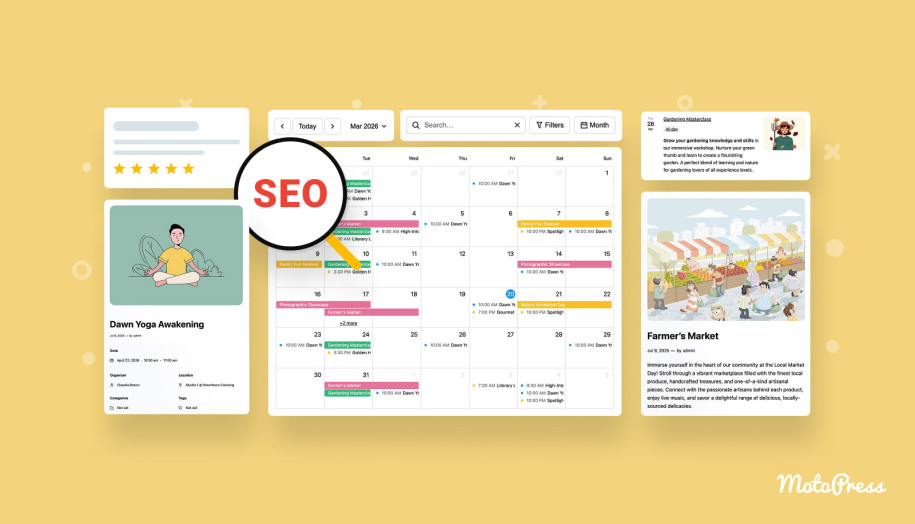
In simple terms, event schema markup is a type of structured data that helps search engines clearly understand the key details of your event. Instead of guessing what your page is about, they can read it in a structured way.
For event pages, this usually includes:
- Event name;
- Date and time;
- Location (or online format);
- Organizer;
- Ticket or pricing information.
This can lead to:
- Richer search results (with date, location, or other details visible).
- Better alignment with relevant queries.
- A better chance of appearing not only in traditional search results, but also in AI-generated answers.
Off-Page Optimization
Even the best content benefits from external signals. Search engines look at how your event is referenced across the web to understand its relevance and authority.

1. Leverage Event Partnerships
Events are naturally collaborative, which creates opportunities for visibility. Mentions of third-party resources act as trust signals. For example, when:
- Speakers are linking to your event.
- Sponsors are featuring it on their sites.
- Partners are sharing it with their audience.
2. Use Event Platforms
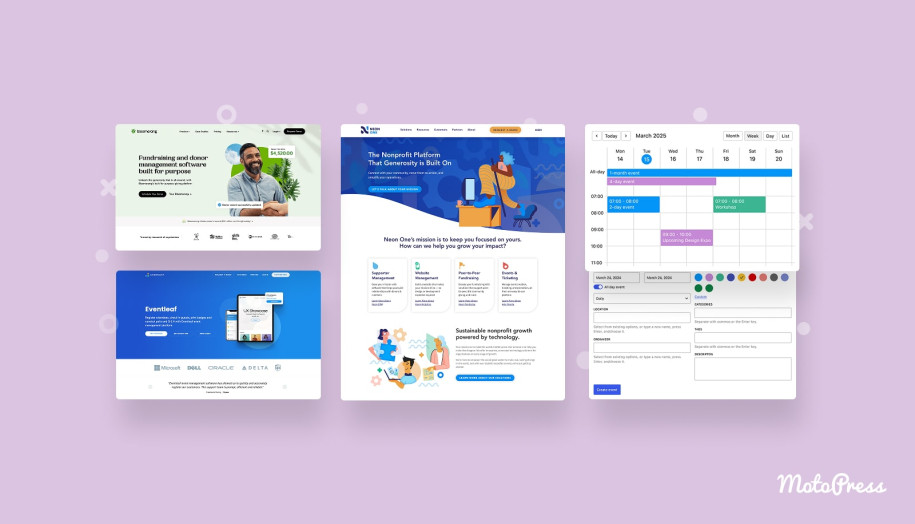
Listing your event on platforms like Eventbrite, Meetup, or niche directories can:
- Drive additional traffic;
- Generate backlinks;
- Increase discoverability.
Make sure your event details are consistent across all platforms.
3. Encourage Sharing and Mentions
You don’t need a complex link-building strategy. Sometimes, simple actions help:
- Provide ready-to-share links for speakers.
- Add social sharing buttons.
- Collaborate with communities or influencers who can share your event.
Over time, these small steps build a stronger online presence.
Choose the Best Event Management Tools
If your event pages feel disconnected from your calendar or your structure is inconsistent, it becomes harder for search engines to understand your content. This is where the right tools make a difference.
Instead of building everything manually, you can create structured pages, manage schedules, and provide a smooth experience for your visitors.
We’ve curated a few WordPress tools to build and manage event content for our SEO guide for event marketing:
MotoPress Events Calendar
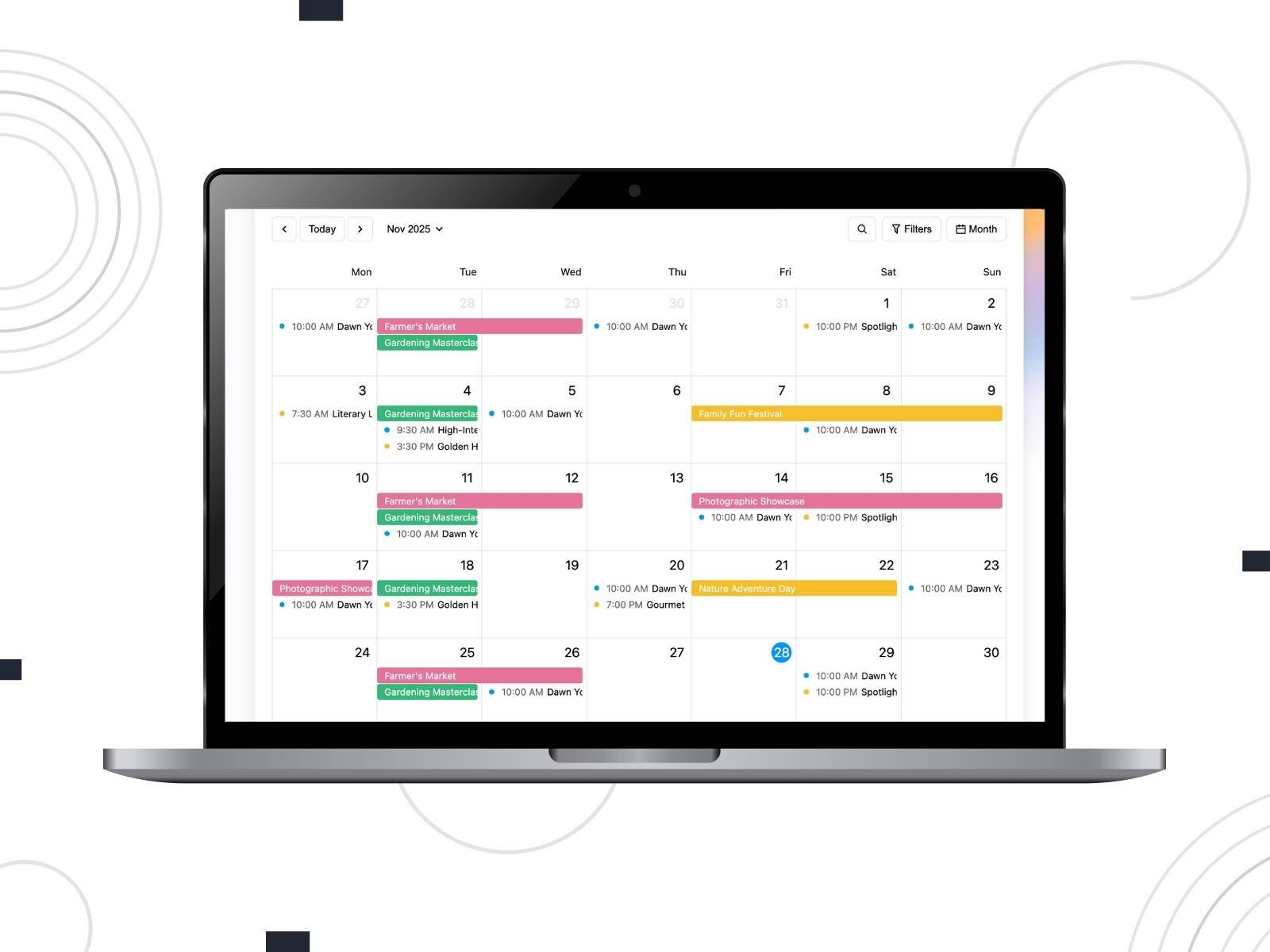
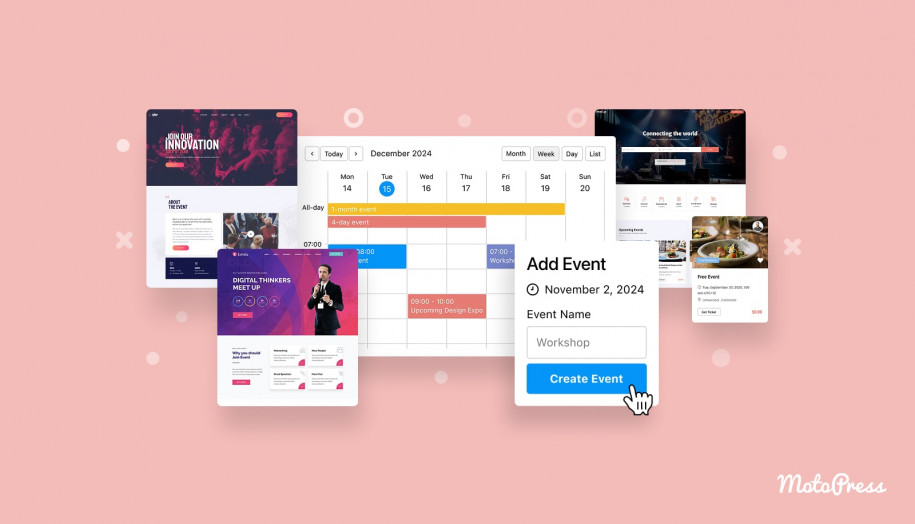
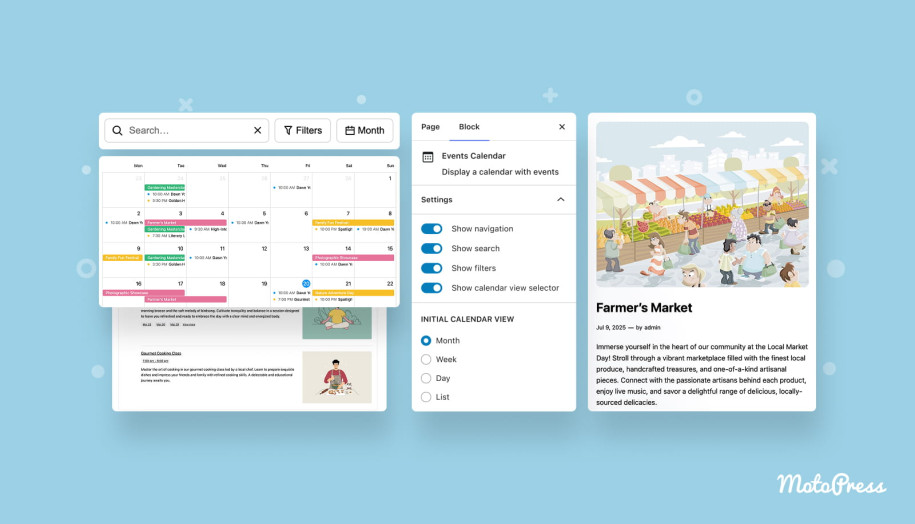
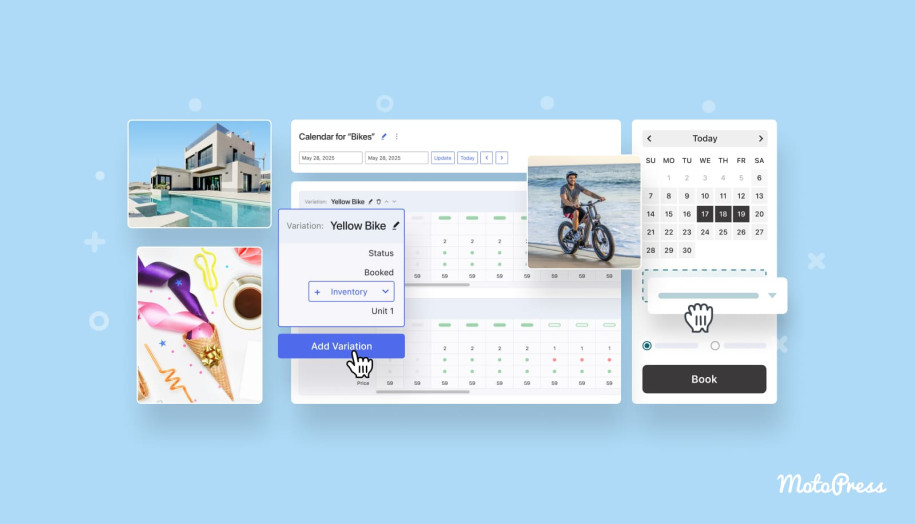
If you’re using WordPress, solutions like MotoPress Events Calendar help you create a structure where you can:
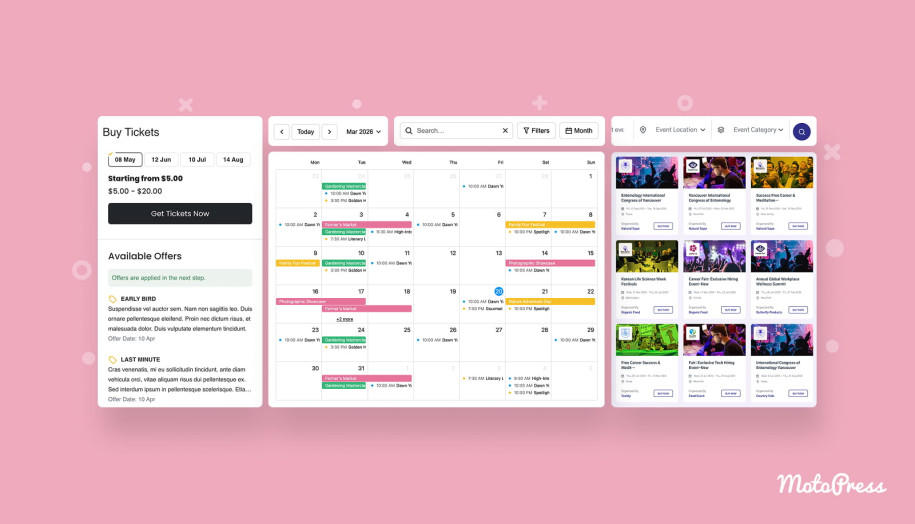
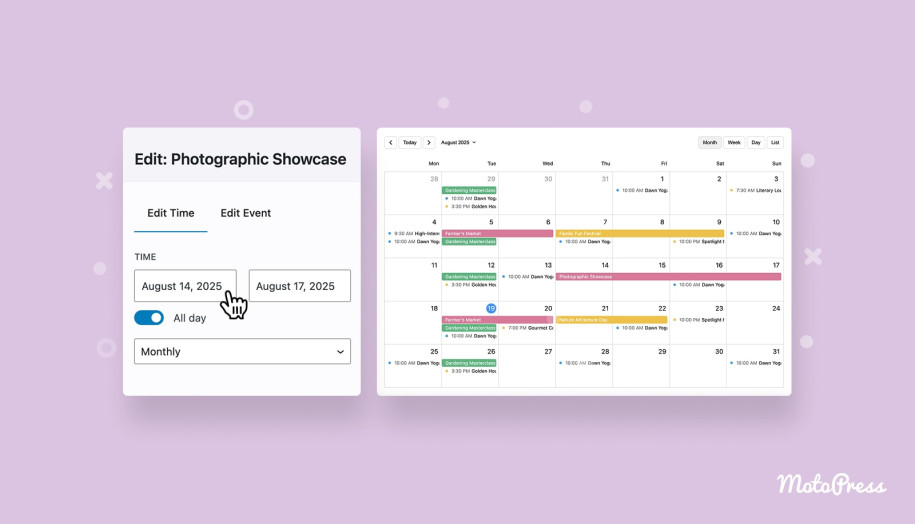
- Create fully detailed event pages with structured information, such as date, time, location, organizer, and description.
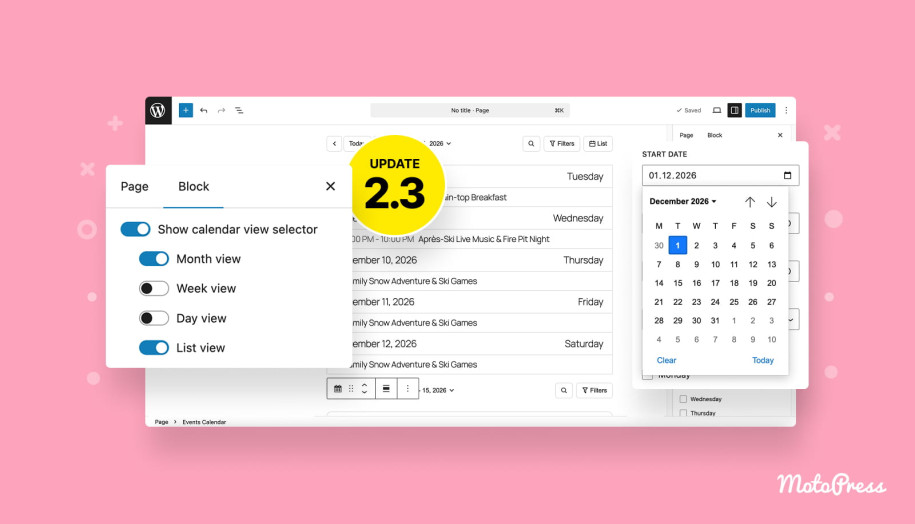
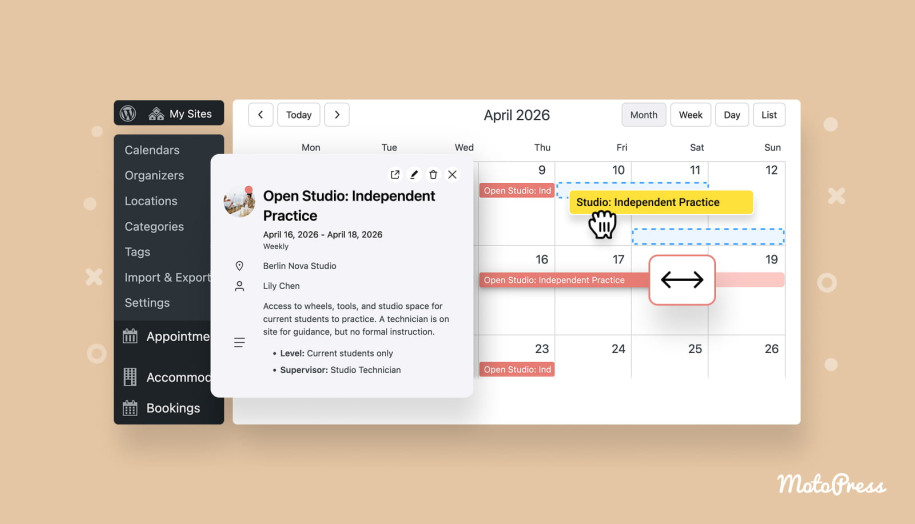
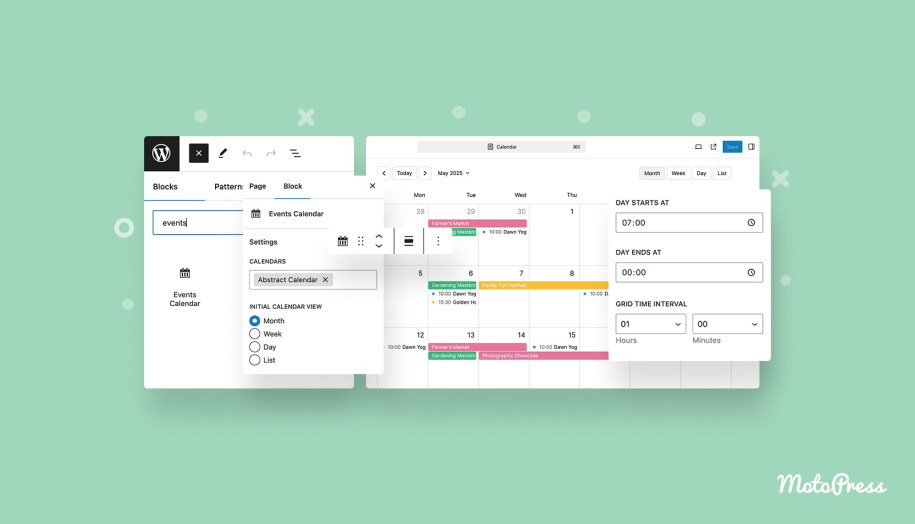
- Display events in calendar (day/week/month) and list views, which are easy to browse.
- Use filters and search options (by category, location, tags, or organizers) to improve navigation.
- Organize events into multiple calendars for different audiences or topics.
- Highlight upcoming or recurring events.

MotoPress Timetable & Event Schedule
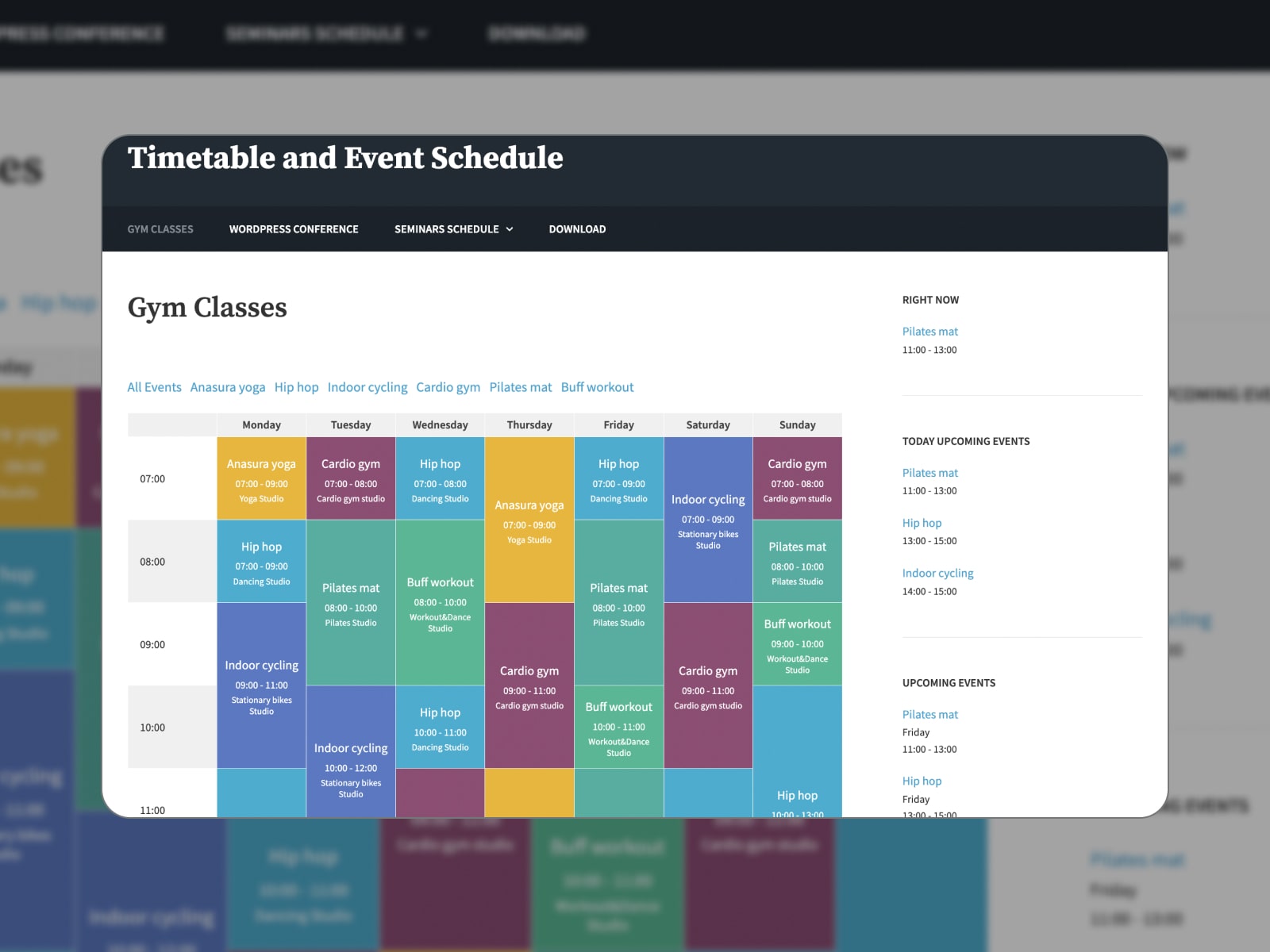
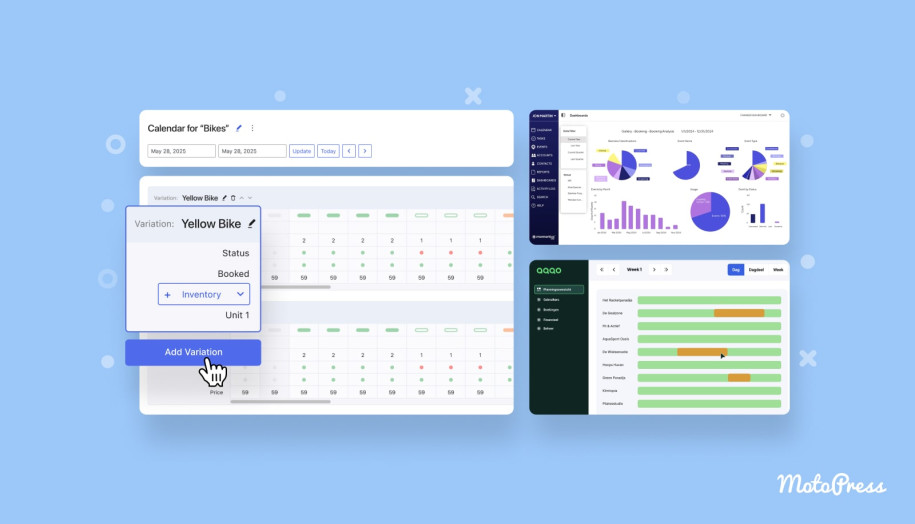
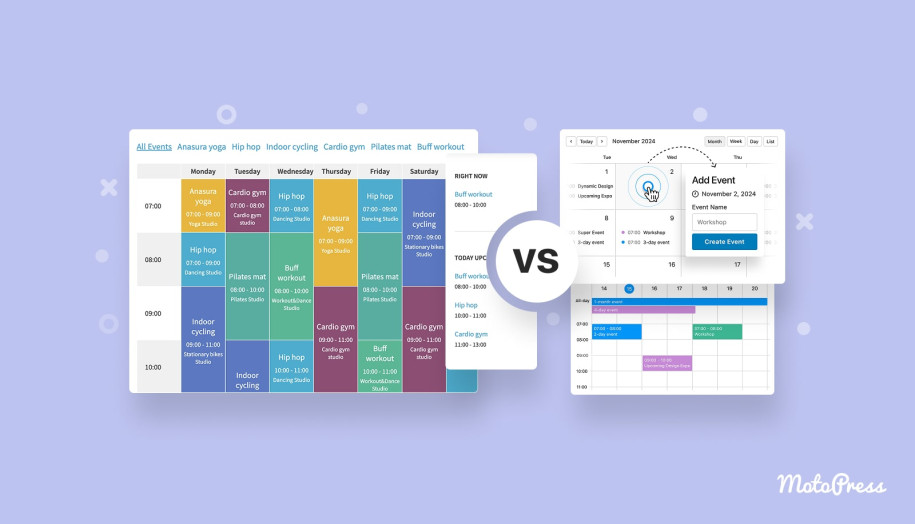
This plugin is a free option for displaying schedules, especially for conferences, classes, or multi-session events. It allows you to create clean, responsive timetables with detailed events, custom column names, head avatars, and background colors.

Lorenty
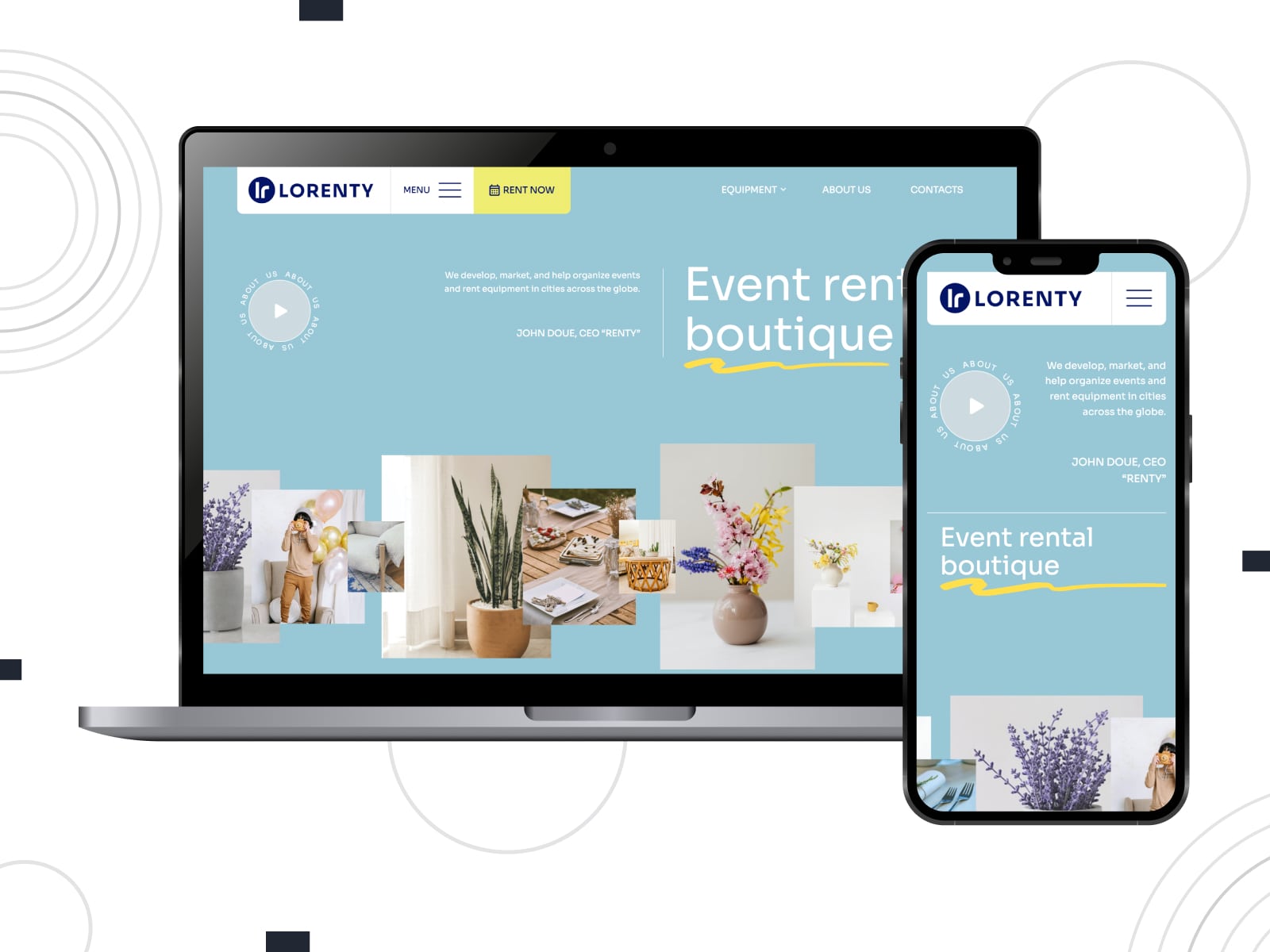
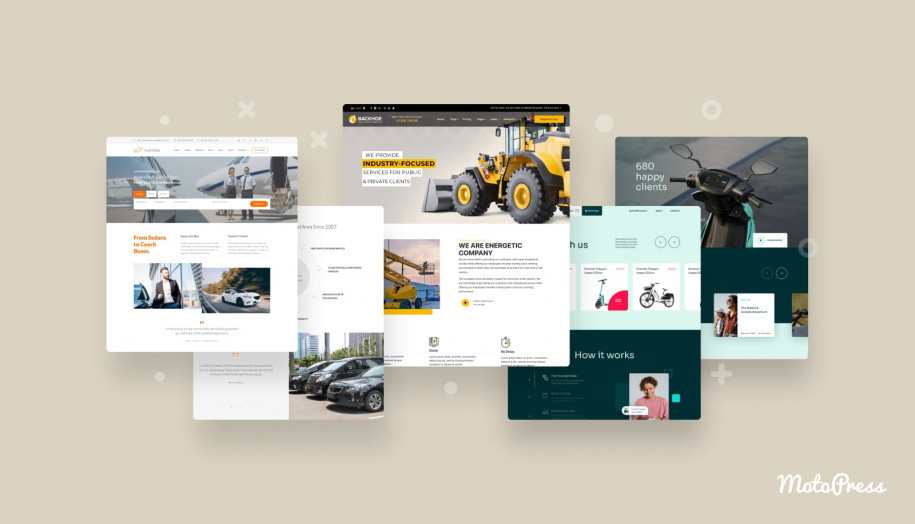
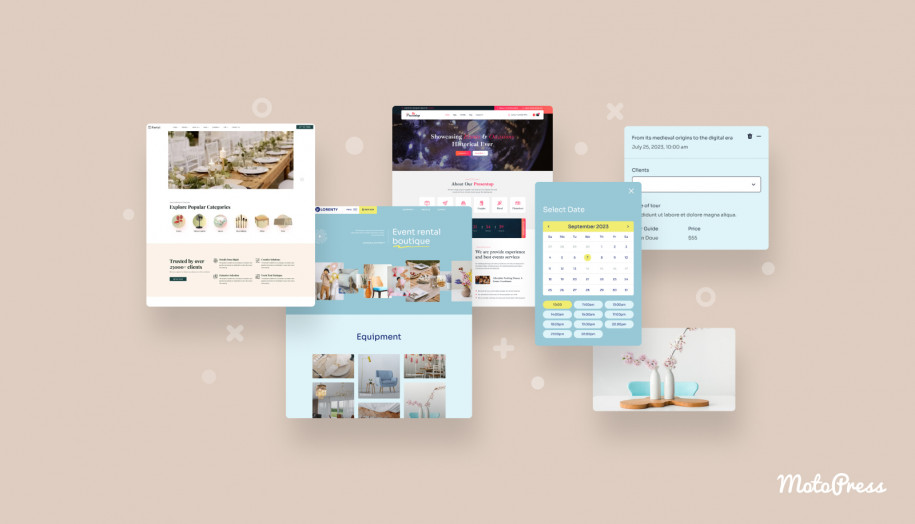
If your events are tied to rentals, bookings, or services, you can check out Lorenty. It’s a multipurpose WordPress theme with built-in booking functionality. You can manage availability, accept payments, and create detailed listings. It suits businesses that combine events with rentals, such as equipment, venues, or experiences.
Use Local Event Marketing SEO
If your event is tied to a specific location, local SEO becomes one of your strongest advantages.
People often search with location in mind. Queries like “events near me” or “workshops in London this weekend” rely heavily on local signals.
To improve your visibility, you can:
- Use location-specific keywords in your event title and description.
- Add your event to local directories and platforms.
- Creating or optimizing your Google Business Profile (if applicable).
These steps help search engines connect your event with relevant local searches.
Track SEO Performance
SEO is one of those things that becomes clearer once you start looking at the data. You can use tools like Google Analytics and Google Search Console to see patterns:
- Which pages attract traffic?
- Which queries bring people in?
- Where do users lose interest?
As a result, you will be able to adjust your event SEO strategy based on what’s already working instead of guessing.
SEO Best Practices for Event Pages: Quick Checklist
To sum up our SEO guide for event marketing, the points below highlight the important details for search visibility and for how people experience your page.
- Keep Your Event Page Active: An event page should evolve along with the event itself.
- Focus on Meaningful Visibility: It’s not about how many links you have, but where your event is mentioned.
- Fine-Tune Your Search Snippet: Make title and description clear, specific, and easy to understand.
- Be Present Beyond Your Website: The more places your event appears, the easier it is to find.
- Prioritize Mobile Experience: If your page isn’t easy to use on a phone, people won’t stay long enough to register.
- Help Search Engines Understand Your Event: Structured data helps your event stand out and be understood more clearly.
- Use Natural & Conversational Language (for AI & Voice Search): Make your content reflect different queries.
- Add Visual Content: Sometimes a photo or short video does more than a paragraph ever could.
- Keep Improving Over Time: SEO for event planners is about consistent adapting to ranking factors and new insights from analytics.
Avoid Common Mistakes
- Ignoring User Experience: If your page is slow, hard to navigate, or confusing, visitors will leave.
- Overusing Keywords: Since keyword stuffing can harm your SEO, add clear descriptions and let keywords fit in naturally.
- Skipping On-Page SEO Basics: Missing or weak meta titles, descriptions, headings, and image alt text can limit your visibility.
- Neglecting Technical SEO: Issues like broken links, slow speed, or poor mobile performance can hurt your rankings.
- Using Duplicate Content: Each event should have unique, detailed, and valuable content.
- Not Staying Updated: Keeping up with changes helps you stay competitive and adapt your strategy when needed.
- Poor Link Building Practices: Low-quality or spammy links can damage your site’s credibility.
- Expecting Instant Results: Instead of looking for quick wins, focus on consistent improvements that bring long-term visibility.
Wrapping Up
If there’s one thing to take from this SEO guide for event marketing, it’s that this is a system of elements that work together. Your event page, your calendar, your structure, and your content shape how your event rank in search results.
At the same time, search itself is evolving. It’s no longer just about ranking on a results page. Events now appear in curated lists, local directories, and even AI-generated answers.
In many cases, event SEO comes down to:
- Making your event easy to understand.
- Organizing your content in a consistent way.
- Connecting your pages so users can explore them.
If you’re building your event website on WordPress, using a structured solution like MotoPress Events Calendar can help you bring all of this together.
So, when someone searches for an event like yours, will they find it? Which tips from this SEO guide for event marketing would you implement on your website?
FAQ
What is SEO for event marketing?
What are the most critical on-page SEO factors for event websites?
What content should be included on my event landing page?
How can I display a calendar of events on my website?
With tools like MotoPress Events Calendar, you can offer a familiar Google Calendar–like experience with easy navigation. You can add full event details, organize events into categories, enable search and filtering, and link each listing to a dedicated event page.