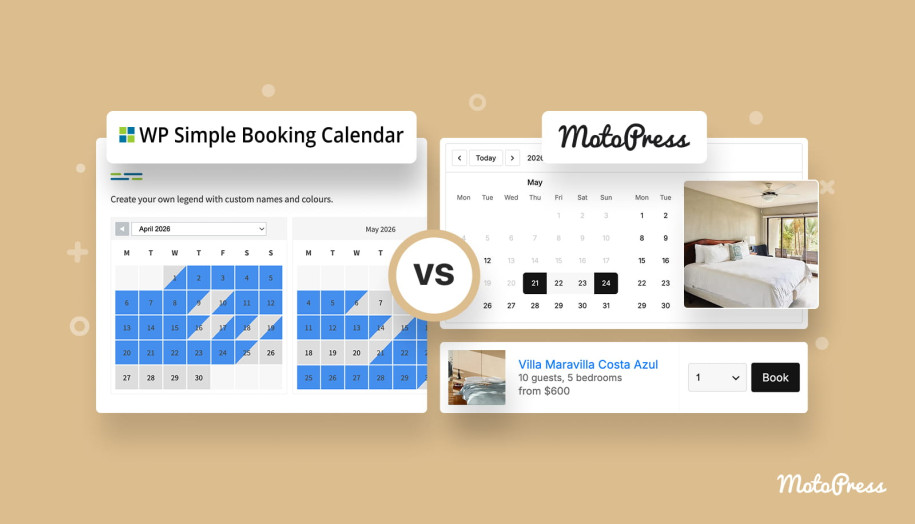

WP Simple Booking Calendar vs MotoPress Booking Calendar: In-Depth Comparison
Table of Contents
Do you just need to show availability or do you want visitors to complete bookings and payments on your site? Choosing the right booking solution for your WordPress site isn’t always straightforward. In this comparison, we’ll break down WP Simple Booking Calendar and MotoPress Booking Calendar side by side! It walks you through what each plugin is built for and where it performs best.
Below is a quick snapshot of the plugins we’re comparing:
| Name | Provider | Compared Version |
|---|---|---|
| WP Simple Booking Calendar | Roland Murg | 2.0.15 |
| WordPress Booking Calendar | MotoPress | 1.3.3 |
Let’s take a closer look at how these plugins differ in their core approach and functionality!
WP Simple Booking Calendar vs MotoPress Booking Calendar: Premium Versions Compared
When comparing premium versions, the differences between these plugins become much more apparent. Are you looking for a lightweight availability display or a complete booking system with a visual interface? Let’s discover!
Quick Overview
Before we dive into specific features, it helps to understand what each plugin is fundamentally designed to do.
What is WP Simple Booking Calendar?
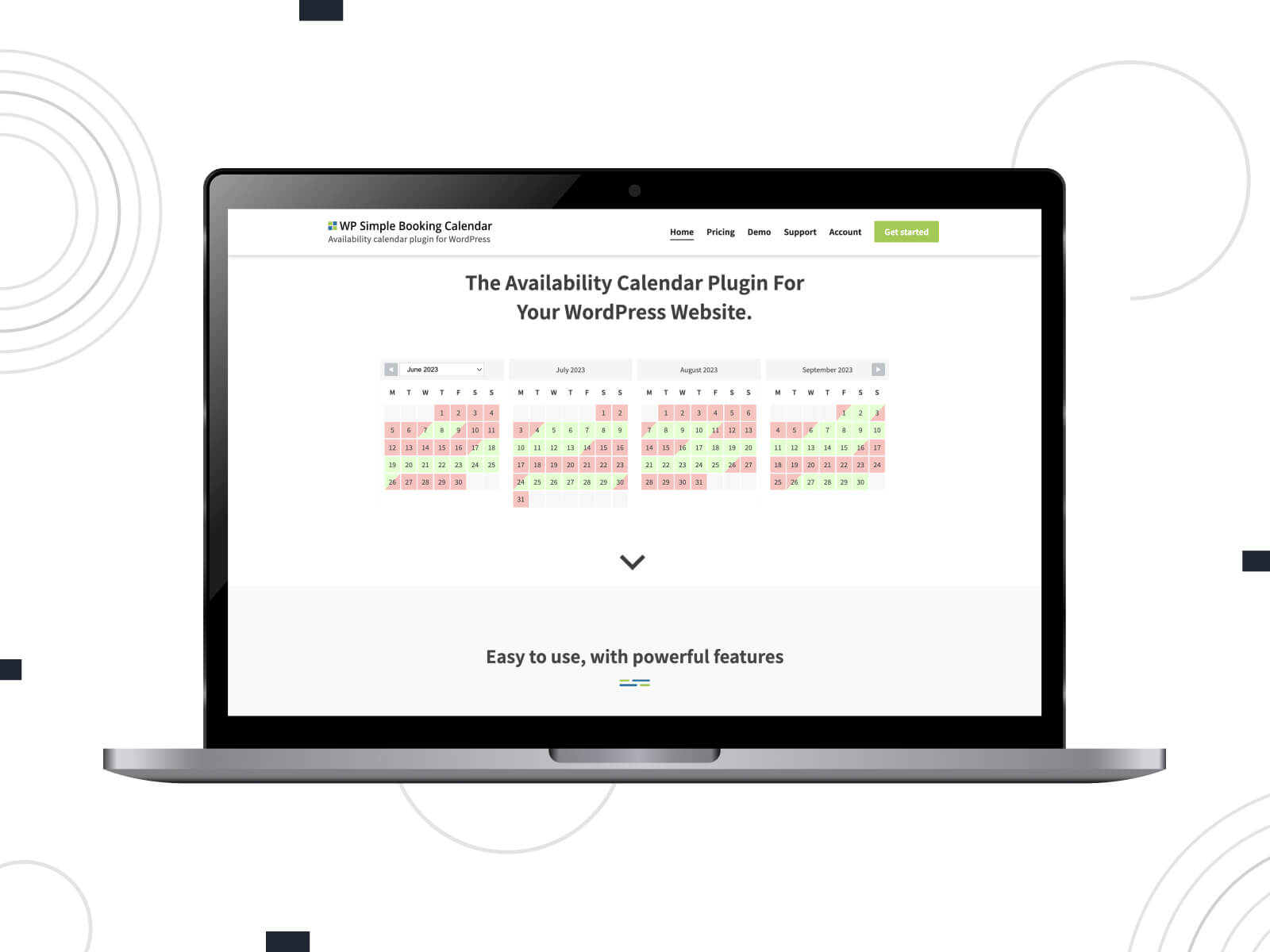
WP Simple Booking Calendar is a WordPress availability calendar plugin designed to visually display when a property or item is available or unavailable.
It works best for scenarios where you don’t need online bookings directly on your site. For example:
- Vacation rentals;
- Equipment availability tracking;
- Internal scheduling systems that rely on daily rentals;
- Situations where bookings happen via phone, email, or third-party platforms.
The plugin focuses on simplicity so users can check available dates.
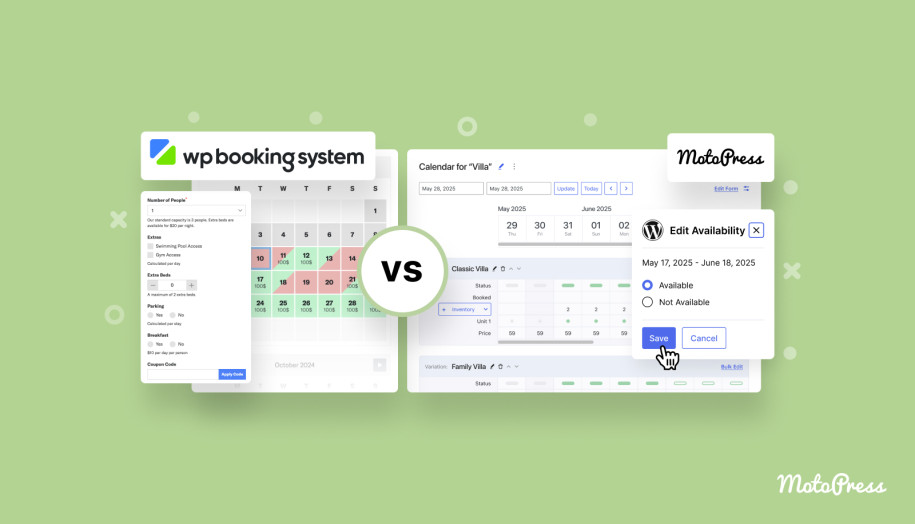
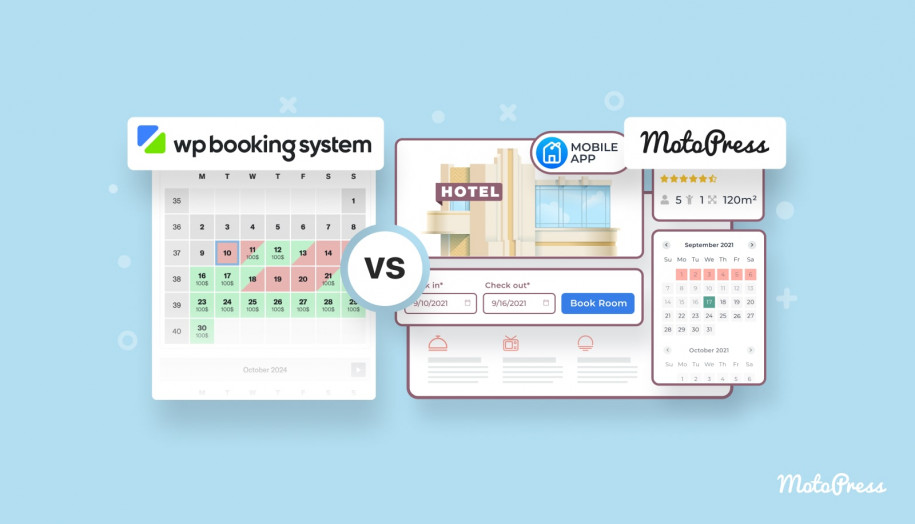
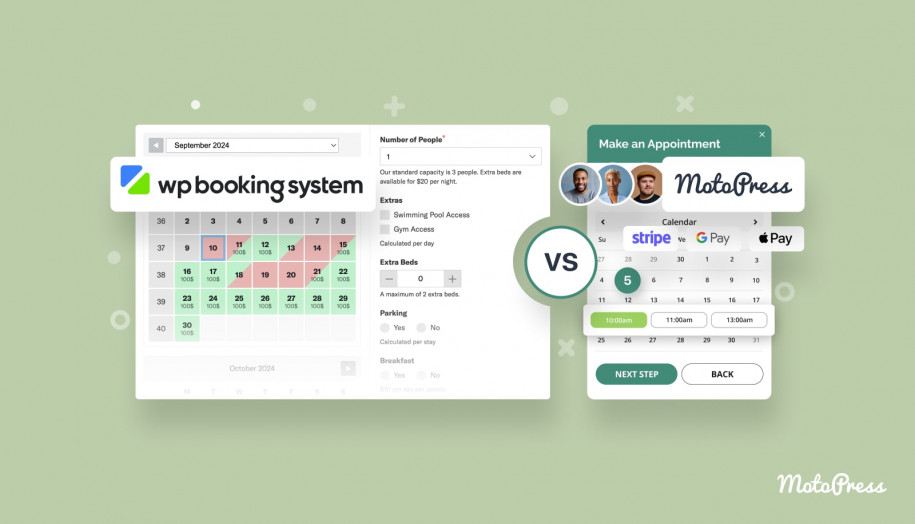
If you need booking functionality, the same developer offers WP Booking System. We’ve already compared it with MotoPress booking plugins in separate articles.
What is MotoPress Booking Calendar?
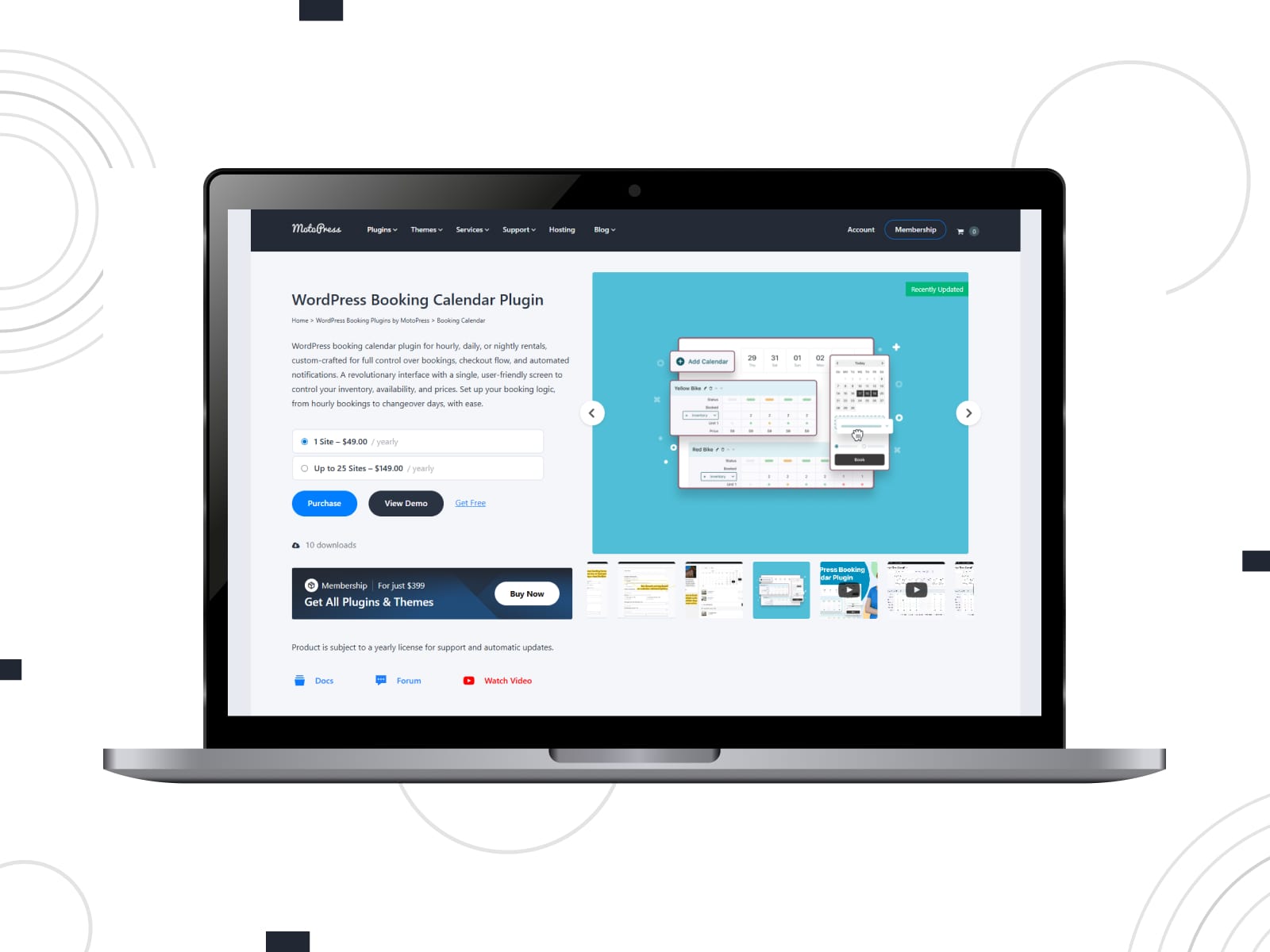
MotoPress Booking Calendar is a simple booking plugin for WordPress that combines availability display with actual reservation functionality. Users can check dates, complete bookings, fill in a booking form, and make payments directly on your website.
Typical use cases include:
- Vacation rentals and short-term stays;
- Equipment and vehicle rentals;
- Service-based bookings with hourly time slots;
- Small businesses that want to accept direct reservations online.
MotoPress provides a wider ecosystem of booking solutions tailored to different industries.
Compare MotoPress Booking Plugins
Pricing
Understanding pricing is about what you actually get for your money and how flexible the licensing is.
| Option | WP Simple Booking Calendar | MotoPress Booking Calendar |
|---|---|---|
| Free Version | Yes | Yes |
| Annual Cost |
|
|
| Lifetime Cost | No | No |
| Free Trial | No | Yes, 7 days |
| Addons | No | No |
*Prices are subject to change
Conclusions:
- If you’re searching for a reservation calendar free solution, both plugins offer entry-level options which we’ll compare later. However, WP Simple Booking Calendar does not provide a free trial, while MotoPress Booking Calendar includes a 7-day trial to test premium features before purchasing.
- WP Simple Booking Calendar provides three annual plans (1, 5, or unlimited sites), while MotoPress Booking Calendar offers two plans (1 site or up to 25 sites).
- Neither plugin offers lifetime pricing options.
- Notably, MotoPress Booking Calendar is also available within a Membership plan that includes 50+ plugins and themes by MotoPress, adding extra value for agencies and developers.
- Both plugins follow an all-in-one approach. There are no paid add-ons, so all features are included within the core plugin.

Booking Period
One of the most fundamental differences between these plugins lies in how bookings are handled or whether they are handled at all.
WP Simple Booking Calendar
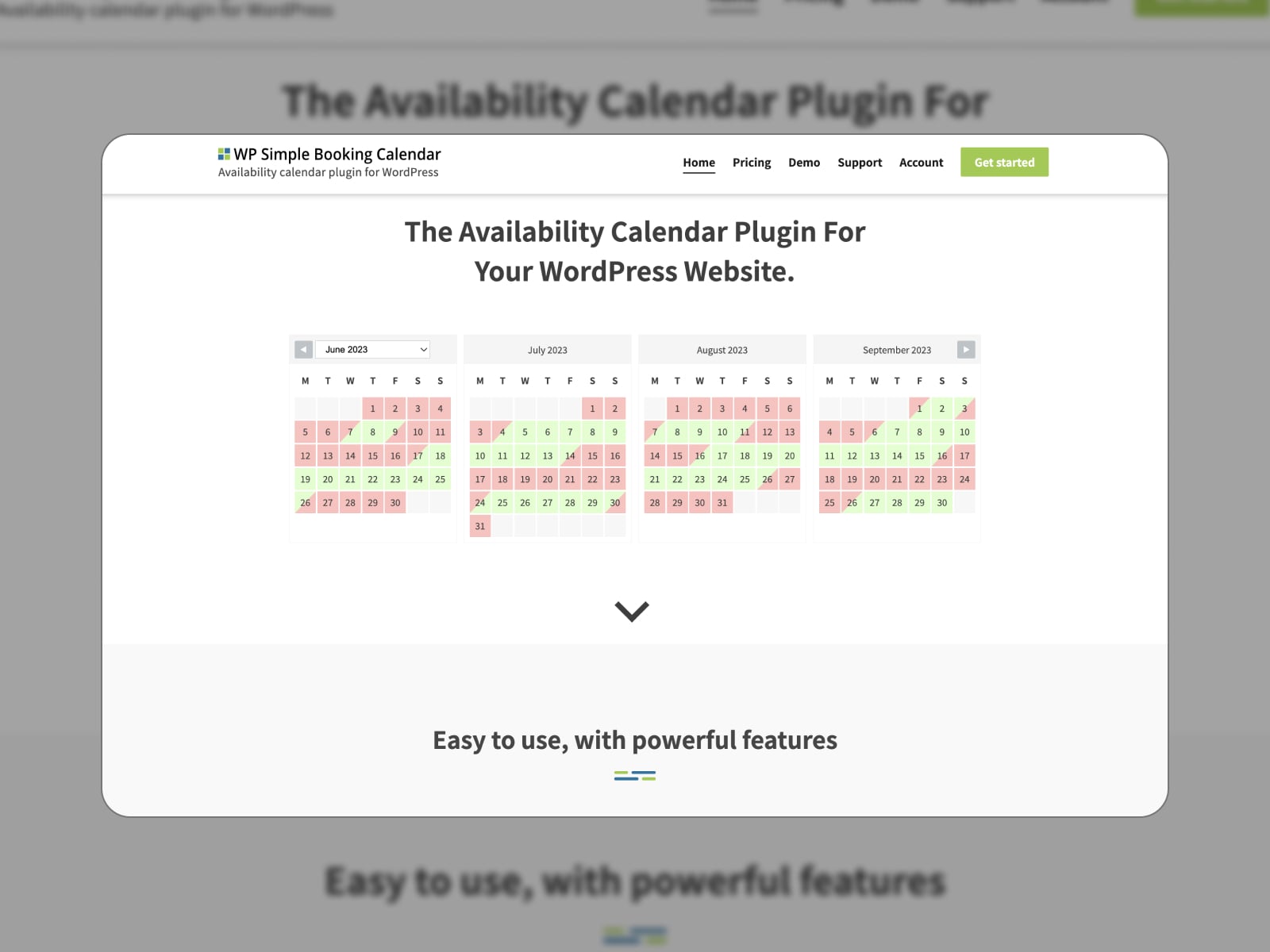
With WP Simple Booking Calendar, you can display daily availability and changeover days. This makes it suitable for:
- Vacation rentals where availability is managed externally;
- Booking request workflows handled via email;
- Simple “availability-only” websites.
Users can view available dates, but they cannot proceed with a reservation.
MotoPress Booking Calendar
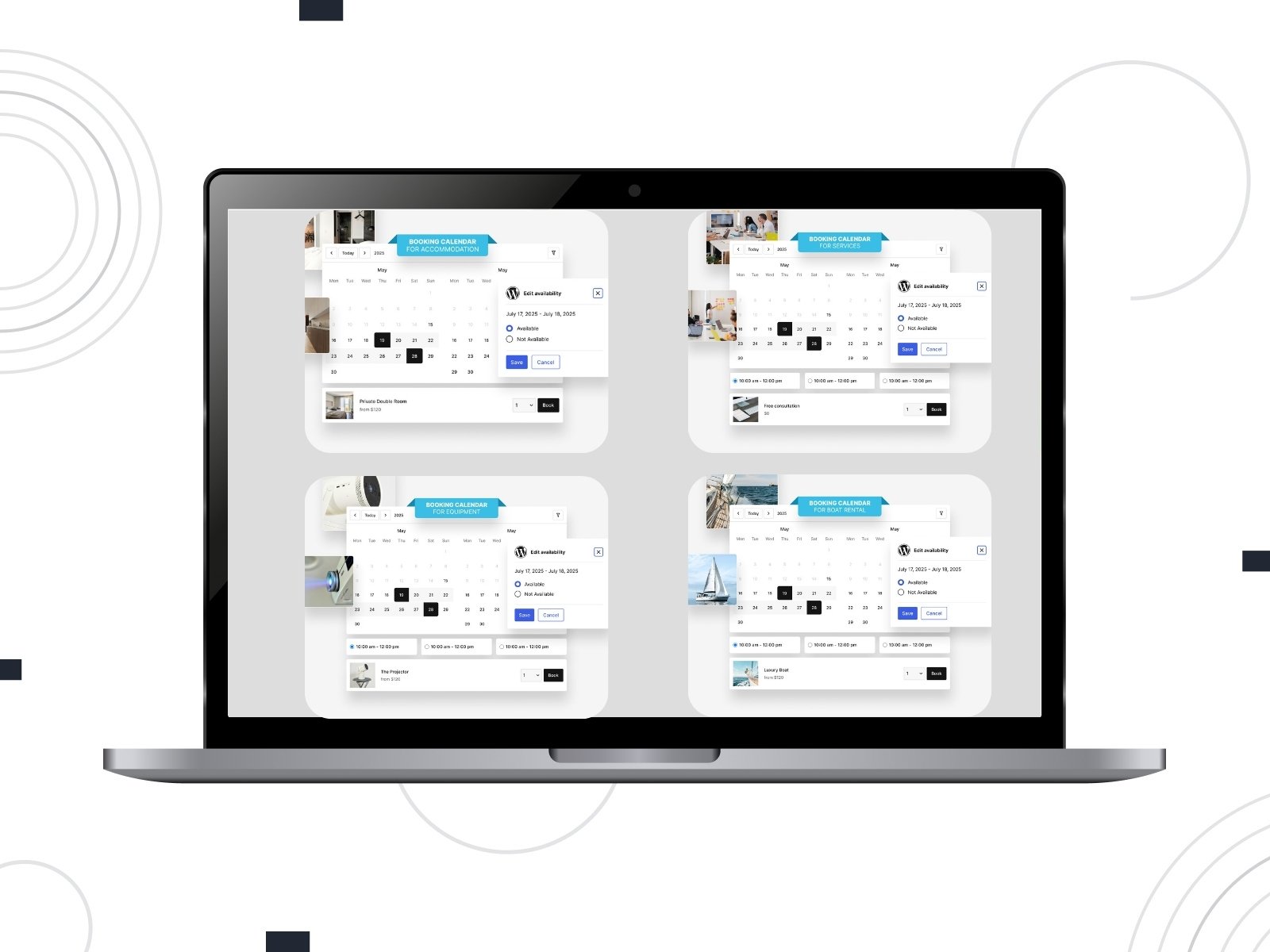
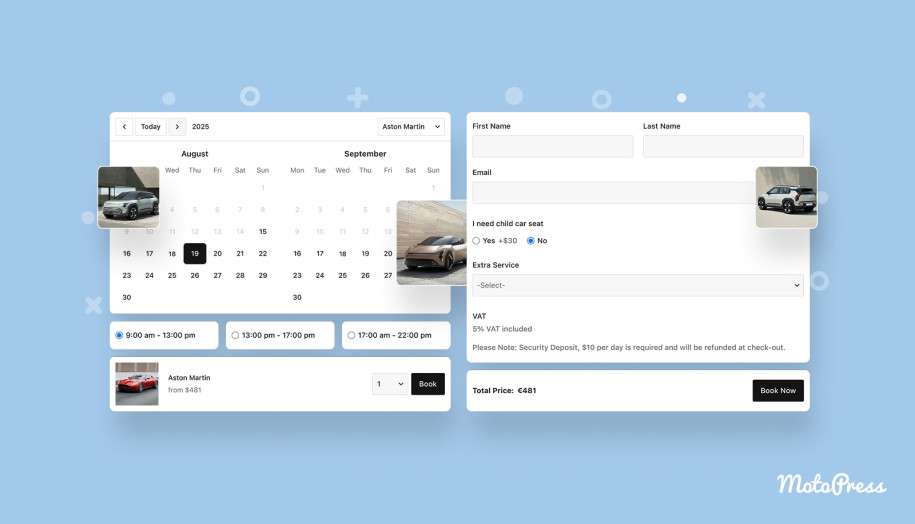
MotoPress Booking Calendar allows you to both display availability and accept bookings, supporting multiple booking types:
- Hourly – ideal for services, equipment, or short-term rentals;
- Daily – suitable for rentals charged per day;
- Nightly (changeover) – perfect for vacation rentals and accommodations.
WP Calendar
At first glance, both calendars might seem similar. But once you start managing availability, inventory, and pricing, you can find more differences. They revolve around calendar management but the depth of control differs.
| Feature | WP Simple Booking Calendar | MotoPress Booking Calendar |
|---|---|---|
| Unlimited calendars | Yes | Yes |
| Edit availability | Yes | Yes |
| Edit price | No | Yes |
| Bulk edit | Yes | Yes |
| Description | Yes | Yes |
| Start day of the week | Custom | Monday |
| Color-coded statuses | Yes | Yes |
| Inventory | No | Yes |
| Tooltips | Yes | No |
| Custom legend items | Yes | No |
| Calendar overview | Yes | Yes |
| CSV export | Yes | No |
| iCal import/export | Yes | No |
Conclusions:
- Both plugins support unlimited calendars, allow availability editing, and include bulk editing tools for faster management.
- MotoPress Booking Calendar extends functionality with inventory management and pricing controls.
- WP Simple Booking Calendar includes useful features like tooltips, custom legend items, CSV export, iCal synchronization, and customizable start days of the week.
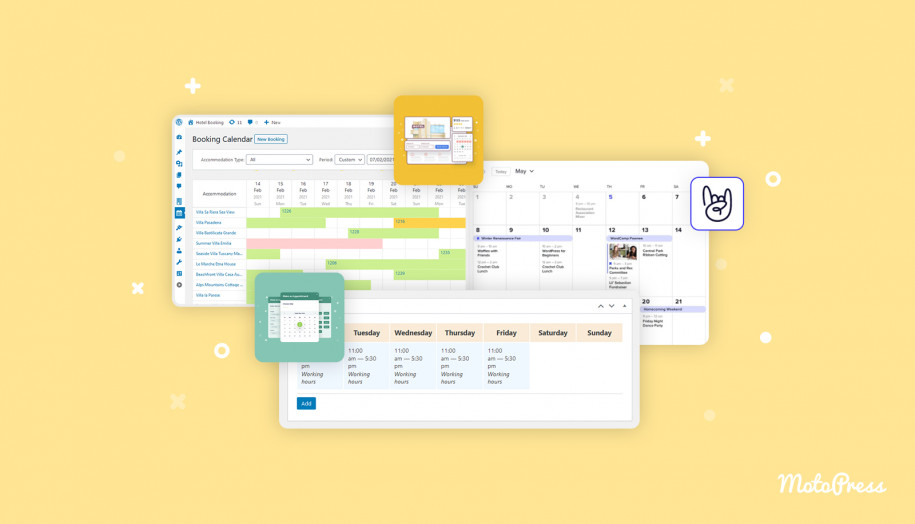
- At the same time, MotoPress Booking Calendar offers a modern visual calendar interface, designed for intuitive management of availability, pricing, inventory, and booking statuses.
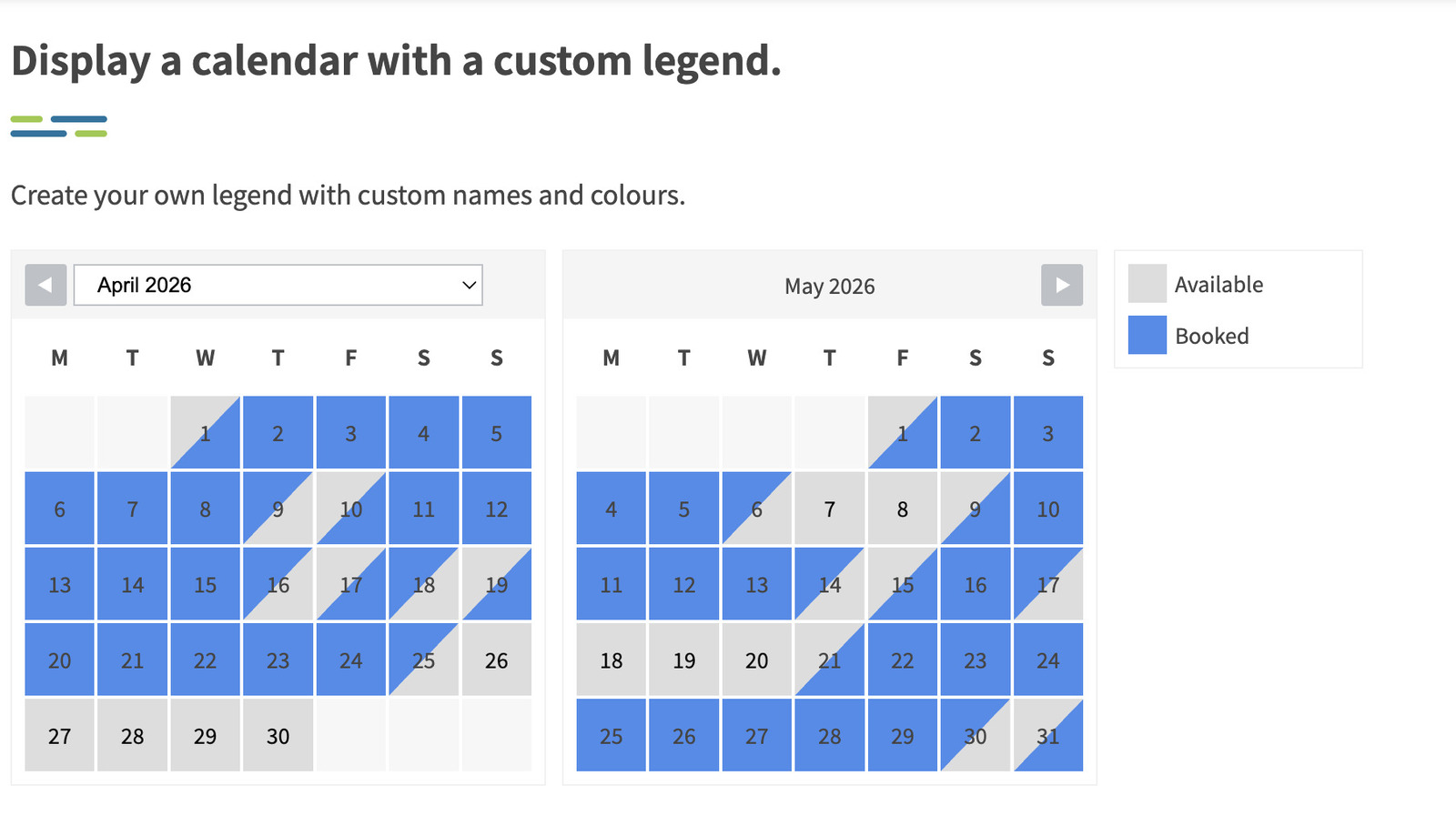
View from the customer’s side
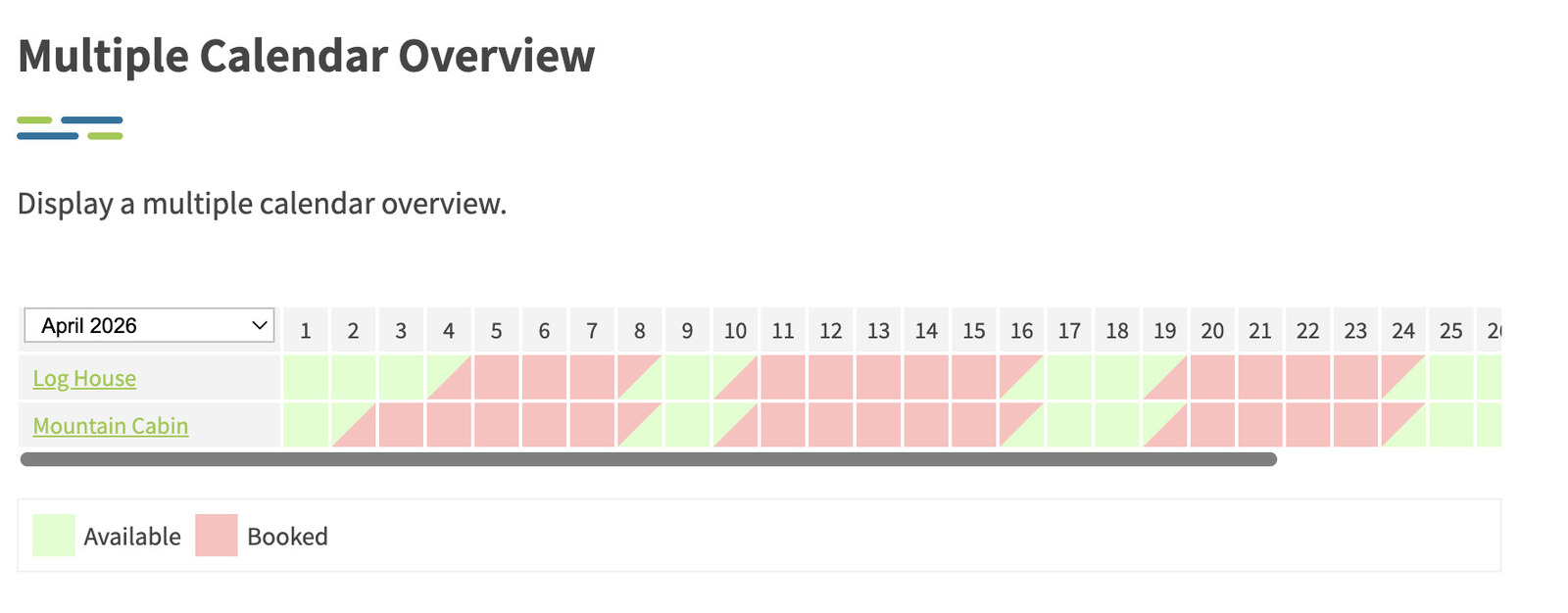
From a visitor’s perspective, the experience also differs. WP Simple Booking Calendar presents a clear availability overview, helping users quickly understand which dates are free.
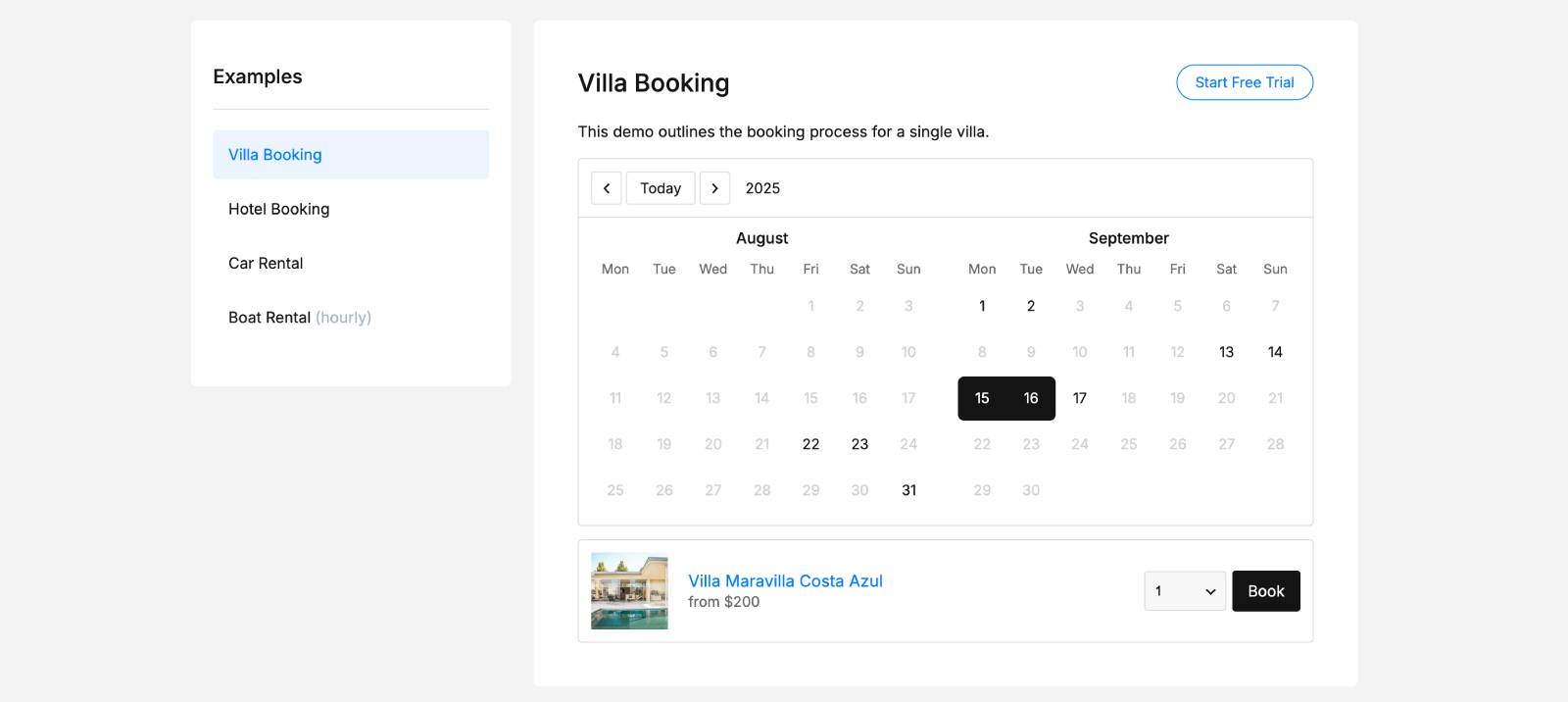
MotoPress Booking Calendar not only shows availability but also allows users to select dates and proceed directly to booking, creating a more interactive experience.
Booking Form
If you’re looking for a simple booking experience that converts visitors into customers, the booking form plays a key role.
WP Simple Booking Calendar does not include this option, as it is designed for availability display.
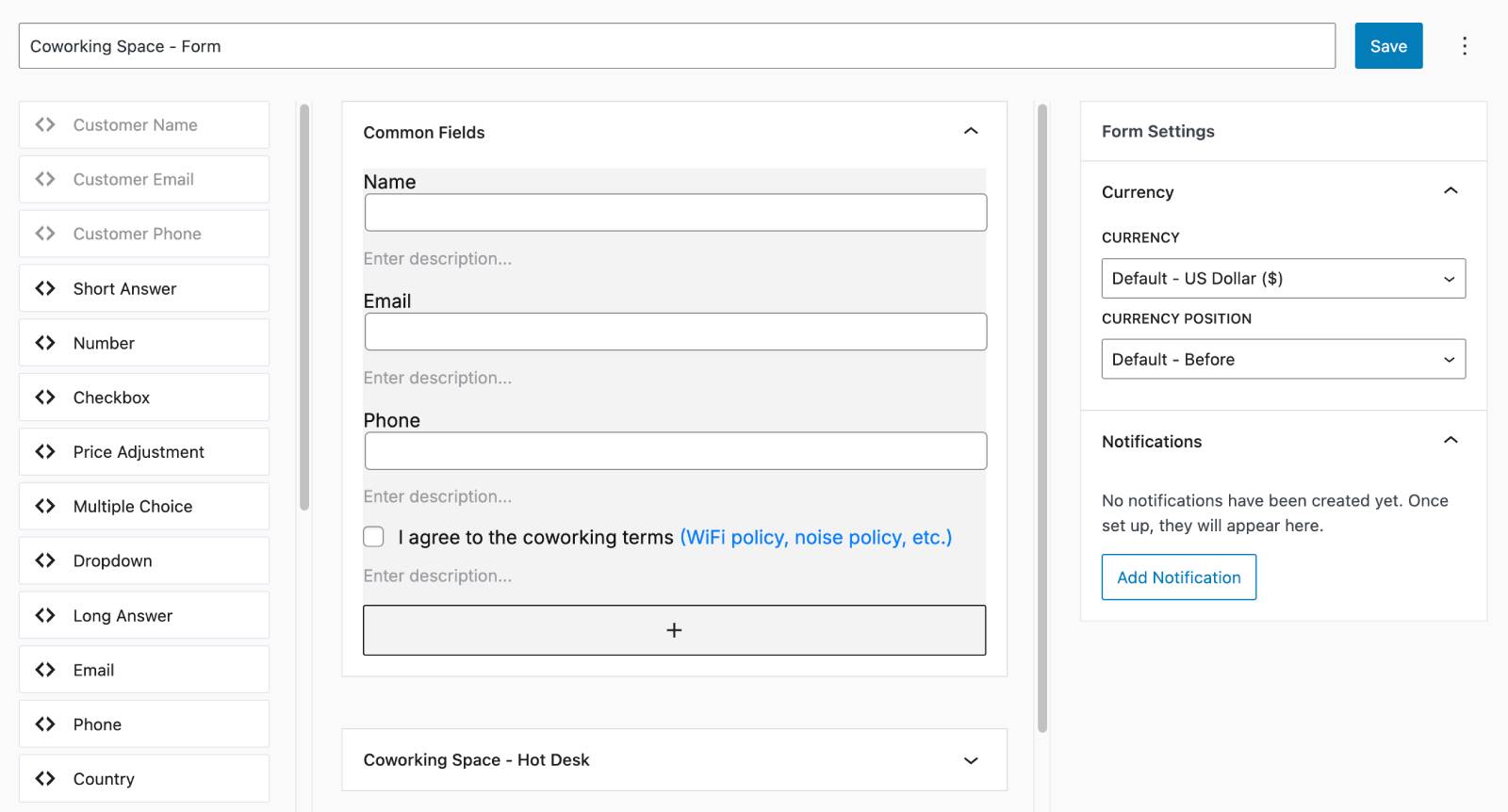
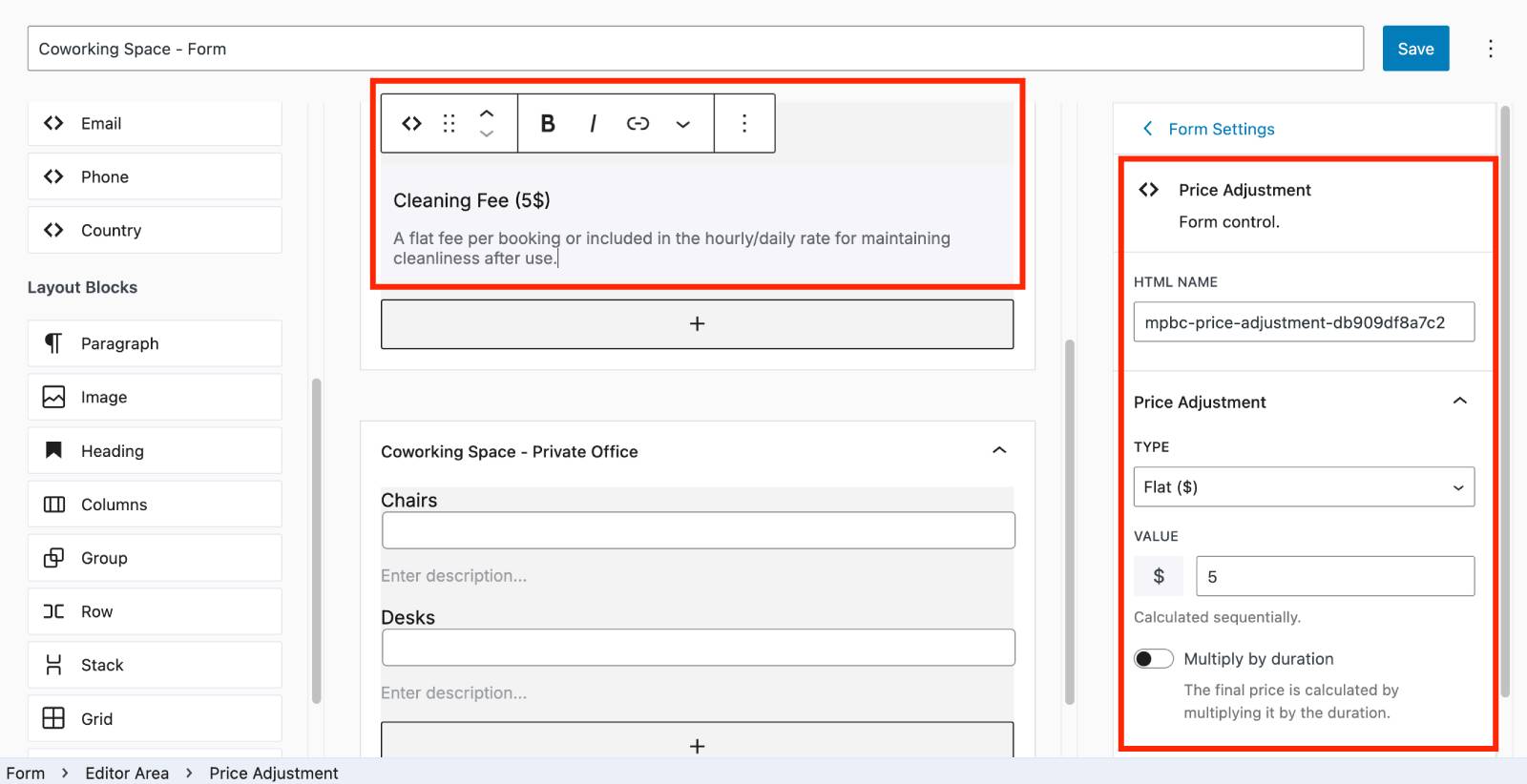
MotoPress Booking Calendar provides a flexible form builder based on the WordPress block editor. It includes:
- Left panel with fields and layout blocks;
- Center area with live preview;
- Right panel with settings.
You can build forms using 13 different field types, including basic inputs like Name, Email, and Phone, as well as dropdowns, checkboxes, multiple-choice options, and number fields.
Beyond collecting customer details, the form builder also supports dynamic pricing through specific fields that can adjust the total cost based on user input.
In addition, layout blocks such as columns, images, spacers, and separators help structure the form visually.
You can further organize fields into sections, with global fields applied to all bookings and dynamic sections tailored to specific rental items.
Payment Options
Payment processing is another area where the compared plugins take completely different approaches.
WP Simple Booking Calendar does not support bookings. Therefore, no payment options are available.
MotoPress Booking Calendar includes a built-in price calculator and Stripe integration to let you accept payments online.
Key capabilities include:
- Dynamic pricing based on user selections;
- Stripe payments (20+ methods supported);
- Pay on arrival option;
- Deposits, discounts, and selling extras via booking form fields.
Notifications System
WP Simple Booking Calendar does not include booking-related notifications because it focuses on availability display.
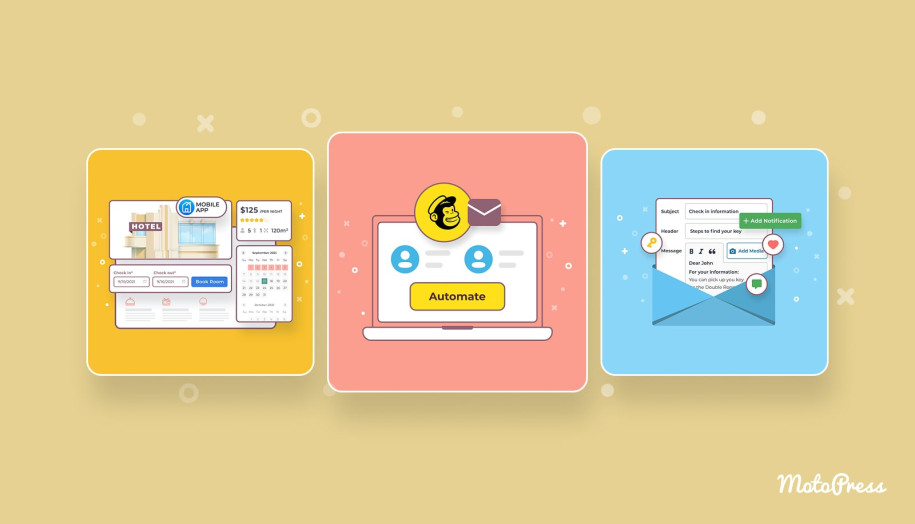
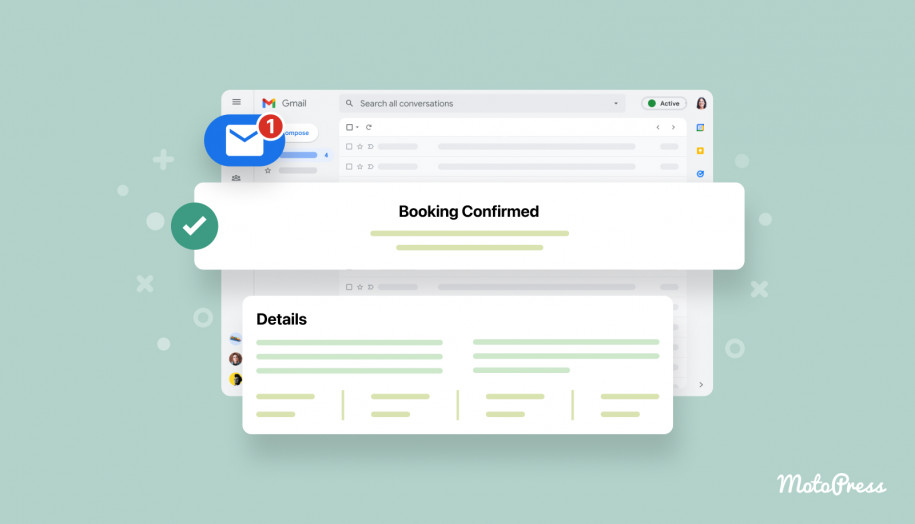
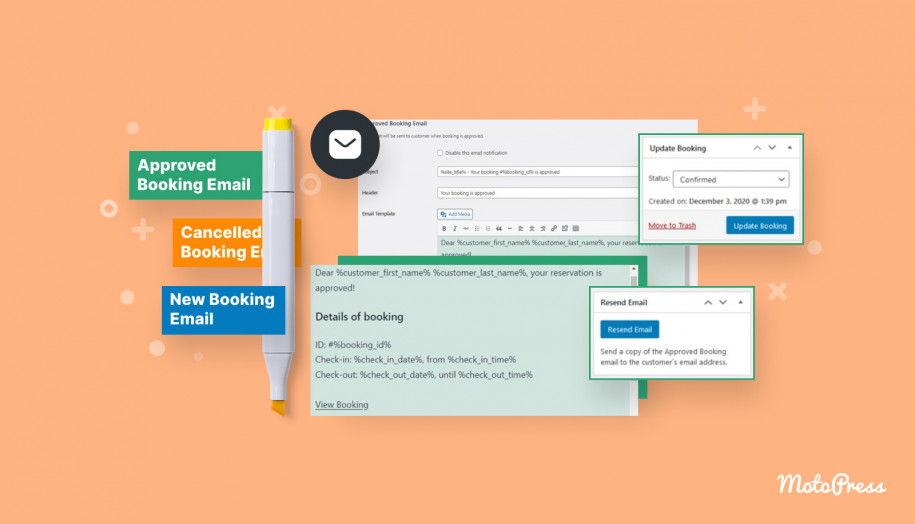
MotoPress Booking Calendar provides automated email notifications with ready-to-use templates, ensuring both admins and customers stay informed.
Page Builders Compatibility
When integrating calendars into your site, compatibility with popular page builders matters for seamless embedding.
| WP Simple Booking Calendar | MotoPress Booking Calendar | |
|---|---|---|
| Page builders | Block editor, Elementor, and Divi | Fully optimized for the Block editor (Gutenberg) |
| Shortcodes | Yes | Yes |
Conclusions:
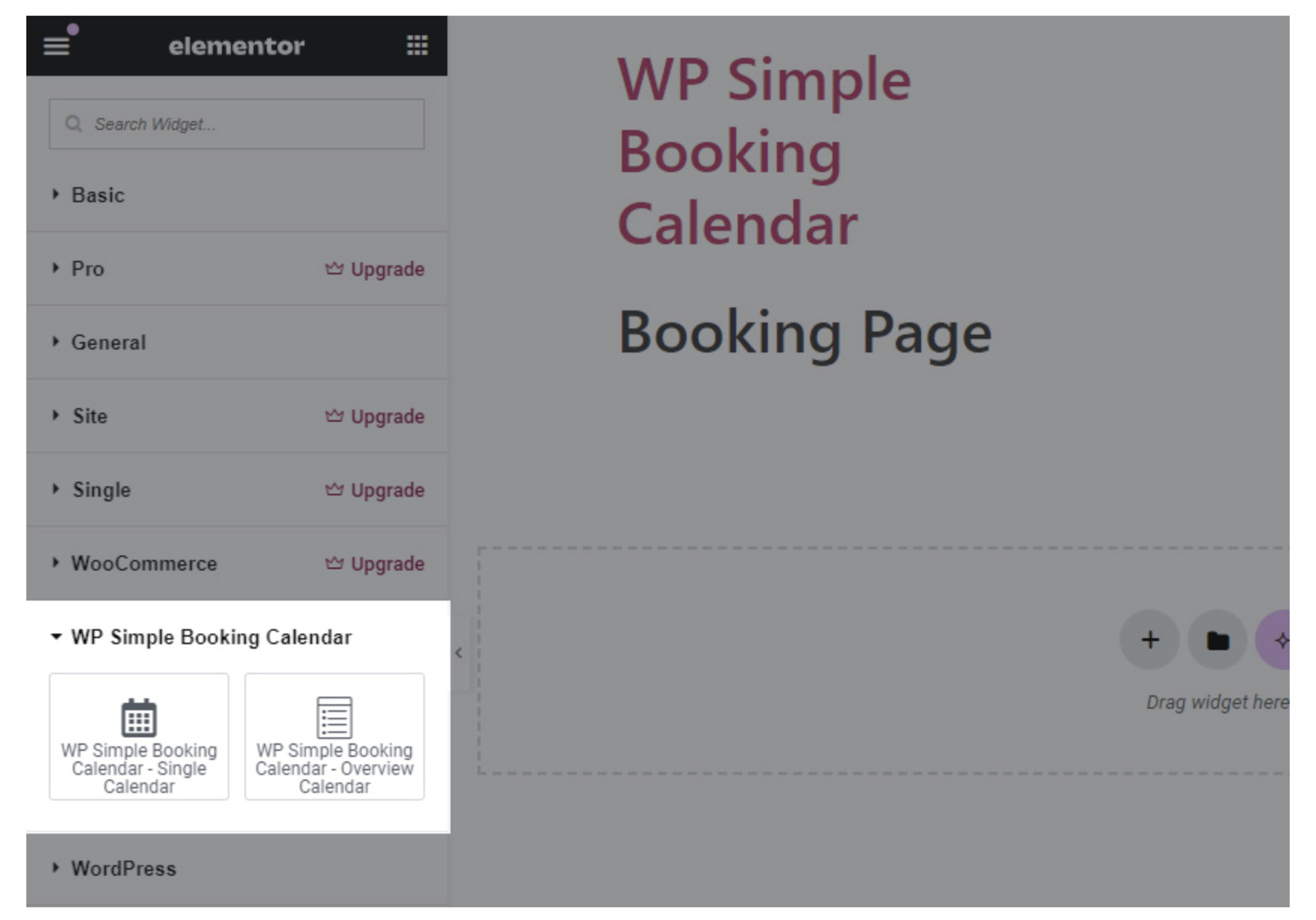
- MotoPress Booking Calendar works smoothly with the native WordPress block editor for embedding calendars and building booking forms.
- WP Simple Booking Calendar supports Block Editor, Elementor, and Divi, giving more flexibility across different page builders.
- Both plugins also support shortcodes to embed their elements anywhere on your site.
WP Simple Booking Calendar vs MotoPress Booking Calendar: Comparing Free Versions
If you want to start with a free availability calendar, both plugins offer free options. Let’s review their limitations.
Key limitations of the WP Simple Booking Calendar free:
- Unlimited calendars;
- iCal synchronization;
- Multi-month display;
- Bulk editing;
- Custom legend and tooltips;
- CSV export;
- User editing options;
- Custom week settings;
- Multisite support;
- Premium support.
Key limitations of the MotoPress Booking Calendar free:
- Price adjustment form field;
- Payments with Stripe;
- Premium support.
Conclusions:
- The free version of WP Simple Booking Calendar comes with more restrictions in terms of calendar management.
- MotoPress Booking Calendar free version mainly limits advanced pricing and payment features.

Wrapping Up
By now, the key difference should be clear. These plugins are built for entirely different experiences. One helps you communicate availability, while the other is designed to handle the full reservation process.
So instead of asking which plugin is “better”, the real question is what your main goal is? Let’s break it down by strengths to help you decide faster.
Pros of WP Simple Booking Calendar over MotoPress Booking Calendar:
- Ideal for availability display without unnecessary complexity;
- Clean and informative calendar view with tooltips and custom legends;
- iCal synchronization with external platforms;
- Flexible embedding with multiple page builders;
- Lightweight setup for quick implementation.
Pros of MotoPress Booking Calendar over WP Simple Booking Calendar:
- Complete booking workflow (availability & reservations in one place);
- Flexible booking types (hourly, daily, and nightly);
- Built-in form builder with customizable fields;
- Dynamic pricing and Stripe payment support;
- Inventory and booking management tools;
- Automated notifications for better communication.
So, are you building a simple availability overview or a system for direct bookings? Pick the approach that matches your workflow and turn your website into a tool that works for your business!
FAQ
What is the difference between a booking calendar and an availability calendar?
For example, a plugin like WP Simple Booking Calendar is typically used to display availability only, whereas MotoPress Booking Calendar allows users to choose dates and make a reservation in the same flow.
Can I use a reservation calendar free on WordPress?
Which plugin is better for rental businesses?
For example, a property owner managing bookings via phone might use WP Simple Booking Calendar, while a bike rental or vacation rental website could benefit from MotoPress Booking Calendar, which supports hourly, daily, or nightly reservations.
Are WordPress booking calendars suitable for services, not just rentals?
For example, MotoPress Booking Calendar can be used for hourly services like consultations or equipment rentals, while simpler plugins are better suited for day-based availability tracking.