
BookingPress vs MotoPress Appointment Booking: What Do You Need for WordPress Scheduling?
Table of Contents
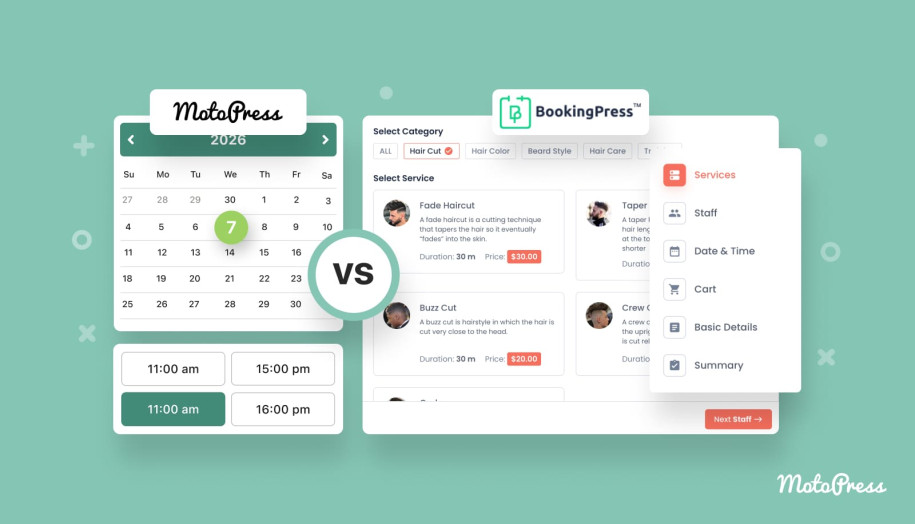
What is the best WordPress plugin for appointment booking management? Is it possible to use a free solution for essential tasks, or do you always need a premium one? If you’ve been bothered by these and other questions, you’re in the right place! In today’s overview, we’ll compare two of the recommended choices for scheduling tasks: BookingPress and MotoPress Appointment Booking. From some core features and similarities to diverse differences and integrations they provide, you’ll learn what each plugin delivers and why one is not always better than the other in every situation.
BookingPress
Before we take a closer look at plugins’ features, let’s learn more about these solutions first.
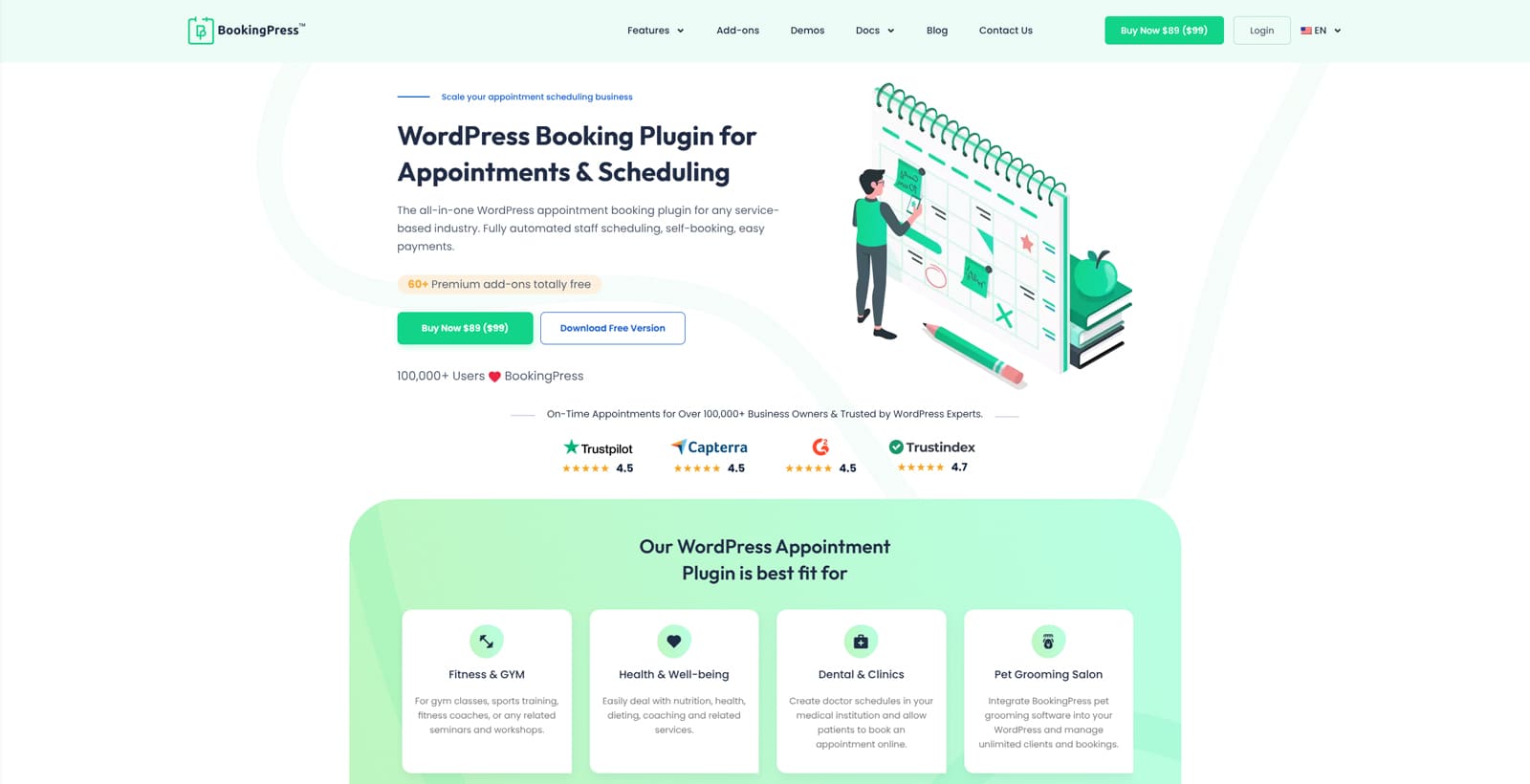 The BookingPress WordPress plugin is one of the top-rated WordPress plugins for booking management. It simplifies and automates appointment scheduling while introducing multiple core features that can easily transform your business. From yoga classes to fitness workouts and health services, the planning of any service can be easily automated with this solution. Moreover, it comes equipped with a customizable booking form to make the process smooth and user-friendly for your customers, while the plugin’s custom dashboard keeps things simple and informative for you.
As for pricing options, the plugin is available in free and premium options, with the former offering the essentials and the latter allowing you to scale the default features depending on your needs. Starting from $89/year, the plugin delivers a selection of benefits, ranging from staff management tools to recurring appointments and REST API support, giving a way to enhance your business in no time.
| Free Plan | Standard Plan | Professional Plan | Enterprise Plan |
|---|---|---|---|
|
|
|
|
| Free | $79/year | $129/year | $229/year |
MotoPress Appointment Booking
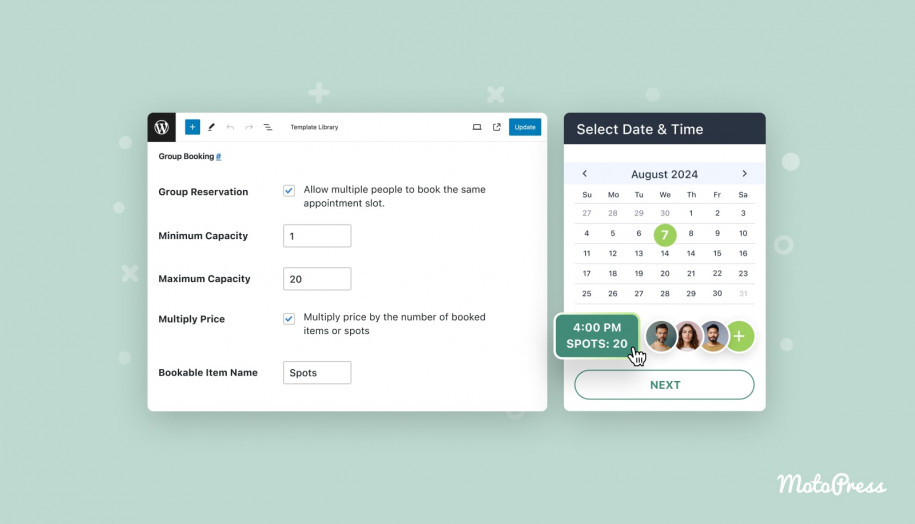
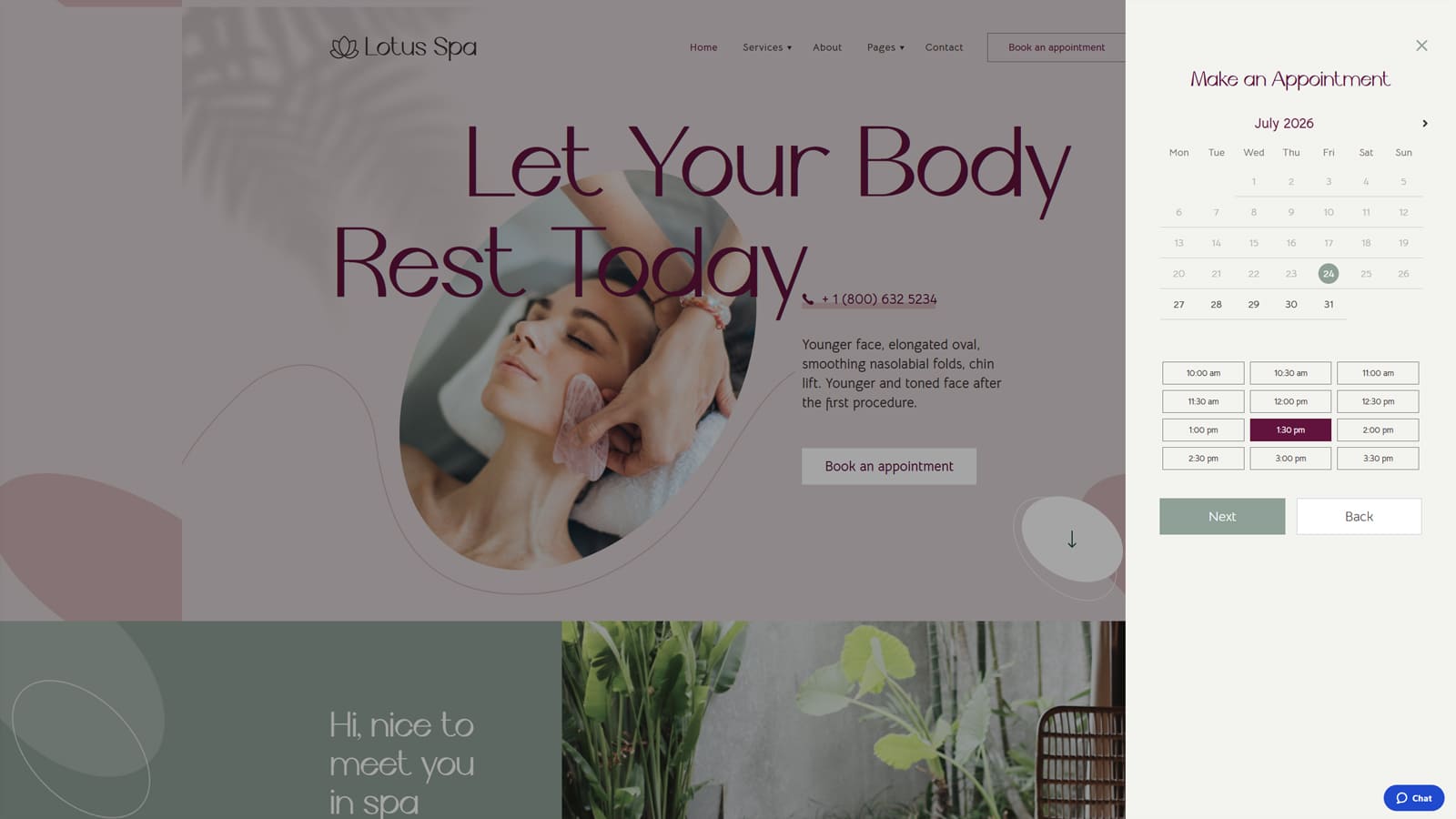
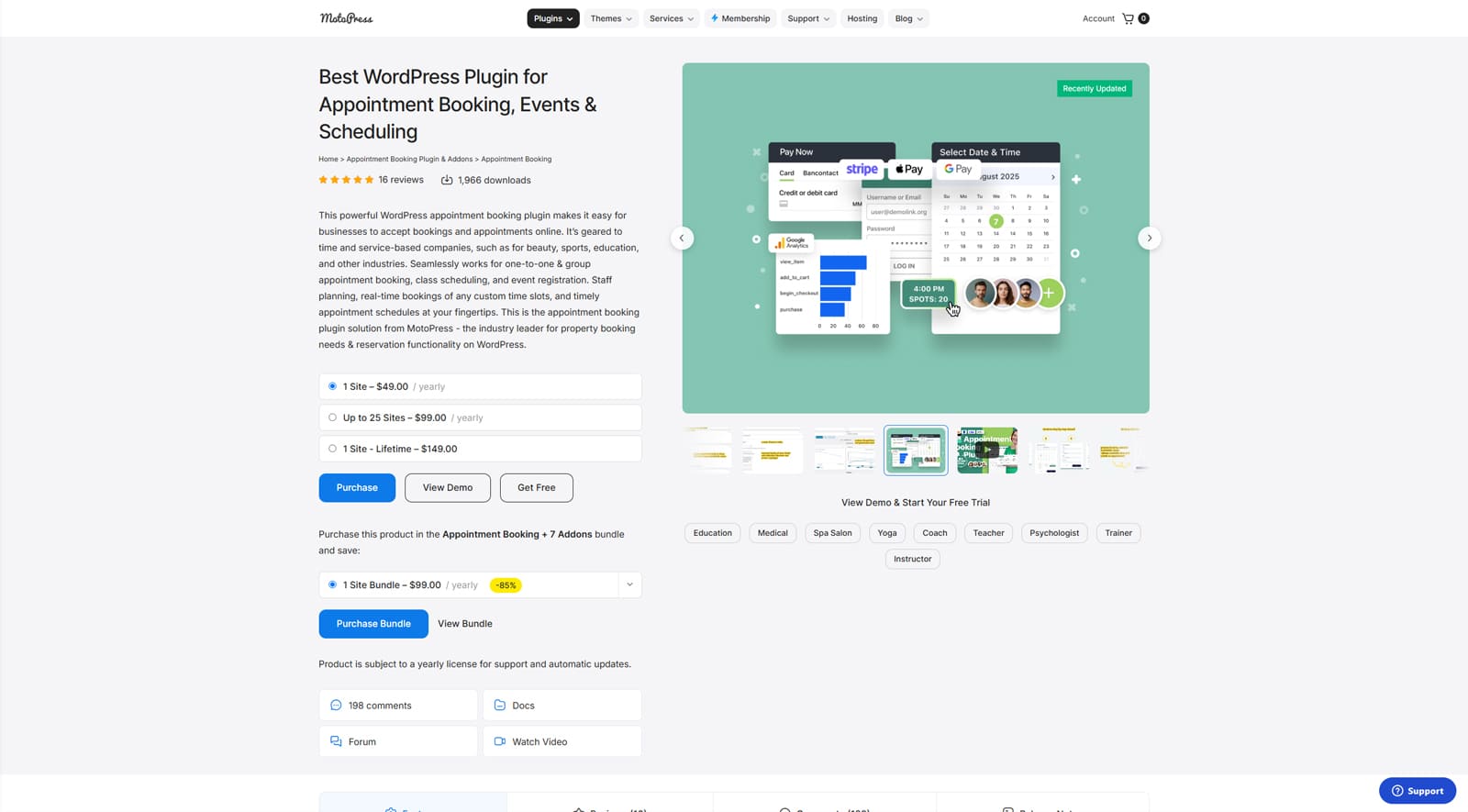 As for MotoPress Appointment Booking, this plugin also delivers a vast selection of advantages. They are aimed at making service-based businesses, such as gyms, online schools, barbershops, or medical clinics, function smoothly by automating their booking workflow. As an alternative to BookingPress, this appointment booking plugin delivers a centralized calendar and dashboard for your WordPress website, with support for payment gateways like Stripe and PayPal. Additionally, the plugin allows you to efficiently manage services, enable group bookings, and add individual schedules for your employees, with most options available in the free version.
But what about the plugin’s pricing features aside from the free version? When it comes to plugin rates and pricing plans, MotoPress provides a simpler approach than other BookingPress alternatives, unlocking all premium features at $49 per year. Additionally, you can purchase extra licenses for the plugin to install it on other websites or get a lifetime license for a single one. Moreover, as the plugin provides add-ons that extend its functionality (similar to BookingPress), there’s an option to get all you need at an affordable price as well. Take a look at the table below to learn more.
| Appointment Booking Lite | Appointment Booking | Appointment Booking Bundle |
|---|---|---|
| Everything in Lite, plus:
| Everything in Pro, plus 7 premium add-ons:
|
| Free | $49/year | $99/year |

BookingPress vs Appointment Booking: Top 5 Features
 Now that we’ve learnt some information about both booking plugins, let’s take a closer look at their features and differences. As both plugins deliver similar functionality, it may seem they are identical. However, there are certain differences that we’d like to point out. That’s why we picked 5 features for this comparison, ranging from essentials to advantages that will help you automate and improve your bookings and manage the services you provide. Here’s what we’ll look into:
- Booking management;
- Payment gateway integrations;
- Adding services;
- Multiple location support;
- Employee scheduling.
| Features | BookingPress | Appointment Booking |
|---|---|---|
| Centralized booking calendar | Yes | Yes |
| Online payments | Yes (PayPal and more) | Yes (Direct Bank Transfer, Stripe & PayPal) |
| Booking wizard | Yes | Yes |
| Multiple bookable services | Yes* | Yes |
| Email notifications | Yes | Yes |
| Built-in spam protection | Yes | No |
| Customer accounts | Yes | Yes |
| Group booking | Yes | Yes |
| Invoices | Yes* | Yes |
| Tax management | Yes* | No |
| Individual employee schedules | Yes | Yes |
| Ratings and reviews | Yes* | No |
| Third-party integrations | Yes* | Yes* |
| Page builder support | Gutenberg, Elementor, WPBakery | Gutenberg, Elementor, Divi |
| Localization | Translation-ready | Yes (5 languages) |
| Waiting list | Yes* | No |
| Two-factor authentication | Yes* | No |
* – requires an add-on
1. Booking Management
 One of the key features any website owner looks into when purchasing a booking plugin is connected with booking management. This functionality covers multiple features, ranging from a centralized admin calendar to creating, confirming, editing, and canceling bookings. All of this is possible with the BookingPress plugin. For example, its admin dashboard gives you full control over upcoming appointments. From the same interface, you can find, create, and modify bookings as well as view all available booking data. The plugin also includes a user-friendly navigation system in the same dashboard, helping you to easily change rates, manage payments, services, and more in the same window.
 Appointment Booking, on the other hand, delivers a centralized calendar rather than a dashboard that contains all booking details, analytical and payment data, etc. Being the first thing that a website owner sees when opening the “plugin tabs “Appointments” tab in the WordPress dashboard, the plugin delivers data about already submitted, confirmed, and added bookings. However, using the traditional WordPress sidebar on the left, you can easily navigate to other plugin modules, from payment and booking lists to schedules, notifications, and services, to name a few.
| Features | BookingPress | Appointment Booking |
|---|---|---|
| Centralized booking calendar | Yes | Yes |
| Custom appointment duration | Yes | Yes (up to 24 hours) |
| Booking calendar view | Yes | Yes |
| Booking confirmation, editing, and cancellation | Yes | Yes |
| Employee schedules | Yes | Yes |
| User roles | Yes | Yes |
| Appointment capacity customization | Yes | Yes |
| Google Calendar sync | Yes | Yes |
2. Payment Gateways
 The next notable feature we’d like to talk about is online payment support. Thanks to the multitude of add-ons and premium features of BookingPress, users get access to over 20 payment gateways that can be easily integrated with the website and booking form in a few clicks. From Stripe and PayPal to Square Payments, Skrill, and WooCommerce, there are multiple options you can choose from depending on your location, needs, and expectations of your customers. Each option has dedicated documentation describing how to make it work with your BookingPress installation.
Appointment Booking also offers a selection of payment gateway variants. By default, you get access to PayPal and Stripe with the premium version of the plugin. Still, thanks to extra add-ons, you can enable support for WooCommerce and Square Payments as well. Even though the MotoPress plugin offers fewer integrations compared to BookingPress, it still delivers enough options to help you get started with accepting secure online payments that are integrated with the step-by-step booking wizard.
| Supported payment gateways | BookingPress | Appointment Booking |
|---|---|---|
| Stripe | Yes* | Yes |
| PayPal | Yes* | Yes |
| WooCommerce Payments | Yes* | Yes* |
| Square Payments | Yes* | Yes* |
| Mollie | Yes* | No |
| 2Checkout | Yes* | Yes |
| Braintree | Yes* | Yes |
| Razorpay | Yes* | Yes |
| klarna | Yes* | No |
| Skrill | Yes* | No |
* – requires an add-on
3. Working with Services
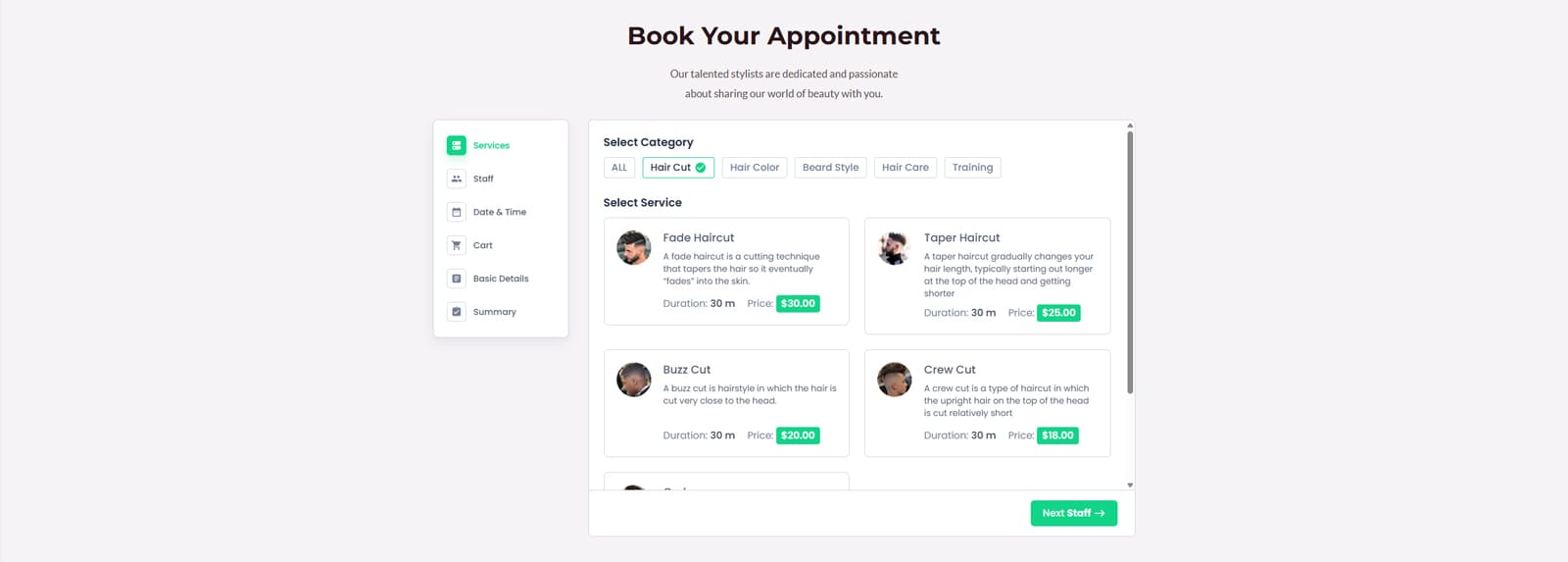
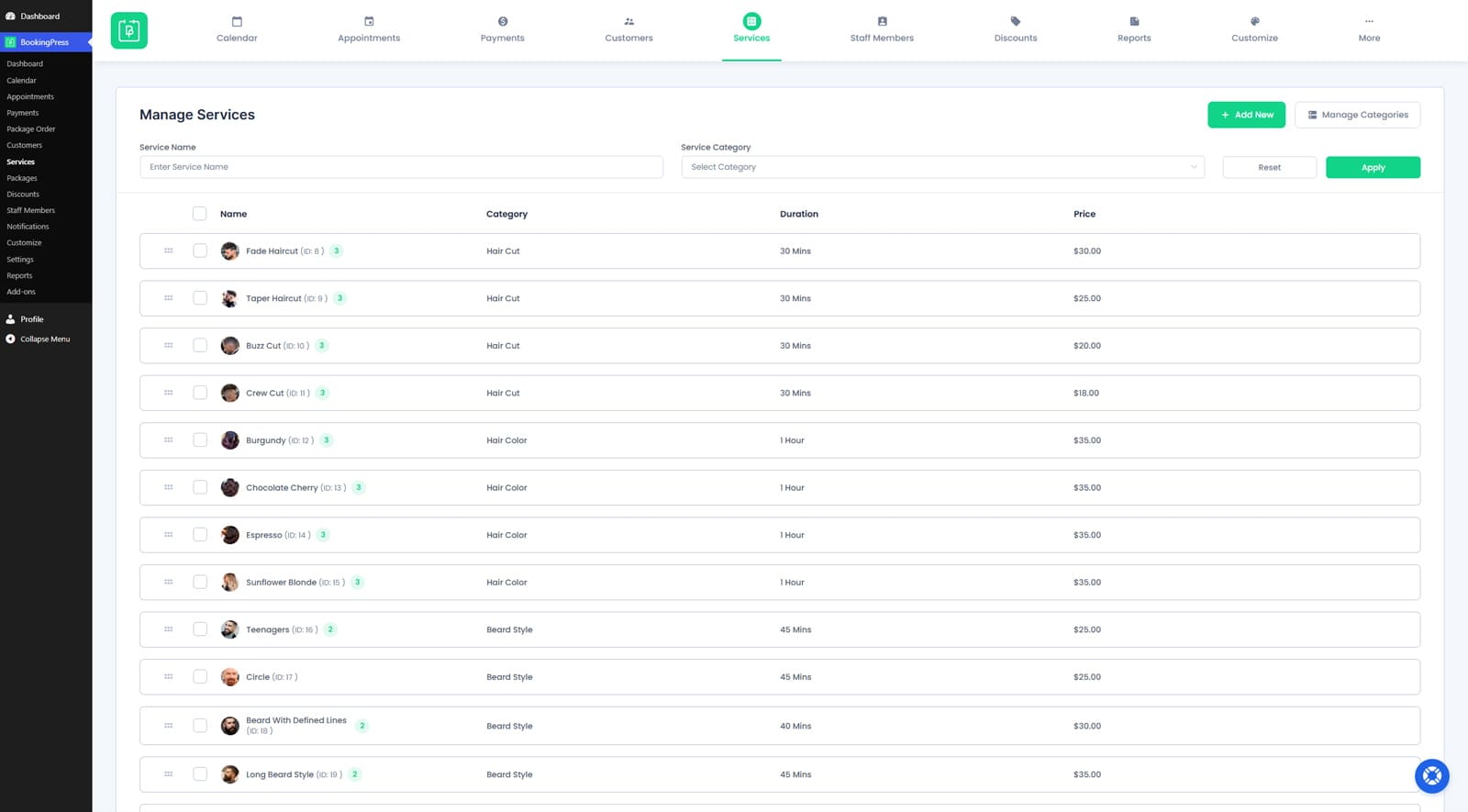 Another notable feature both plugins provide is connected with services. With the BookingPress plugin, you can create services and categories in a few steps using its Services tab to later make them available for booking. From creating to duplicating services and managing their availability, the plugin has all the necessary tools to make the process user-friendly and smooth. You can also define buffer times for each service, upload images to be displayed during booking, and more.
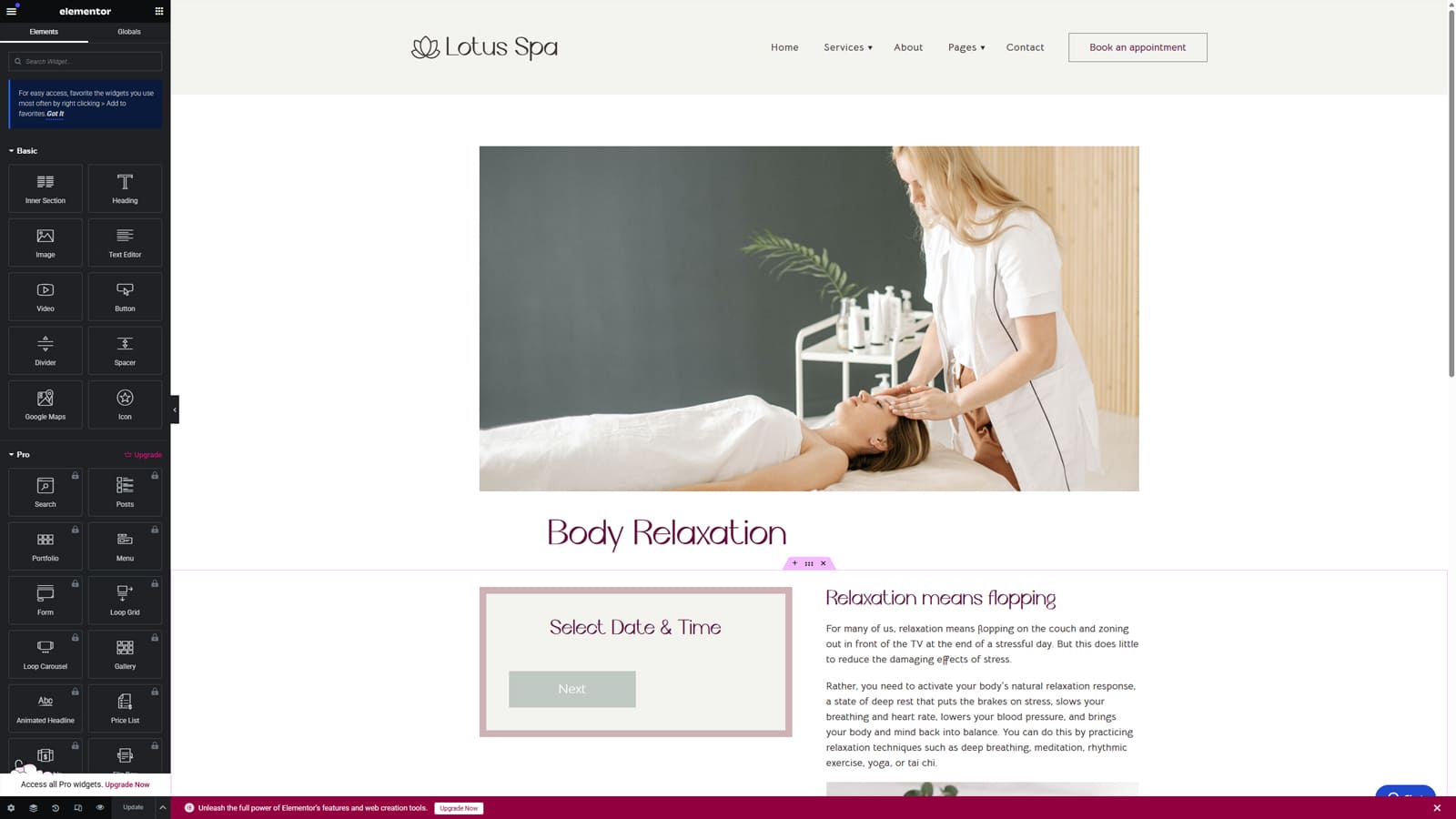 The second plugin in our comparison, Appointment Booking, can also handle service management easily. By using the Services tab, the website owner and registered employees can create content-rich pages for coaching and consulting services, enable group bookings, define availability, rates, and eligible employees without having to navigate multiple pages or install third-party plugins. The process is straightforward and allows you to configure every aspect of a service in a few simple steps.
| Features | BookingPress | Appointment Booking |
|---|---|---|
| Unlimited services | Yes | Yes |
| Categories | Yes | Yes |
| Service price customization | Yes | Yes |
| Max service duration | Yes | Yes |
| Buffer times | Yes | Yes |
| Service intervals | Yes | Yes |
| Availability management | Yes | Yes |
| Capacity customization | Yes | Yes |
| Assigning employees | Yes* | Yes |
| Deposit payments | Yes* | Yes |
| Color coding | Yes | Yes |
| Dedicated pages | No | Yes |
* – requires an add-on
4. Multiple Location Management
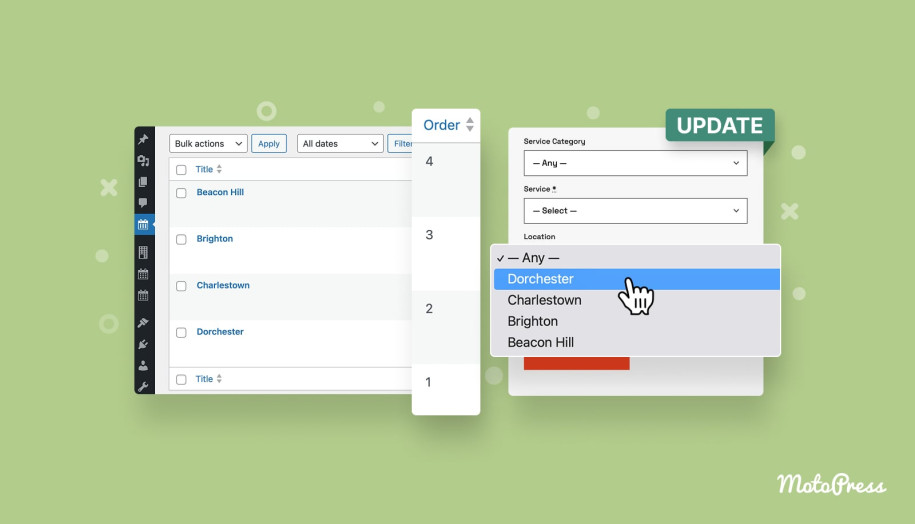
 When your business has multiple branches that you need to manage appointments in, the multi-location support can come in handy. It is one of the popular features in many booking plugins that is often listed among premium tools. In the case of the BookingPress WordPress plugin, it can be done using a specific add-on that allows managing multiple locations. It allows adding diverse locations, connecting them to different schedules and services. This means you can create individual schedules for each location and service without having to work with multiple websites or plugins.
When it comes to the Appointment Booking plugin by MotoPress, it also offers support for multiple locations. Unlike the previous plugin, you don’t have to install any add-ons or even buy a premium version of the solution to enable this functionality. This feature is available for free, and right after the plugin is installed, you can start adding locations for your fitness studio or wellness center, adding descriptions, and creating individual schedules for your team based on services and locations you’ve already prepared.
| Location management features | BookingPress | Appointment Booking |
|---|---|---|
| Unlimited locations | Yes* | Yes |
| Assigning employees to different locations | Yes* | Yes |
| Location descriptions | Yes* | Yes |
| Location selection during booking | Yes* | Yes |
| Creating a location list using shortcodes | No | Yes |
5. Employees
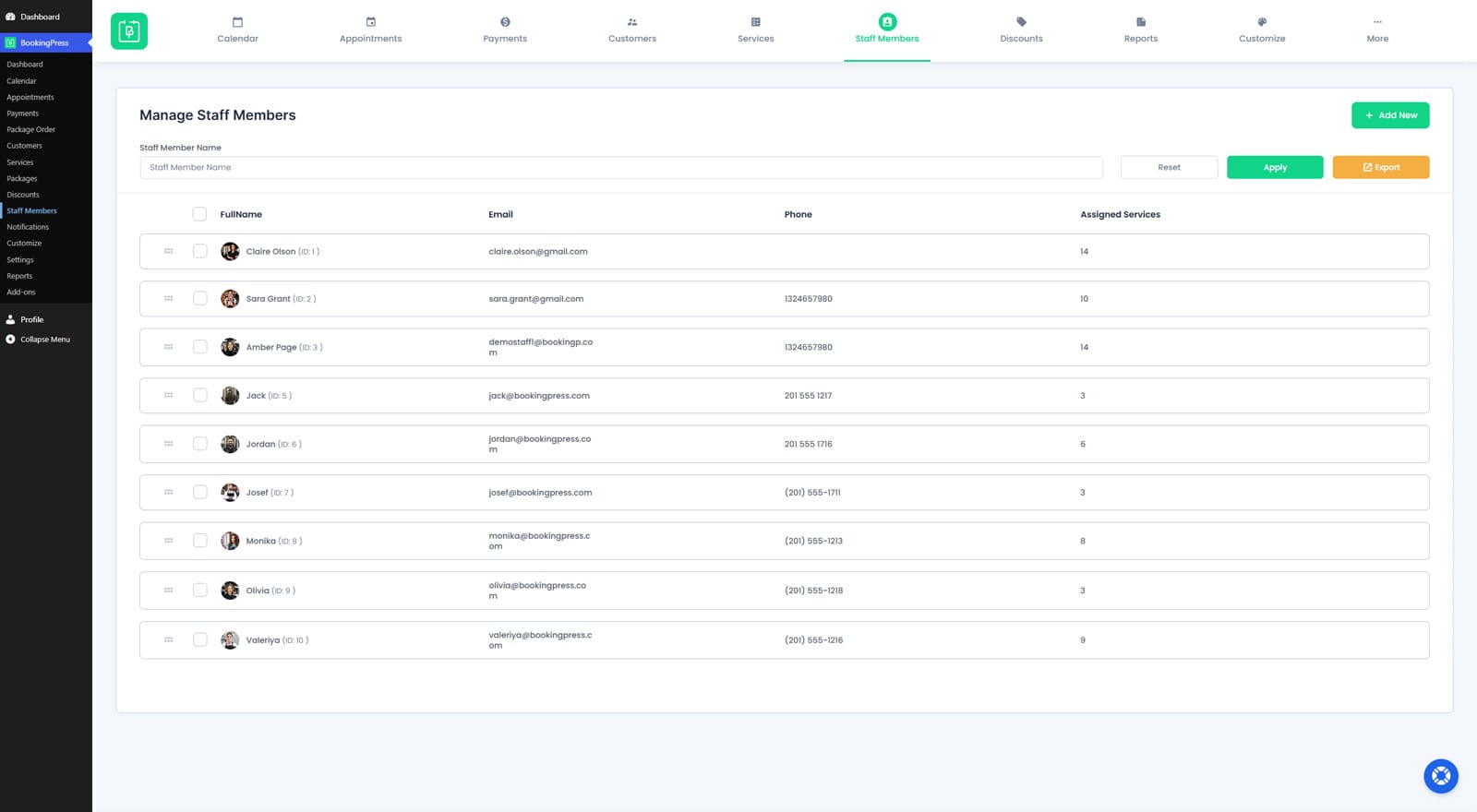 Aside from managing locations, both plugins tackle employee management slightly differently. For example, the BookingPress WordPress plugin allows you to simply add new employees by providing core information about them on the Staff Members dashboard. From name to phone numbers and a short description, you can only add the essentials while also assigning services. On the same page, you can edit an employee’s working hours and define the schedule for each team member individually.
The Appointment Booking plugin works in a way that is similar to BookingPress. First of all, you can also add new members on a separate plugin tab (Employees). However, where the first-mentioned plugin offers little editing freedom, with the MotoPress plugin, you get a gutenberg editor at your command. With it, you can add a full-fledged description with images, columns, and whatever you need to create a well-designed page for each team member. To create schedules, however, you need to navigate to the Schedules tab and define working hours and days off for each member and the location they work at.
| Staff Management Features | BookingPress | Appointment Booking |
|---|---|---|
| Unlimited employees | Yes* | Yes |
| Employee profiles | Yes* | Yes |
| Contact details | Yes* | Yes |
| Individual schedules | Yes* | Yes |
| Days off & custom working days | Yes* | Yes |
| Assigning services | Yes* | Yes |
| Assigning locations | Yes* | Yes |
| Google Calendar sync | Yes* | Yes |
| Roles & permissions | Yes* | Yes |
| Multiple employees per service | Yes* | Yes |
* – requires an add-on
BookingPress or Appointment Booking: What to Pick?
 As you can see, both plugins are quite reliable and highly feature-rich when it comes to booking management. But which one is more suitable for your website, and what should you pick? If you intend to go for a premium booking solution that has an extensive number of add-ons and integrations, as well as a custom-designed dashboard, choosing the BookingPress WordPress solution is the right option. This plugin can provide a smooth user experience for you and your employees, and give the right tools for enhancing the essential booking management workflow.
However, if you want to get started with booking solutions for free, choosing the Appointment Booking Lite plugin as an alternative to BookingPress is a better choice. Not only does it provide more features for free than the abovementioned plugin, but it is also a great pick if you don’t need online payment functionality right away. MotoPress Appointment Booking also has a great design advantage with the collection of WordPress themes for coaches, tours, medical business and more, where the booking plugin is already integrated.
With this one of BookingPress alternatives, you can establish a powerful booking system for services with group booking support and easy frontend integration, and scale your website over time to upgrade to premium-level functionality later, such as support for Stripe, PayPal, and Google Calendar.
| BookingPress | Appointment Booking |
|---|---|
| Easy-to-use dashboard | Centralized booking management calendar |
| Appointments up to 24 hours | Appointments up to 24 hours |
| Editable booking forms | Step-by-step booking wizard |
| Built-in spam protection | Automatic & manual booking confirmations |
| Multiple calendar platforms supported for synchronization* | Google Calendar sync |
| Employee management* | Built-in employee management system |
| Recurring appointments* | Limited recurring appointments support |
| SMS appointment notifications* | Twilio SMS notifications support* |
| Zoom video conferencing* | Zoom & Google Meet integrations* |
| Modular add-on system | Core features built-in |
| Ready for translation* | Translated into 5 languages |
* – requires an add-on
Conclusion
 We hope this overview of BookingPress vs MotoPress Appointment Booking helped you choose the best pick for your WordPress website. From centralized booking management to online payments via PayPal and analytics, each of these tools handles these core tasks in its own way. Still, no matter what you choose, you always have an impressive array of benefits for your business:
- 24/7 online booking: Both presented plugins allow for easy and automated appointment scheduling anytime without needing to contact your team personally.
- Reduced administrative work: Thanks to automated scheduling and reminders, you and your team can save time on routine tasks, delivering better results.
- Improved customer experience: With the help of the provided WordPress plugins for booking events and even restaurant tables, you can give customers a convenient reservation process alongside real-time availability updates.
- Higher revenue potential: By accepting online payments and upselling services, you reduce missed opportunities that mainly happen from manual booking processes.