
WP Hotel Booking Plugin (by ThimPress) vs MotoPress Hotel Booking: Full Comparison
Table of Contents
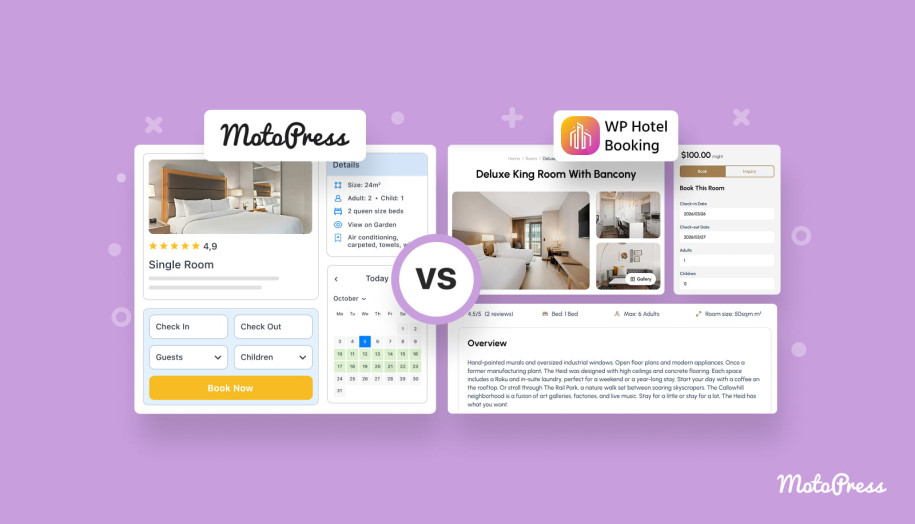
Not all WordPress hotel booking plugins are built with the same philosophy. Some focus on simplicity and tight integration with specific themes, while others aim to provide a full property management toolkit with advanced capabilities. WP Hotel Booking by ThimPress and MotoPress Hotel Booking are two plugins that often appear in discussions among WordPress hotel website owners. In this comparison, we’ll look at both plugins side by side!
At first glance, they solve the same problem: letting guests check availability, book rooms, and pay directly on your website. But once you start exploring their pricing models, integrations, and customization options, you discover more differences.
To start, here’s a quick overview of the plugins we’re comparing.
| Name | Provider | Release Year | Reviewed version |
|---|---|---|---|
| WP Hotel Booking | ThimPress | 2022 | 2.2.9 |
| WordPress Hotel Booking | MotoPress | 2016 | 5.4.1 |
Now, let’s take a closer look at how these two booking systems compare across pricing, features, booking management, and integrations.
WP Hotel Booking vs MotoPress Hotel Booking Compared
Both plugins help property owners manage accommodation bookings directly from a WordPress website. However, their philosophy and ecosystem differ significantly. Let’s compare them across the most important aspects of hotel booking management.
Pricing
Different pricing models can significantly affect how flexible a booking solution is in the long term. Let’s explore plans of the compared plugins!
WP Hotel Booking
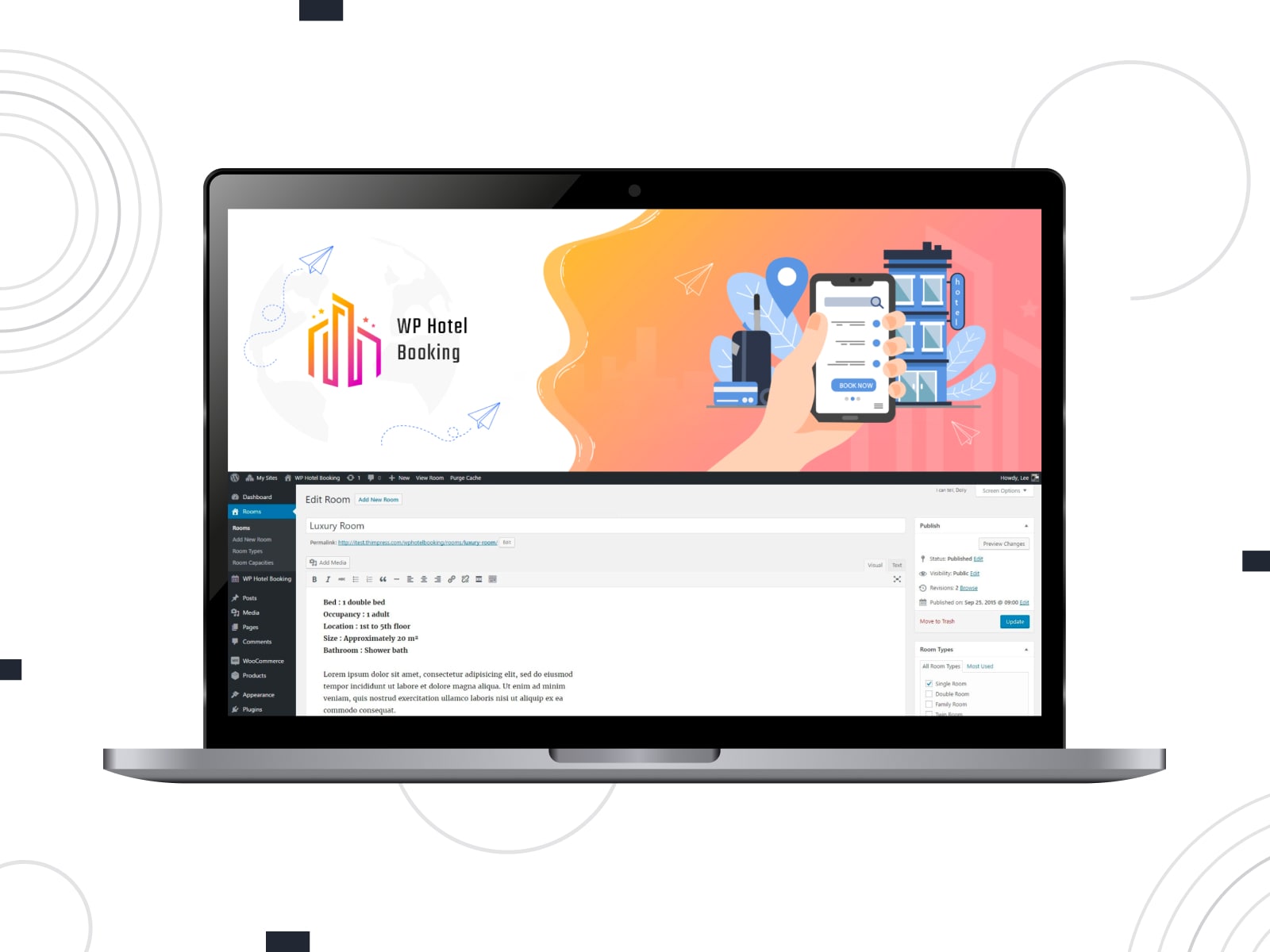
The WP Hotel Booking plugin is distributed as a free plugin on WordPress.org. Currently, it does not provide a premium upgrade version.
This means the plugin is available without licensing fees, but it also comes with limitations in terms of extended functionality, updates, and dedicated support.
Many additional capabilities are instead provided through premium themes by ThimPress, where the plugin is bundled with hotel website templates.
MotoPress Hotel Booking
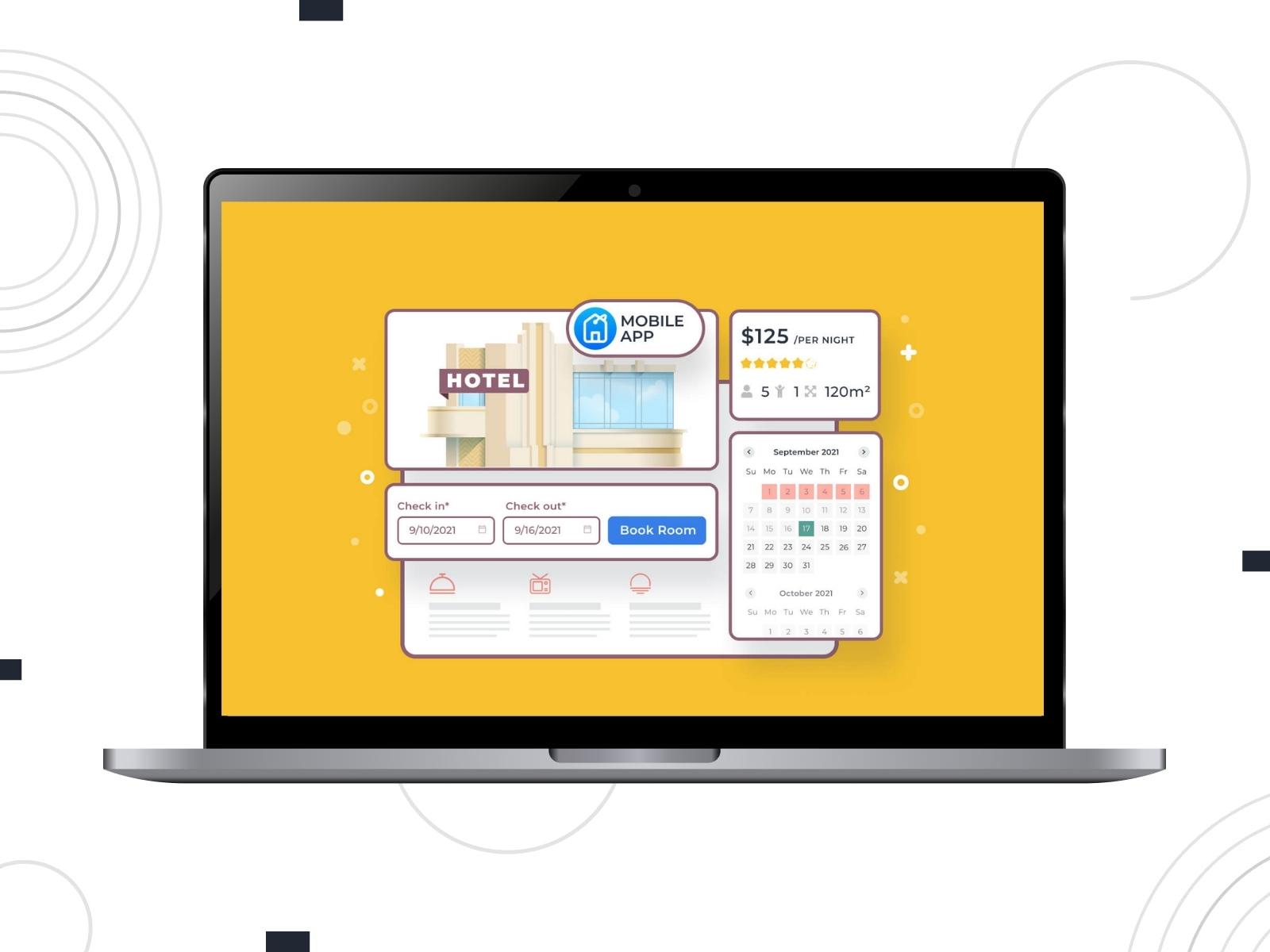
MotoPress Hotel Booking follows a freemium model. Users can start with a free version available and upgrade to premium plans when they need more advanced functionality.
MotoPress offers multiple pricing options including:
- annual licenses;
- lifetime licenses;
- plugin bundles with addons;
- full membership plans covering all MotoPress products;
The premium version also unlocks additional capabilities not available in the free edition.
Limitations in the free version include:
- No automatic booking synchronization with OTAs via iCal (Booking.com, Airbnb, TripAdvisor, HomeAway).
- No priority customer support via email, live chat, or forum.
- Limited payment gateways (premium adds Stripe, Braintree, Bambora, and others).
- Inability to add reservations manually from the backend.
- No option to edit existing booking details such as check-in dates, services, or accommodations.
- No advanced pricing rules based on number of guests or length of stay.
Here is a detailed overview of MotoPress Hotel Booking pricing:
| Feature | Pricing |
|---|---|
| Annual Cost | 1 domain – $139 Up to 25 sites – $199 Annual Membership – $349:
|
| Lifetime Cost | 1 site – $499 Within Bundle – from $799 |
| Extensions | 10 addons (can be purchased separately or in one bundle at a discounted price) |
| Free Version | Yes |
| Free Trial | Yes, 7 days |
| Initial Configuration Service | Yes ($99-$179) |
- WP Hotel Booking is a more affordable option, since it is completely free and does not require purchasing a premium license.
- MotoPress Hotel Booking offers significantly more pricing flexibility. Users can choose between annual or lifetime licenses, purchase bundles at the best price, or access all MotoPress products through a membership plan.
- MotoPress also provides additional services such as Initial Configuration by experts, allowing businesses to launch their booking system faster.
- The availability of a free version and a free trial makes it easier to test MotoPress Hotel Booking before committing to a paid plan.
Main Features
A WordPress hotel booking plugin should should allow property managers to configure accommodation types, manage availability, and automate booking workflows. Below we compare the main feature sets of WP Hotel Booking and MotoPress Hotel Booking:
| Feature | WP Hotel Booking | MotoPress Hotel Booking |
|---|---|---|
| Unlimited bookings | Yes | Yes |
| Unlimited accommodations | Yes | Yes |
| Room amenities | No | Yes |
| Image in description | Yes | Yes |
| Room capacity | Yes | Yes |
| Synchronization with OTAs and calendars | No | Yes |
| Sell extra services | Yes | Yes |
| Prices per person | No | Yes |
| Prices per night | No | Yes |
| Prices based on stay length | No | Yes |
| Availability calendar | Yes | Yes |
| Booking rules | Yes | Yes |
| Currencies | Yes | Yes |
| Add seasons | Yes | Yes |
| Multiple properties booked in one transaction | Yes | Yes |
| Search form | Yes | Yes |
| The ability to link accommodations | No | Yes |
| Featured list | Yes | No |
| Reviews | Yes | Yes (via Reviews addon) |
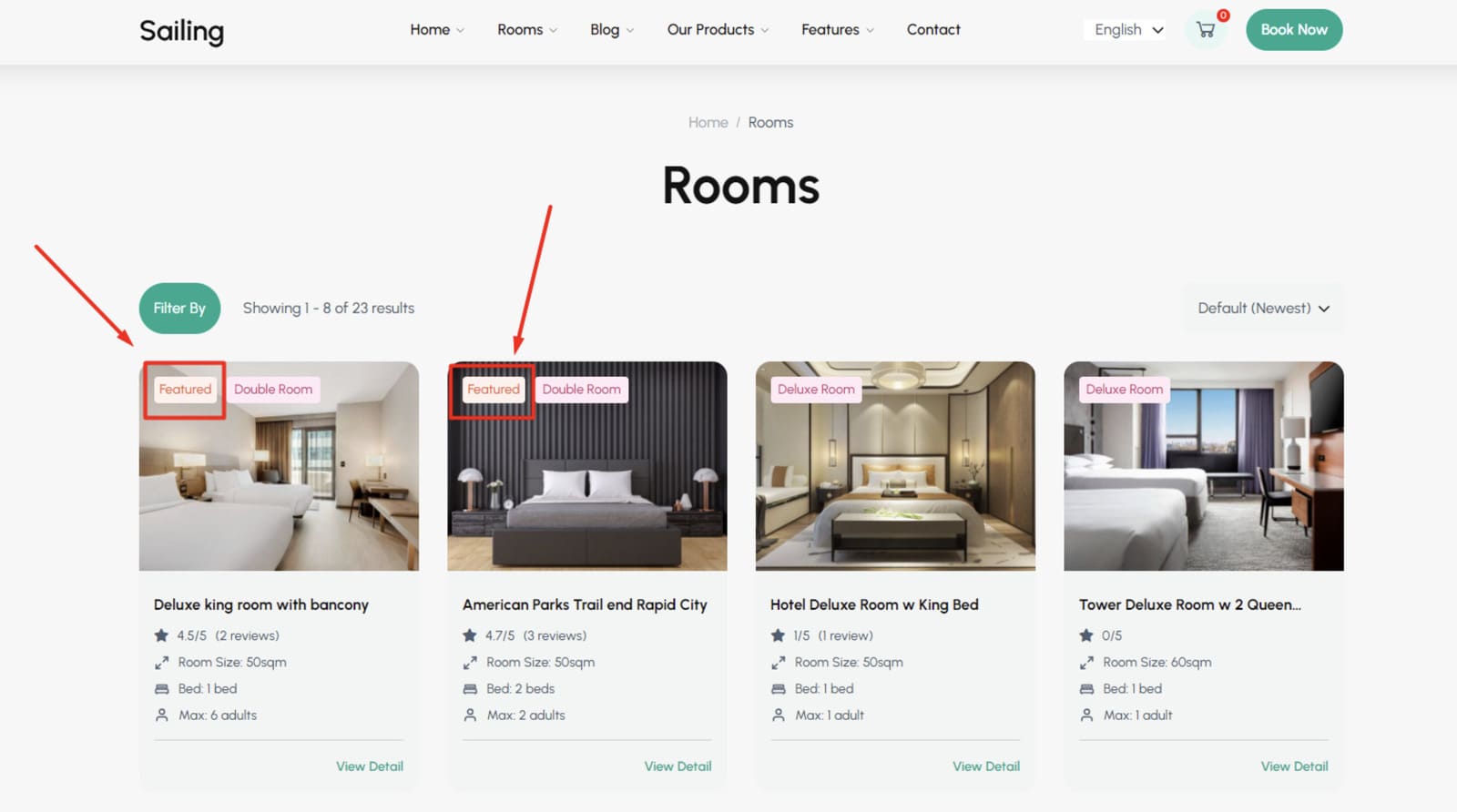
- WP Hotel Booking provides core accommodation management tools. Users can create room types, configure room settings, add external links in room descriptions, feature selected rooms, and enable reviews.
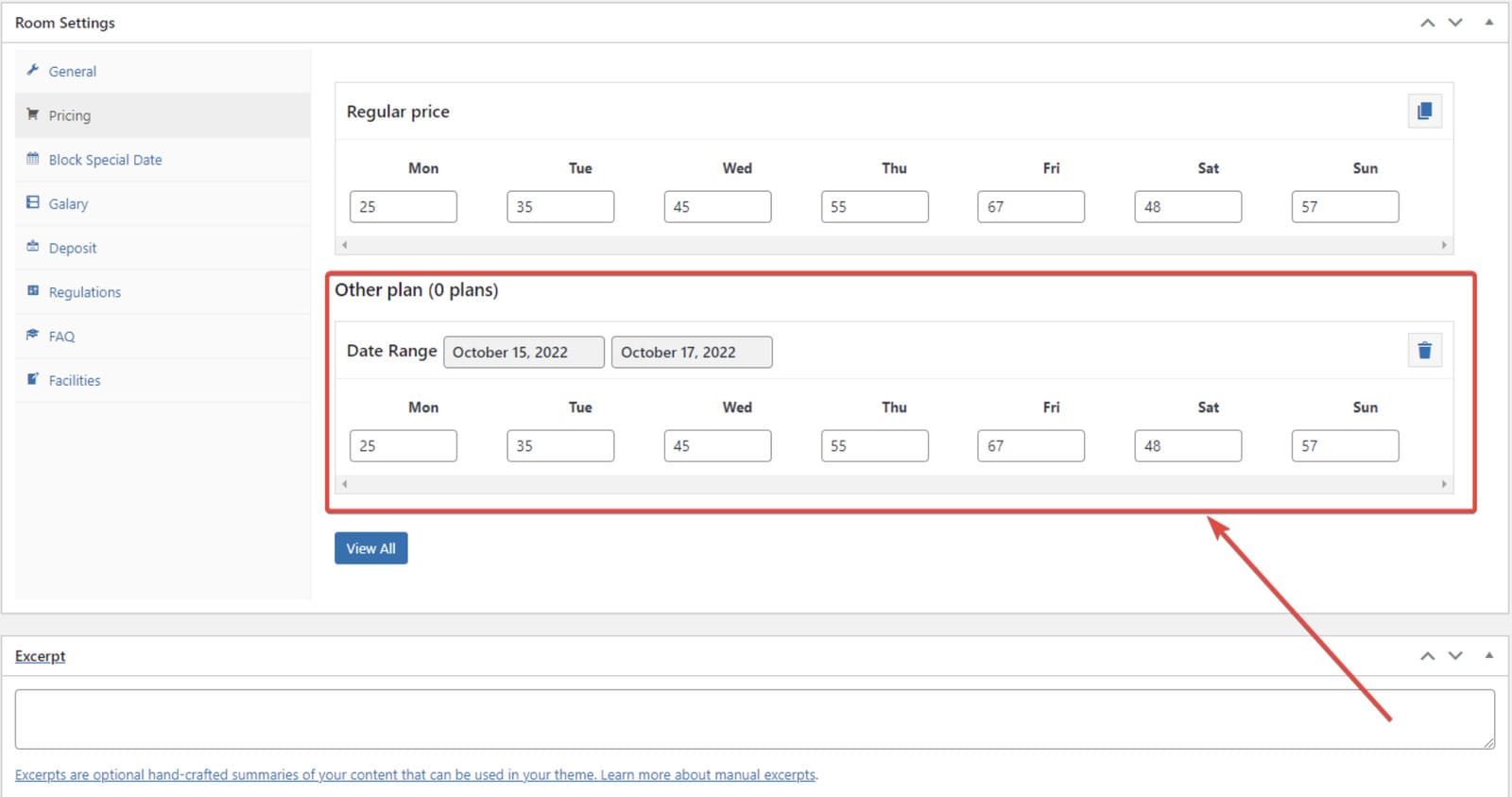
- Instead of seasons, the plugin allows users to create alternative pricing plans for specific periods, which can simulate seasonal pricing.
- MotoPress Hotel Booking offers a broader set of accommodation management tools, including accommodation types with detailed settings and flexible inventory control.
- This plugin supports calendar synchronization with external booking platforms via iCal to help property owners avoid overbooking across multiple channels.
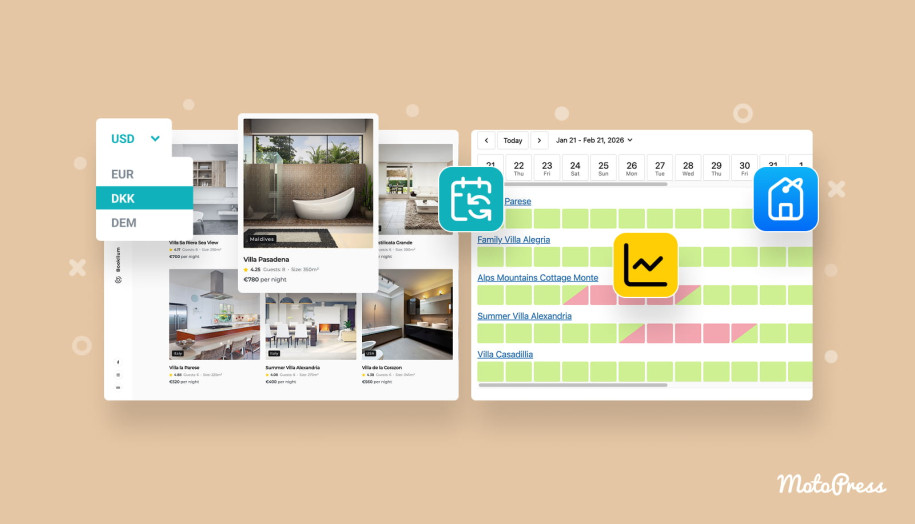
- MotoPress Hotel Booking also includes room amenities management and dynamic pricing rules. Thus, prices can vary depending on guest count, length of stay, or nightly rates.
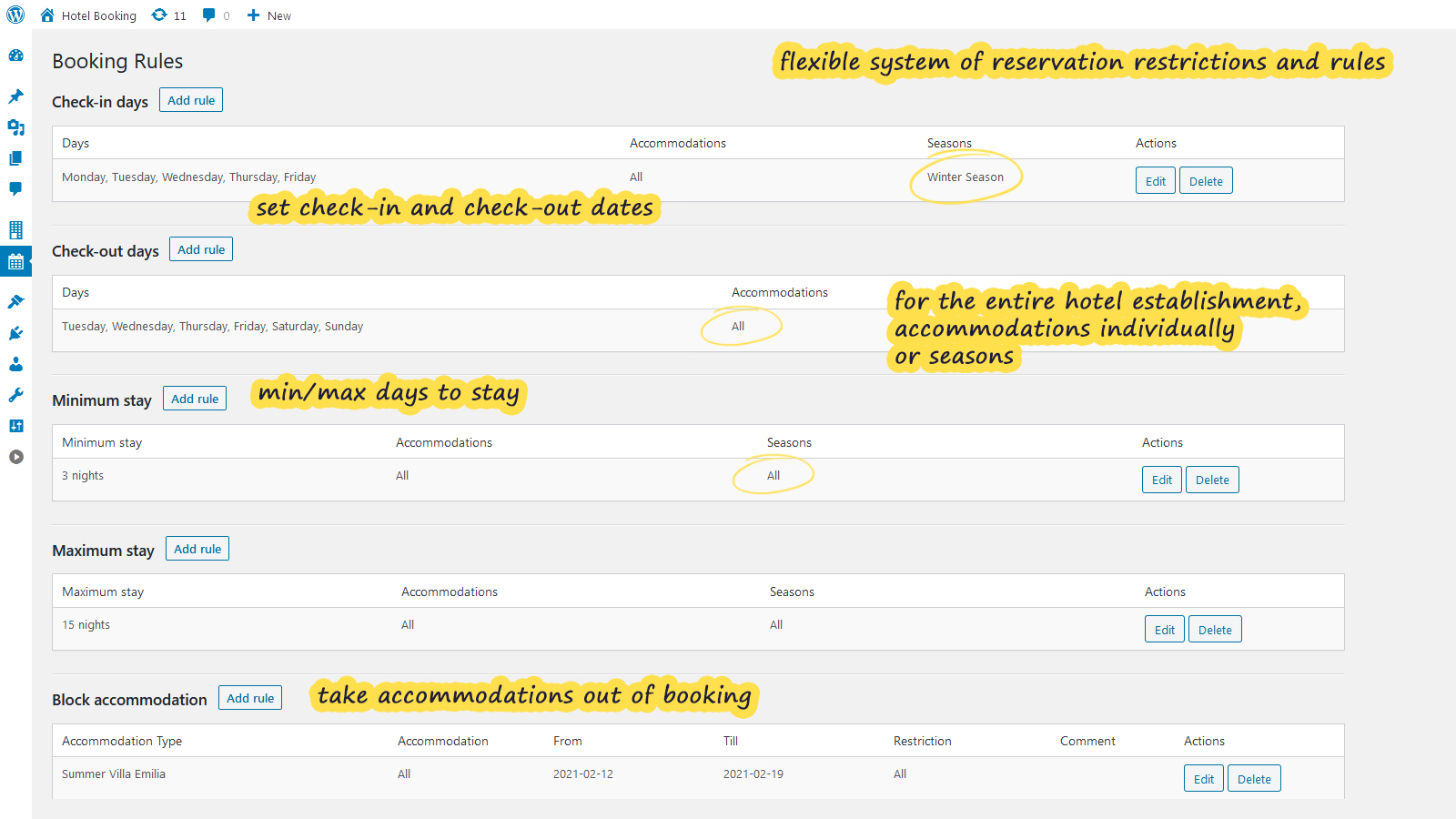
- More advanced booking rules and the ability to link accommodations provide greater flexibility for complex properties.
Payment Processing
Handling online payments is a critical part of any WordPress booking plugin. Both plugins offer built-in payment options but differ in how extensive their payment ecosystems are.
| Payment Options | WP Hotel Booking | MotoPress Hotel Booking |
|---|---|---|
| Full and partial payments | Yes | Yes |
| Payment gateways |
|
|
| Payment on arrival | Yes | Yes |
| Deposits | Yes | Yes |
| Taxes & Fees | Yes | Yes |
| Balance payment notifications | No | Yes (Via Payment Request addon) |
| Discount coupons | Yes | Yes |
| Currency converter | No | Yes (Via Multicurrency addon) |
| Invoices | No | Yes (Via PDF Invoices addon) |
| Customize payment methods at checkout based on the property | No | Yes (with Accommodation Payments add-on) |
| Transaction fee | No | Yes |
| Security deposit | No | No |
- Both plugins support standard booking payment workflows, including full payments, partial payments, deposits, payments on arrival, taxes and fees, and discount coupons. Each plugin includes built-in payment gateways, allowing users to accept online payments without additional configuration.
- WP Hotel Booking supports PayPal, WooCommerce, Authorize.Net, and Stripe, typically through free extensions.
- MotoPress Hotel Booking includes a wider range of built-in payment gateways, while WooCommerce integration is available through an addon.
- It also provides additional financial features such as invoice generation, balance payment notifications, currency conversion tools, and accommodation-based payment handling through dedicated premium addons.


Booking Form
The booking form is one of the most visible elements of a hotel booking WordPress plugin, as it directly affects how guests search for accommodations and complete reservations.
Let’s examine how both plugins approach the booking interface.
WP Hotel Booking
WP Hotel Booking provides basic search and booking form templates that can be used to display room availability and allow guests to make reservations.
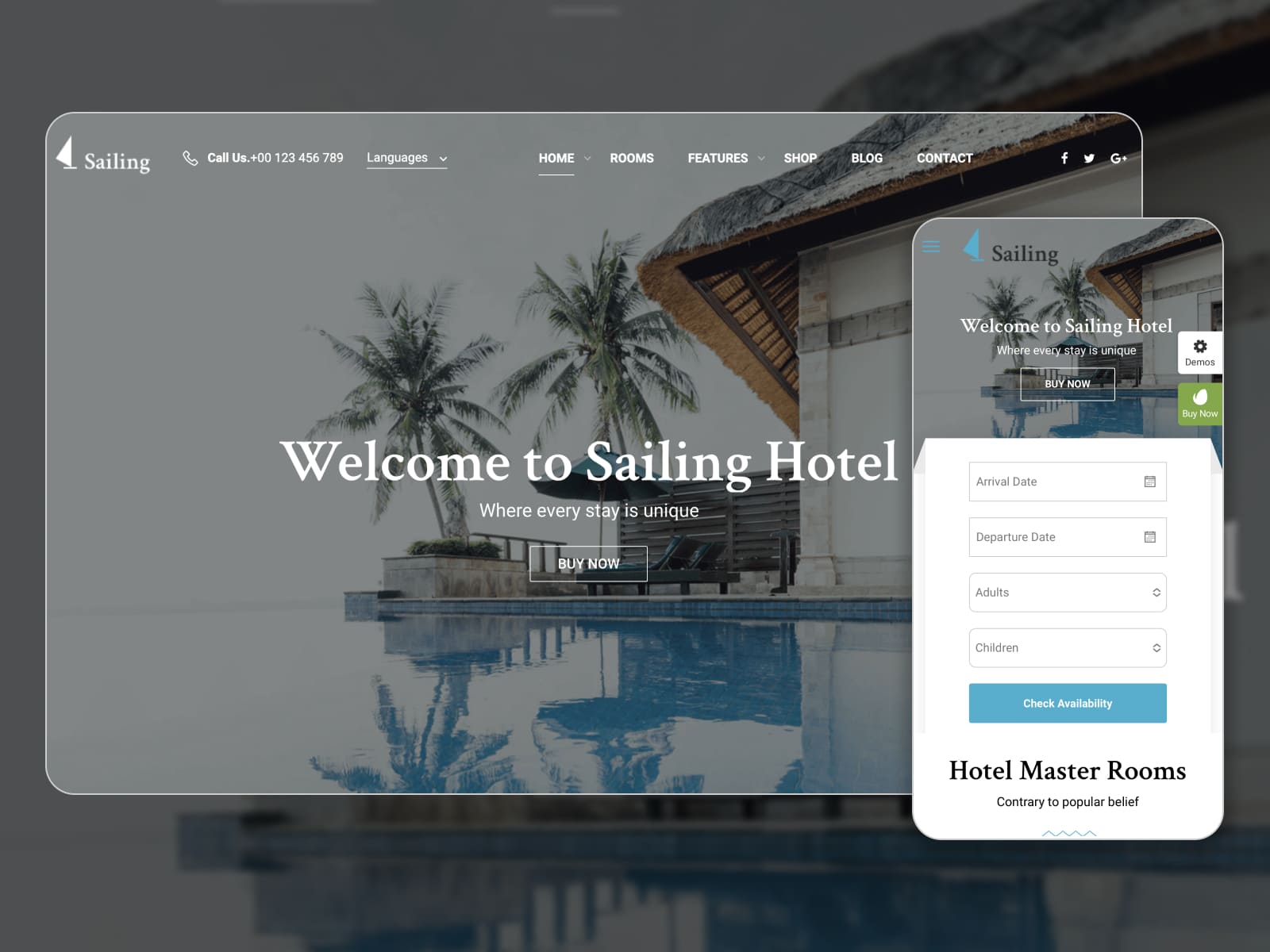
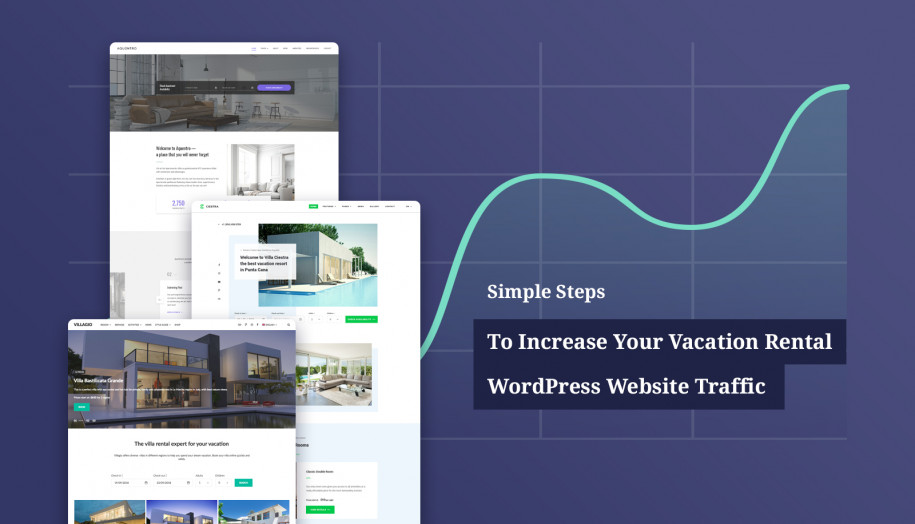
However, the plugin is primarily designed to work with premium ThimPress hotel themes, which include ready-made booking pages and layouts. Two notable examples are:
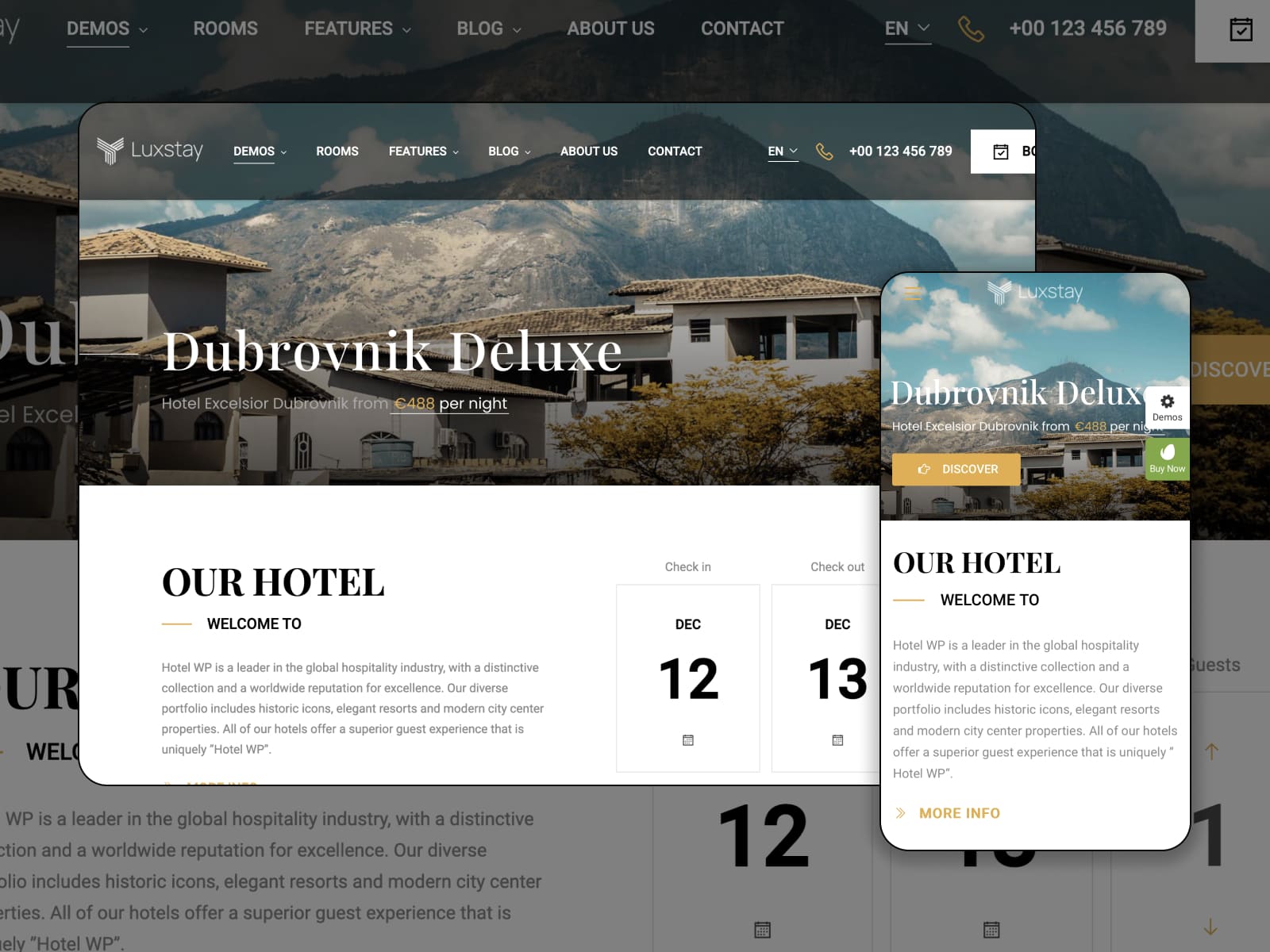
These themes already include styled booking forms and accommodation pages, reducing the need for manual layout design.
MotoPress Hotel Booking
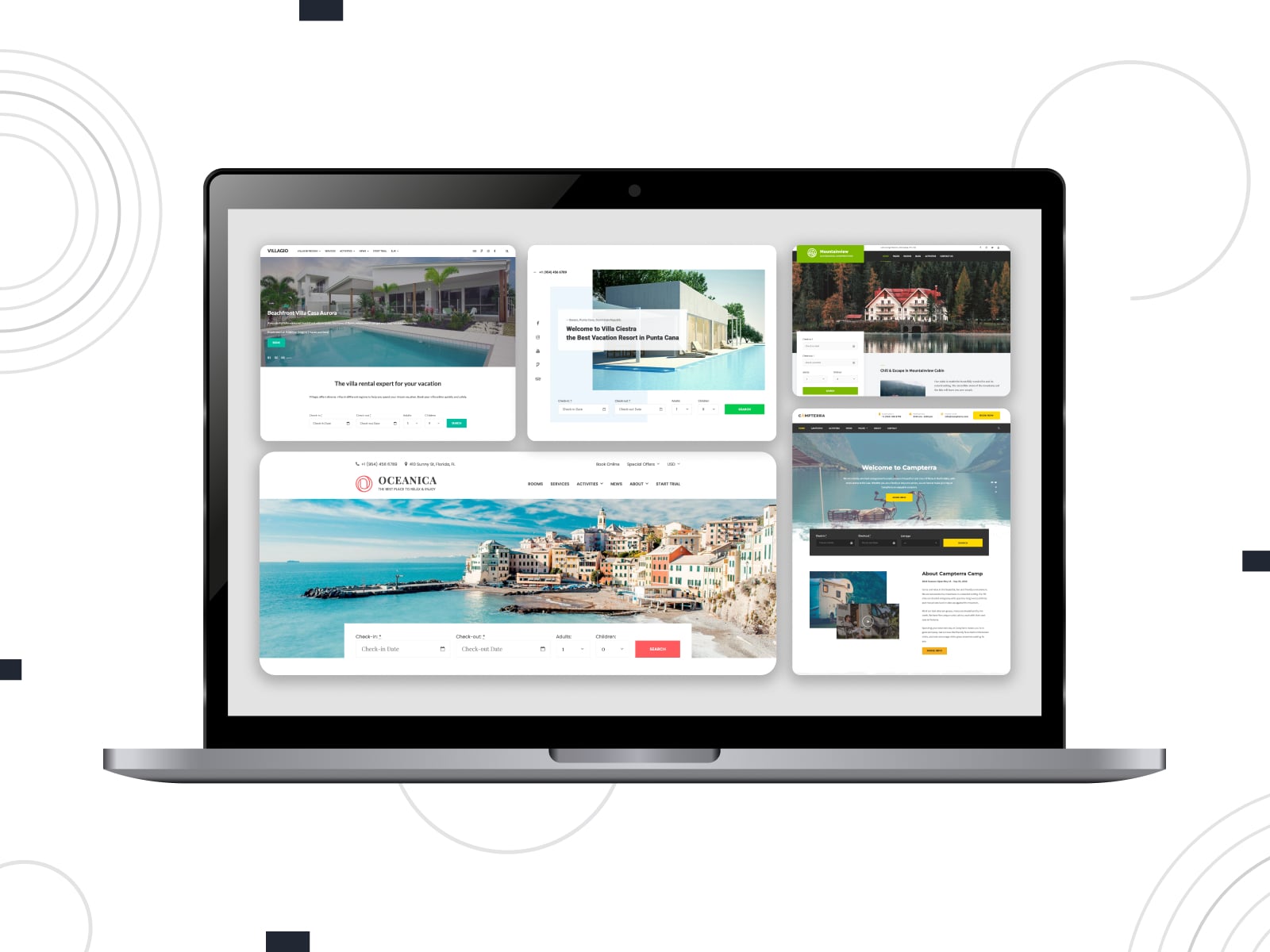
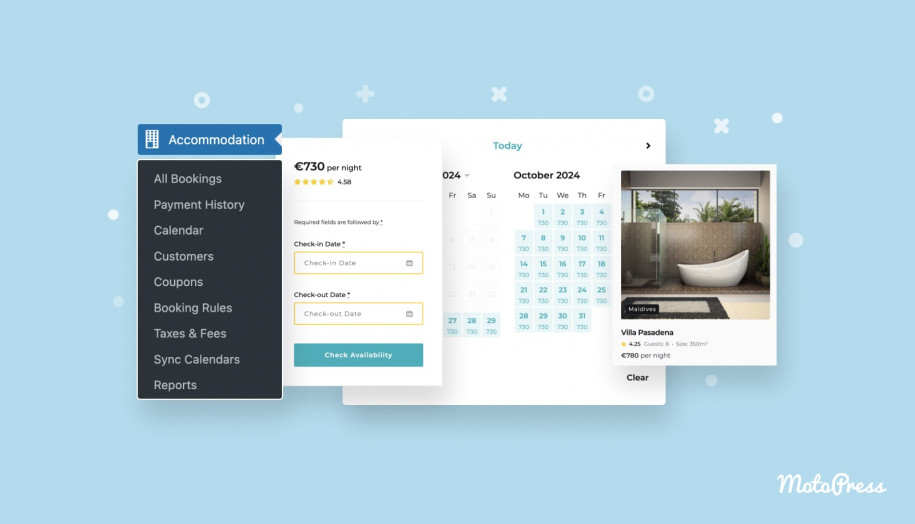
The booking form provided by MotoPress Hotel Booking is designed to integrate smoothly with most WordPress themes.
Key characteristics include:
- The form automatically inherits the design style of the active theme.
- It supports custom search filters to refine guest searches.
- Field labels can be easily customized.
- Layouts are available in horizontal or vertical formats.
- Forms can be added to pages, posts, or widget areas.
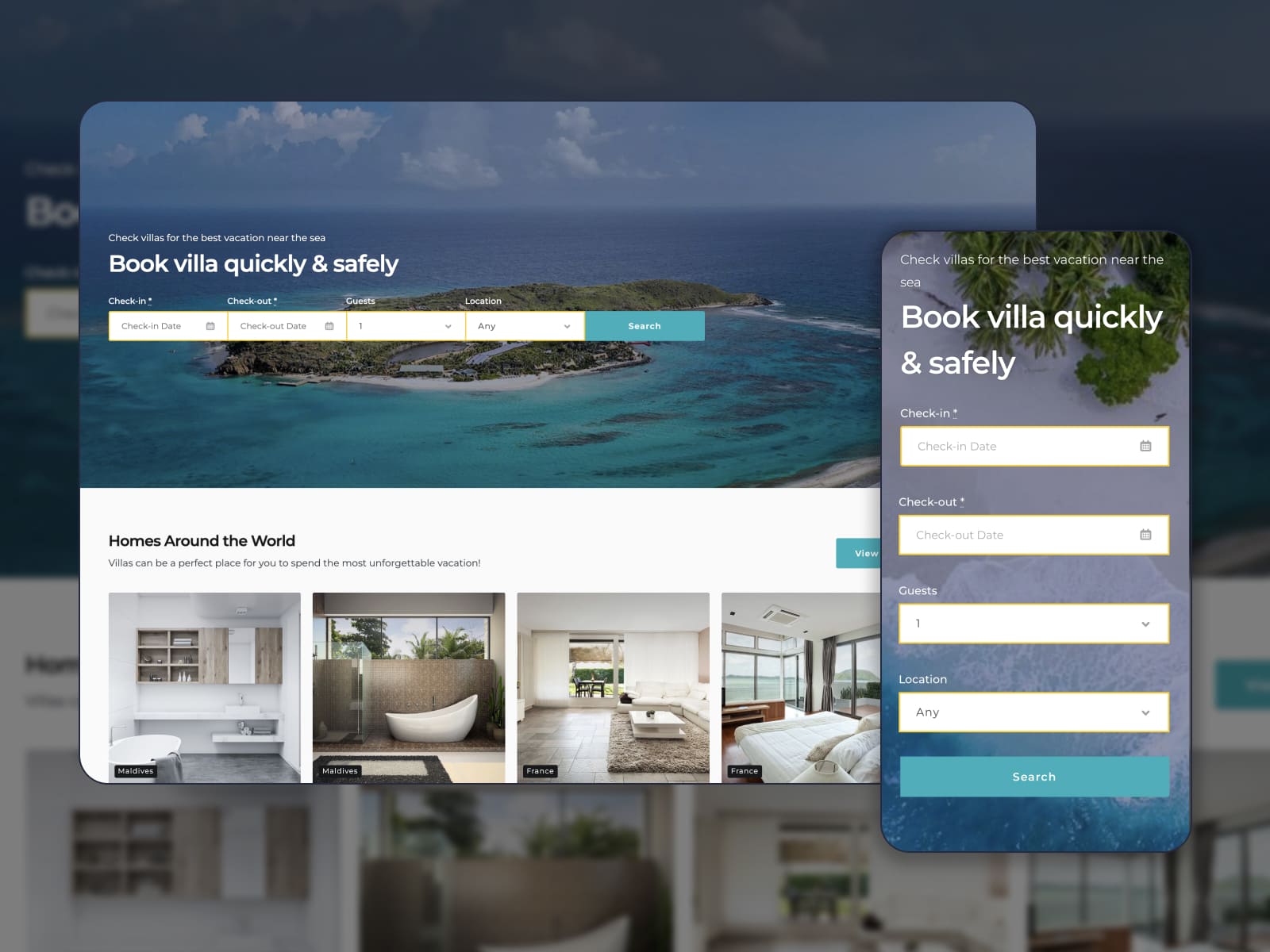
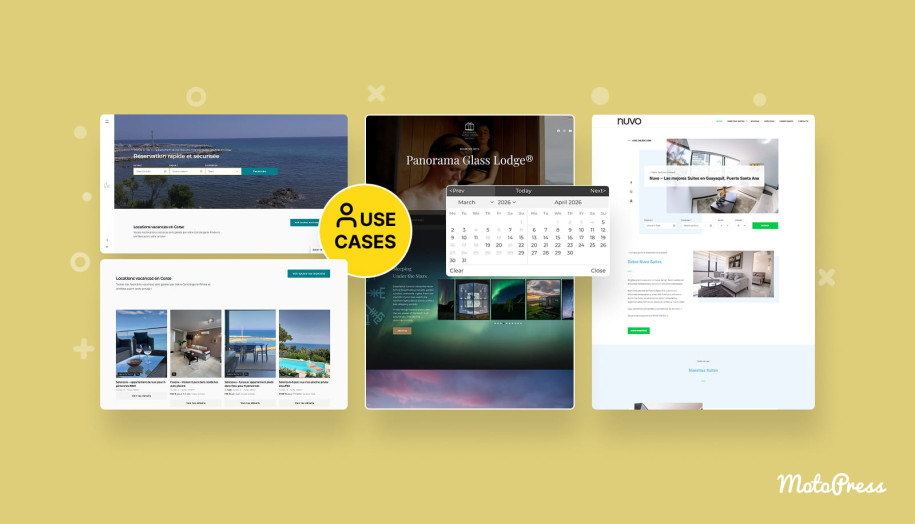
MotoPress also develops its own vacation rental themes that include the Hotel Booking plugin for free. These themes come with professionally designed booking forms and room pages to launch a property website quickly.
Notifications System
Automated communication is essential for a WordPress room booking plugin to keep admins and guests informed throughout the booking lifecycle. Let’s compare notification systems of the compared plugins:
| Feature | WP Hotel Booking | MotoPress Hotel Booking |
|---|---|---|
| Automated email notifications | Yes | Yes |
| Automated SMS notifications | No | No |
| Branded emails | No | Yes |
| Email templates | Yes | Yes |
| Event-driven emails | No | Yes (via Notifier addon) |
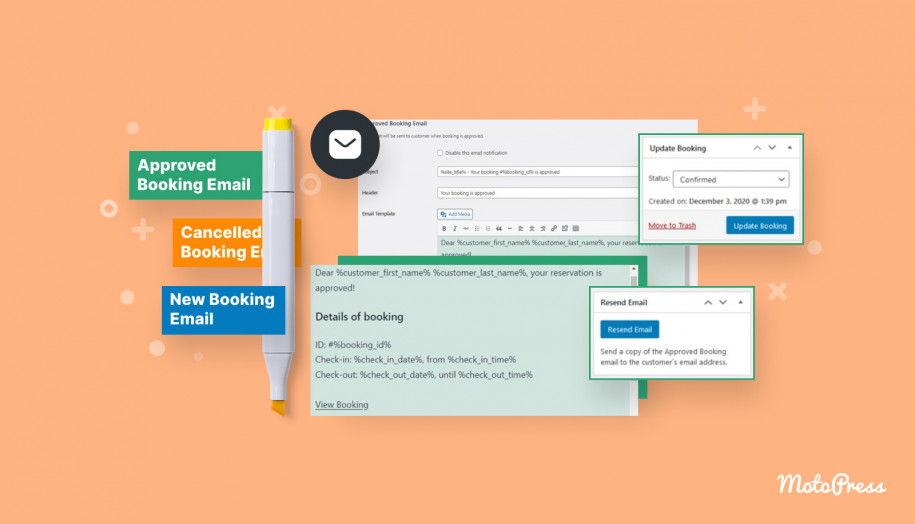
- Both plugins include email notification systems with customizable emails. Neither plugin offers built-in SMS notifications by default.
- WP Hotel Booking sends emails when bookings are completed or canceled. Administrators can customize recipients, subject lines, headings, descriptions, and email format.
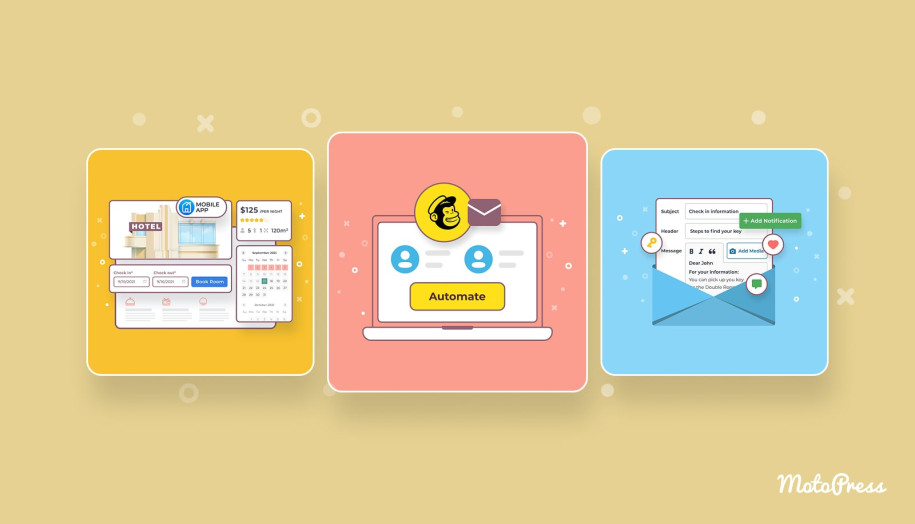
- MotoPress Hotel Booking supports branded emails and more advanced communication workflows. It can automatically send pre-arrival emails or post-stay emails via the dedicated extension.

Booking management
What management tools do you get with each WordPress hotel reservation plugin to handle reservations, monitor occupancy, and generate reports?
| Feature | WP Hotel Booking | MotoPress Hotel Booking |
|---|---|---|
| Add bookings manually | Yes | Yes |
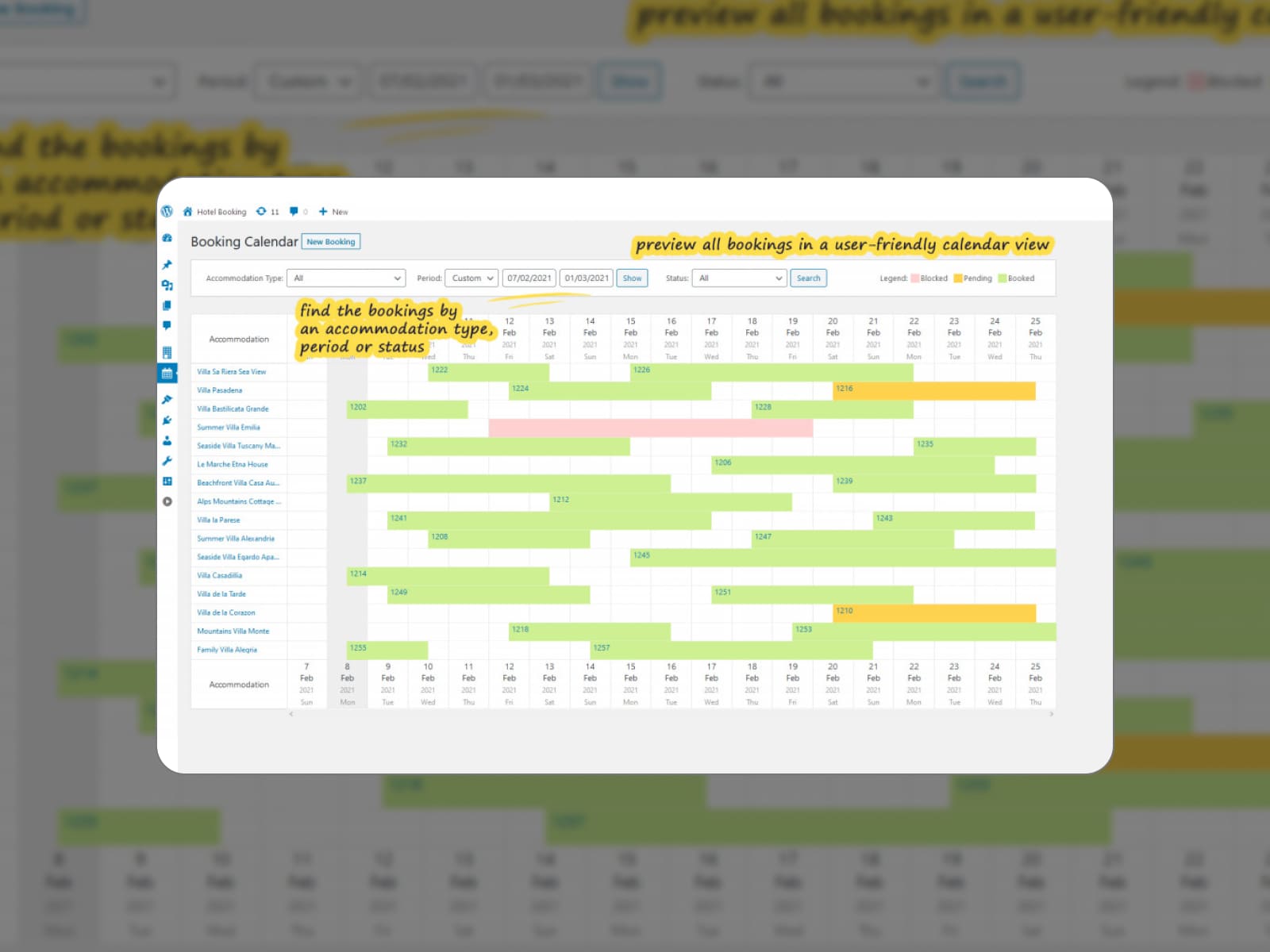
| Centralized booking calendar | Yes | Yes |
| Export/import bookings | No | CSV |
| Analytical reports | Yes | Yes |
| Custom user roles | Yes (Hotel Manager and Booking Editor) | Yes (Hotel Manager and Hotel Worker) |
| Mobile application | No | Yes |
- Both plugins allow administrators to edit reservations, manage bookings from the dashboard, and view reservations in a centralized booking calendar.
- Each plugin supports custom user roles, which can help manage staff access to booking operations.
- Reporting tools are available in both systems for tracking booking activity.
- MotoPress Hotel Booking offers additional reporting capabilities, including the ability to export data in CSV format.
- There is also a mobile application to let property managers check bookings from mobile devices.
Integration with third-party services
Modern hotel websites often rely on external tools for payments, channel management, marketing automation, and pricing optimization. How does each hotel booking WP plugin integrate with these services?
| Services and apps | WP Hotel Booking | MotoPress Hotel Booking |
|---|---|---|
| OTAs and calendars | No | Yes |
| WooCommerce | Yes | Yes (via WooCommerce add-on) |
| PriceLabs | No | Yes (via PriceLabs integration add-on) |
| MailChimp | No | Yes (via MailChimp addon) |
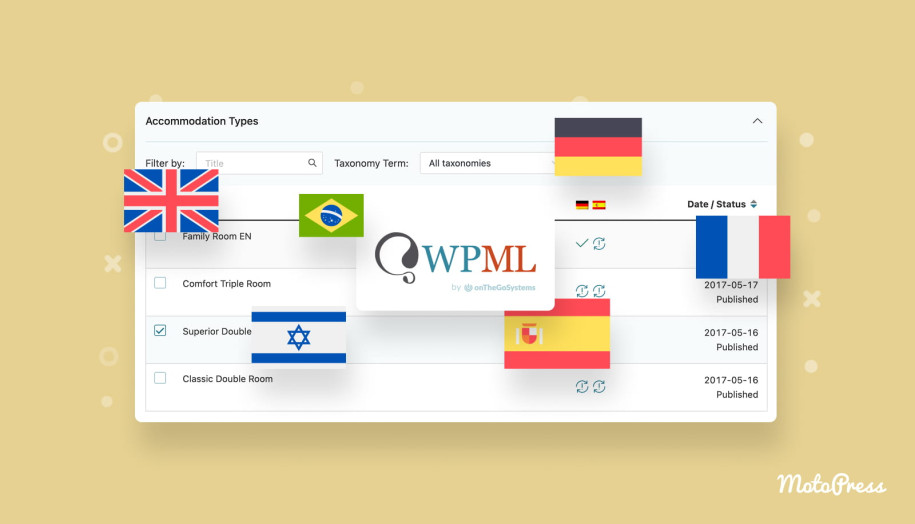
| WPML | Yes | Yes |
| Page builders | Elementor and Visual Composer | Block editor, Elementor, and Divi |
- WP Hotel Booking integrates with WooCommerce and WPML. So, users can expand payment options and build multilingual booking websites.
- MotoPress Hotel Booking supports synchronization with OTA platforms via iCal, including Booking.com, Airbnb, and TripAdvisor.
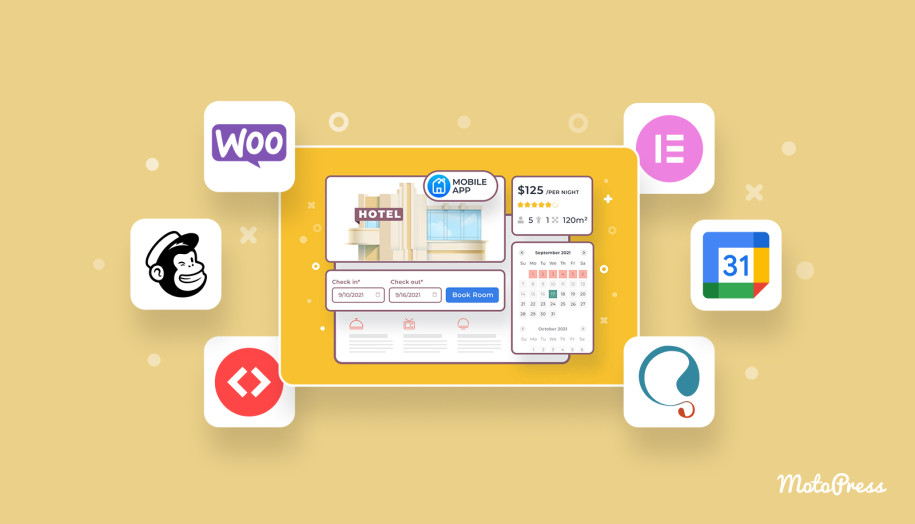
- You’ll find premium integrations with services such as PriceLabs for dynamic pricing and Mailchimp for email marketing.
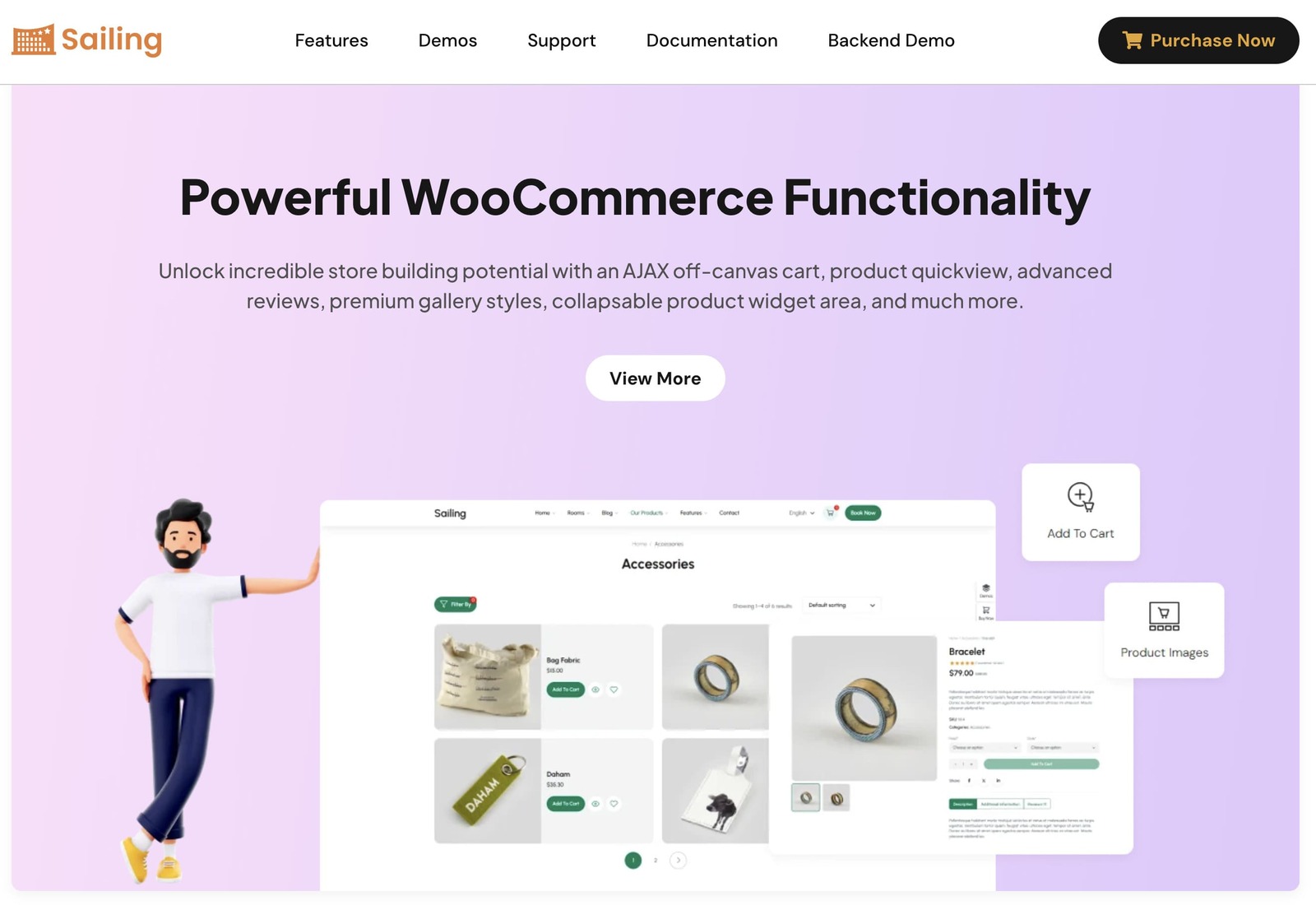
- Regarding page builders, WP Hotel Booking mainly integrates through ThimPress themes, which support Elementor or Visual Composer. MotoPress Hotel Booking has free integrations with WordPress Block Editor, Elementor, and Divi.
Translations
Multilingual support is essential for hospitality businesses that serve international travelers.
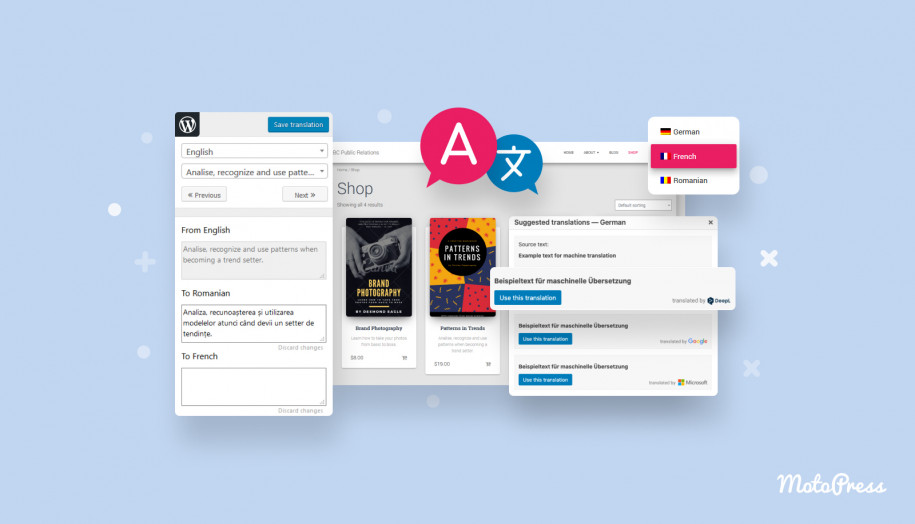
WP Hotel Booking supports multiple languages through Loco Translate and provides a dedicated WP Hotel Booking WPML Support plugin.
MotoPress Hotel Booking is translated into 18 languages and officially tested for compatibility with WPML. Users can also manage translations using plugins such as Loco Translate, Weglot, or other localization tools.

Conclusion: Comparing the Advantages of Each WordPress Hotel Booking Plugin
When choosing a WordPress booking plugin, the winner depends on the scale of your accommodation business and how many automation tools you need.
WP Hotel Booking is primarily designed to complement ThimPress hotel themes with a simple booking workflow. MotoPress Hotel Booking operates as a standalone booking system with a wider set of tools for managing accommodations, pricing rules, and integrations.
Let’s summarize the key advantages that distinguish each plugin.
Pros of WP Hotel Booking over MotoPress Hotel Booking:
- Completely free plugin without licensing fees;
- Simple setup for small hotel websites;
- Strong integration with ThimPress premium hotel themes;
- Built-in payment gateway integrations available via free extensions.
Pros of MotoPress Hotel Booking over WP Hotel Booking:
- More advanced booking automation and pricing rules;
- OTA synchronization via iCal to prevent overbooking;
- Flexible pricing plans including annual, lifetime, bundles, and memberships;
- More extensive payment options and financial tools;
- Built-in reporting tools and mobile monitoring app;
- Wider compatibility with page builders and WordPress themes.
So, which WordPress hotel booking plugin fits your project better? Share your thoughts in the comments!
Disclosure: this article may contain affiliate links for third-party products. If you click a link and later make a purchase, we may earn an affiliate commission that doesn’t result in additional charges to you.
FAQ
How to build a hotel booking website with WordPress?
Is there MotoPress Hotel Booking free?
Can WordPress hotel booking plugins sync with Airbnb or Booking.com?
Can I use a hotel booking plugin with Elementor?