
What is The Best Teacher Scheduling Software?
Table of Contents
Every teacher knows that the toughest part of running lessons isn’t always teaching but the logistics. Confirming times, rescheduling, keeping track of payments, remembering who’s supposed to show up where, and more. That’s where teacher scheduling software makes the difference. In this article, we’ve included the best tools to automate the tedious parts of your workflow and let students book lessons online!
The right booking system saves hours every week, reduces no-shows, and brings a much more professional experience to your teaching business. But before diving into all 15 tools, let’s start with a quick snapshot of the 3 lesson booking software that stand out right now:
| Name | Best For | Free Trial |
|---|---|---|
| MotoPress Appointment Booking | WordPress-based tutors, educators, and training centers needing full control over schedules, staff, and payments | Yes |
| Calendly | Solo educators and small teams who want an effortless, link-based scheduling flow | Yes |
| Teach ’n Go | Schools and academies that need scheduling, plus payments, attendance, CRM, and student progress tracking | Yes |
Why Use Education Scheduling Software on Your Website?
Handling bookings manually works until your inbox turns into a maze of forgotten messages and overlapping requests. Lesson scheduling software solves that instantly.
- Students can view your availability in real time and reserve a spot without waiting for a reply.
- But the real magic is what happens behind the scenes. Reminders go out automatically, calendars stay in sync, payments are tracked, and attendance becomes easy to follow.
- While you see your day, week, or month laid out clearly, your students get a simpler way to interact with you.
How to Choose the Best Class Scheduling Software?
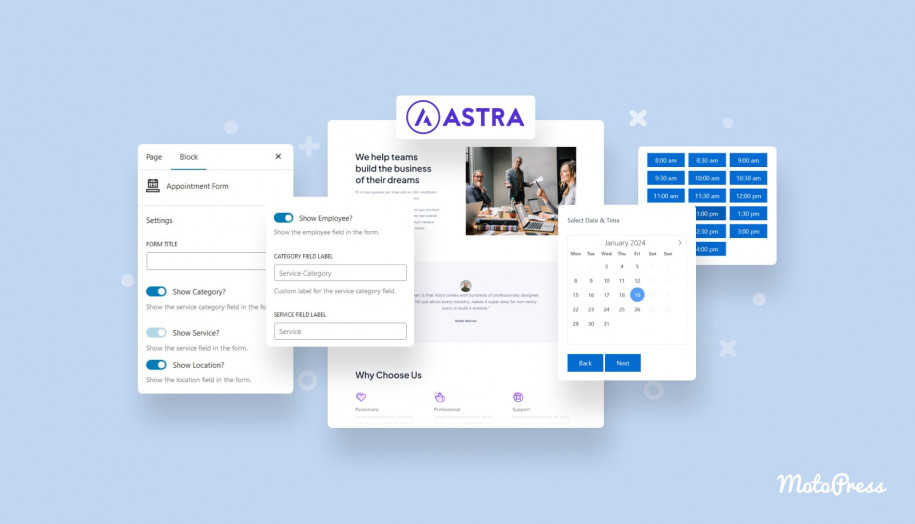
Finding the right tool depends on how your teaching world functions. Solo tutors often need something lightweight and quick. Education centres need multiple calendars, role-based permissions, and reporting. Online instructors expect Zoom or Meet integration. Some want a system they fully control on their WordPress site, while others prefer a standalone app that works anywhere.
When comparing teacher scheduling software tools, pay attention to:
- How easy it is for students to book.
- Whether it supports the lesson formats you offer.
- Automated reminders.
- Calendar synchronization (Google, Outlook, Apple).
- Available payment options.
- Teacher profiles and availability controls.
- Analytics or attendance tracking.
Let’s discover the best solutions for different education business scenarios!
15 Best Teacher Scheduling Software Solutions: Free & Premium
We’ve curated top-notch tools to help you get started with a teacher scheduling website. Let’s get down to business!
MotoPress Appointment Booking
| Name | Price | Free Trial |
|---|---|---|
| MotoPress Appointment Booking | Starts from $49 | Yes, 7 days |
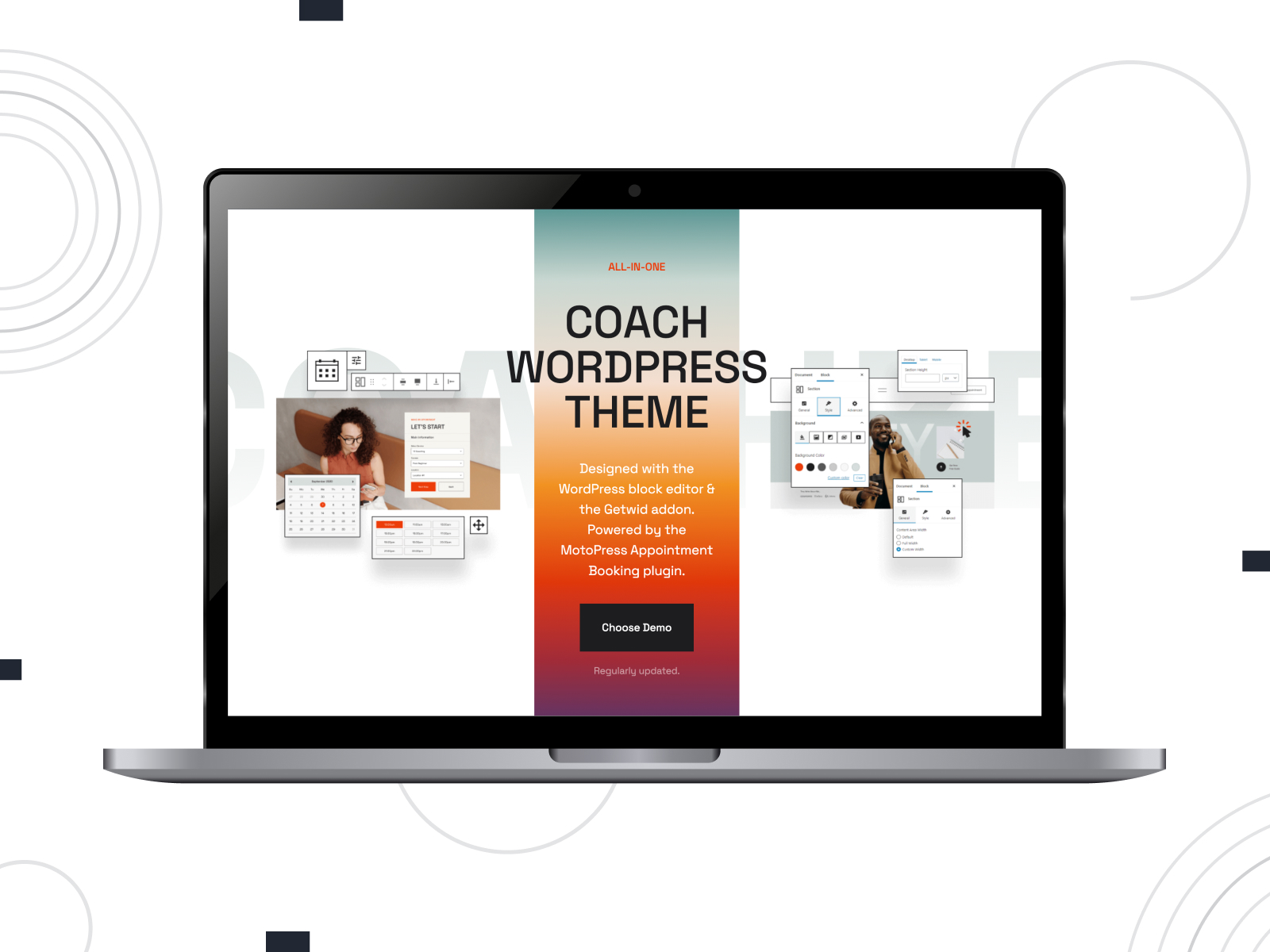
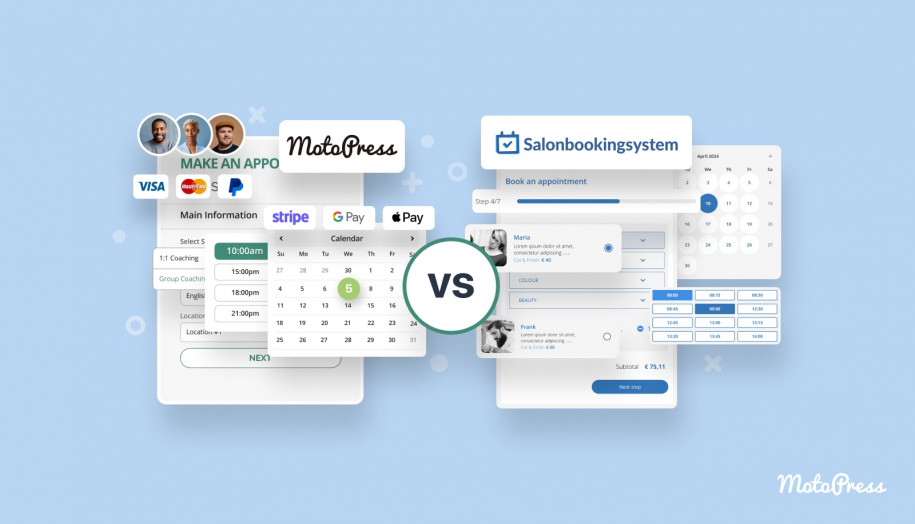
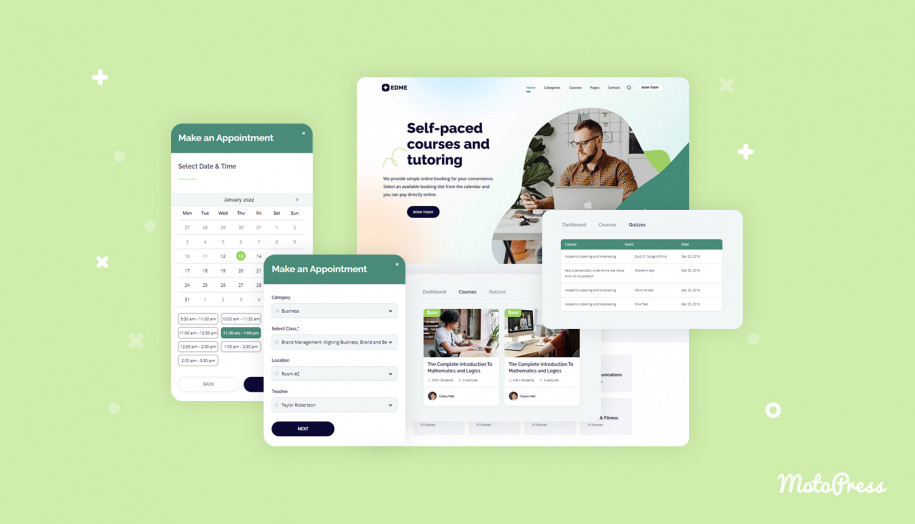
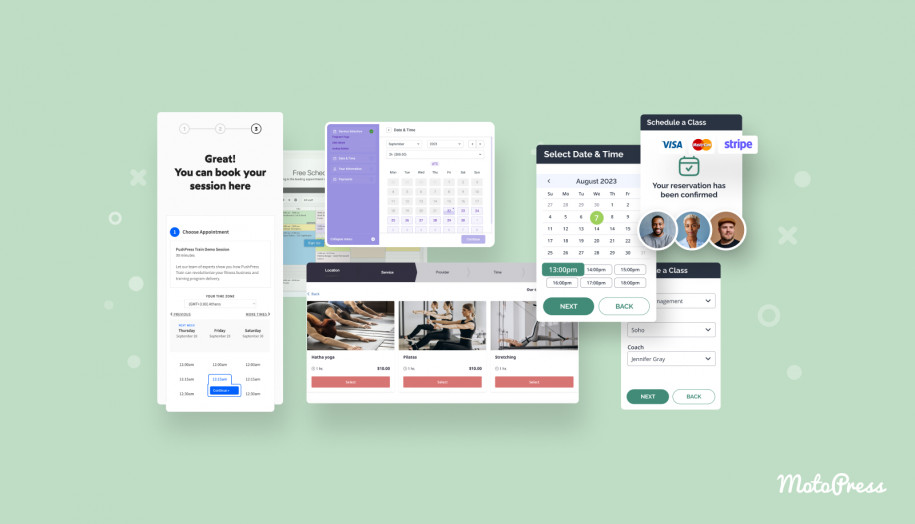
MotoPress Appointment Booking is a WordPress plugin that turns your teaching website into a booking hub. Students can browse your subjects, pick a tutor, and reserve a time slot in a step-by-step wizard. It’s suitable for private tutors, small schools, and multi-location training centres.
You can run group classes and let one person book for a group. Teachers get their own calendars and working hours, having the full picture through color-coded reports.
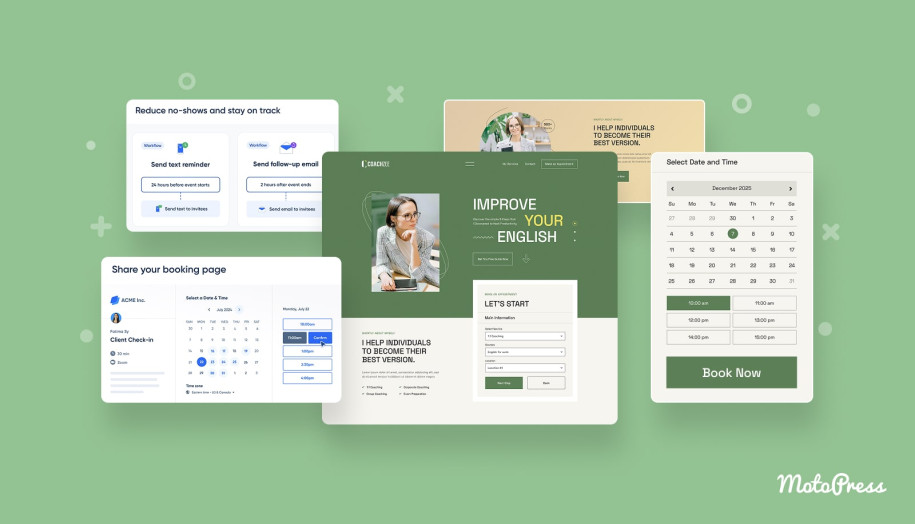
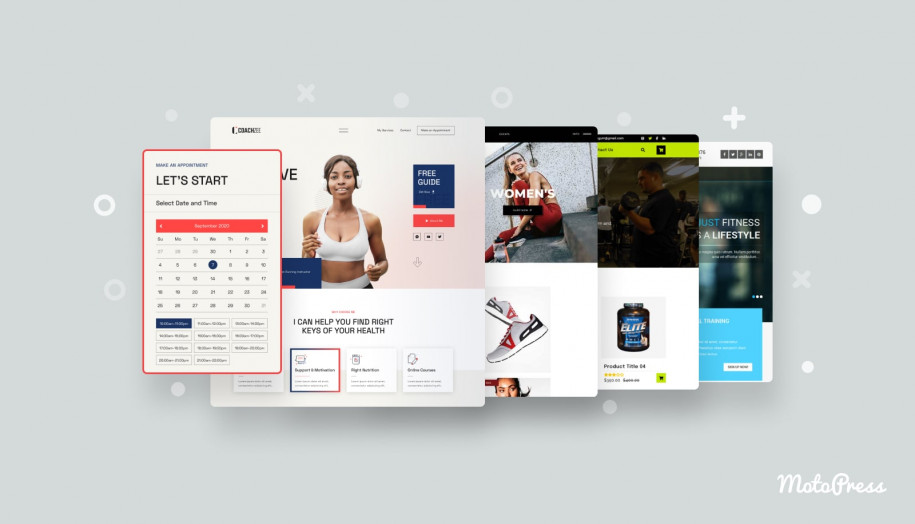
The Coachzee WordPress theme, which comes with the plugin bundled, offers multiple ready-made demos for tutors, language teachers, coaches, and training programs. Under the hood, you still get the full scheduling engine. It contains staff calendars, online payments, automated reminders, etc.
Key Features:
- Unlimited services, locations, and staff members with individual schedules;
- Employee’s Google Calendar syncing;
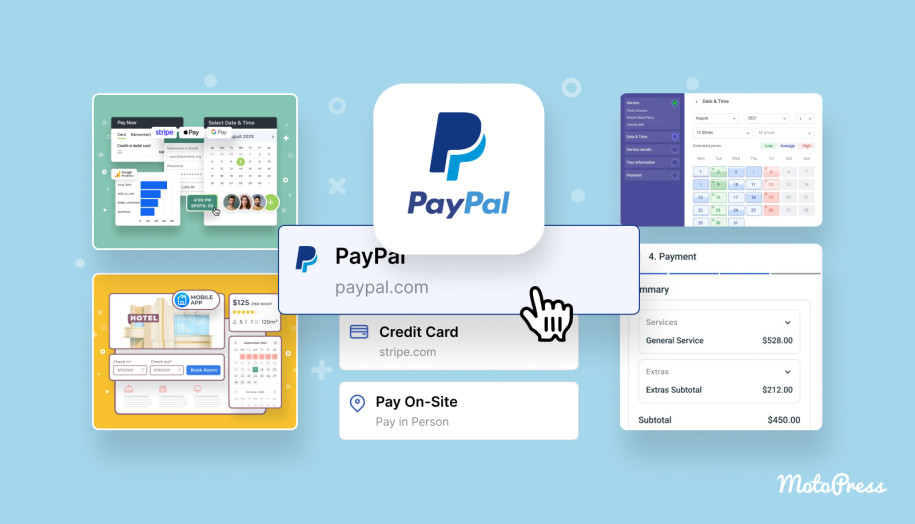
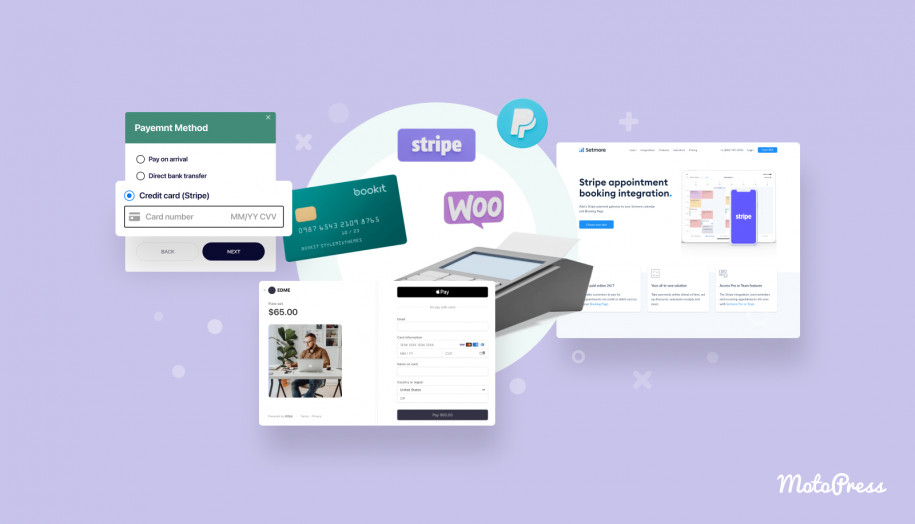
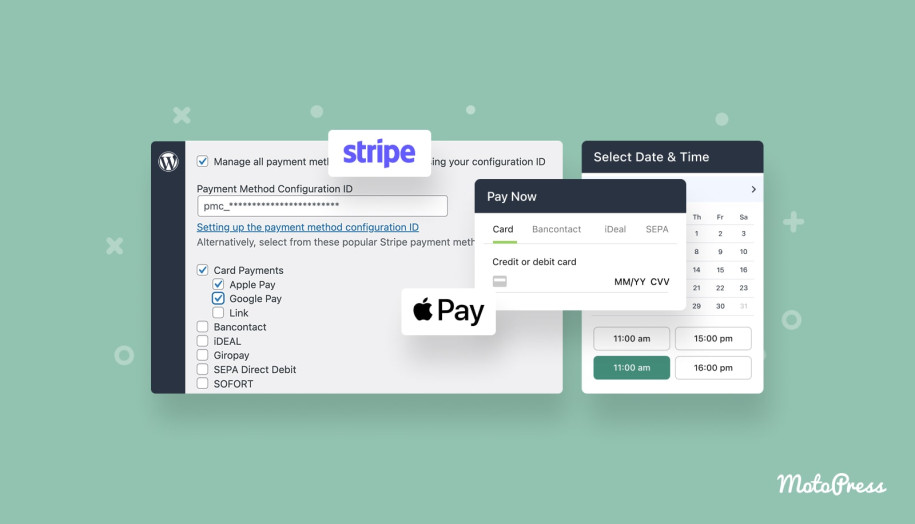
- Online payments via Stripe, PayPal, and direct bank transfer;
- Add booking to Apple, Outlook, and Yahoo Calendar for students;
- Group lessons & adjustable capacity;
- Automated email reminders + SMS (via Twilio extension);
- Analytics dashboard for bookings & revenue;
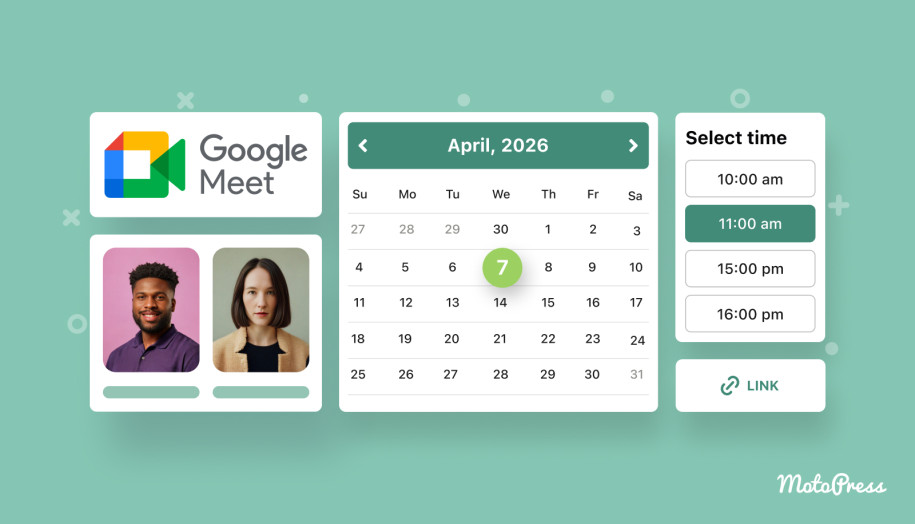
- Google Meet & Zoom link generation via premium addon;
- Integrations with Gutenberg, Elementor & Divi;
- CSV export of bookings for external reporting.
Calendly
| Name | Price | Free Trial |
|---|---|---|
| Calendly | Starts from $10/seat/month | Yes, 14 days |
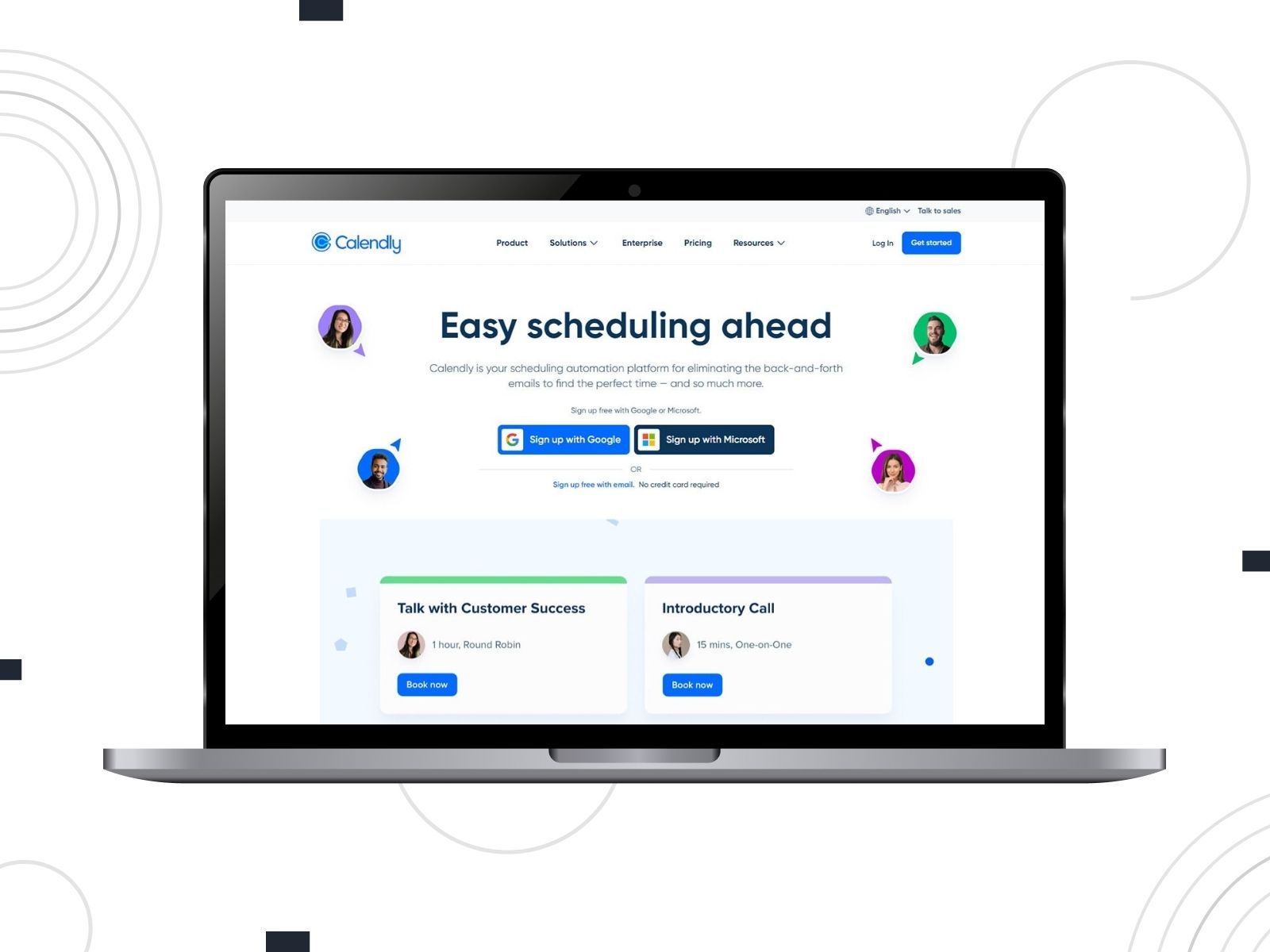
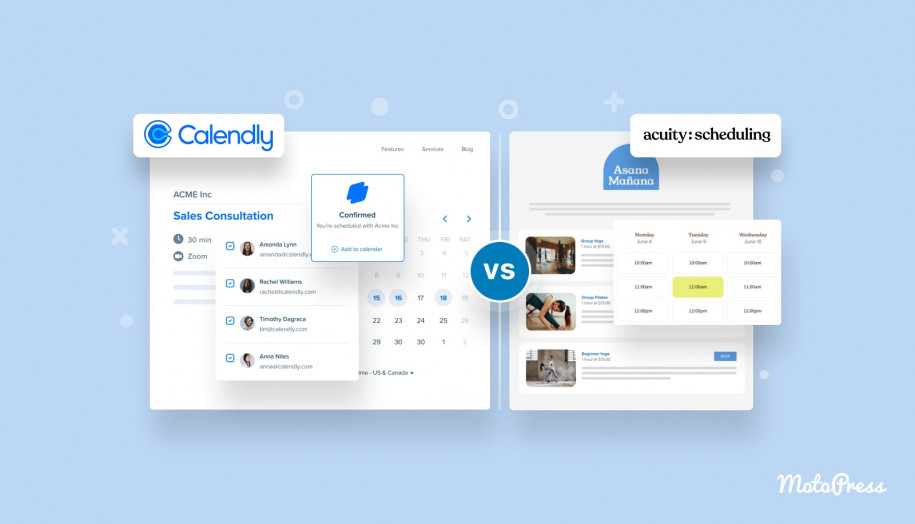
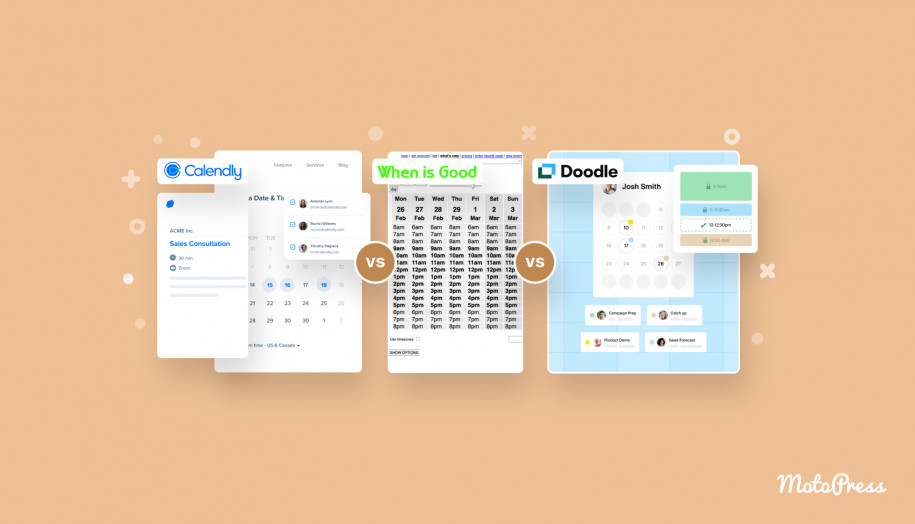
Calendly is the classic “send a link and get booked” tool that many teachers already know. You set your teaching hours and event types, share a personal link, and let students schedule. Calendly fits almost any teaching workflow because it connects to your calendars, sends confirmations, triggers reminders, and integrates with Zoom, Meet, CRMs, and email tools.
It’s also great for teachers working across different platforms thanks to its browser extension, mobile app, and embeddable widgets.
Key Features:
- 100+ integrations with third-party tools;
- Event types for classes, lessons, and sessions;
- Reminders & follow-up workflows;
- Website embedding options;
- Payment collection with Stripe/PayPal;
- Routing forms, polls, and advanced scheduling tools;
- Mobile app and browser extension.
Appointy
| Name | Price | Free Trial |
|---|---|---|
| Appointy | Starts from $19.99/year | Yes, 14 days |
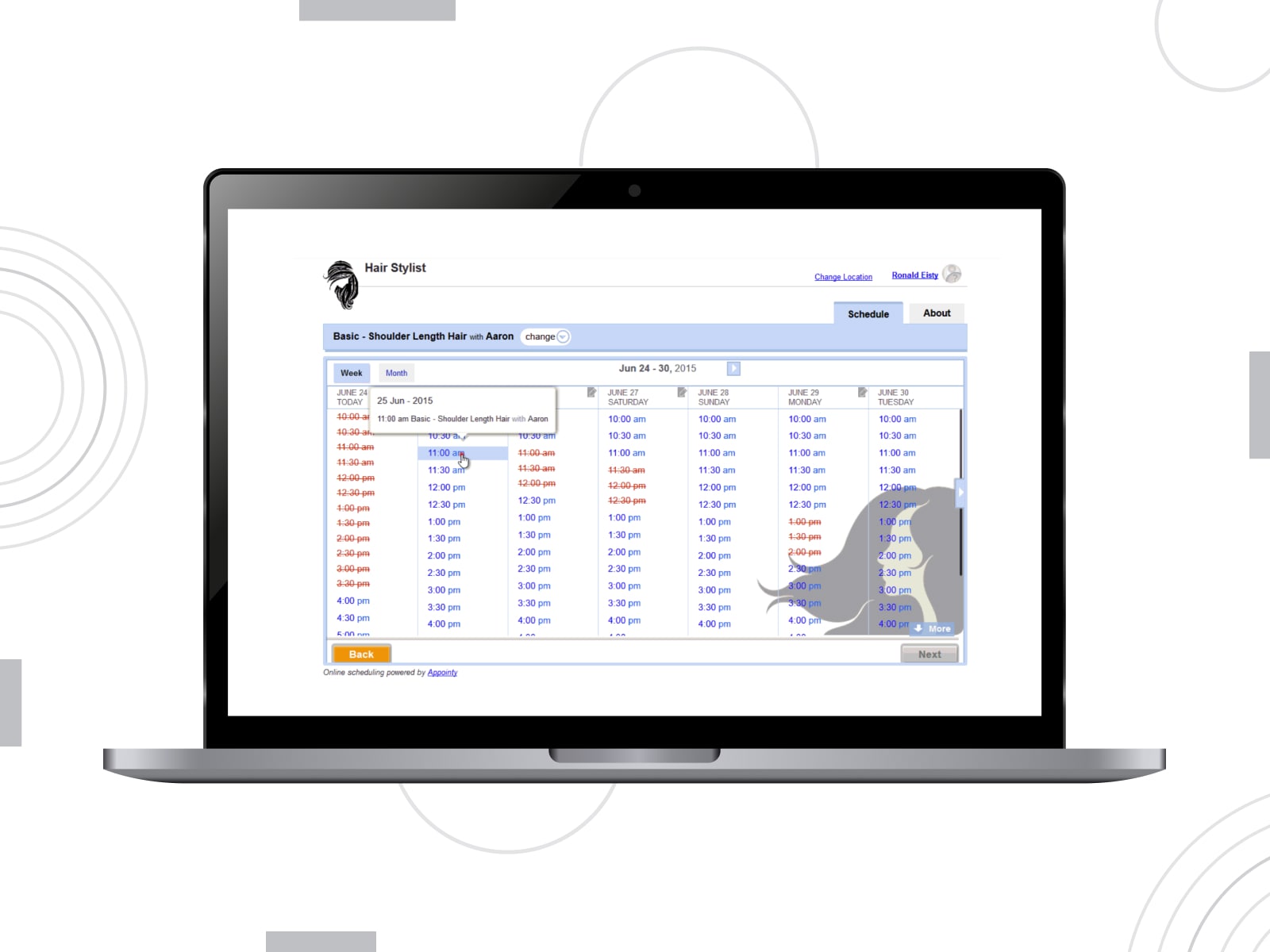
Appointy is built with class-based businesses such as schools, tutors, music teachers, sports instructors, and workshops in mind. It handles private lessons and large group classes, with real-time availability, attendance tools, and automated reminders.
Built-in marketing tools help you promote classes through social media, Google listings, and special offers. With this classroom scheduling software, you get an all-in-one system. It involves staff & attendee management, group scheduling settings, and reporting. It also supports Reserve with Google and Instagram/Facebook buttons for instant sign-ups.
Key Features:
- Class & private lesson scheduling;
- Advanced capacity controls, booking windows, and per-week limits;
- Staff permissions and smart roster management;
- Student profiles with notes and history;
- Zoom integration for virtual lessons;
- Attendance tracking and analytics;
- Mobile app for teachers & staff.
Zoho Bookings
| Name | Price | Free Trial |
|---|---|---|
| Zoho Bookings | Starts from €6/user/month | Yes, 15 days |
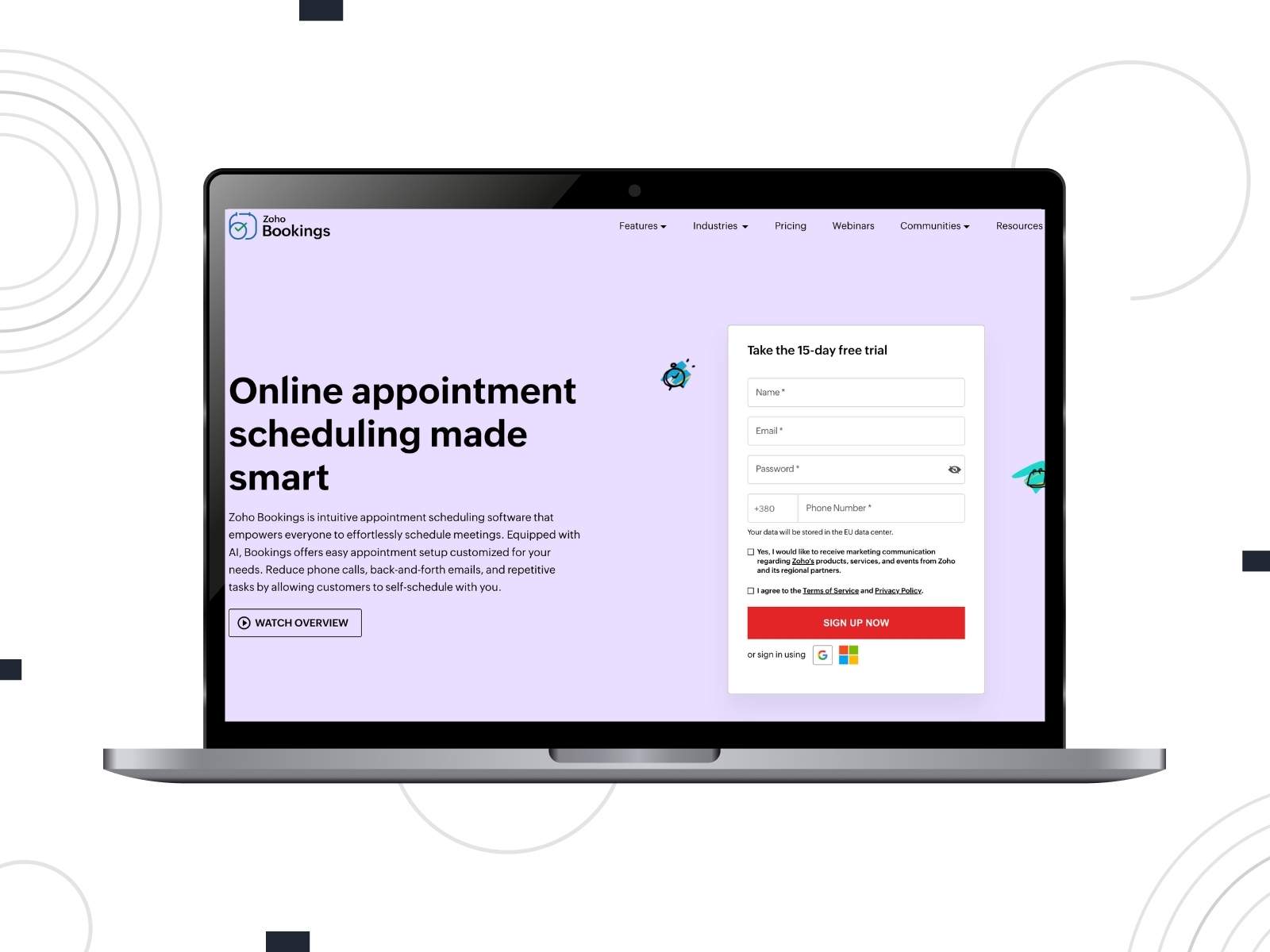
Zoho Bookings brings an AI-enhanced approach to school calendar software. You define your availability, share booking pages, and let students self-schedule. It’s part of the larger Zoho ecosystem. You can sync team calendars, coordinate multiple teachers, connect bookings to your CRM, and collect payments.
AI-driven setup suggests labels and structures based on your context to build a schedule for different courses, programs, or teams.
Key Features:
- AI-assisted configuration of staff, resources, and meeting types;
- Branded booking pages showing live availability;
- Integration with popular calendars;
- Notifications, reminders, and follow-ups;
- Payment collection options for paid sessions and programs;
- Native connections with other Zoho apps.
MotoPress Booking Calendar
| Name | Price | Free Trial |
|---|---|---|
| MotoPress Booking Calendar | Free | Yes, 7 days |
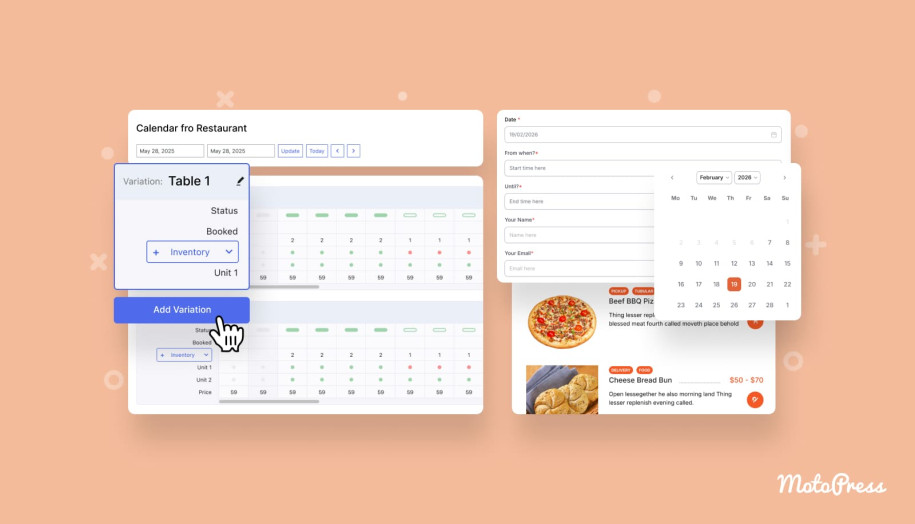
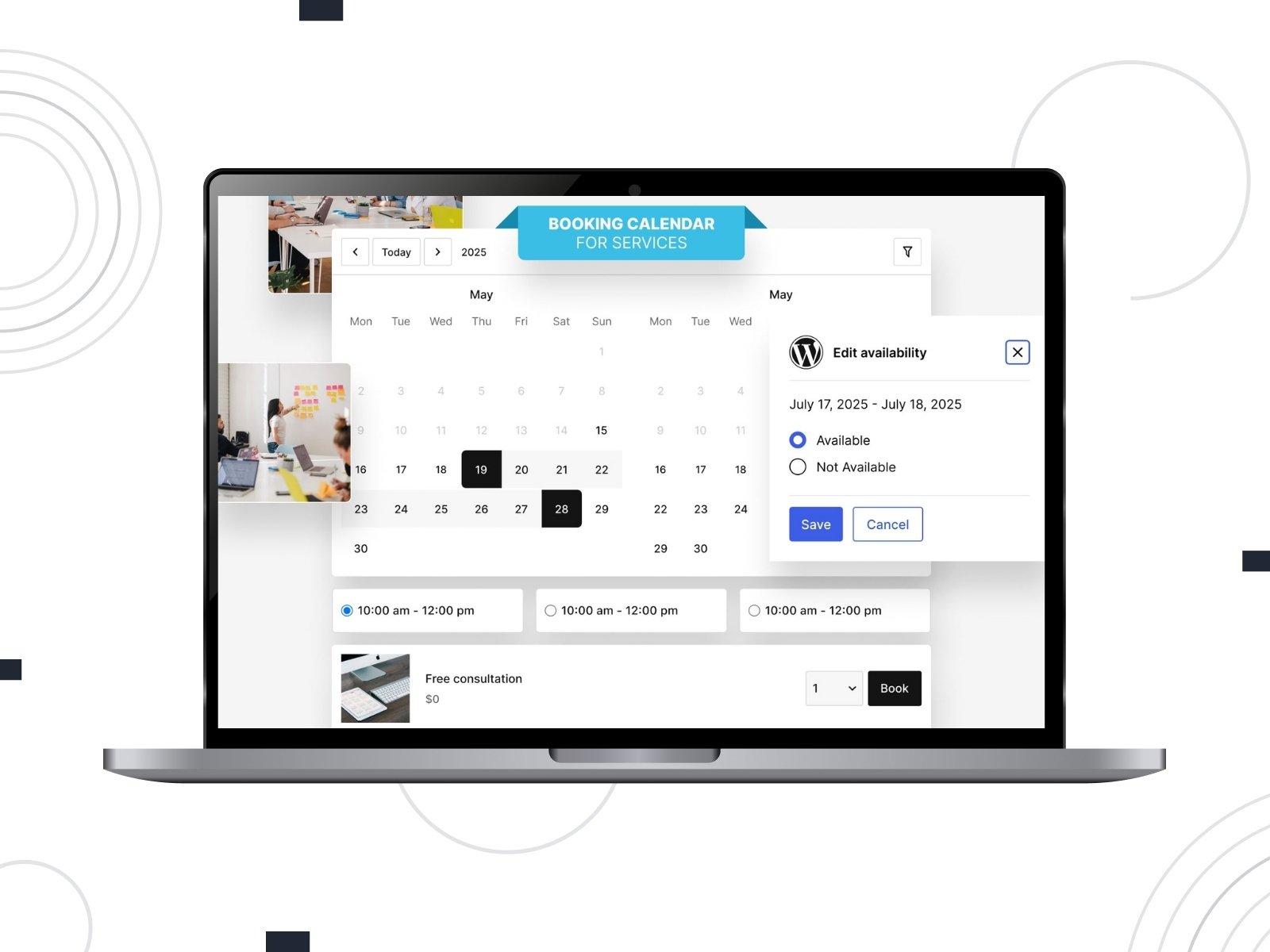
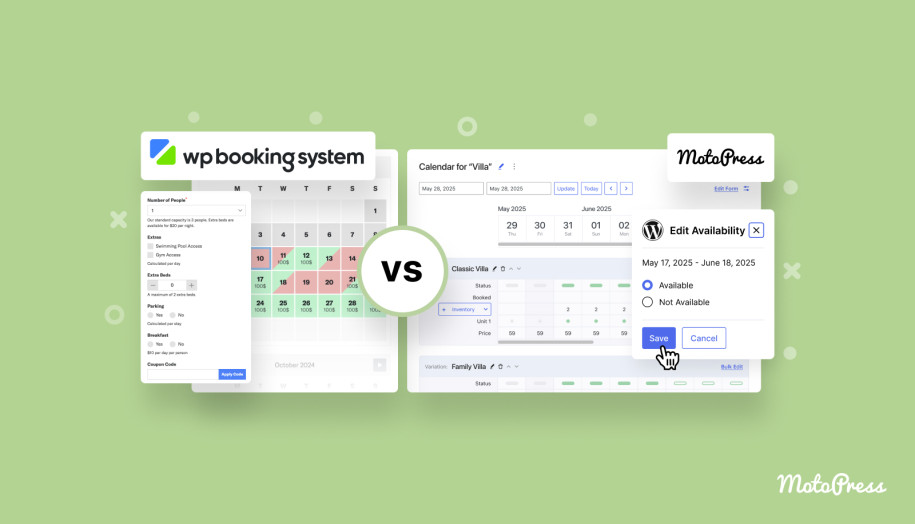
MotoPress Booking Calendar is a smart option if you rely on rentable resources: classrooms, studios, labs, equipment, or even short training stays. Instead of just booking time with a teacher, students can reserve physical spaces or items by the hour, day, or night. You manage everything in one visual calendar designed to handle availability settings and inventory.
You can create separate calendars for different facilities and adjust availability with. Custom booking forms give you control over what data you collect.
Key Features:
- Unlimited calendars, rental types, and inventory units;
- Hourly, daily, and nightly rentals;
- Inventory and variations per item
- Dynamic pricing tools (PRO);
- Drag-and-drop booking form builder;
- Automated email notifications;
- Stripe payments (PRO).
Teach’n Go
| Name | Price | Free Trial |
|---|---|---|
| Teach’n Go | Starts from €690/year | Yes, 14 days |
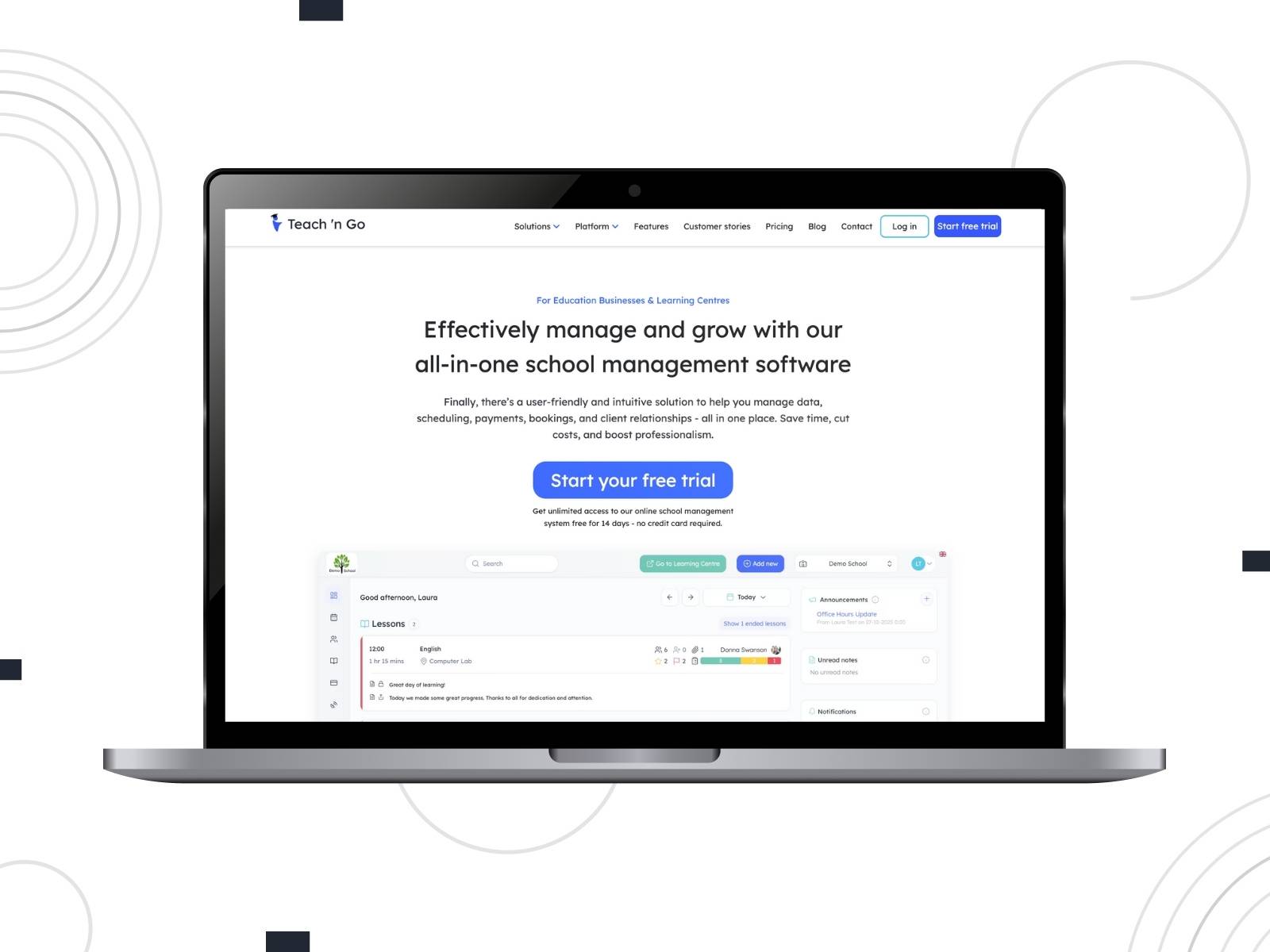
Teach’n Go is more of an all-in-one school management platform than a simple student scheduling software. It’s a powerful solution for growing academies, language schools, and training centers. It organizes student data, manages payments, generates progress reports, tracks attendance, sends reminders, and centralizes communication.
From a scheduling standpoint, Teach’n Go gives you a clear view of your timetable across programs, teachers, and locations. Students and parents get portals to check calendars, pay fees, and follow progress. Built-in CRM and reporting tools reveal how your classes are performing and where revenue comes from.
Key Features:
- Centralized student and teacher records with detailed profiles;
- Powerful class scheduling with real-time calendars;
- Integrated payments with automated billing, discounts, and overdue alerts;
- Group messaging, bulk email/SMS, and in-app announcements;
- Online booking pages tied to a CRM;
- Attendance, grading, and lesson tracking with reports;
- Mobile apps for staff, students, and parents to stay connected.
Acuity Scheduling
| Name | Price | Free Trial |
|---|---|---|
| Acuity Scheduling | Starts from $16/month | Yes |
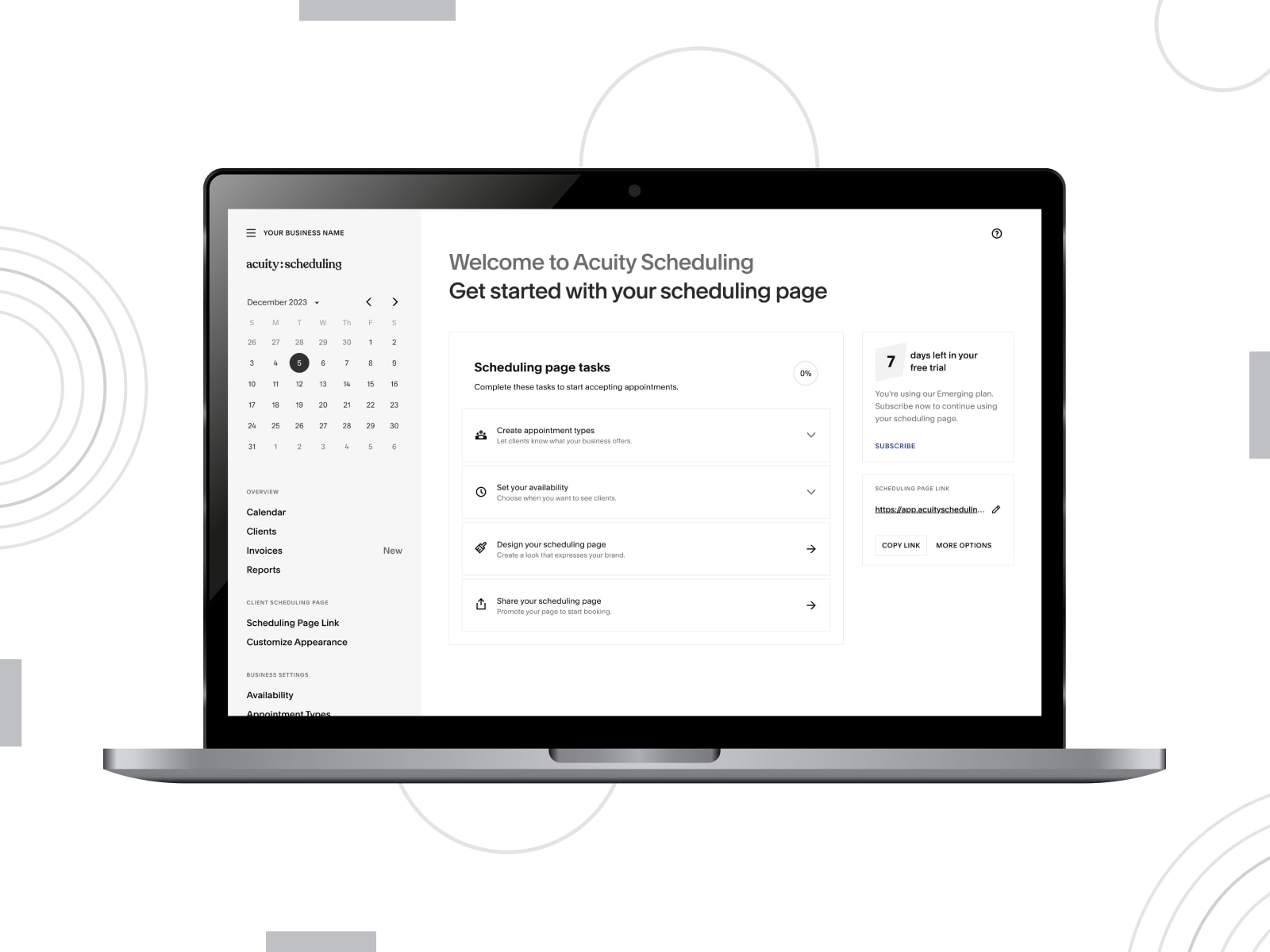
Acuity Scheduling is a flexible education staff scheduling software that adapts to one-to-one tutoring, small group classes, or coaching programs. You can customize intake forms, collect payments, send reminders, and sell packages under one roof.
You can package your expertise into bundles, subscriptions, or special offers. Acuity Scheduling provides gift cards, add-ons, and invoicing support.
Key Features:
- Branded booking pages;
- Intake forms to capture student details;
- Secure payments via Stripe, Square, and PayPal;
- Integrations with popular tools for remote lessons;
- Staff and calendar management settings;
- Acuity Scheduling mobile application.
Mindbody
| Name | Price | Free Trial |
|---|---|---|
| Mindbody | Starts for €99/month/location | No |
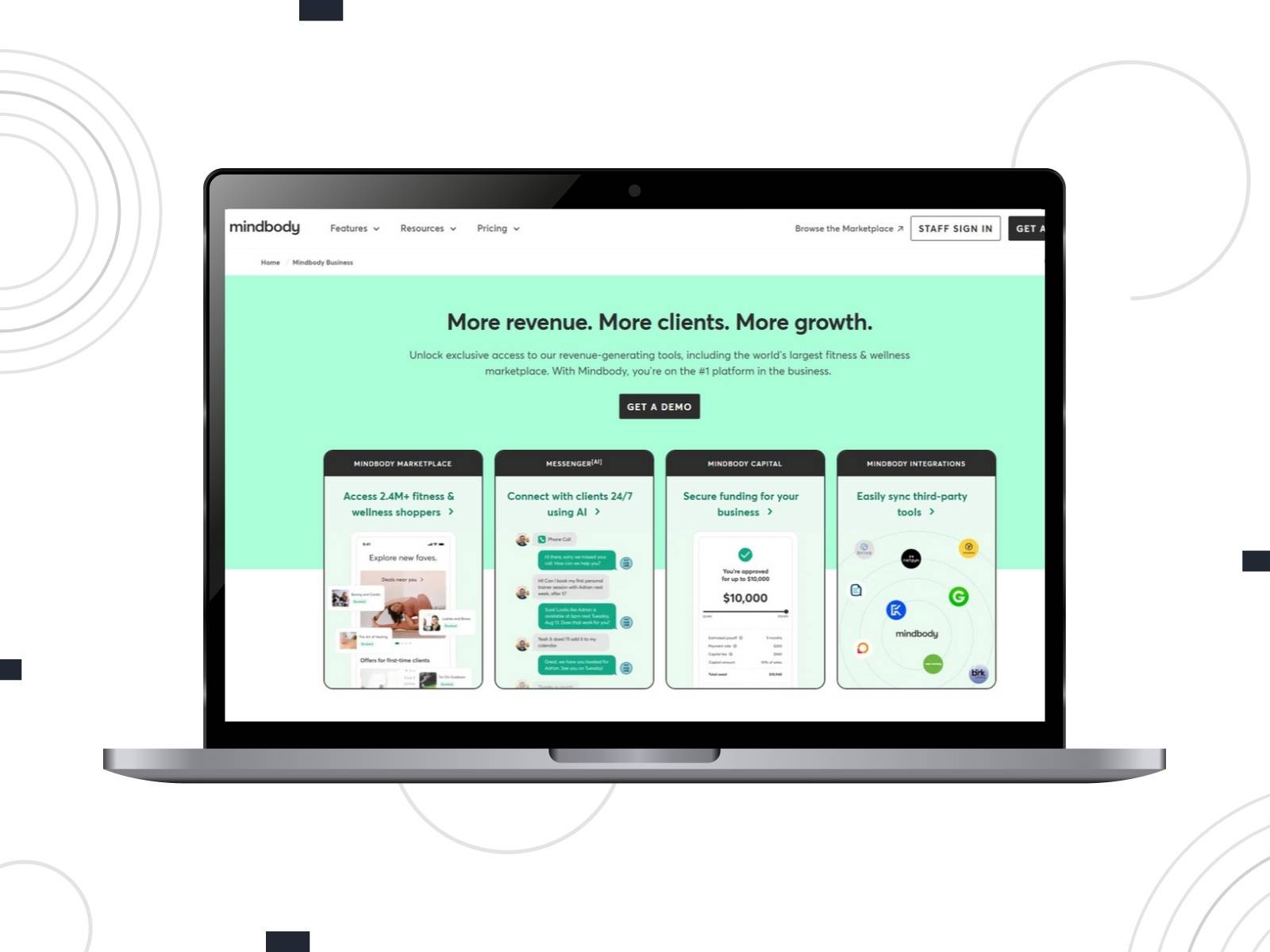
Although Mindbody is widely used by fitness studios and wellness centers, it can also work as a class scheduling software for education providers in yoga schools, dance studios, etc. It combines class scheduling and membership management.
For admins and studio owners, Mindbody offers tools for class rosters, recurring timetables, and revenue tracking. Built-in marketing features include branded apps, promos, and campaigns.
Key Features:
- Class-based timetables with recurring schedules and capacity control;
- Memberships, passes, and drop-in payment options;
- Mobile bookings via the Mindbody app;
- Integrated payment processing and POS;
- Marketing tools for promotions and retention campaigns.

MotoPress Events Calendar
| Name | Price | Free Trial |
|---|---|---|
| MotoPress Events Calendar | Starts from $39 | Yes, 7 days |
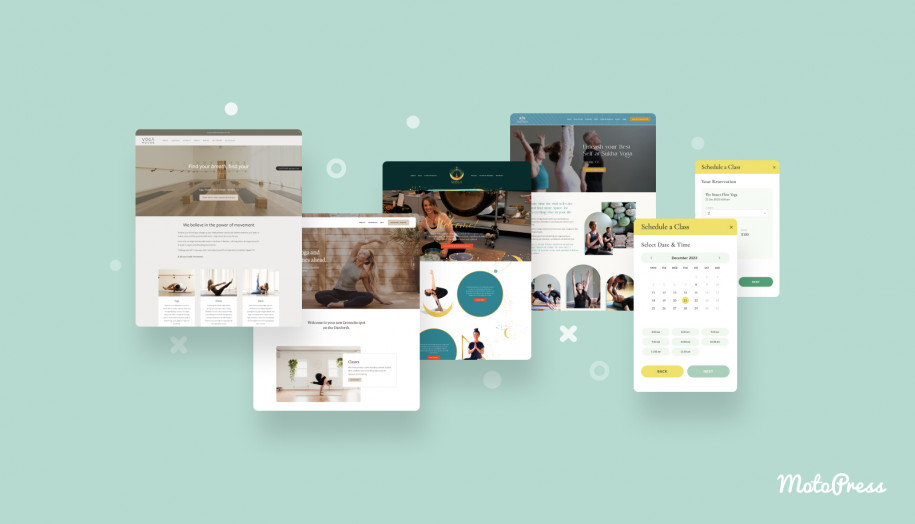
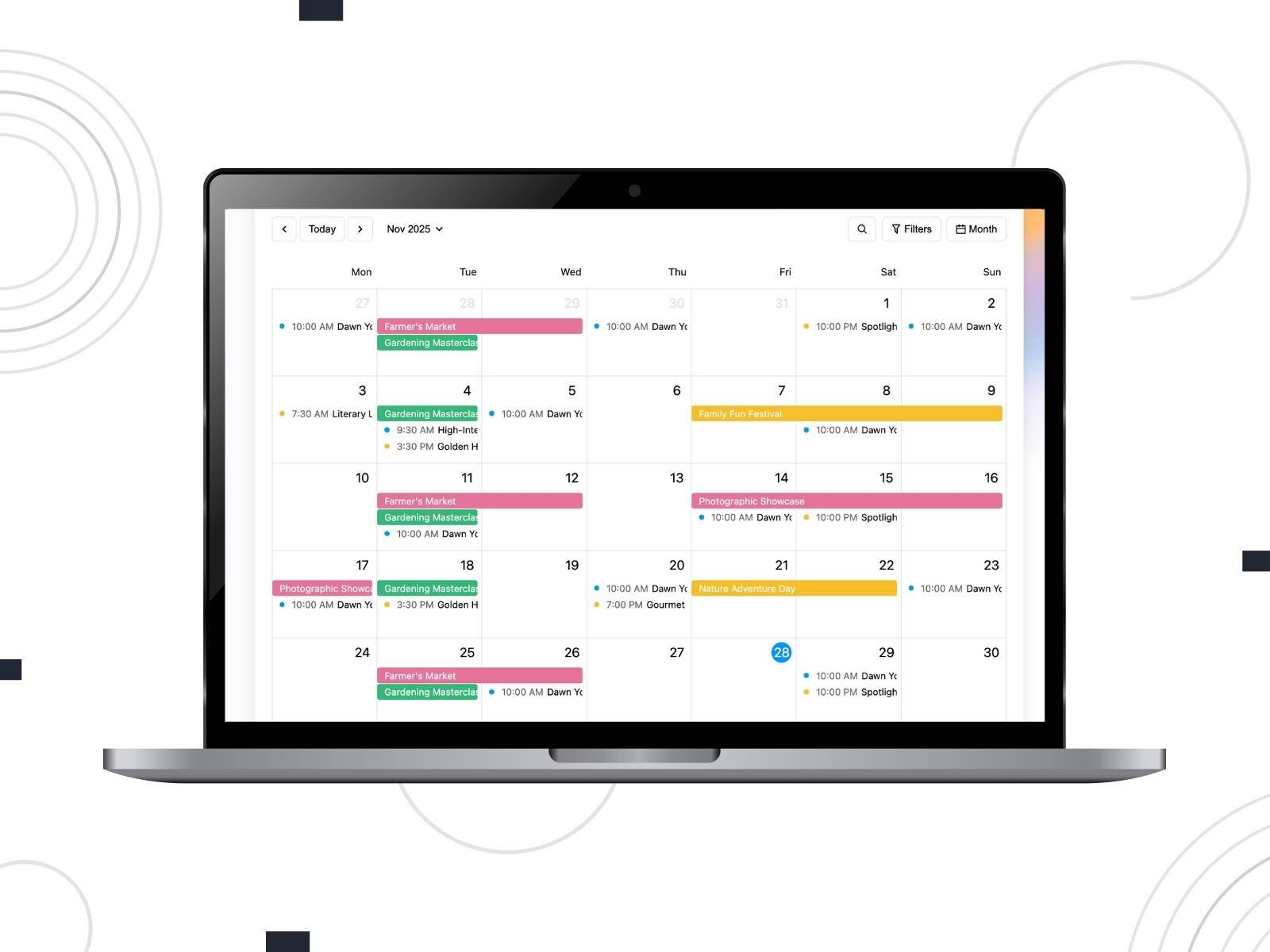
Are you looking for the lesson schedule software to publish schedules on your WordPress website? MotoPress Events Calendar focuses on schedules where time is the main player. It’s ideal for schools, training centers, and community programs that run courses, assemblies, club meetings, or exam calendars and need to demonstrate them.
Instead of building events as isolated posts, you work in a visual calendar. You build events directly on the calendar, color-code them, and display them in month, week, day, or list formats. Students can filter by venue, category, or organizer, and dive into individual event pages with all the details. Recurring event patterns and iCal imports help you manage complex schedules.
Key Features:
- Visual calendar builder with day, week, month, and list views;
- Unlimited calendars for different departments or audiences;
- Event lists, summary views & filters;
- Support for hourly, all-day, and multi-day events;
- iCal import/export;
- Dedicated Gutenberg blocks.
ClassFit
| Name | Price | Free Trial |
|---|---|---|
| ClassFit | 2% Monthly revenue | Yes, 30 days |
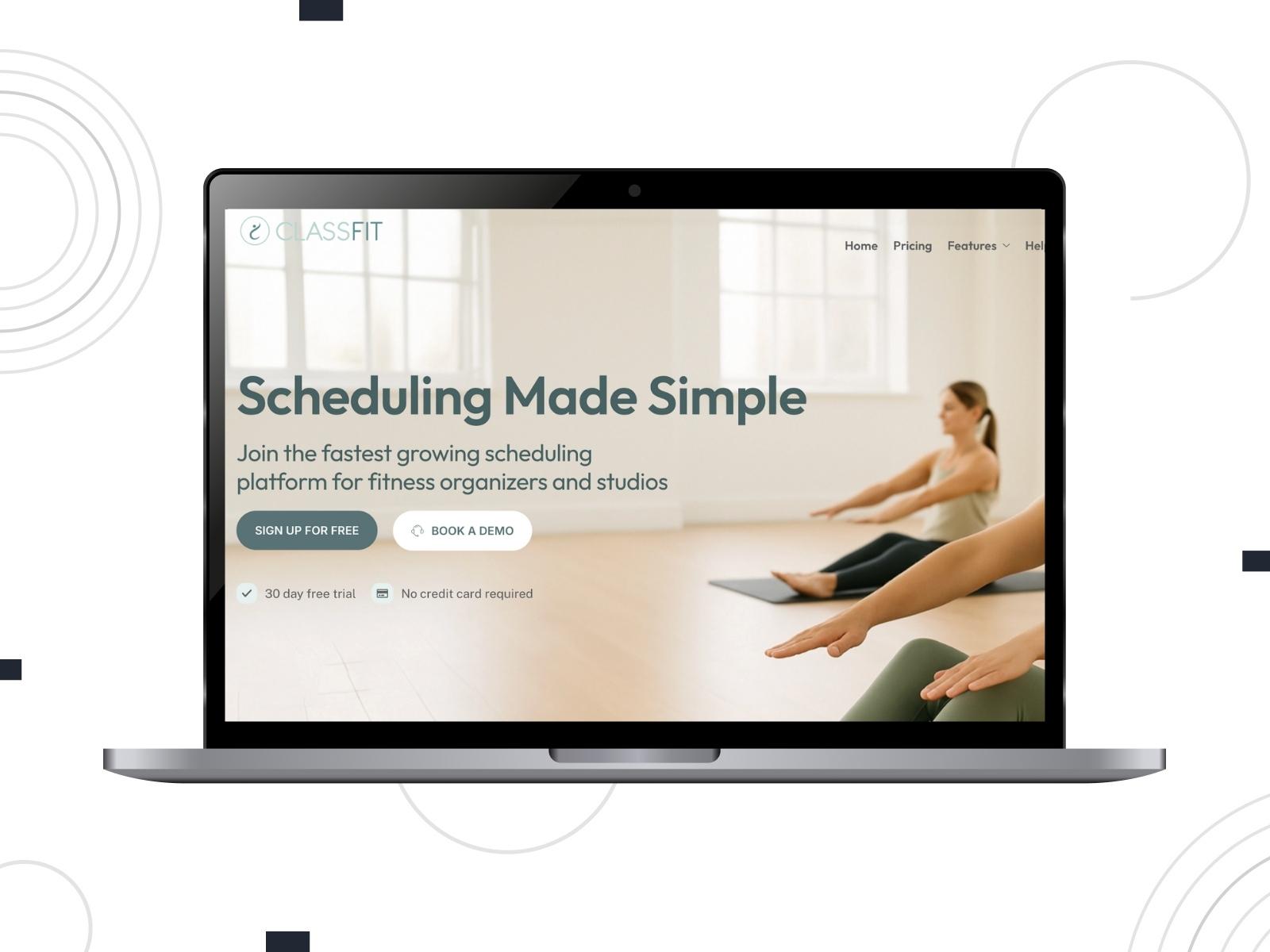
ClassFit is built for class-based businesses and teachers who run regular sessions, courses, or workshops across multiple locations. You can create unlimited classes and define packages and memberships. This class scheduler software enables students to manage their bookings through the web and mobile app.
With ClassFit, you have control over client profiles, medical or consent forms, and a video library. Your team is equipped with their own logins and payroll reports.
Key Features:
- Unlimited classes, appointments, and locations;
- Flexible packages, memberships, and courses;
- Client profiles with credits, notes, and form storage;
- Custom branding for calendars & emails;
- Team management with custom access levels;
- Video-on-demand library connected to YouTube/Vimeo;
- Stripe payments.

BookingLive
| Name | Price | Free Trial |
|---|---|---|
| BookingLive | Starts from £7,500/year | No |
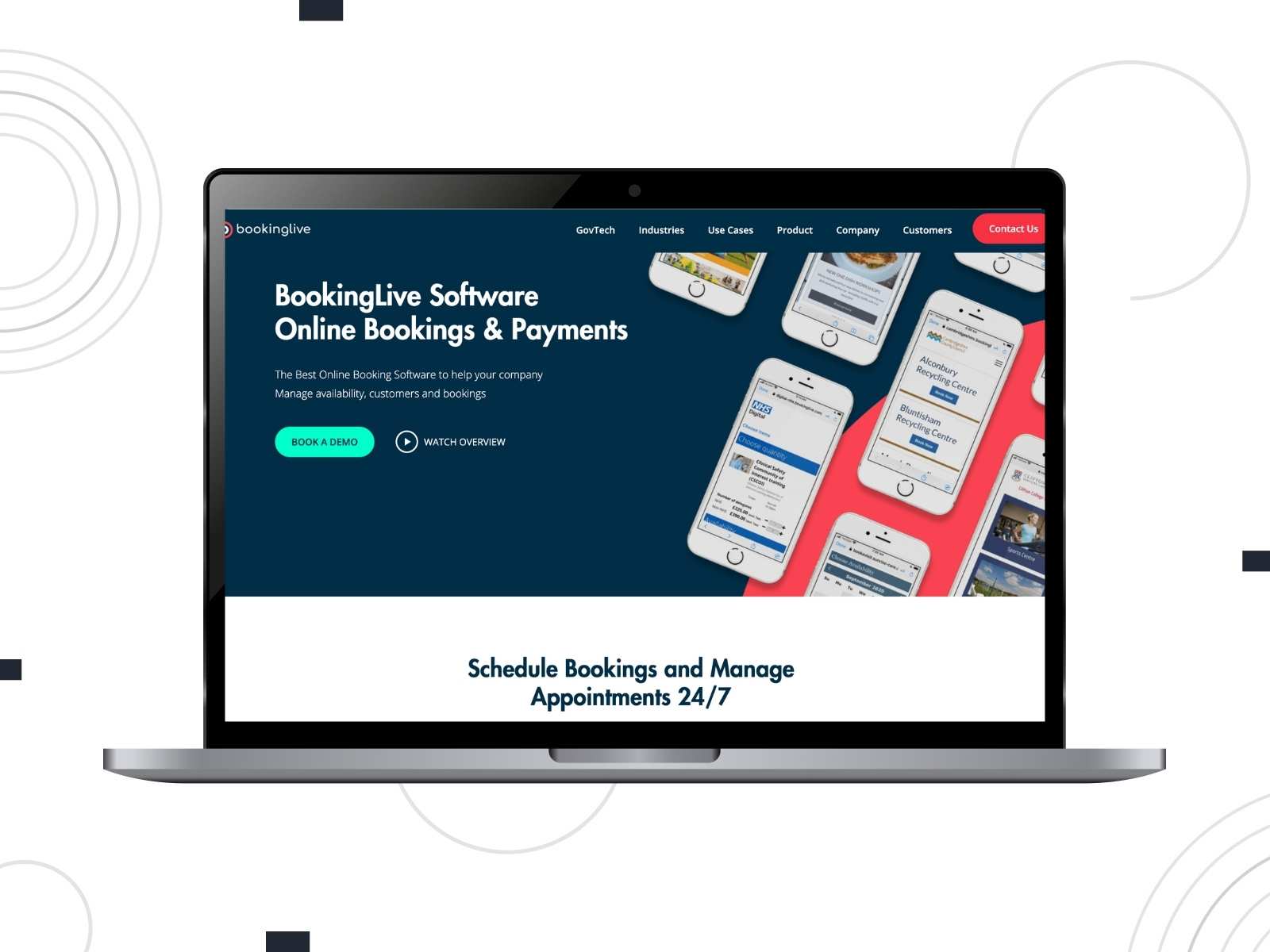
BookingLive brings an enterprise-style booking engine to the education sector. It can be used by schools, colleges, and councils that manage a wide range of appointments and events. BookingLive integrates with Zoom, supports newsletters via MailChimp, and offers enterprise-level communication and reporting.
Inside one system, you create and manage classes, rooms, training courses, activities, tours, etc.
Key Features:
- Appointment and event scheduling tailored for education providers;
- Support for training courses, classes, room bookings, and one-to-ones;
- Zoom integration for virtual session;
- Automated reminders and feedback collection;
- Stripe payments.
iClassPro
| Name | Price | Free Trial |
|---|---|---|
| iClassPro | Starts from $139/month/location | No |
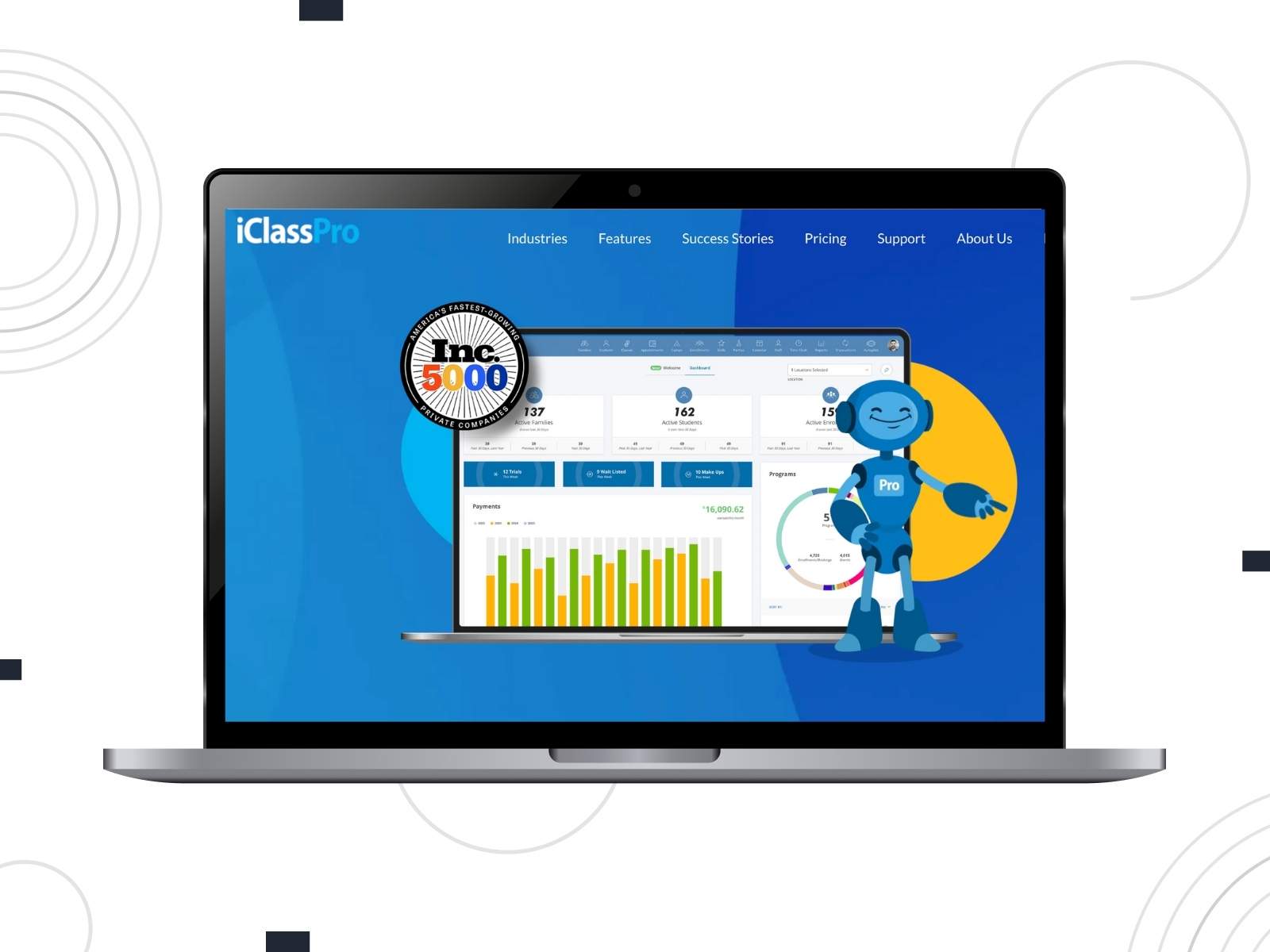
iClassPro is a popular school scheduling software among class-centric organizations like gymnastics schools, swim academies, and similar programs. You handle enrollments, payments, and classes in one place.
iClassPro wraps billing, family accounts, and reporting around your schedule. Parents have portals to manage multiple children through a single login, pay for sessions or memberships, and view schedules. Meanwhile, admins get insight into class performance, revenue, and attendance trends.
Key Features:
- Class enrollment management;
- Skill tracking & progress tools;
- Branded mobile apps for families;
- Payment processing & POS;
- Attendance tracking;
- Camp & event scheduling.
Omnify
| Name | Price | Free Trial |
|---|---|---|
| Omnify | Starts from $149/month | Yes, 14 days |
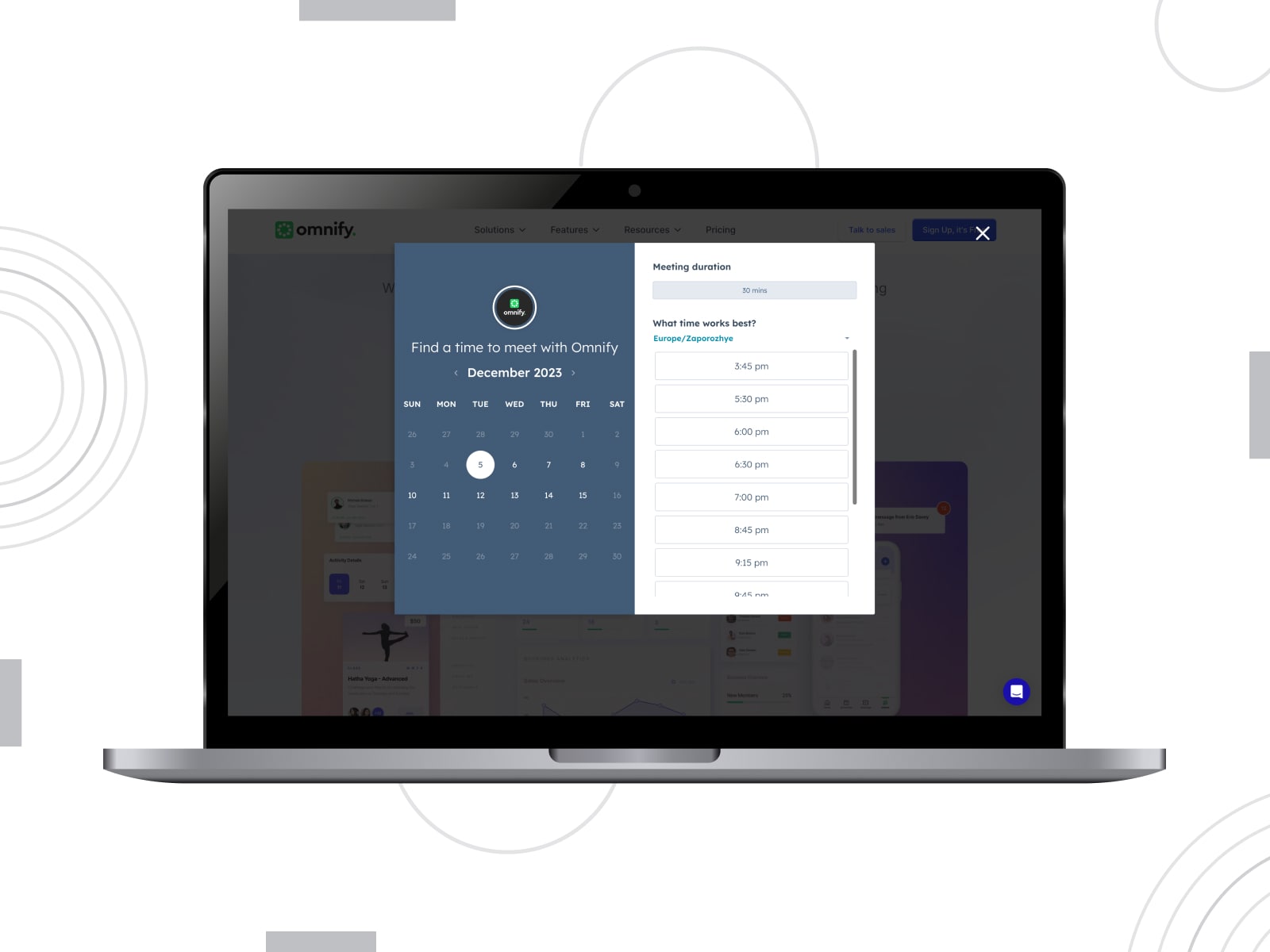
Omnify is a feature-rich teacher scheduling software for classes, programs, and facilities. It powers up websites where you list courses, memberships, and rentals. Omnify blends scheduling with CRM, payments, and analytics.
You can track attendance, manage family profiles, and analyze program performance. The front desk includes tools to manage orders, subscriptions, and trials. The calendar view keeps all your services visible in a single schedule.
Key Features:
- Programs, classes, camps, and appointments;
- Memberships & class packs;
- Storefront with themes and layouts;
- Product sales (physical & digital);
- Color-coded calendars;
- Deep CRM & analytics;
- Add-ons, discounts & promo rules;
- Integrations with Stripe, PayPal, Razorpay & more.
Teachworks
| Name | Price | Free Trial |
|---|---|---|
| Teachworks | Starts from $16.49/month | Yes, 3 weeks |
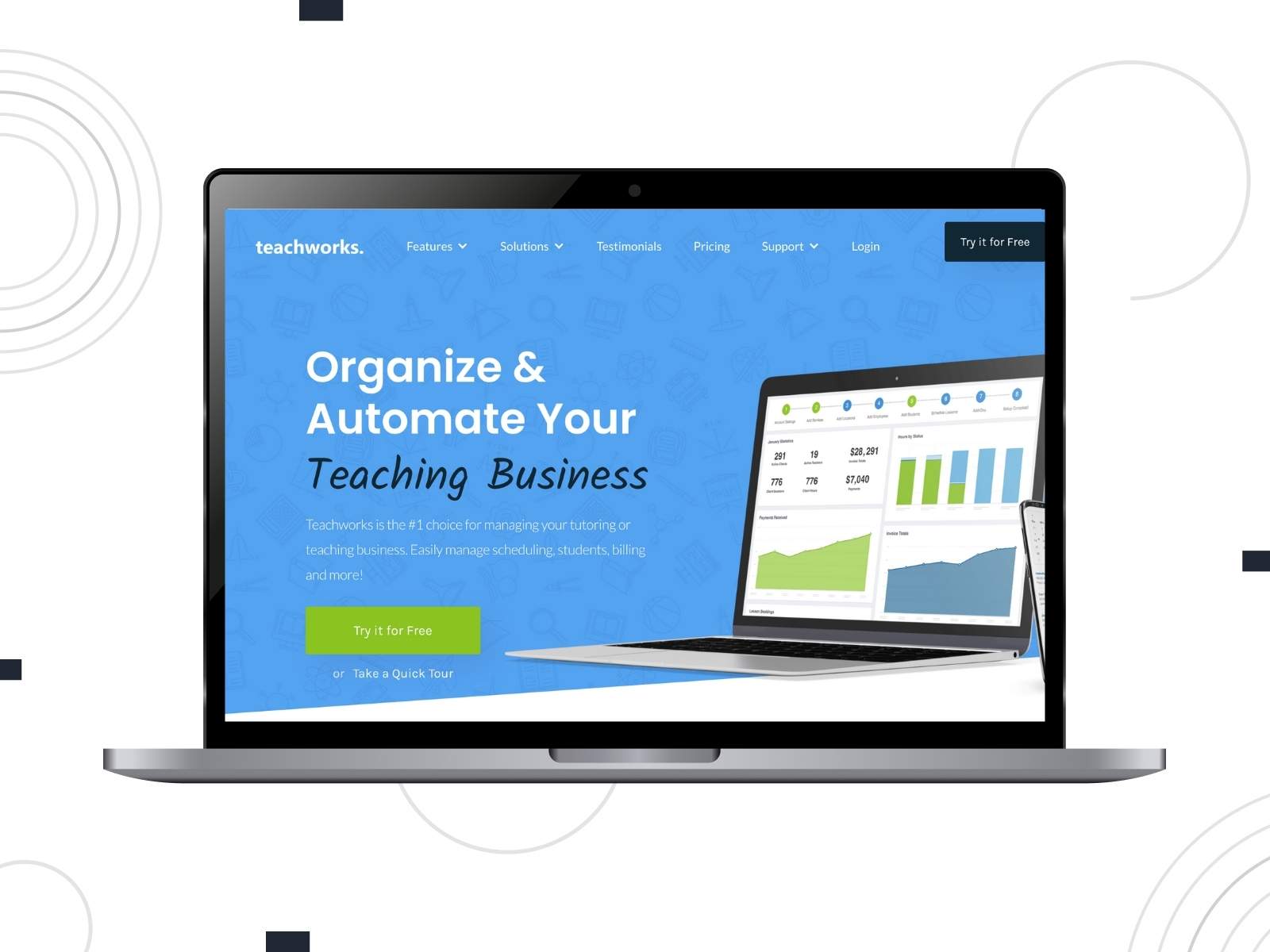
Teachworks is teacher scheduling software aimed at tutoring and teaching businesses. It combines lesson scheduling, client and tutor management, billing, and reporting. The calendar supports one-to-one, group lessons, and courses.
Various billing models, automated invoicing, online payments, and low-balance alerts ensure secure and seamless booking workflow. Reports and integrations make it easier to scale to new locations or franchise setups.
Key Features:
- Multiple calendar views with drag-and-drop lesson management;
- Flexible billing models (packages, flat fees, and hybrids);
- Automated invoicing, reminders, and online payments;
- Website booking plugin;
- Email/SMS reminders and bulk communication tools;
- 70+ integrations and add-ons (Stripe, QuickBooks, Google Calendar, etc.).
Skedda
| Name | Price | Free Trial |
|---|---|---|
| Skedda | Starts from $99/month | No |
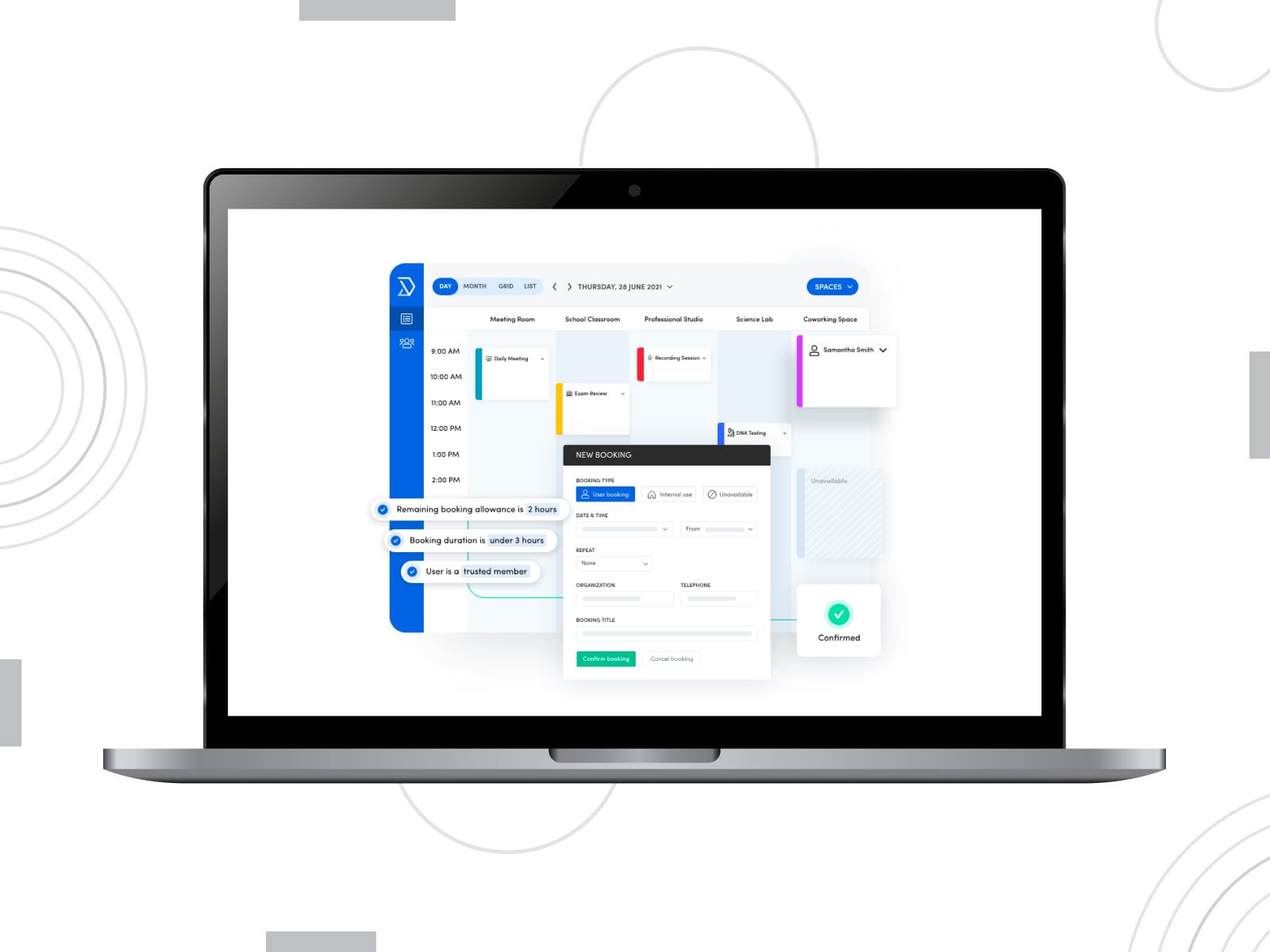
Skedda is different: it’s a space-booking platform. Its approach fits tudios, rehearsal rooms, labs, coworking classrooms, or shared spaces. Instead of a plain list of rooms, you get interactive floor plans to see availability in real time and book the required space.
The power of Skedda is in its rules engine because you can define who can book which spaces, when, and under what conditions. Two-way sync with Outlook, Microsoft 365 and Google Calendar keeps everything aligned with staff schedules.
Key Features:
- Higher education scheduling software with interactive floor plans;
- Roles and access controls for different user groups;
- Multi-view booking calendar;
- Space utilization analytics and workplace intelligence dashboards;
- Modern sign-in options (SSO, social logins);
- Mobile applications.
Wrapping Up
With the right teacher scheduling software, you design your availability and let the system handle the rest. Whether you need a simple way for students to grab an open slot or want one system to handle calendars, payments, attendance, and communication, this roundup covers solutions for any teaching style.
Once you put one of these systems in place, the difference is immediate. So, start with the tool that fits your current rhythm and share your experience!
FAQ
Do I really need teacher scheduling software?
Can students book group classes?
Are there free lesson booking tools?
- Calendly Free – for solo tutors who need basic 1:1 scheduling;
- MotoPress Appointment Booking Lite – a free version which allows you to equip a WordPress teaching website with scheduling functionality;
- Appointy Free – supports classes, staff, and basic student management.
If you’re testing the waters or just starting your tutoring business, free lesson booking tools can handle the essentials until you’re ready for more advanced features like online payments or analytics.