
Hotel Guest Text Messaging: Top Systems & Trends
Table of Contents
A guest is driving to your property and can’t find the entrance or parking lot. Someone checking in later needs the door code again. These are small questions, but when they arrive through email, WhatsApp, or phone calls all day long, they become a large part of running a property. That’s where hotel guest text messaging earns its place.
In this guide, we’ll look at how hotels use messaging before and during a stay, which trends are worth watching, and what to consider before adding another tool to your booking stack!
From what I see in host discussions, owners usually feel this pain long before they start searching for “guest messaging software.” They notice that they’re answering the same question for the fifth time this week, sending arrival instructions manually every afternoon, or checking three different inboxes because they’re afraid of missing something.
The tools have also changed. SMS is still useful, especially for short and time-sensitive updates, while unified inboxes and AI assistants now cover much more of the guest journey. So, let’s untangle what hotels need from guest messaging!
What Is Hotel Guest Text Messaging?

Hotel guest text messaging covers digital communication between a property and its guests before, during, and after a stay. That can mean a booking confirmation, payment update, arrival reminder, door code, checkout message, individual staff reply, or post-stay follow-up.
A simple setup might only send SMS based on reservation dates. More advanced guest messaging systems bring together WhatsApp, email, website chat, OTA conversations, and text messages in the same workflow.
Why Hotel Guest Text Messaging Matters
In hotel guest text messaging, a few benefits stand out to me:
- A timely message can save guests from searching through old emails or calling the property.
- Teams don’t need to type answers to repetitive questions from scratch for every reservation.
- Self-check-in runs more smoothly, which is valued by vacation rentals, aparthotels, and properties without a 24-hour reception.
- Breakfast, transfers, upgrades, and late checkout make more sense when the timing matches the guest’s trip.
For me, though, one of the biggest advantages is simpler: fewer things for a host or front desk team to remember. It may not sound as exciting as ‘transforming the guest experience,’ but this is where automation earns its keep.
Hotel Guest Messaging Tools: What Types Are Available?
Before choosing a hotel text messaging tool, I’d first identify where communication is currently breaking down. That distinction can save you from buying a much bigger system than the property needs.
SMS and Text Messaging Tools
SMS tools handle the most straightforward part of guest communication: sending information directly to a phone number. Hotels commonly use them for:
- Booking confirmations;
- Check-in reminders;
- Parking information;
- Access or lockbox codes;
- Checkout reminders;
- Last-minute changes.
For self-check-in properties, this can solve a very real problem. Sending the correct door code and arrival instructions a few hours before check-in can prevent the late-night “We’re outside – how do we get in?” call.
The main feature I’d compare here is automation. Some tools only let staff send SMS manually. Others connect with a booking system and trigger texts according to reservation status, payment, or arrival and departure dates.
Messaging Apps
WhatsApp, Facebook Messenger, WeChat, and similar services work well for more conversational communication.
WhatsApp is particularly useful with international guests because people already use it for everyday messages, and it supports images, links, documents, locations, and longer conversations.
OTA Messaging
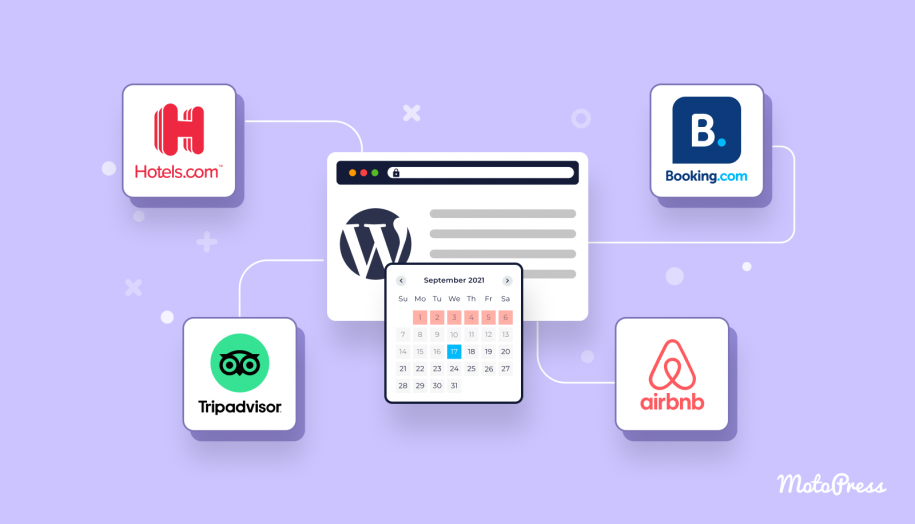
Booking.com, Airbnb, Vrbo, Expedia, and other OTAs all have their own guest messaging environments.
For many hosts, a large share of pre-arrival communication already happens there. Once several OTAs are in the mix, it becomes much easier for a message to fall through the cracks.
Hotels with several active distribution channels may therefore benefit from a messaging system that consolidates OTA conversations into the same workflow.
AI Chatbots and Virtual Concierges
AI assistants can now handle many of the questions that previously required a staff reply. A guest might ask:
- What time is breakfast?
- Can we check in early?
- Is the hotel pet-friendly?
- How do we connect to Wi-Fi?
- Is there a good restaurant nearby?
The system understands different versions of those questions and pulls answers from property information.
Personally, I’d look beyond the AI label and check the information behind it. Where does the assistant get hotel policies? Can staff update its knowledge easily? Does it have booking context? What happens when the request is unusual?
A beautifully written wrong answer is still a wrong answer.
Omnichannel Guest Messaging Platforms
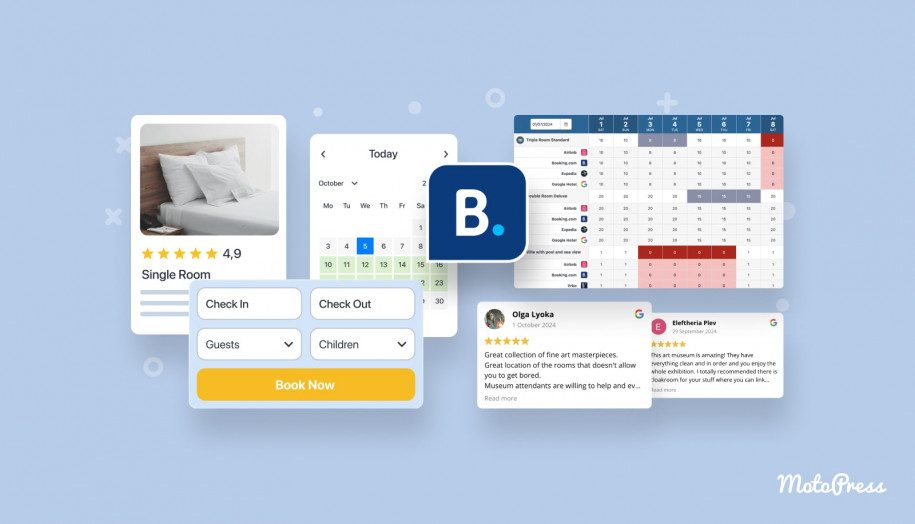
When SMS, WhatsApp, email, OTA conversations, and website chat all become active, centralization can save a lot of unnecessary switching between screens.
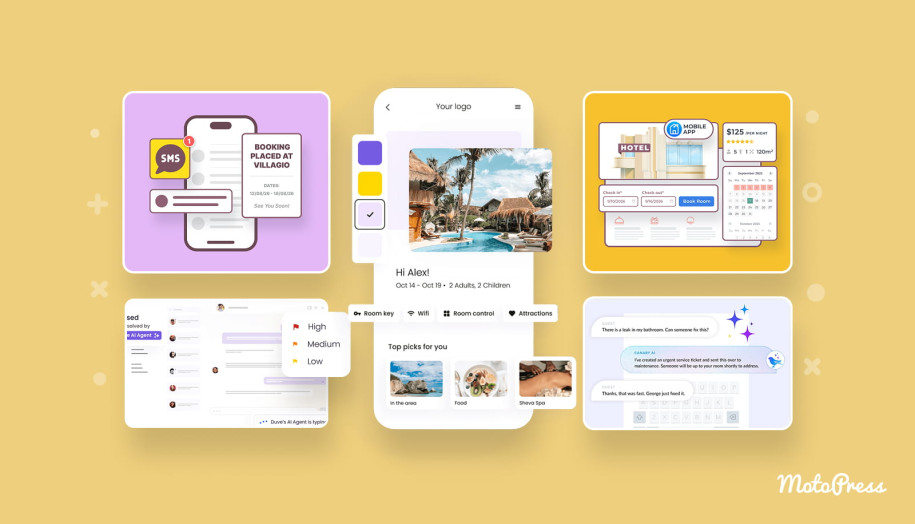
An omnichannel guest communication platform brings several of those conversations into one workspace. Depending on the system, it may also include AI replies, team assignments, service tickets, automation, upselling, digital check-in, and reporting.
I’d start looking seriously at this category when communication itself has become an operational problem. For one rental or a small B&B, though, a full omnichannel setup can quickly become another plate to spin.
8 Best Hotel Guest Messaging Software Providers
The best guest messaging software depends on what you want messaging to do. So, I wouldn’t compare these tools by feature count only.
MotoPress Hotel Booking + Messaging Addon – Best for WordPress Hotel Websites
Used by over 40% of all websites, WordPress is a flexible way to build an accommodation website, but the booking functionality itself needs to be added separately. It gives hotels, B&Bs, and vacation rentals a way to take direct reservations and keep bookings organized inside the site.
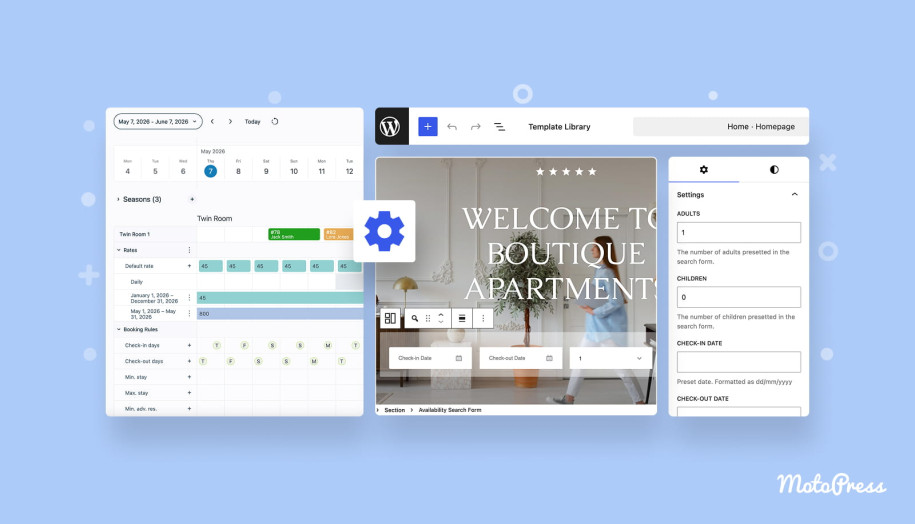
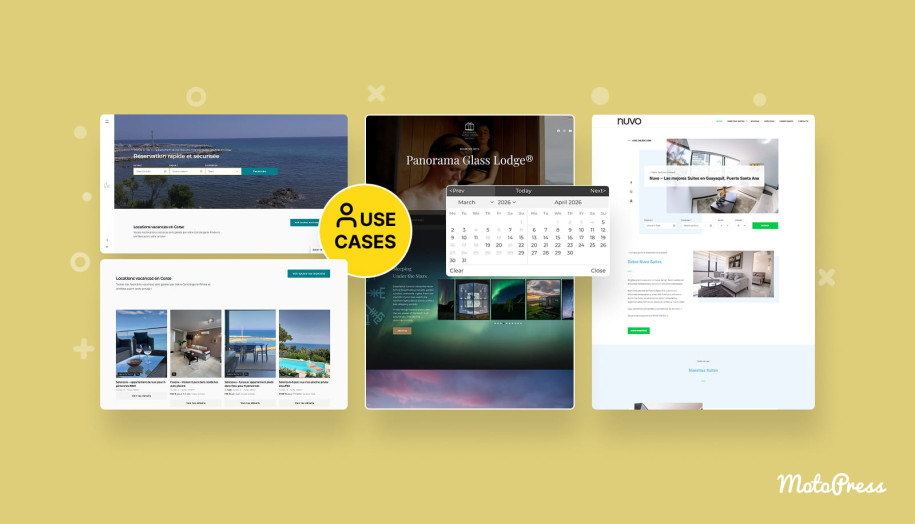
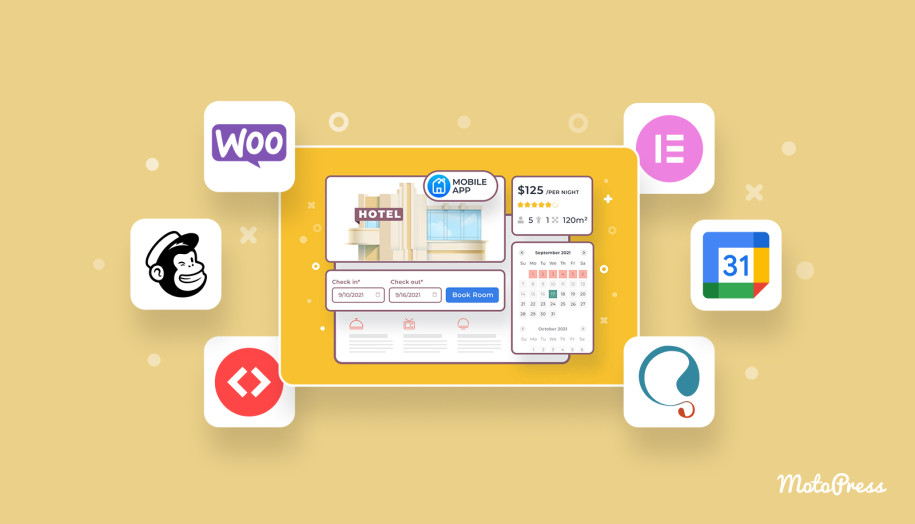
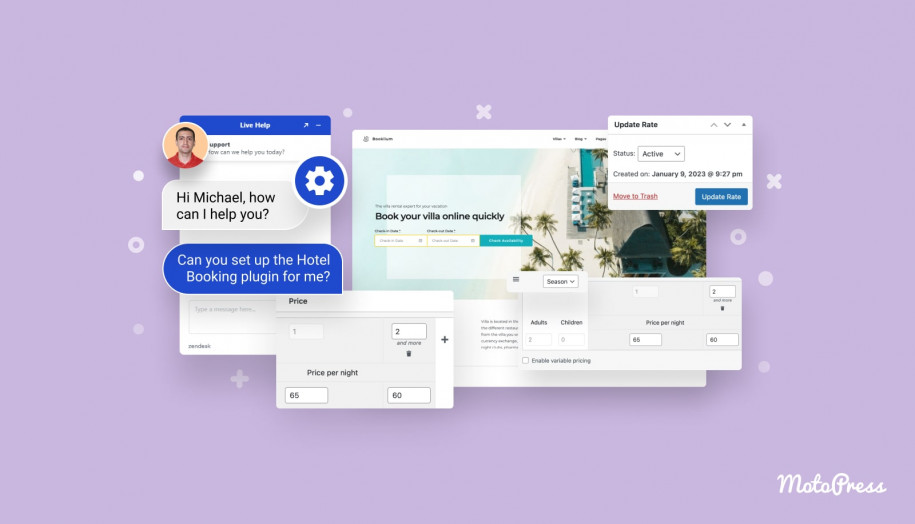
The MotoPress Hotel Booking plugin handles that layer. It turns a WordPress website into a direct booking system with accommodation management, availability calendars, dynamic pricing, booking rules, online payments, and iCal synchronization with platforms such as Airbnb and Booking.com.
What about hotel guest text messaging? The Hotel Booking Messaging add-on adds this functionality to the booking workflow.
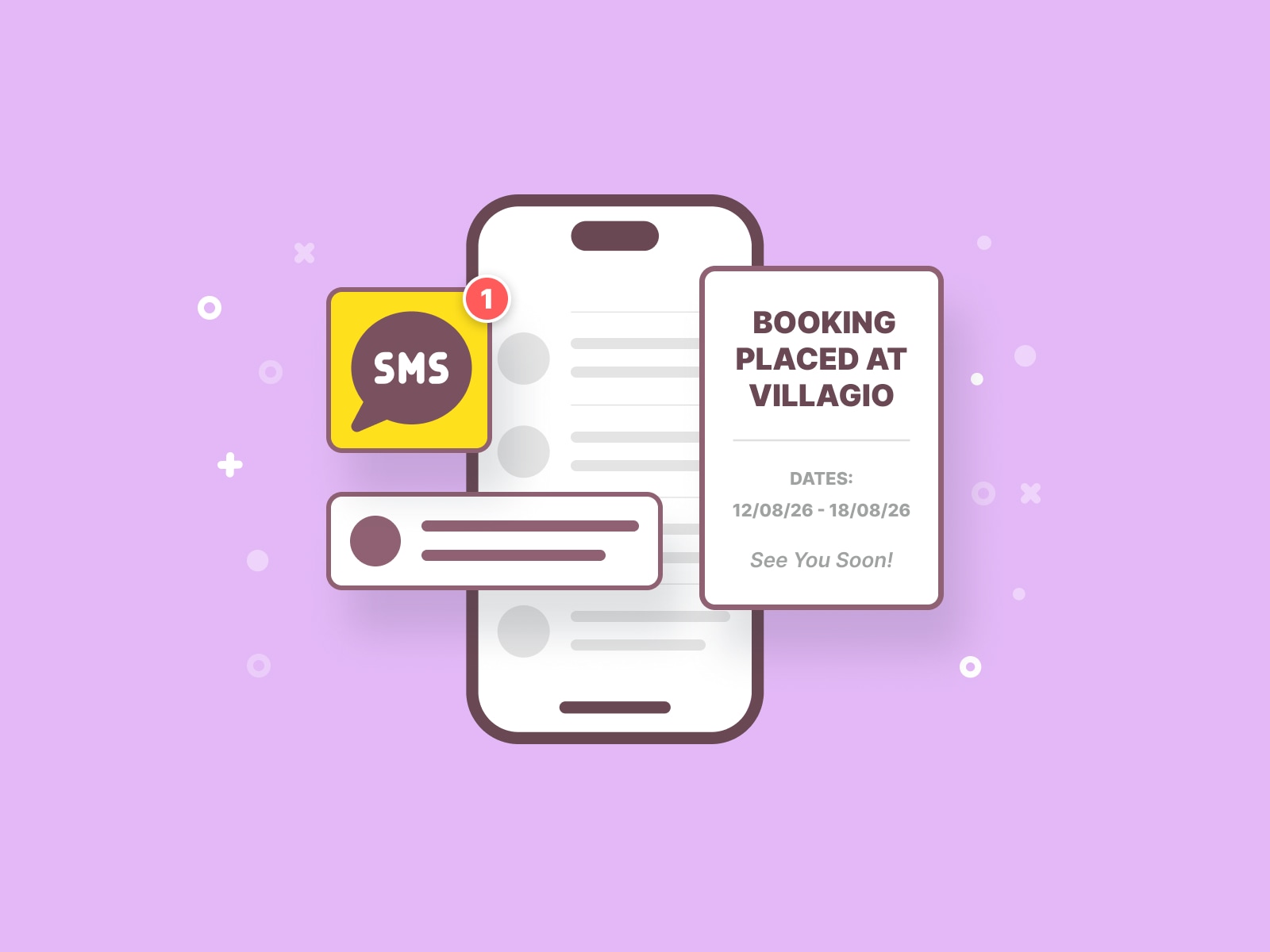
Hotels can automate the messages guests are most likely to need around a reservation: booking confirmations, payment updates, arrival reminders, and checkout information. Manual SMS is there for the things you can’t plan for in advance: a last-minute change, an individual request, or a quick update that only applies to one guest.
Canary Technologies
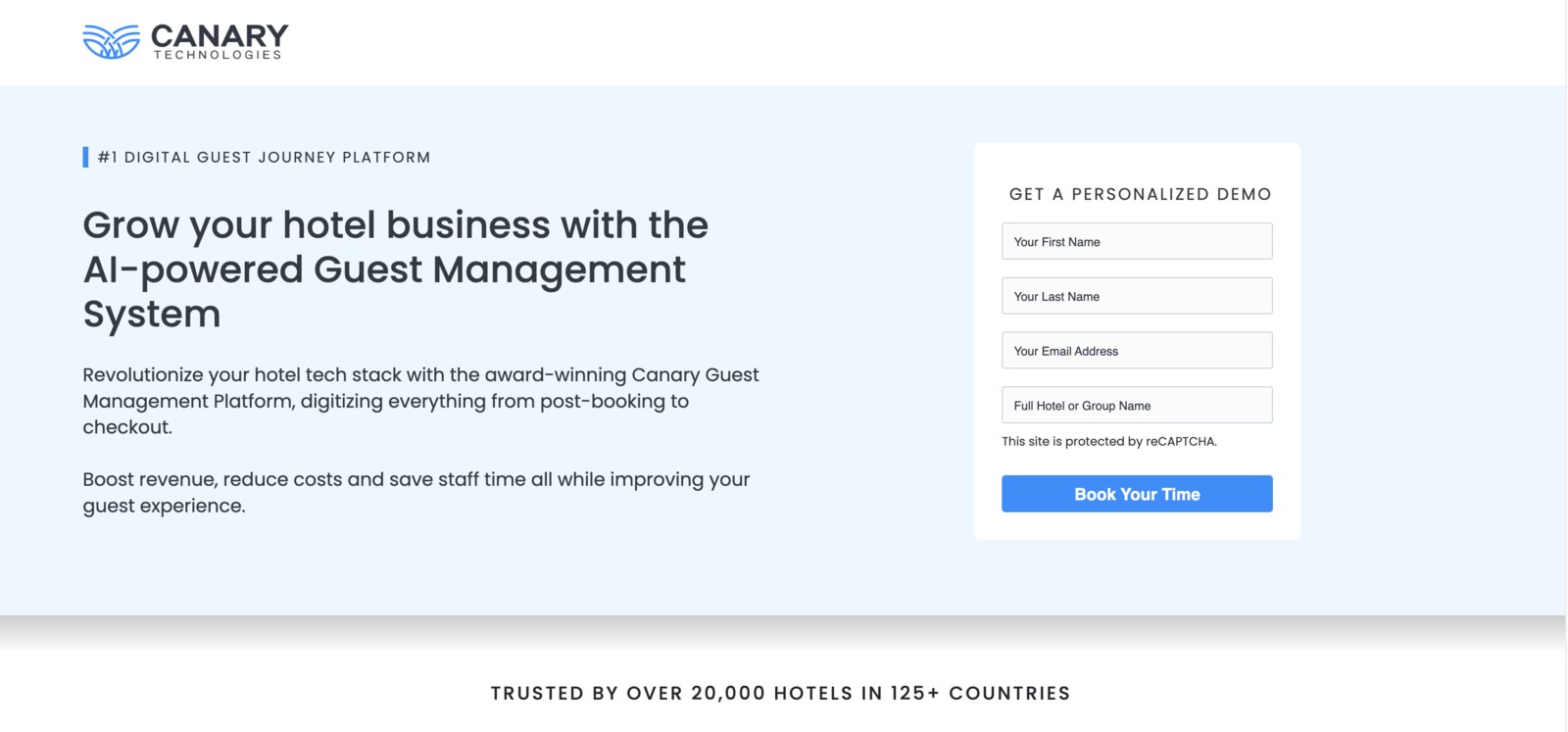
Canary Technologies takes a much broader approach to guest messaging software. Its communication tools can bring several channels into one workflow, alongside AI-assisted replies and automation. Canary offers digital check-in and checkout, guest authorization, upselling, and other guest-experience tools.
I’d look at Canary Technologies when communication is only one part of a larger project to digitize the hotel journey.
Duve
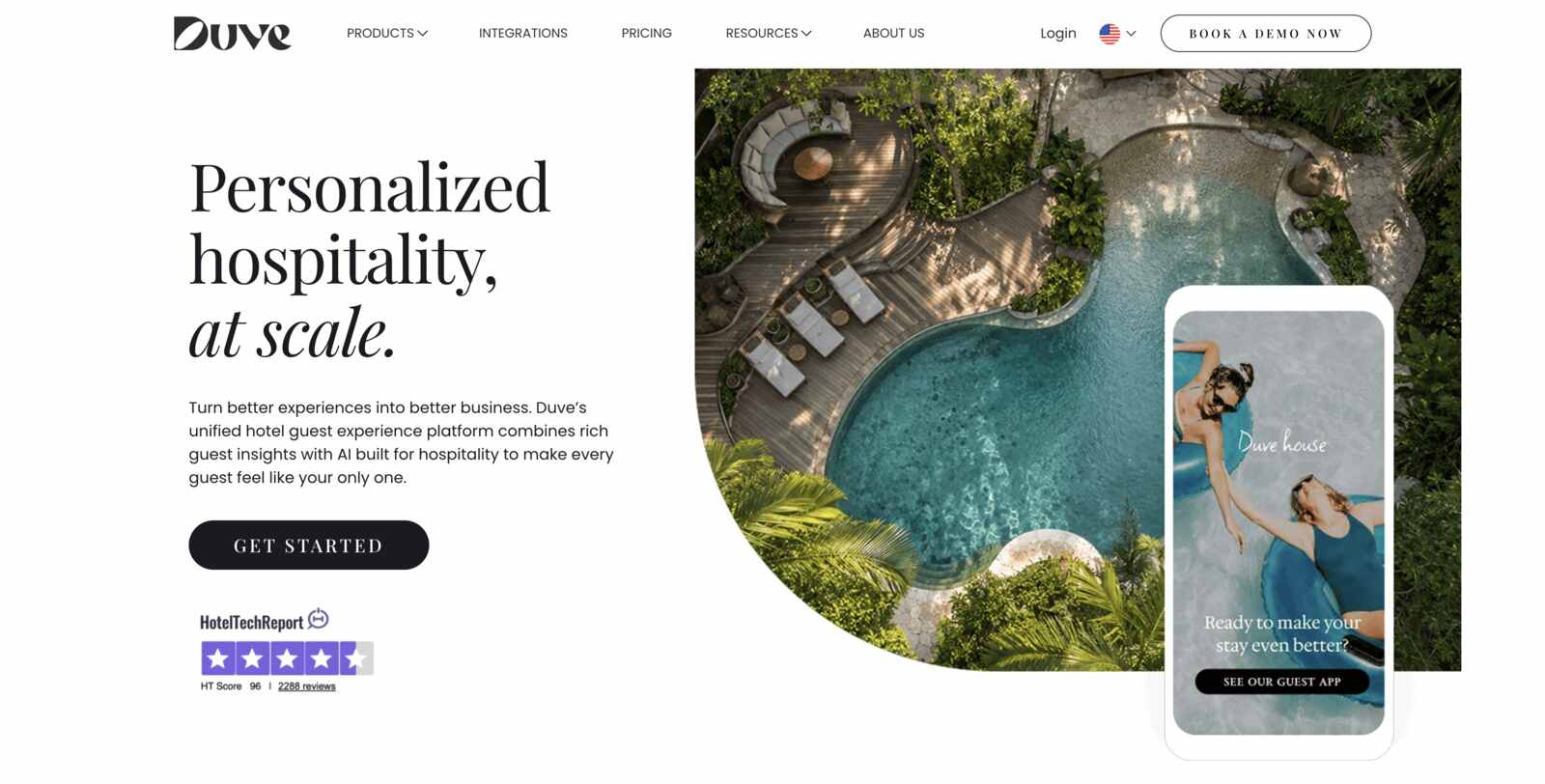
Duve starts to make more sense when messaging is only one piece of the puzzle. It brings communication together across WhatsApp, SMS, email, Airbnb, and other OTA channels, with one inbox for the team and AI agents.
What stands out to me is that messaging sits inside a wider guest-experience setup that includes online check-in, a browser-based guest app, digital keys, upsells, and checkout.
Akia
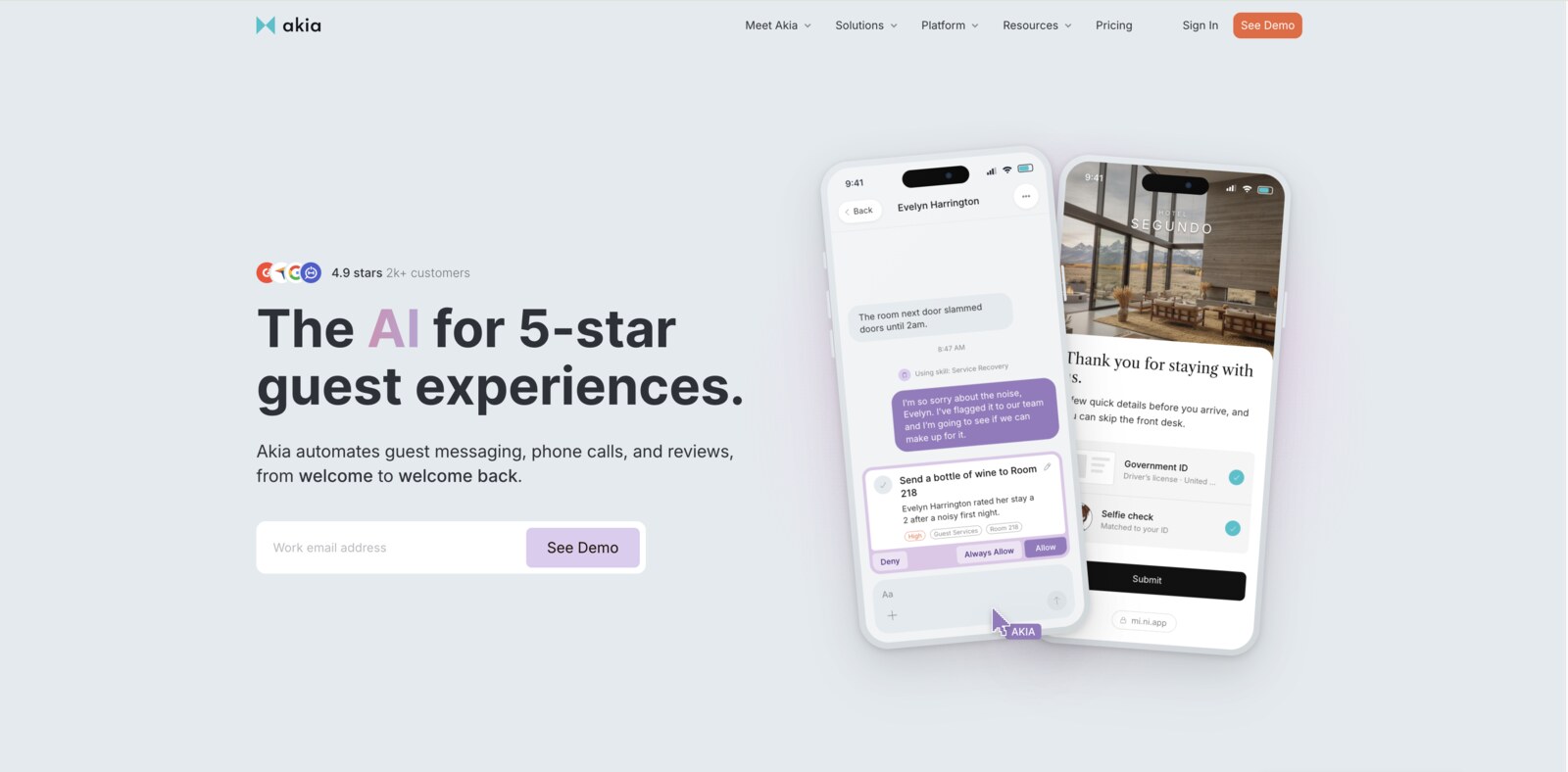
Akia is a guest messaging solution built around AI and automated workflows. It pulls SMS, WhatsApp, email, web chat, social channels, and OTA conversations into one guest thread.
Besides that, Akia connects with dozens of PMS platforms and uses live reservation information when answering questions, while hotels can decide which replies the AI handles independently and which require staff approval.
Cloudbeds Guest Experience
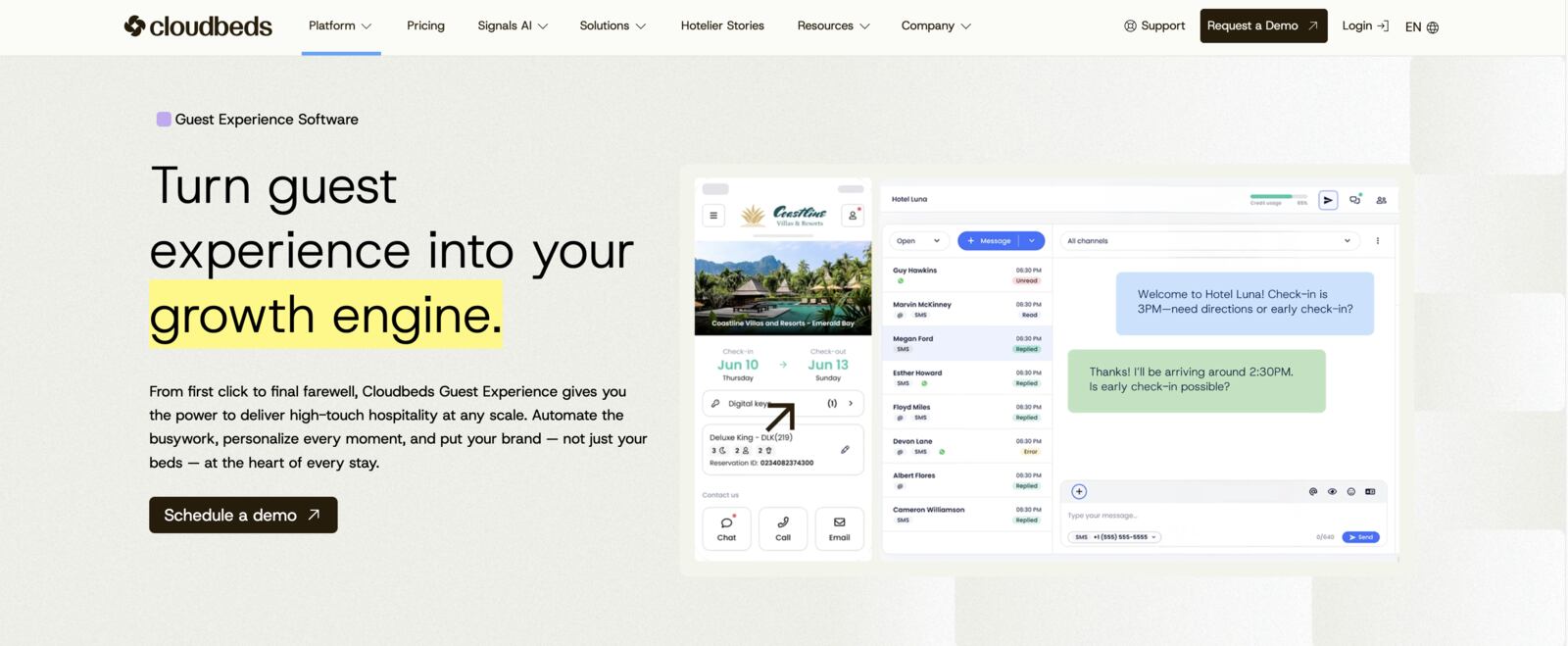
The strongest case is fairly clear to me if a hotel already uses Cloudbeds. Cloudbeds Guest Experience is tightly connected to the Cloudbeds hospitality platform. It centralizes conversations from multiple guest channels and connects them with reservation and property information.
The main advantage here is context. AI assistance, automation, digital guest experiences, and team workflows can all sit alongside the PMS.
HiJiffy
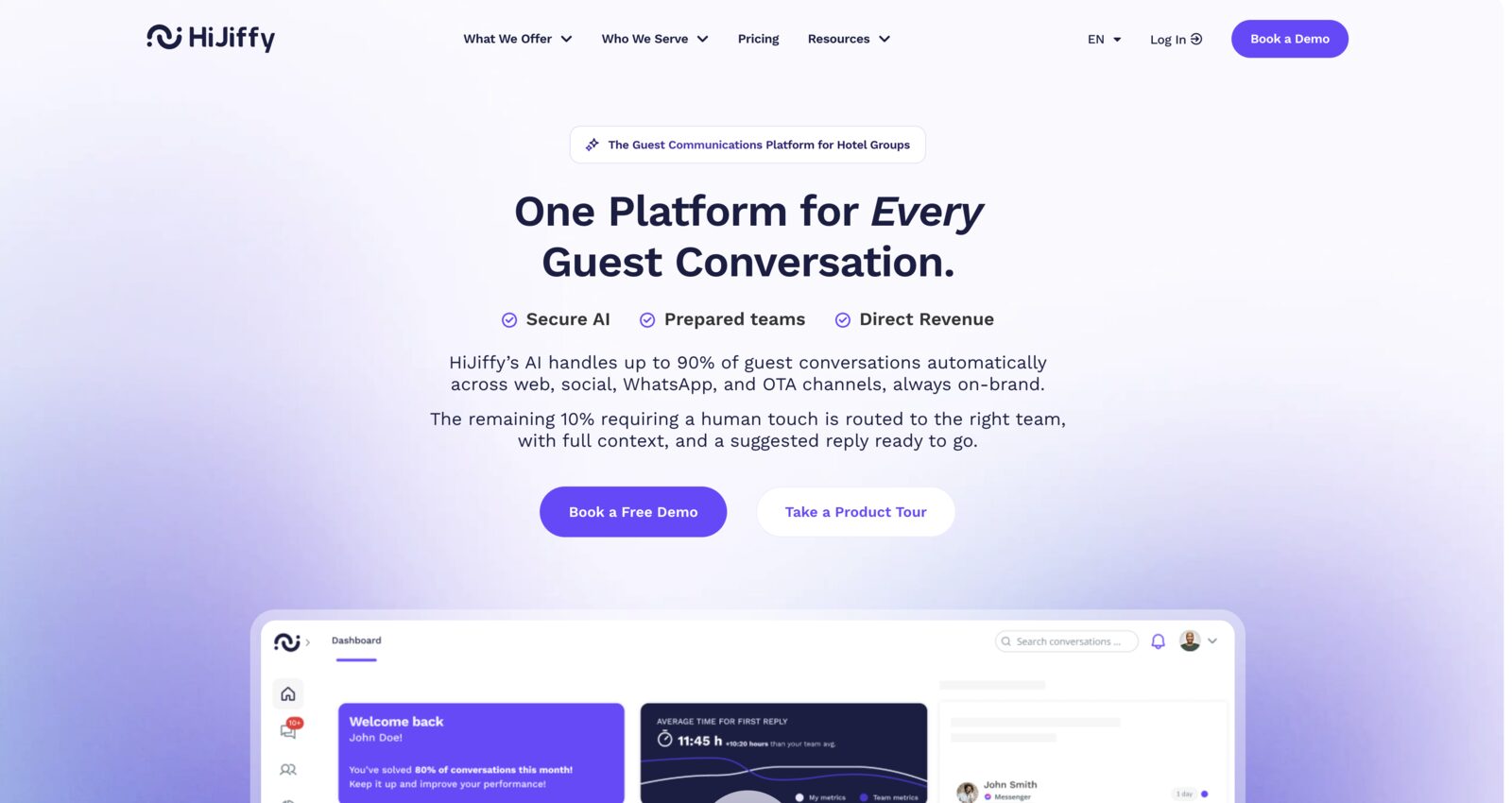
HiJiffy is focused on conversational AI for hotels and hotel groups. Its tools can automate guest questions across website chat and messaging channels, support multiple languages, and move conversations to hotel staff when needed. The same platform can support automated messages, digital check-in, in-stay assistance, upsell campaigns, surveys, and post-stay communication.
Its Aplysia system is designed to restrict answers to verified hotel knowledge and show where responses came from.
GuestSpace
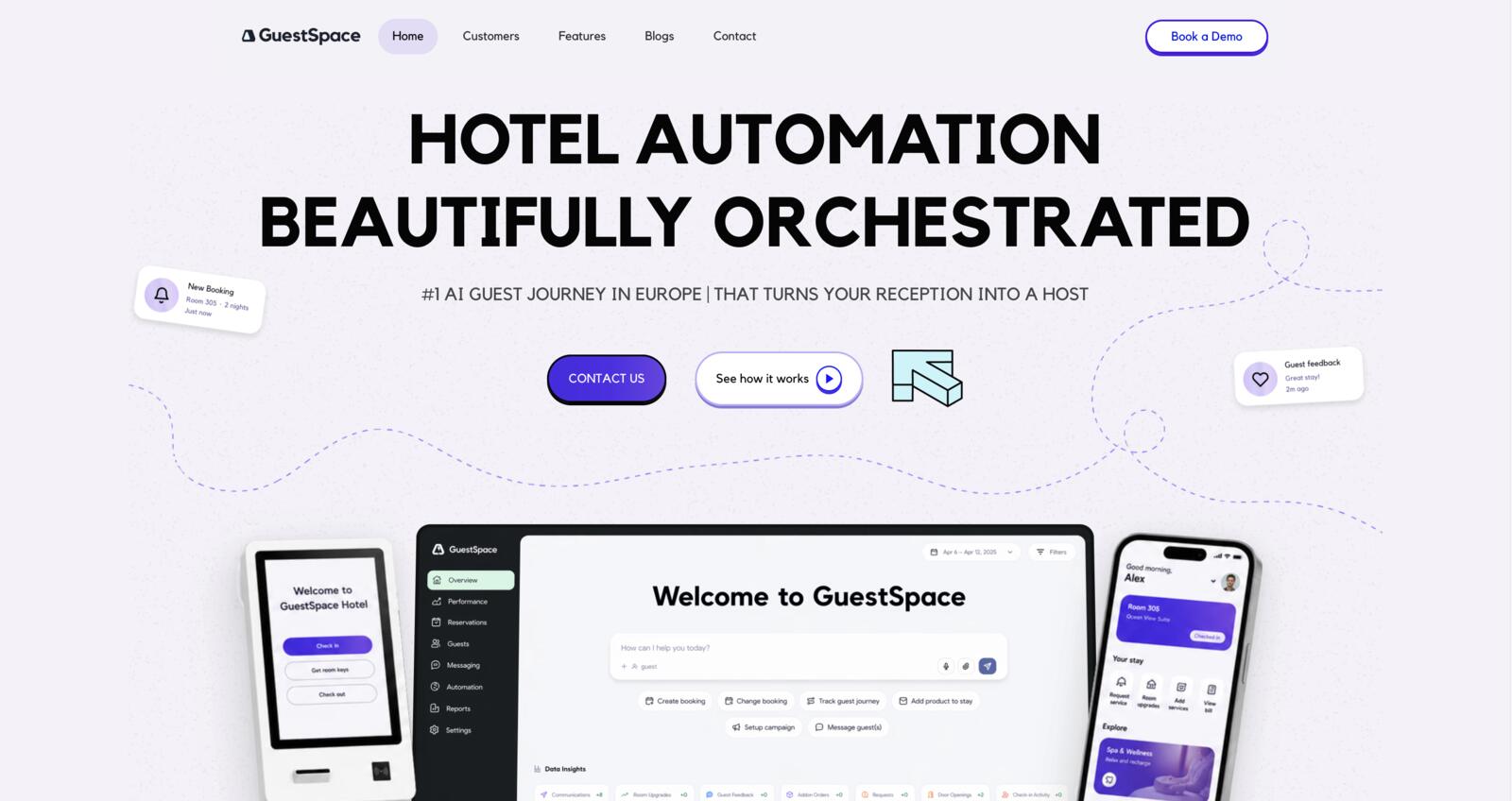
GuestSpace communication layer emphasizes email and WhatsApp campaigns, while the wider product covers online check-in, payments, upsells, digital keys, and an AI agent. The company also highlights OTA chat as part of its automation approach.
For me, GuestSpace is more interesting for properties trying to reduce friction around arrival and guest self-service than for someone searching only for a texting tool.
Bookboost
Bookboost is worth a closer look if your guest data currently lives in half a dozen places. It combines and deduplicates guest information from PMSs, booking engines, OTAs, and direct channels. Hotels can then build automated guest journeys across email, SMS, and WhatsApp.
Bookboost currently lists more than 50 PMS integrations. It gives you access to a unified inbox and tools for segmented broadcasts.
How to Choose a Hotel Guest Messaging System?
Choosing a hotel communications platform gets much easier once you stop comparing feature lists and look at your actual workflow. Personally, I’d write down the communication tasks that are currently wasting the most time. Once you know that, the feature list becomes much easier to judge.
- Start with the channels your guests use and look at current guest behavior before adding another inbox.
- Check the booking system or PMS integration – this would be near the top of my list.
- “Automated messaging” can mean almost anything depending on the provider. Check exactly what can trigger a message and then compare those triggers with what your team currently does manually.
- How can you personalize messages? Test which fields you can customize in the templates: property address, accommodation name, booking dates, payment details, check-in instructions, contact information, or custom property data.
- Think about how your team will use it. Do they need shared inboxes, assignments, internal notes, and request routing?
- I’d check available AI features. Start with such points as where the AI gets its information, whether it understands booking context, how staff can update it, and when a conversation gets handed over to a person.
- What does the subscription fee include? Will SMS credits, WhatsApp costs, AI features, extra users, additional properties, and integrations result in extra charges?
- Don’t leave consent and compliance until the end. It’s easy to focus on automation first and only think about opt-ins, sender requirements, or promotional texting later.

How Hotels Use Text Messaging Throughout the Guest Journey: Common Examples
Here’s what that looks like in a real guest journey.
Before Arrival
This is where I’d automate first because pre-arrival questions are often highly predictable. A pre-arrival message might look like this:
Hi [Name]! We’re looking forward to welcoming you tomorrow. Check-in starts at [Time] PM at [Address]. Free parking is available behind the building. We’ll send your access code before check-in.
Then, closer to arrival:
Your apartment is ready. Door code: [Code]. Enter through the courtyard entrance and use the keypad beside Apartment [Number]. If you have trouble getting in, call us at +XX XXX XXX XXX.
Other practical pre-arrival texts include payment reminders:
Hi [Name], a quick reminder that the remaining $[Amount] for your stay is due before check-in tomorrow. You can complete the payment here: [link].
Here is the example for an early check-in offer:
Arriving early? Your room may be available from [Time] PM instead of [Time] PM for an additional $[Amount]. Reply EARLY if you’d like us to check availability.
During the Stay
Once the guest has checked in, messaging becomes less about instructions and more about removing small friction points.
A simple welcome message like this opens an easy line of communication:
Welcome, [Name]! We hope you’ve settled in well. Wi-Fi: [Password]. If you need anything during your stay, just reply to this message or call us at +XX XXX XXX XXX
A message about housekeeping might look something like:
Good morning! Housekeeping is available today between [Time] AM and [Time] PM. Reply by [Time] AM if you’d like your room serviced.
Late checkout is another easy one to build into the flow:
Need a little more time before heading out? Late checkout until [Time] PM is available for $[Amount]. Reply LATE if you’d like to add it to your booking.
After Check-Out
A simple thank-you plus feedback request is enough for many properties after check-out:
Thanks for staying with us, [Name]! We hope you had a great trip. If you have a minute, we’d love to hear how your stay went: [feedback link].
Or, for example, a hotel guest text messaging template for future stay:
Thanks again for staying at [Property Name]. Planning another trip this autumn? Returning guests can book directly here: [link].
Hotel Guest Messaging Trends to Watch
Guest messaging is changing quickly, especially as booking data, AI, and multiple communication channels start working together. Some of these changes are genuinely useful; others look better in a product demo than they do in a hotel’s day-to-day workflow. Here are the developments I’d watch most closely:
- AI assistants are becoming common for routine questions and after-hours support. This is one trend worth keeping an eye on.
- Personalization is moving beyond adding a first name to a template. Booking data can allow messages to include:
- Stay dates;
- Payment status;
- Booked services;
- Property-specific instructions.
- Automated messaging used to mean a confirmation email and perhaps a reminder before arrival. Now the trigger can be an actual booking event.
- The number of places where guests can contact a property keeps growing. It makes unified inboxes more appealing for hosts running multiple properties and channels.
- Messaging is also becoming a sales channel. Hotels can offer:
- Room upgrades;
- Early or late check-in;
- Equipment rental;
- Airport transfers;
- Spa treatments;
- Local experiences.
- Messaging increasingly connects to other mobile-first and contactless guest experiences during the stay. A text may lead to a payment page, digital registration, a guest guide, or a digital key.
Hotel Text Messaging: 7 Best Practices
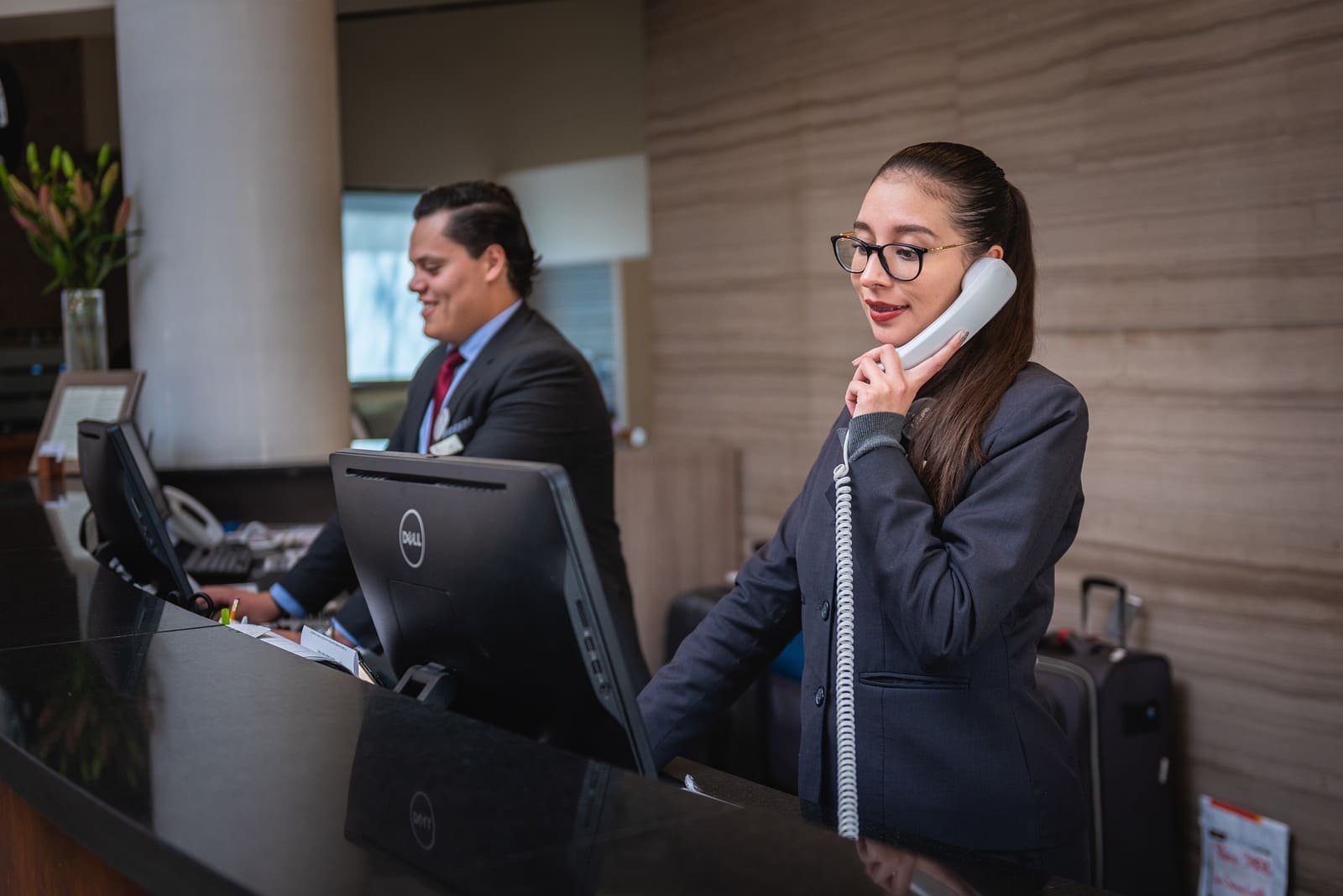
Good software can send a message at exactly the right second. On the other hand, it can also annoy a guest with perfect timing.
- Send messages when the information becomes useful: I’d build the timeline around guest decisions rather than trying to fill every stage of the reservation with another automated message.
- Keep texts short and easy to scan. If a detailed explanation is necessary, link to a property guide, registration form, or other page.
- Make it clear from the get-go who the message is from by including the property name or another recognizable identifier.
- Avoid sending too much. A guest who gave their phone number for a reservation shouldn’t automatically end up receiving a stream of promotional messages. Personally, I’d rather receive four useful texts during a stay than ten reminders, offers, and duplicated confirmations.
- Before adding an upsell to an automated flow, I’d ask: would this be genuinely useful to the guest at this point in the trip? If the answer is weak, I’d leave it out.
- Give guests a clear way to reach out to the property.
- Test the entire messaging journey yourself by checking timing, links, property details, personalization, duplicated information, and tone.
Final Thoughts: Where Hotel Guest Messaging Is Heading
To cut a long story short, a good hotel text messaging system should remove friction from the stay and a few repetitive tasks from the team’s day.
How sophisticated that system needs to be depends on the property. The goal isn’t to automate every conversation you possibly can. It’s to stop spending time on the ones that never needed to be manual in the first place.
So, where does communication currently cost your property the most time? Which software from the list would you choose for your workflow?
Disclosure: this article may contain affiliate links for third-party products. If you click a link and later make a purchase, we may earn an affiliate commission that doesn’t result in additional charges to you.
FAQ
What messages should hotels send before check-in?
Is SMS Still Worth Using When Hotels Have WhatsApp and AI?
Do guests need to consent to hotel SMS messages?