
TOP 10 PayPal Booking Plugins For WordPress
Table of Contents
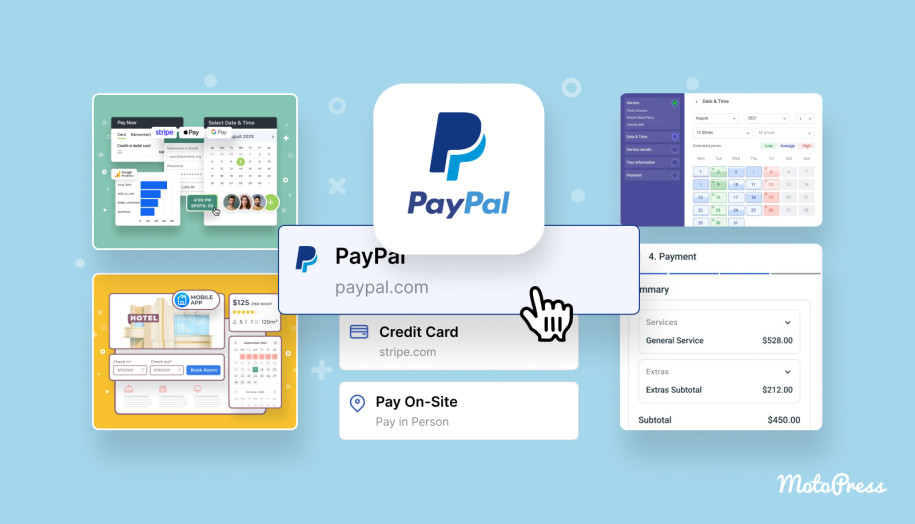
Are you using PayPal on your WordPress booking website or planning to add it as a payment method? Since it remains one of the most commonly supported payment options across WordPress plugins, many booking systems include it either by default or through official extensions. In this article, you’ll find WordPress PayPal booking plugin solutions that fit different booking scenarios!
Whether you provide appointments, accommodations, or event tickets, customers expect a straightforward and secure reservation flow. We’ll start with a quick overview table of the top 4 plugins from our roundup:
| Name | Best For | Free Version | PayPal Support |
|---|---|---|---|
| MotoPress Appointment Booking | Service-based scheduling | Yes | In the premium version |
| Booking Calendar | Calendar bookings for multipurpose use | Yes | In the premium version |
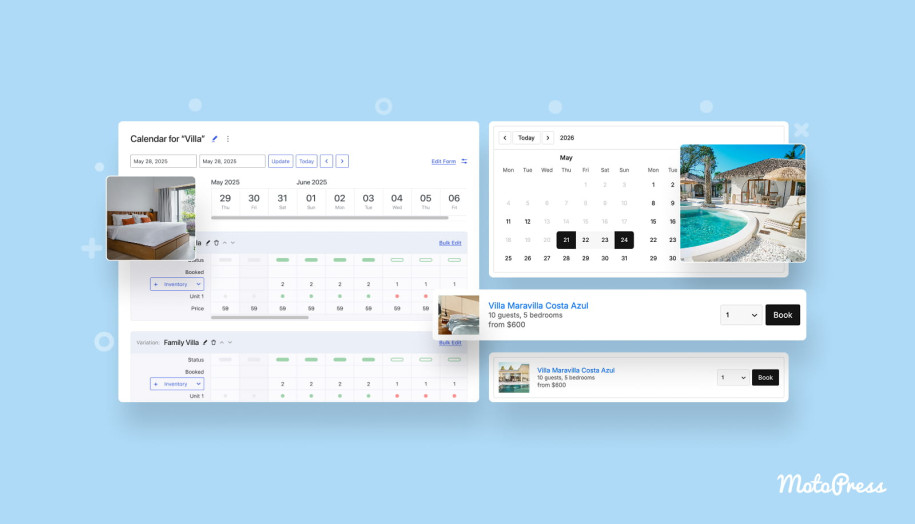
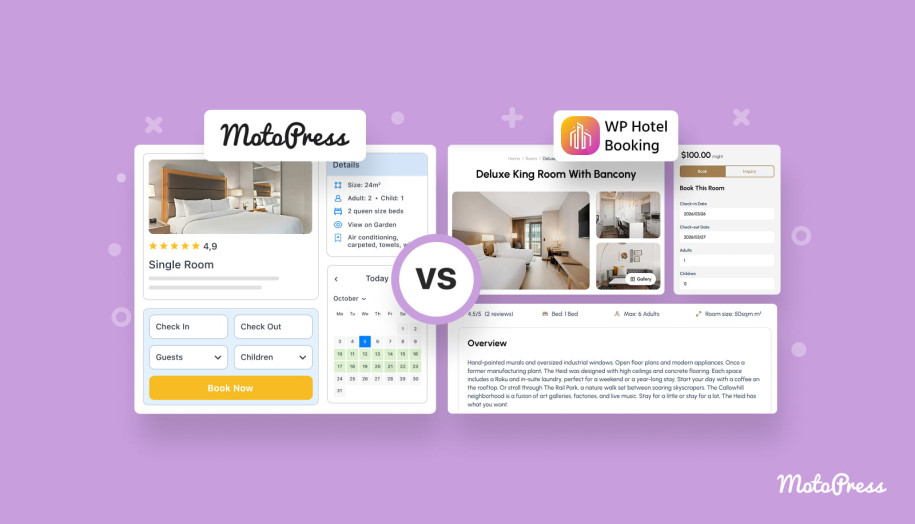
| MotoPress Hotel Booking | Accommodation reservations (hotels, rentals, stays) | Yes | In the premium version |
| EventPrime | Accommodation reservations (hotels, rentals, stays) | Yes | In the premium version |
Why Use Booking Plugin with PayPal on Your WordPress Website?
PayPal is widely used on booking websites because it ensures a trusted payment experience for a global audience. According to market data,
“PayPal holds a 45% share of the global payments market, making it the #1 payment option in the world.”
So, this level of recognition comes in handy to reduce friction during checkout, especially for upfront payments. In addition, its flexibility is one of the reasons PayPal remains a common choice across WordPress booking plugins.
- Compared to card-only gateways, PayPal allows users to complete payments without entering payment details on every site.
- It supports instant payment confirmation compared to bank transfers or local payment methods.
- PayPal is suitable for common booking scenarios:
- Full payments or deposits;
- Online payments combined with pay-on-arrival options;
- Automated or manual booking confirmation based on payment status.
While PayPal is a widely trusted payment method, its effectiveness on a booking website depends on how it integrates into the workflow. Let’s move to the essential features of a WordPress PayPal booking plugin.
How to Choose the Best WordPress PayPal Booking Plugin?
We’ve prepared some tips to help you find the WordPress booking plugin with PayPal that caters to your business needs:
- Consider the booking logic you need on your website. A plugin that was built for appointments behaves very differently from one designed for hotel stays or ticketed events, even if both are stated to “support PayPal”.
- The next thing to look at is how PayPal fits into the booking flow. Some plugins use PayPal as a final checkout step or as a trigger for automatic confirmation, deposits, or reminders.
- It’s also important to explore the pricing and find answers to questions like “Does the plugin include PayPal by default? Do I need any premium extensions?”
- Since booking management, notifications, and exports are part of everyday operations, check out the admin experience. Most plugins offer free trial periods or free versions to let you test the waters.
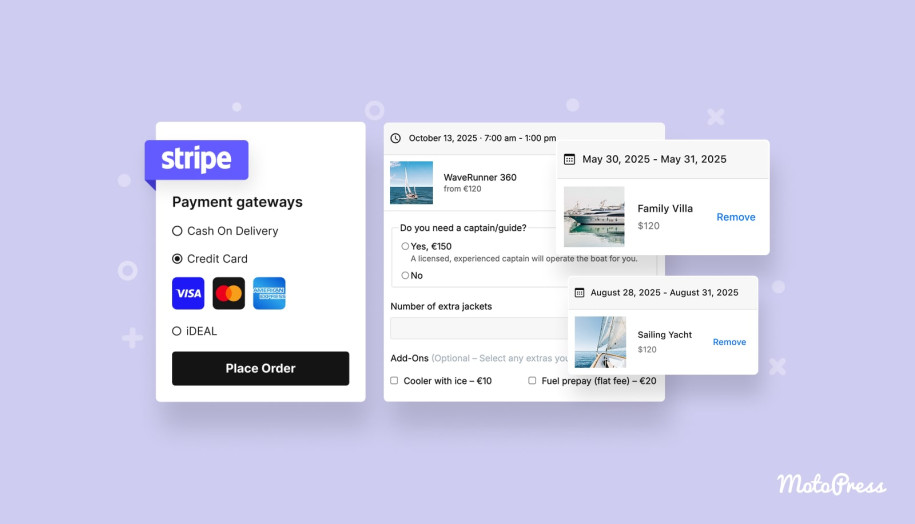
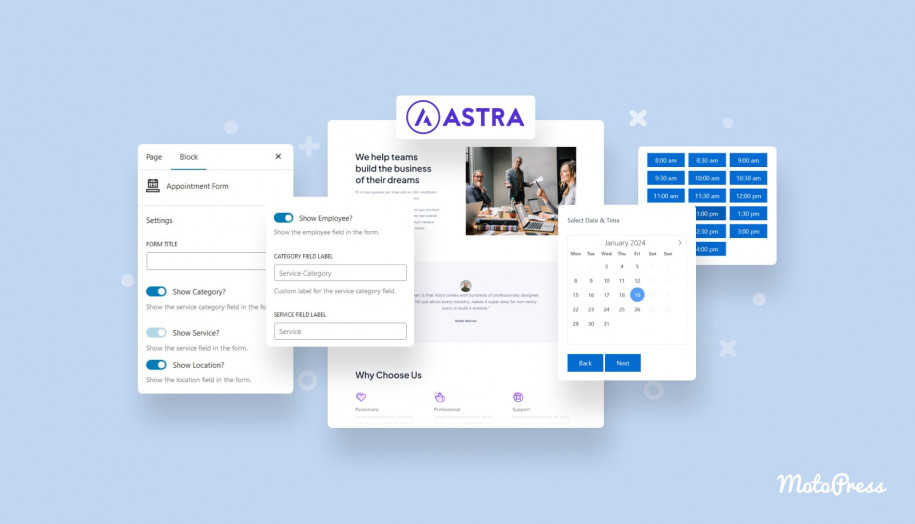
10 Premium & Free WordPress Booking Plugins with PayPal
Now, let’s dive deeper into the full list and break down how each plugin handles bookings and PayPal payments in practice!
MotoPress Appointment Booking

| Name | Provider | Active Installs | Price |
|---|---|---|---|
| MotoPress Appointment Booking | MotoPress | 2K+ | From $49 |
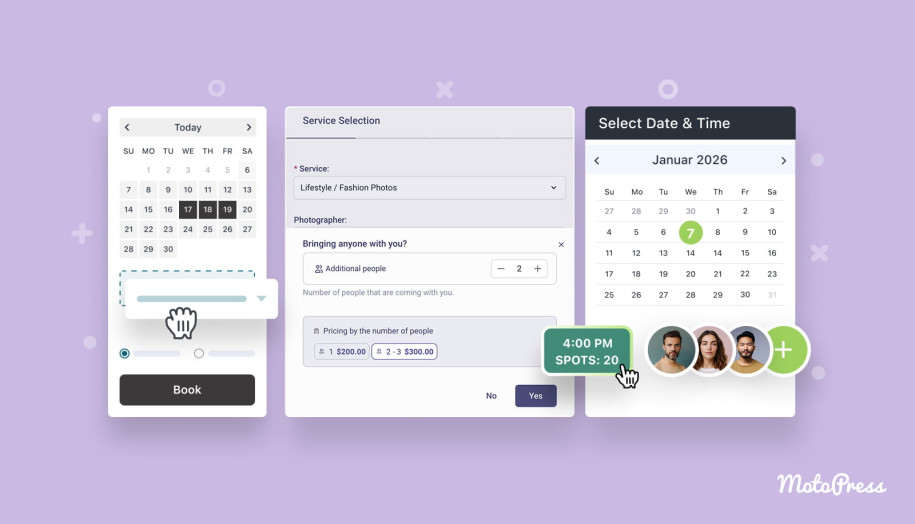
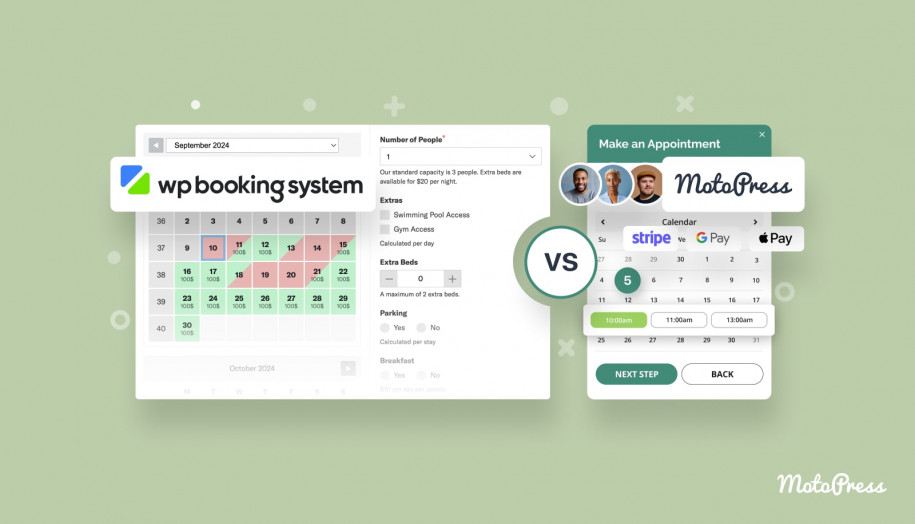
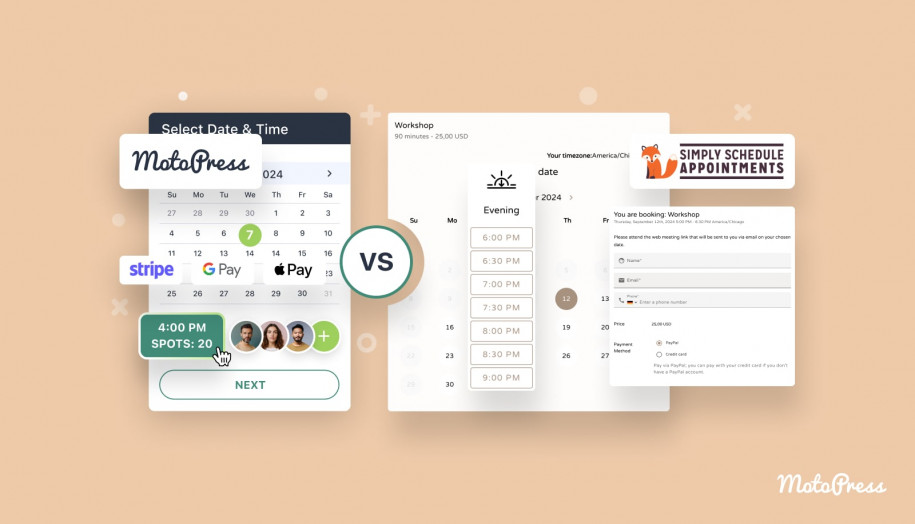
MotoPress Appointment Booking is developed for time-based services, where availability depends on service duration, staff schedules, and capacity. The booking flow includes service selection, time slot choice, and reservation.
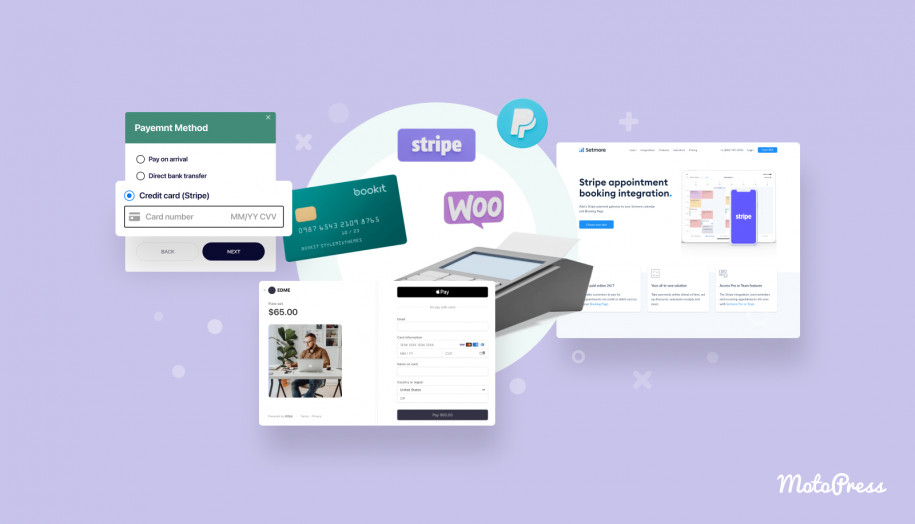
Payments can be collected during booking via PayPal, Stripe, and a direct bank transfer. The plugin supports full payments or deposits. You can set up staff calendars, group appointments, and automated notifications.
MotoPress Appointment Booking enables Twilio SMS notifications, WooCommerce payments, Zoom and Google Meet integrations, Checkout Fields, and more features via dedicated addons.
Key Features:
- Unlimited services, employees, and locations;
- Online payments with optional deposits;
- Staff schedules with individual availability;
- Group bookings and capacity limits;
- Automated email notifications and reminders;
- Customer accounts;
- Discount coupons;
- Multiple services booked in one transaction;
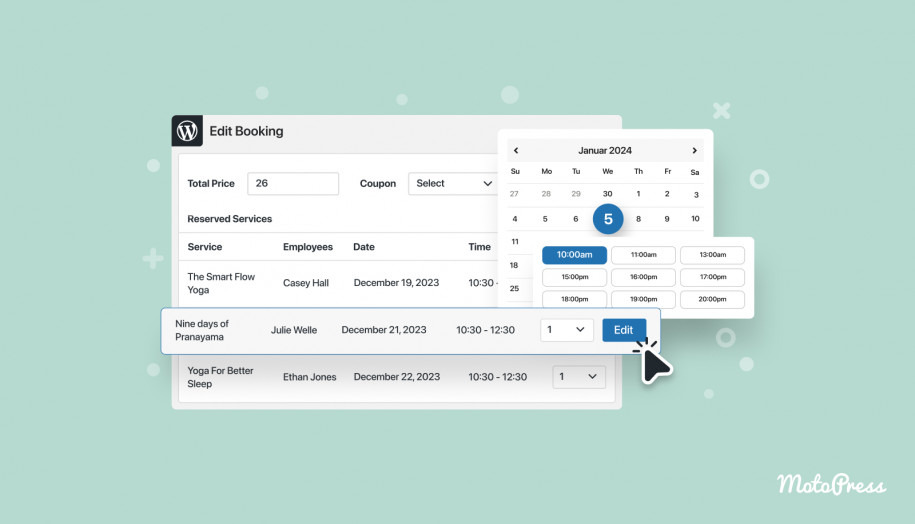
- Google Calendar synchronization with an employee’s calendar;
- Booking analytics and CSV exports.
FYI: There is a collection of WordPress appointment themes that include this plugin for free. They are designed for various service-based industries.
More Details Start Free Trial Get Bundle
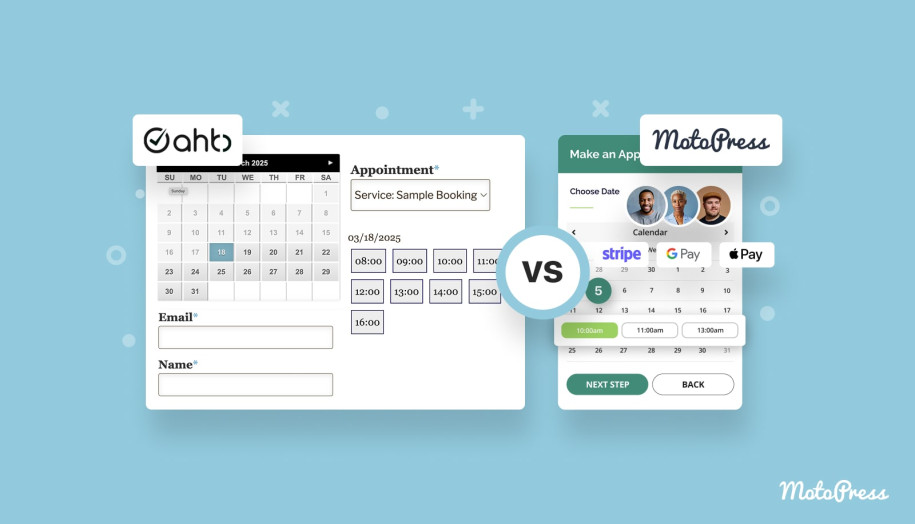
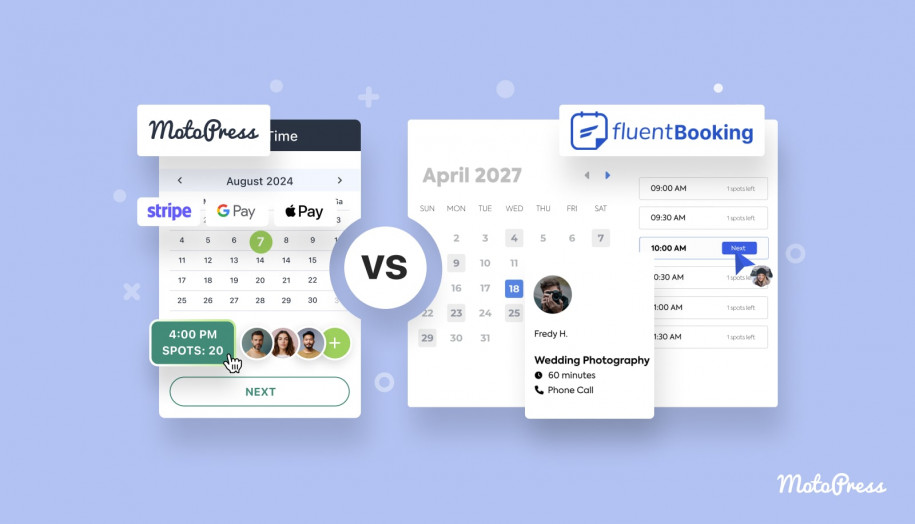
MotoPress Hotel Booking
| Name | Provider | Active Installs | Price |
|---|---|---|---|
| MotoPress Hotel Booking | MotoPress | 10K+ | From $139 |
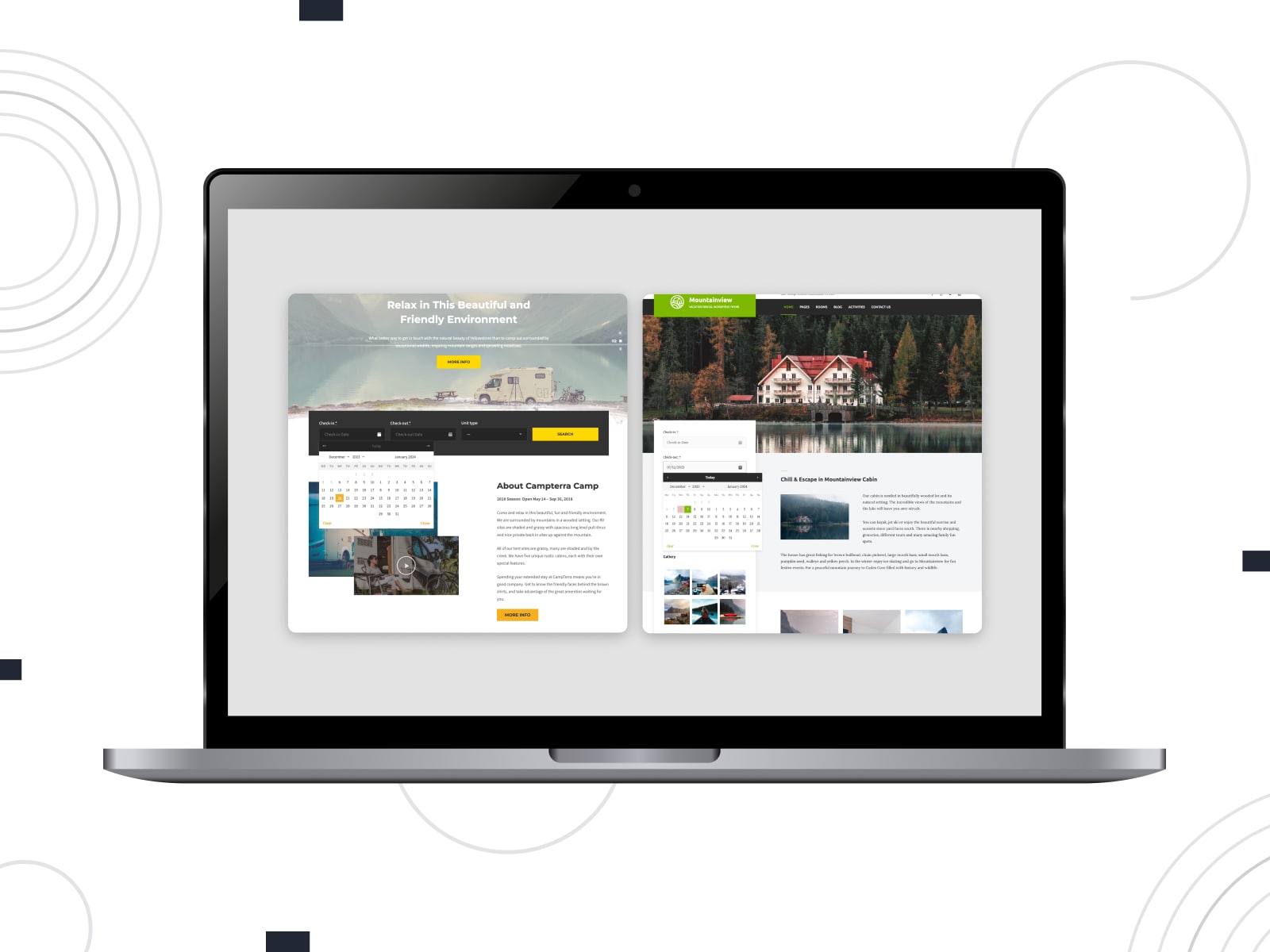
MotoPress Hotel Booking is an all-in-one WordPress reservation plugin for any type of rental properties. It allows you to add any number of accommodations, set up dynamic rates, and sync bookings with OTAs.
In addition to online payments with PayPal, you can enable 2Checkout, Braintree, Stripe, or Beanstream/Bambora gateways. With MotoPress Hotel Booking, you’ll manage availability calendars, booking rules, extra services, taxes, and reporting.
A wide range of Hotel Booking addons equips you with WooCommerce Payments, Payment Request, Checkout Fields, PDF Invoices, etc.
Key Features:
- Nightly-based booking for accommodations;
- Real-time availability search and calendars;
- Online & offline payments with full or partial deposit options;
- Detailed property presentation;
- Seasonal and length-of-stay rates;
- Booking and revenue CSV reports;
- Hotel Booking mobile application;
- Free integrations with popular page builders.
FYI: You can find this plugin included in multiple WordPress vacation rental themes built for different property types.
More Details Start Free Trial Get Bundle
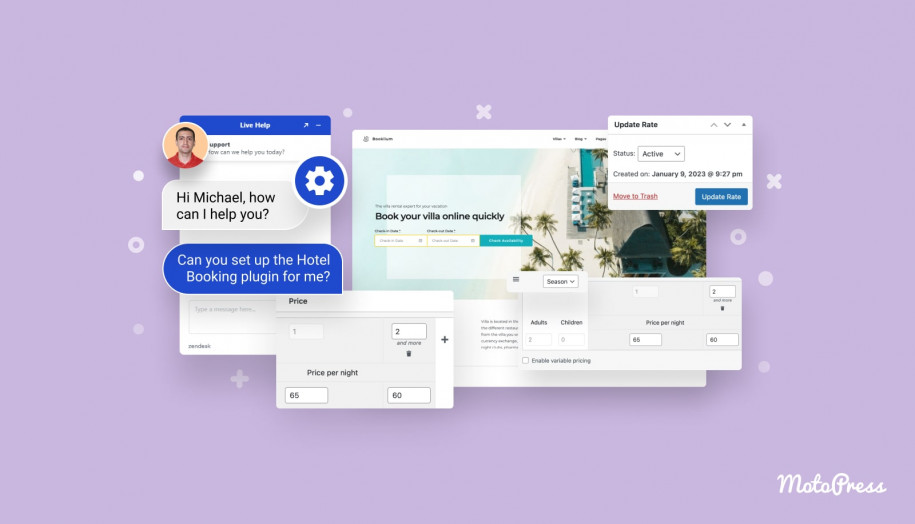
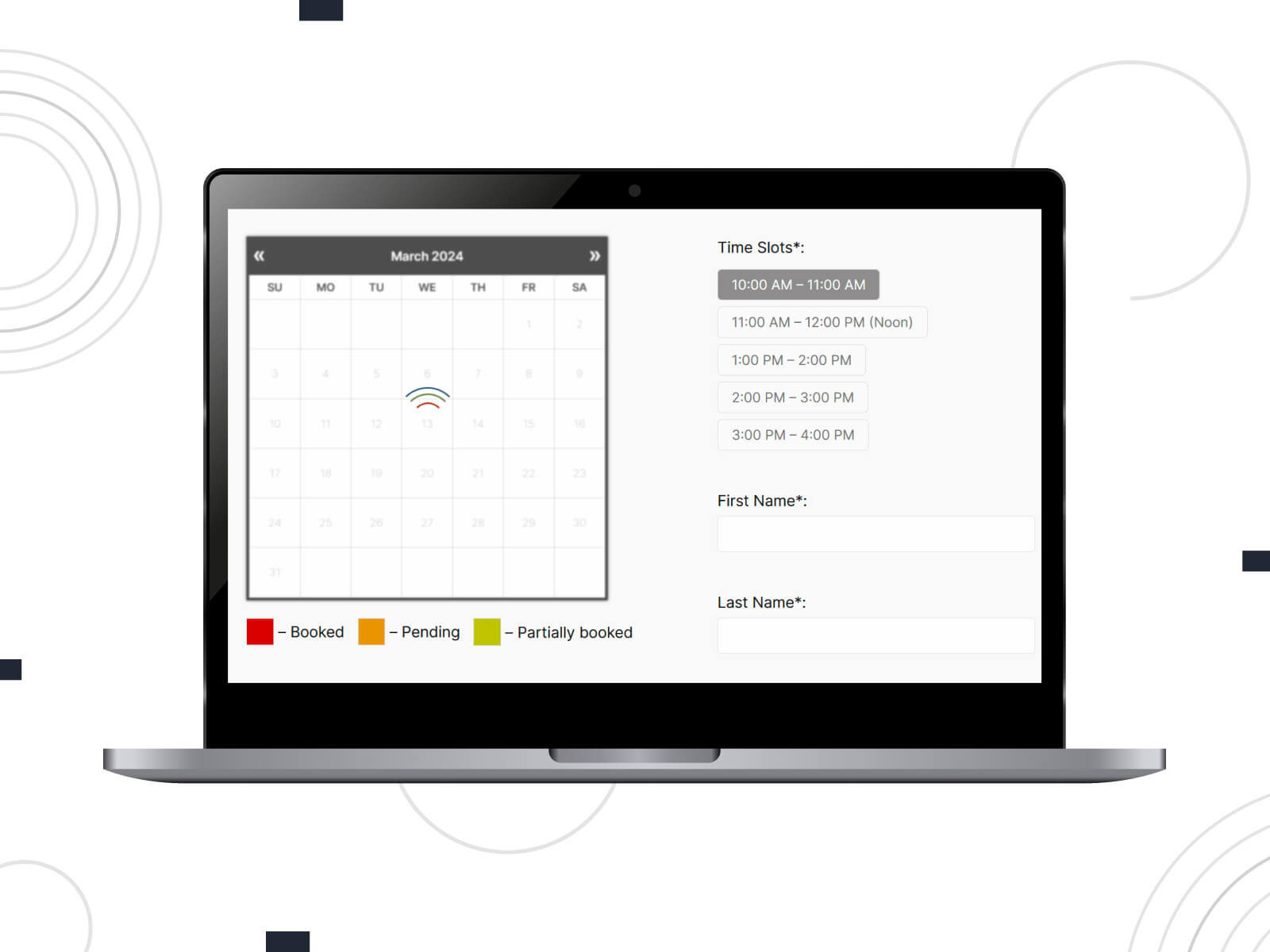
Booking Calendar
| Name | Provider | Active Installs | Price |
|---|---|---|---|
| Booking Calendar | wpdevelop | 50K+ | From $42 |
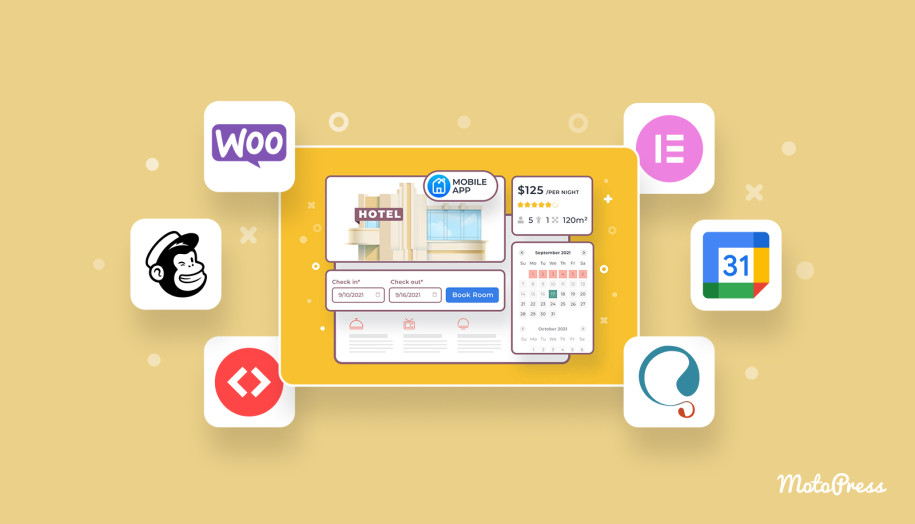
Are you going to add a WordPress booking calendar with PayPal to your website? This roundup covers Booking Calendar, which adapts to appointments, rentals, or full-day reservations. It’s a long-established WordPress plugin built around a configurable availability calendar.
PayPal is available in paid versions, where payments can be tied to approved bookings or automated confirmation flows. On the admin side, handle bookings through a list view or a calendar overview, with options to filter, approve, edit, or export reservations. Integration with Google Calendar and iCal feeds helps sync availability across platforms.
Key Features:
- Calendar-based booking system with visual availability management;
- Time-slot, full-day, and multi-day booking options;
- Online payments via PayPal, Stripe, and more;
- Customizable booking forms;
- Seasonal pricing, deposits, and discount rules;
- CSV export and detailed booking management tools.
Amelia

| Name | Provider | Active Installs | Price |
|---|---|---|---|
| Amelia | ameliabooking | 90K+ | Starts from €49 |
The Amelia plugin’s structure supports service-based workflows with employees, locations, and custom service duration. The plugin allows administrators to define working hours, breaks, days off, and capacity per service or event.
Powered with different booking views, Amelia provides integrations with calendars, video conferencing platforms, and analytics tools. Customer and employee panels are separated for seamless booking management. This plugin gives you access to PayPal in premium plans.
Key Features:
- Support for appointments and event booking;
- Email and SMS notifications;
- Recurring appointments;
- Multiple employees and locations;
- Customizable booking form;
- Integrations with third-party services.
LatePoint
| Name | Provider | Active Installs | Price |
|---|---|---|---|
| LatePoint | LatePoint | 100K+ | From $79 |
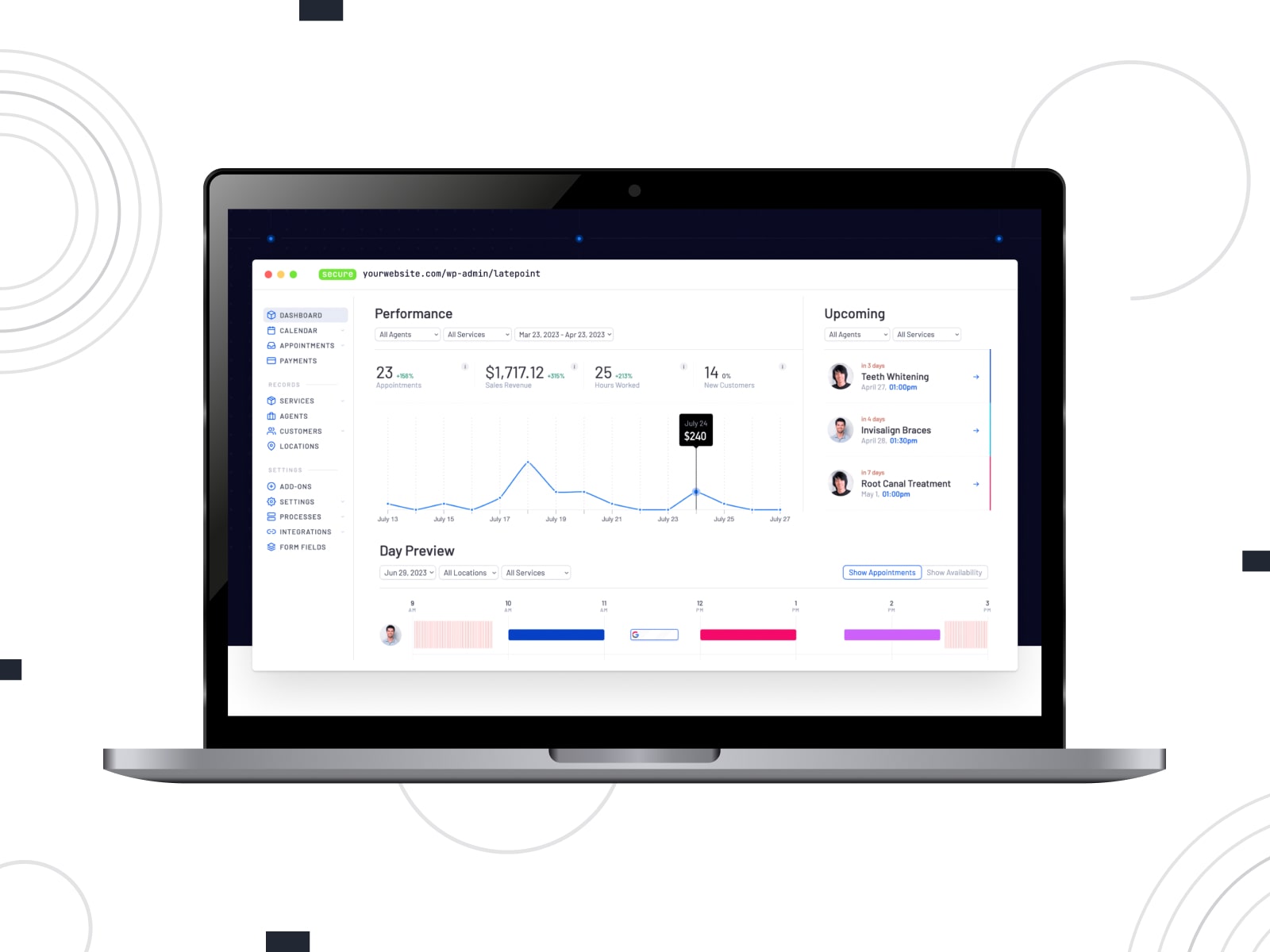
LatePoint is an appointment booking plugin that allows admins to define services, agents, locations, and availability. This WordPress PayPal booking plugin is packed with flexible service duration, buffers, and working hours.
PayPal is available through the Pro addon to collect payments during booking. LatePoint supports virtual appointments via Zoom and Google Meet integrations. You access a centralized dashboard with a clear calendar view, customer profiles, and booking history.
Key Features:
- Services, agents, and locations management;
- Online payments via PayPal and other payment gateways;
- Google Calendar synchronization;
- Booking cart for multiple appointments;
- Visual booking form builder;
- Email, SMS, and WhatsApp notifications.
Bookly
| Name | Provider | Active Installs | Price |
|---|---|---|---|
| Bookly | Bookly | 70K+ | From $49 |
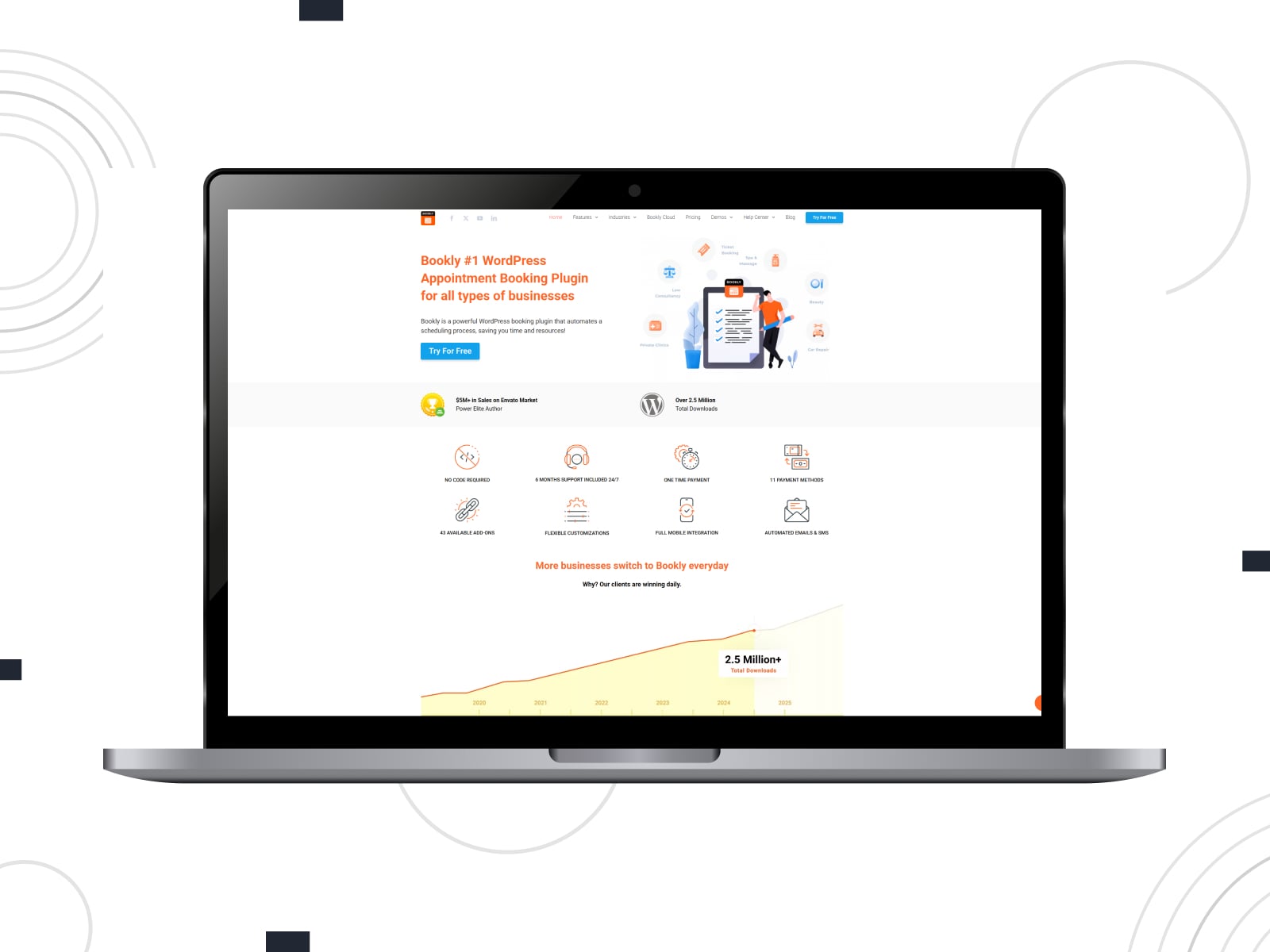
Bookly is a modular WordPress booking plugin for automating online appointments. The core plugin handles scheduling basics, while advanced features are added through Bookly Pro and extensions. PayPal, which is included in the Pro version, can be combined with other payment gateways. Bookly allows you to connect payments to automated approvals, reminders, and follow-ups.
You can customize a booking form and control how services, staff, time slots, and customer details are presented. Bookly provides tools for managing customers, appointments, and staff schedules, along with calendar views and basic analytics.
Key Features:
- Customizable booking form steps;
- Multi-staff and multi-service scheduling;
- Online payments via PayPal, Stripe, 2Checkout, etc.
- Automated email and SMS notifications;
- Integration with WooCommerce and calendars.
Simply Schedule Appointments
| Name | Provider | Active Installs | Price |
|---|---|---|---|
| Simply Schedule Appointments | NSquared | 60K+ | From $99 |
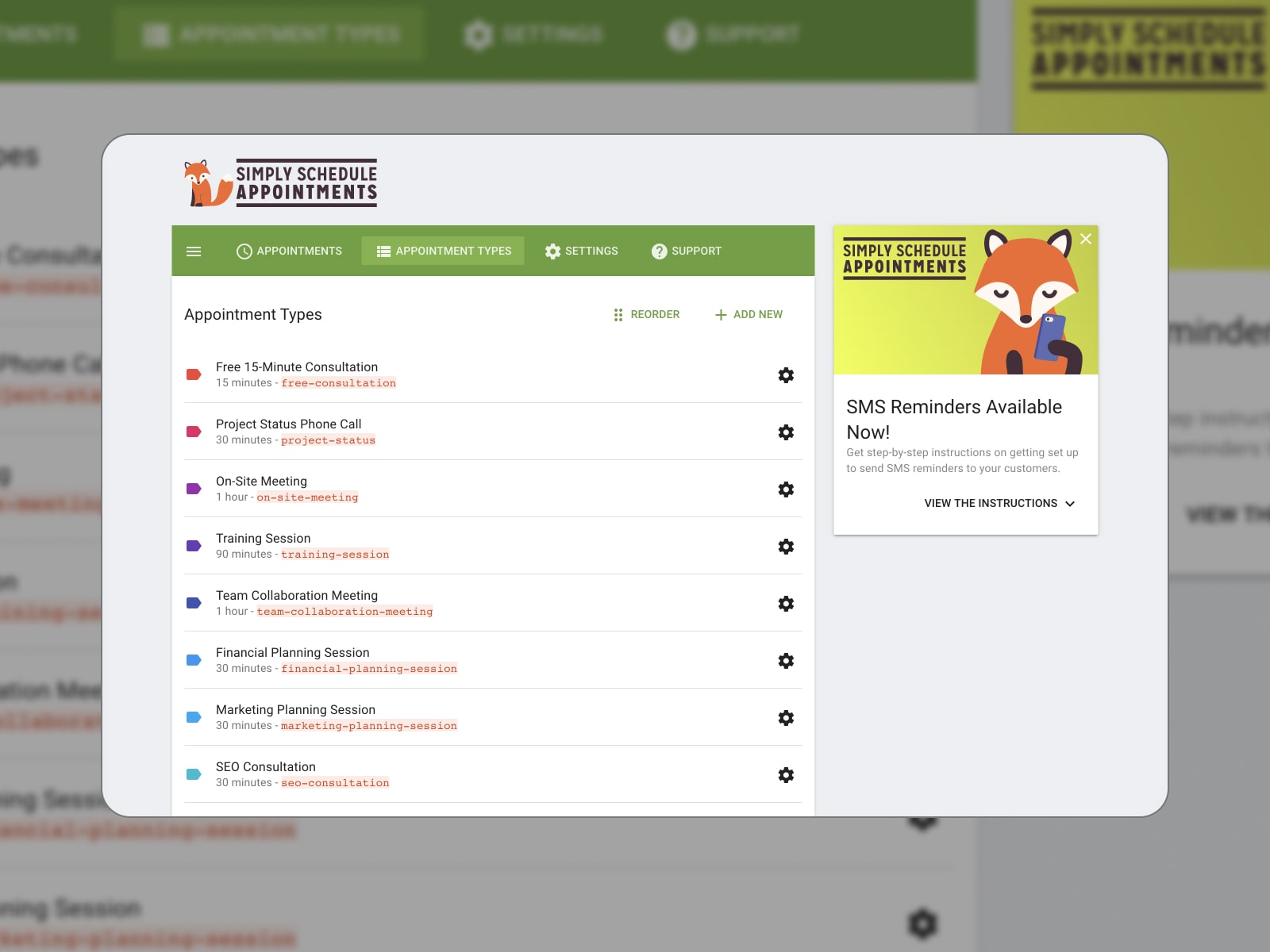
Simply Schedule Appointments is a WordPress booking plugin PayPal users might like for ease of setup and clarity. It guides them through creating booking calendars and defining availability. The plugin supports multiple booking calendars, blackout dates, buffers, and daily limits.
With the premium version, you’ll be able to charge for appointments via PayPal. The plugin also integrates with Google Calendar, video meeting platforms, analytics tools, and automation services.
Key Features:
- Multiple booking calendars for different services;
- Stripe and PayPal for online payments;
- Google Calendar sync and ICS feeds;
- Zoom and Google Meet integrations;
- Analytics and conversion tracking;
- Team and resource management;
- Automation via webhooks and integrations.
Appointment Hour Booking
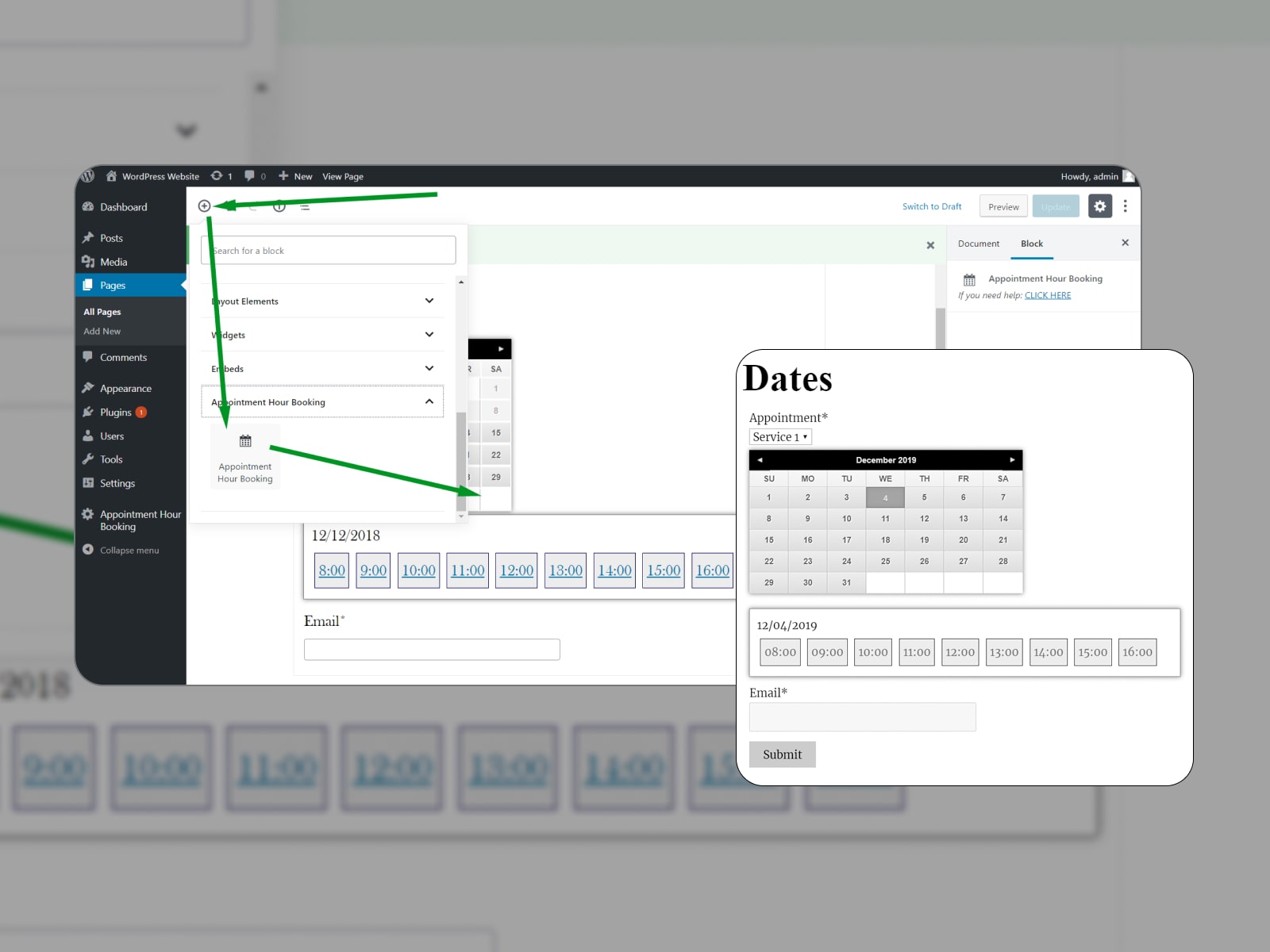
| Name | Provider | Active Installs | Price |
|---|---|---|---|
| Appointment Hour Booking | codepeople | 10K+ | From € 6.99 (per month) |
Appointment Hour Booking powers your WordPress website with an online appointment scheduling system. It involves service duration, defined working hours, and capacity. You can work with multiple services within a single calendar.
Commercial versions include PayPal integration for booking submissions. Appointment Hour Booking offers add-ons for reminders, cancellations, calendar synchronization, and external service integrations. When it comes to administrative tools, they include booking lists, CSV exports, and printable schedules.
Key Features:
- Multiple services with individual pricing;
- Capacity-based bookings;
- Online payments via PayPal;
- iCal and Google Calendar integrations;
- CSV exports and printable booking lists;
- Add-ons for reminders and cancellations.
EventPrime
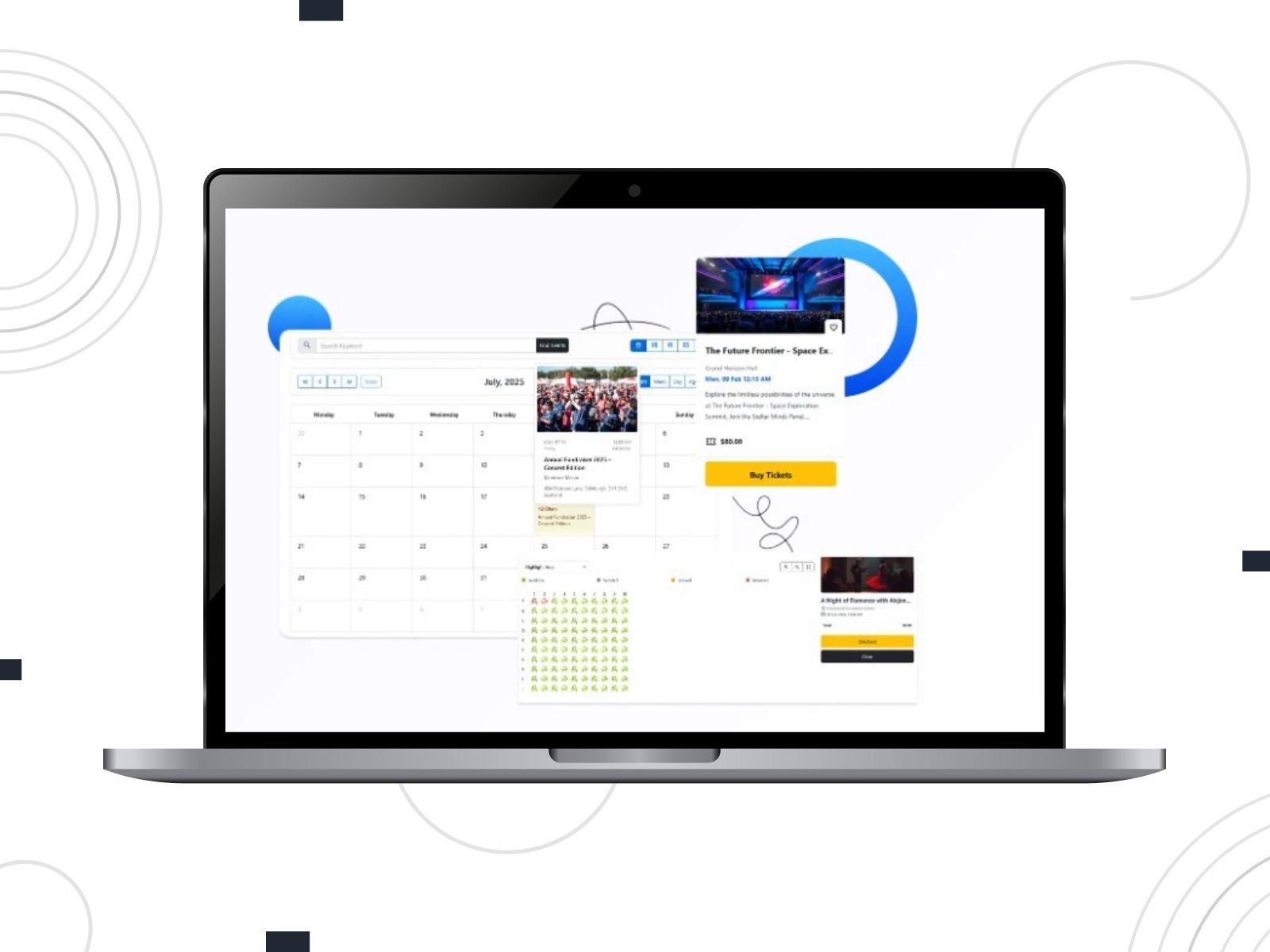
| Name | Provider | Active Installs | Price |
|---|---|---|---|
| EventPrime | Metagauss | 7K+ | From $69 |
Do you need a booking plugin WordPress PayPal solution to manage events and ticketing? EventPrime has got you covered! Structured as an event management system, it lets you create events, manage venues and performers, and present events through multiple views.
The plugin supports both free and paid event registrations. PayPal is available as a payment option for ticket sales. You can configure ticket types, capacity limits, and pricing rules per event. EventPrime includes frontend dashboards for attendees and organizers, email notifications, and reporting tools.
Key Features:
- Event-based booking and ticketing system;
- Single-day, multi-day, and recurring events;
- Multiple event calendar and listing views;
- Frontend dashboards for attendees;
- Customizable email notifications;
- Extensions for seating, coupons, and sponsors.
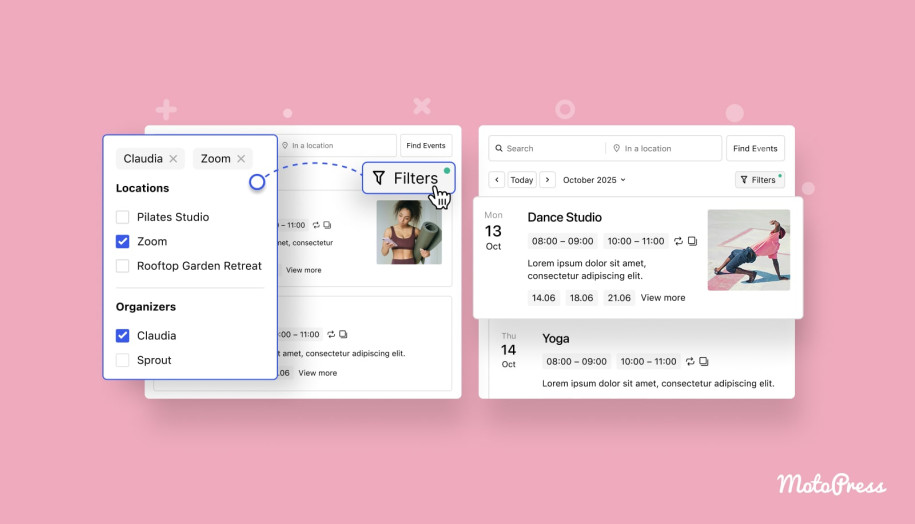


Booking Package
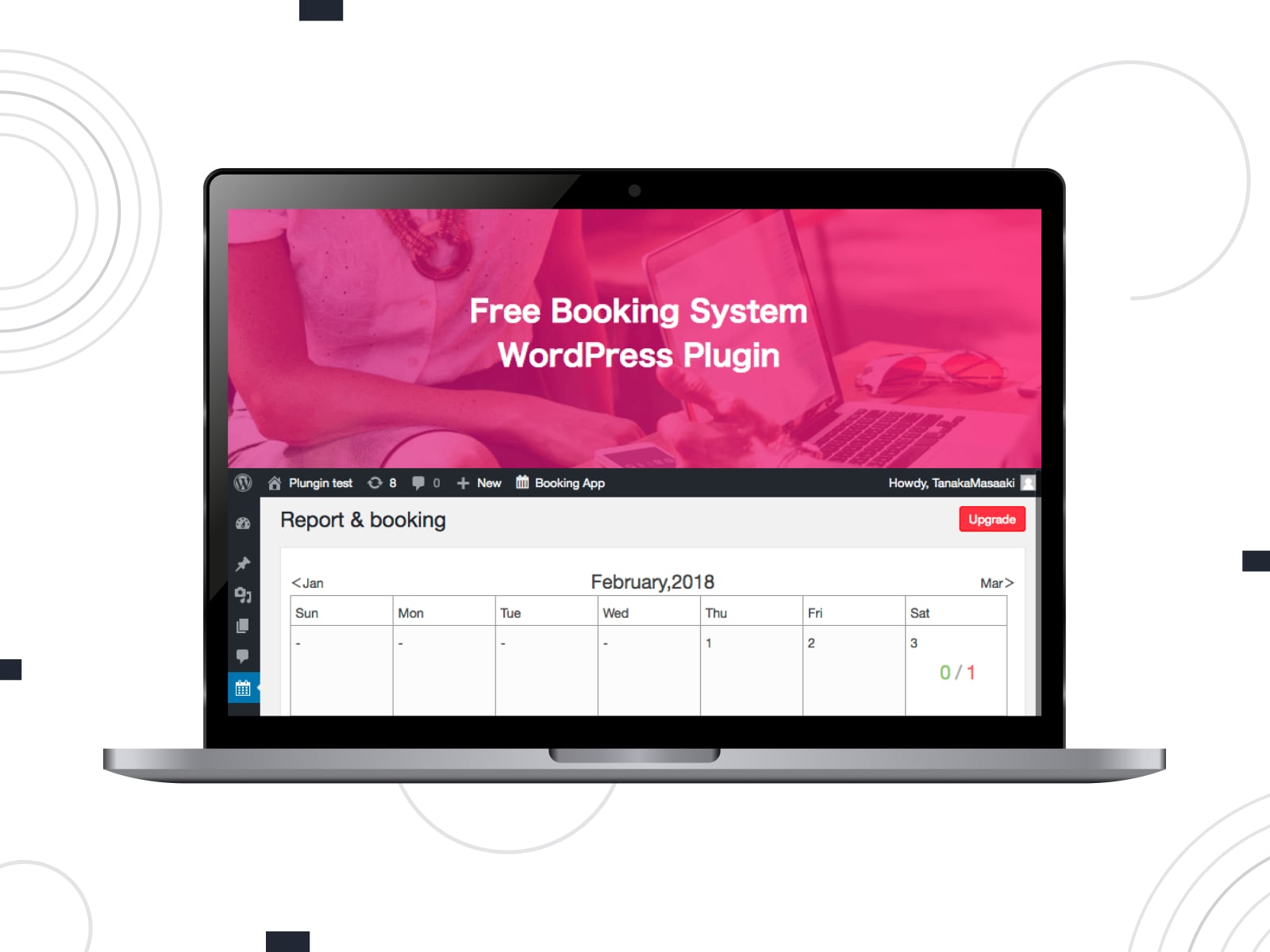
| Name | Provider | Active Installs | Price |
|---|---|---|---|
| Booking Package | MASAAKI | 10K+ | From $6 (per month) |
Booking Package refers to a flexible booking system that supports appointments and accommodation-style reservations. Booking schedules are created directly in the WordPress dashboard. The plugin works for hourly and minute-based bookings to adapt it to different scheduling needs. PayPal is included as an online payment option to be used during the booking process.
Admins can define booking deadlines, closing days, minimum and maximum stays, and service-specific availability.
Key Features:
- Booking system for services, facilities, and rooms;
- Capacity display for time slots and dates;
- Online payments via PayPal and Stripe;
- User accounts for returning customers;
- Email notifications;
- Hotel-style pricing and stay rules.


Conclusion
So, the WordPress PayPal booking plugin isn’t just about accepting payments but about how availability, payment processing, and day-to-day management function within one system. Once those pieces align, PayPal becomes a convenient part of a larger booking workflow. The plugins covered in this list are suitable for appointments, accommodations, or events.
Which booking model matches your website today? Which plugin supports how you actually want to manage reservations? Explore the options, test the booking flow, and choose the solution that feels right for your setup!
Disclosure: this article may contain affiliate links for third-party products. If you click a link and later make a purchase, we may earn an affiliate commission that doesn’t result in additional charges to you.
FAQ
Is PayPal available for free in WordPress booking plugins?
Can I charge a deposit instead of the full booking amount?
For example, both MotoPress Appointment Booking and MotoPress Hotel Booking support deposit-based payments, which can help reduce no-shows while keeping the remaining balance payable later.
Can PayPal be combined with offline payment options?
Do I need WooCommerce to use PayPal with booking plugins?
MotoPress plugins, for instance, support PayPal natively and use WooCommerce only when additional or region-specific payment gateways are required.
Can I accept PayPal payments with a WordPress booking plugin?