
Which Plugin is Best if You Need WordPress Group Booking?
Table of Contents
Looking for the best WordPress group booking plugin for your website? With a wide variety of solutions available for the world’s leading CMS, choosing a proper booking plugin that manages capacity doesn’t always seem simple. Moreover, group booking can mean different things for various businesses and websites. In today’s article, we’ll explore what group bookings are, how WordPress plugins handle them, and the limitations they impose.
Before we begin, here are the top 3 solutions we recommend trying out right away.
| Name | Price | Category |
|---|---|---|
| MotoPress Appointment Booking | Free or from $49/year | Quantity-based & shared capacity |
| WP Travel Engine | Free or from $12/mo | Tour group booking |
| Amelia | Free or from $49/year | Quantity-based & shared capacity |
What is Group Booking?
First, let’s explore what group booking is and what the term includes when it comes to WordPress plugins.
 Group booking functionality in modern websites allows visitors to reserve multiple seats or spots during a single appointment. For example, if you want to reserve a group of yoga sessions for 5 people at once, you only need to book one service, class, or appointment using a website’s UI. As you may have guessed, various businesses utilize group booking for different purposes, but one thing remains the same: this feature simplifies scheduling a service or appointment for multiple people without requiring each of them to reserve a spot separately. Several key elements for group booking capabilities define how this feature will work on a specific website or in a certain scenario, such as:
- Capacity: This defines the maximum allowed number of people for one group booking slot. For example, if we are talking about group workouts, the capacity there may differ from what you offer in a local cinema or museum.
- Pricing rules: In most cases, WordPress group booking plugin functionality includes price multiplication to show the total cost of a service based on the group size. Some plugins that support this feature may support an optional discount for larger groups, as well as customizable group rates.
- Attendee management: While not all WordPress plugins allow you to manage group attendees, you can always gather necessary booking data using custom form fields that are available with nearly any plugin. As a result, you can have access to key information about group reservations and update it later if an appointment is rescheduled or cancelled.
- Email notifications: Making sure all group members are notified of the reservation is also necessary. However, not all plugins can automate notifying whole groups of customers properly via email and may require additional notifications to be created manually.
Types of Group Bookings
It is obvious that group booking has undeniable benefits, but do all WordPress group booking plugin options handle each group booking case identically? Certainly not, and that’s why we need to better understand how varied group booking can be and how plugins approach this task. Before we dive deeper into exploring popular group booking plugins, let’s take a look at popular scenarios of booking for groups and what businesses use them.
1. Quantity-Based Bookings (One Person Books for Many)
 The most often-used approach to group bookings is a quantity-based one. This type allows a single customer to book multiple spots within the same reservation. A potential customer simply selects several group participants using a custom text field or a spin box. This also simplifies booking management since you don’t have to send multiple booking notifications and work with multiple group members’ data at once. Besides, capacity is reduced immediately according to the number of booked spots, preventing overbooking. This scheduling app for multiple users model is commonly used for:
- Fitness classes such as yoga or pilates;
- Workshops, seminars, and training sessions;
- Recreational activities with limited spots (group tabletop games, escape rooms);
- Kids’ programs and group activities where a single parent books for multiple participants.
2. Shared Capacity Bookings (Multiple People Book the Same Time)
 Another known group booking type is connected with a shared capacity. It allows multiple customers to book the same time slot until the total capacity is fully reserved. Also, each group member books independently. Every reservation processed through the availability calendar by the WordPress group booking plugin may include one or more spots, but availability is shared across all bookings. Using this group booking method, you can manage reservations individually, while still having all capacity booked. If you run any of the following businesses, you can use this type of booking:
- Educational providers providing language courses;
- Wellness centers hosting meditation sessions;
- Tour guides offering public tours;
- Community or recreational facilities that manage scheduled activities.
3. Group Packages
 If you want to bundle one or more sessions for the same group of participants, you may want to consider using group packages. This group booking option is designed as a single product and works best with eCommerce platforms like Shopify or WooCommerce. Pricing is usually set per package rather than per person, and capacity is managed at the package level. WordPress group booking plugin options using group packages are perfect for:
- Corporate training programs;
- Seasonal sports training packages;
- Educational courses with multiple sessions;
- Kids’ camps or long-term group programs.
Top 10 Group Booking Plugins for WordPress
As you see, group booking types vary by purpose and the areas they are used in. This is also true for group booking WordPress plugins. While the variety of such tools is mostly oriented towards quantity-based reservations, some solutions cover multiple options for groups with different needs. This allows for smarter booking management and better user experience. Below, we have gathered 10 of the most popular WordPress plugins that support group booking and are great for helping you manage service availability effectively.
MotoPress Appointment Booking
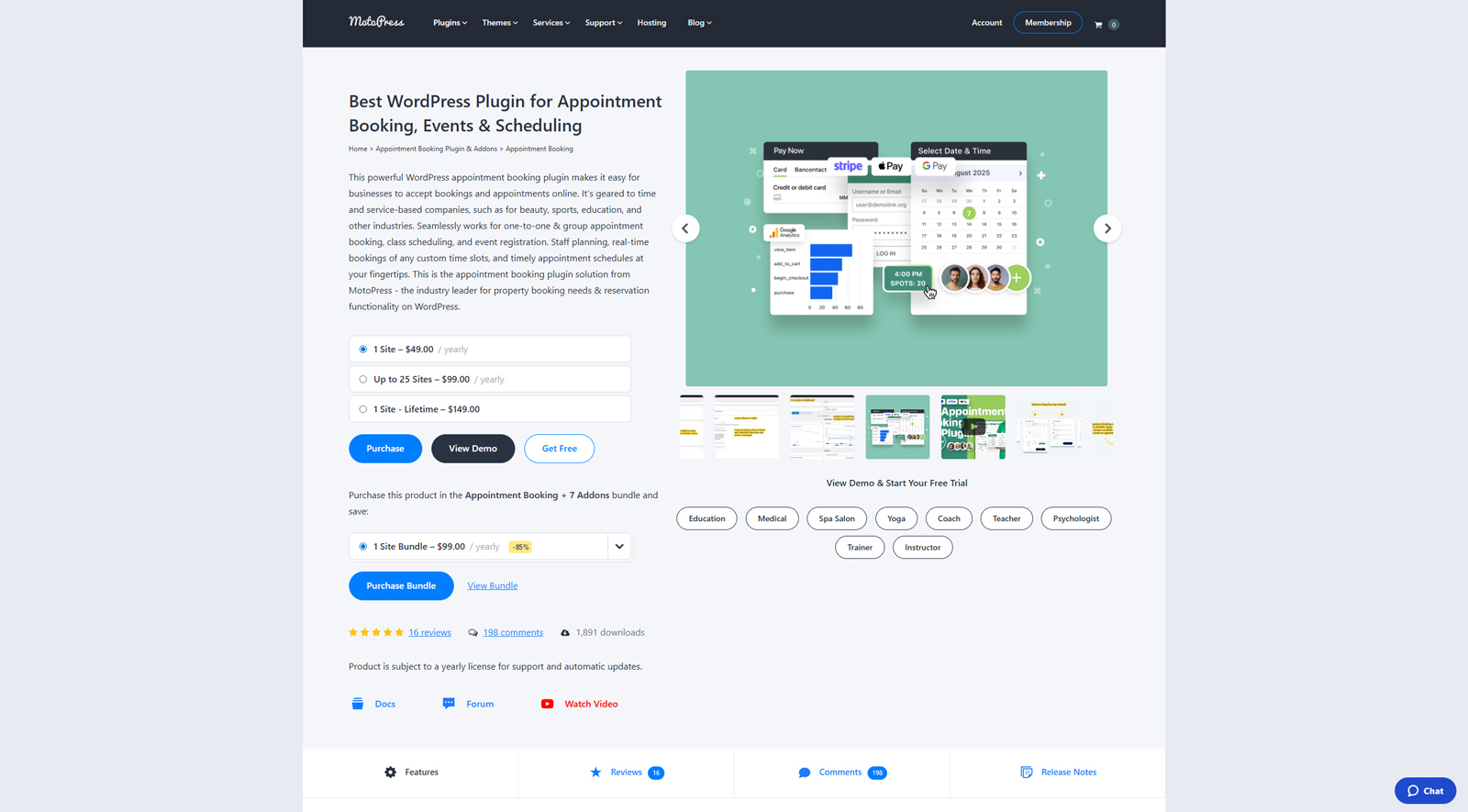 One of the first WordPress group booking plugin options is Appointment Booking, designed for service-based businesses, such as beauty salons, language schools, or gyms. Supporting quantity-based group bookings out of the box, this solution makes it simple to customize bookable service capacity. Additionally, it allows you to choose multiple services to reserve at once. Extra benefits include secure payment gateway support (Stripe & PayPal) and a dashboard with a centralized booking calendar, among many other features. Moreover, the plugin has a Lite version, which is available for free download.
As an alternative option, we recommend using themes that already include this plugin, such as Yogamo or Touriny. Designed for yoga studios and tour agencies, respectively, these solutions provide responsive designs supplied with group booking software functionality. Made for Gutenberg, both of these themes are easy to customize. Their pre-designed pages include blog layouts, galleries, team member pages, and more. All this makes a combination of responsive WordPress themes and the Appointment Booking plugin a great basis for your next group reservation website.
Key features:
- Step-by-step booking wizard;
- Customizable group booking capacity;
- Automated email notifications;
- Integrated Gutenberg block;
- Multiple premium add-ons.
| Name | Developer | Price | Installations |
|---|---|---|---|
| Appointment Booking | MotoPress | Free or from $49/year | 1,8k+ |
Booking Calendar
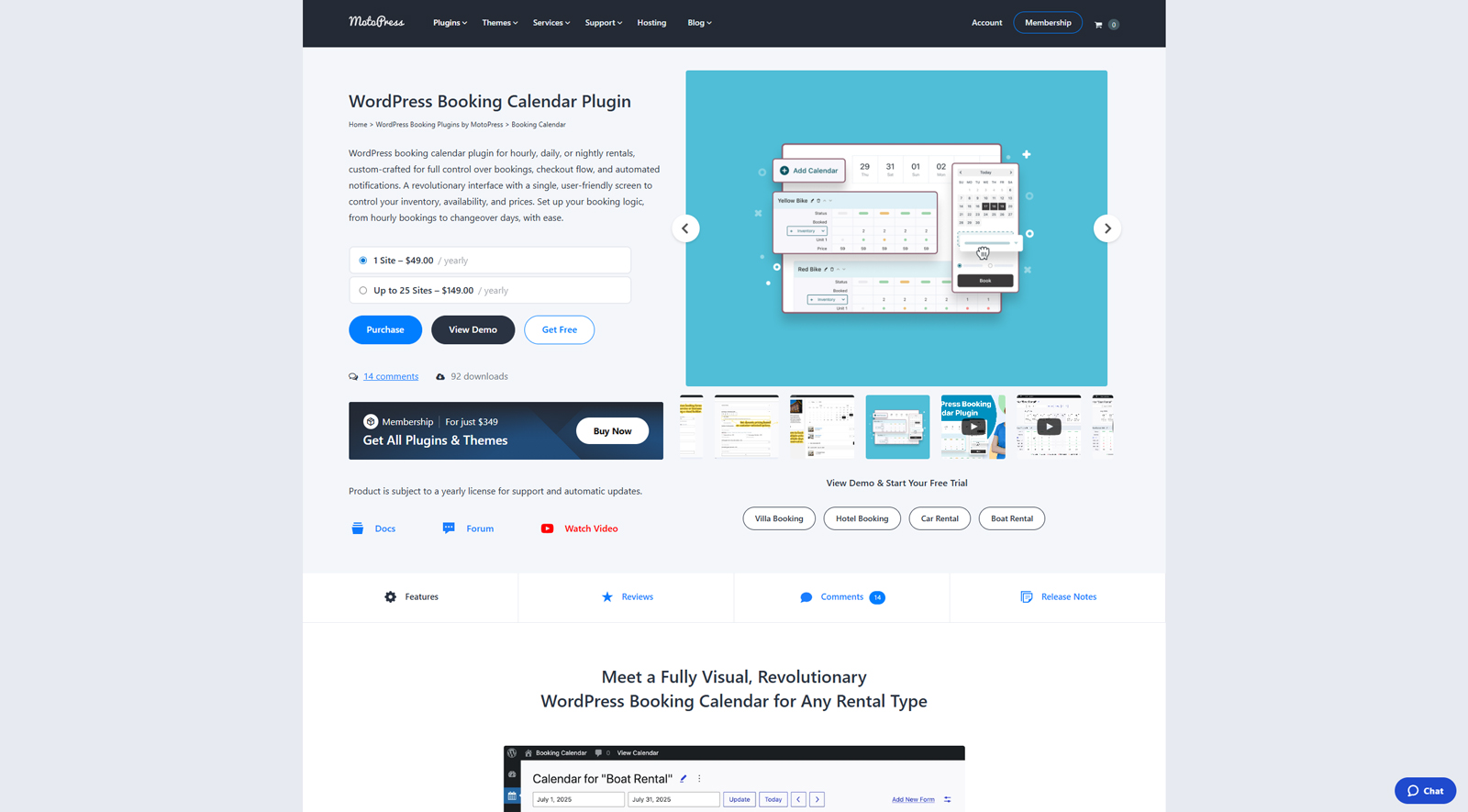 MotoPress Booking Calendar is another group booking WordPress solution we advise trying out. Created as a flexible booking solution for rental businesses, this plugin also supports group booking functionality. For site owners, it provides a visual booking calendar with inventory management support and 3 booking modes. If you own equipment, a boat, or a vacation rental business, you can simply set up the available capacity for each item in the calendar dashboard. Available as a free and premium option, this group class booking software also supports automated notifications to make sure your clients are informed of their upcoming, rescheduled, or cancelled booking.
Key features:
- Visual calendar manager with rental type control;
- Nightly, daily, and hourly bookings support;
- Dynamic pricing customization;
- Integrated booking form builder;
- Stripe payment gateway integration.
| Name | Developer | Price | Installations |
|---|---|---|---|
| Booking Calendar | MotoPress | Free or from $39/year | 88+ |
Amelia
 Amelia is a widely known WordPress group booking plugin packed with tools that make your appointment management experience simple. Unlike previously mentioned plugins, this one supports two types of group booking – quantity-based and shared capacity bookings. These two group appointment scheduling options allow for managing appointments with ease by opening the same capacity to multiple client groups or reserving it for just one of them. Aside from this advantage, Amelia also has a user-friendly calendar and flexible pricing settings, allowing site owners to track booked services and define their rates.
Key features:
- Recurring appointment support;
- Service photo gallery;
- Automatic time zone detection;
- Insightful dashboard and reporting;
- Customer and employee panels.
| Name | Developer | Price | Installations |
|---|---|---|---|
| Amelia | Melograno Venture Studio | Free or from $49/year | 90k+ |
WooCommerce Bookings
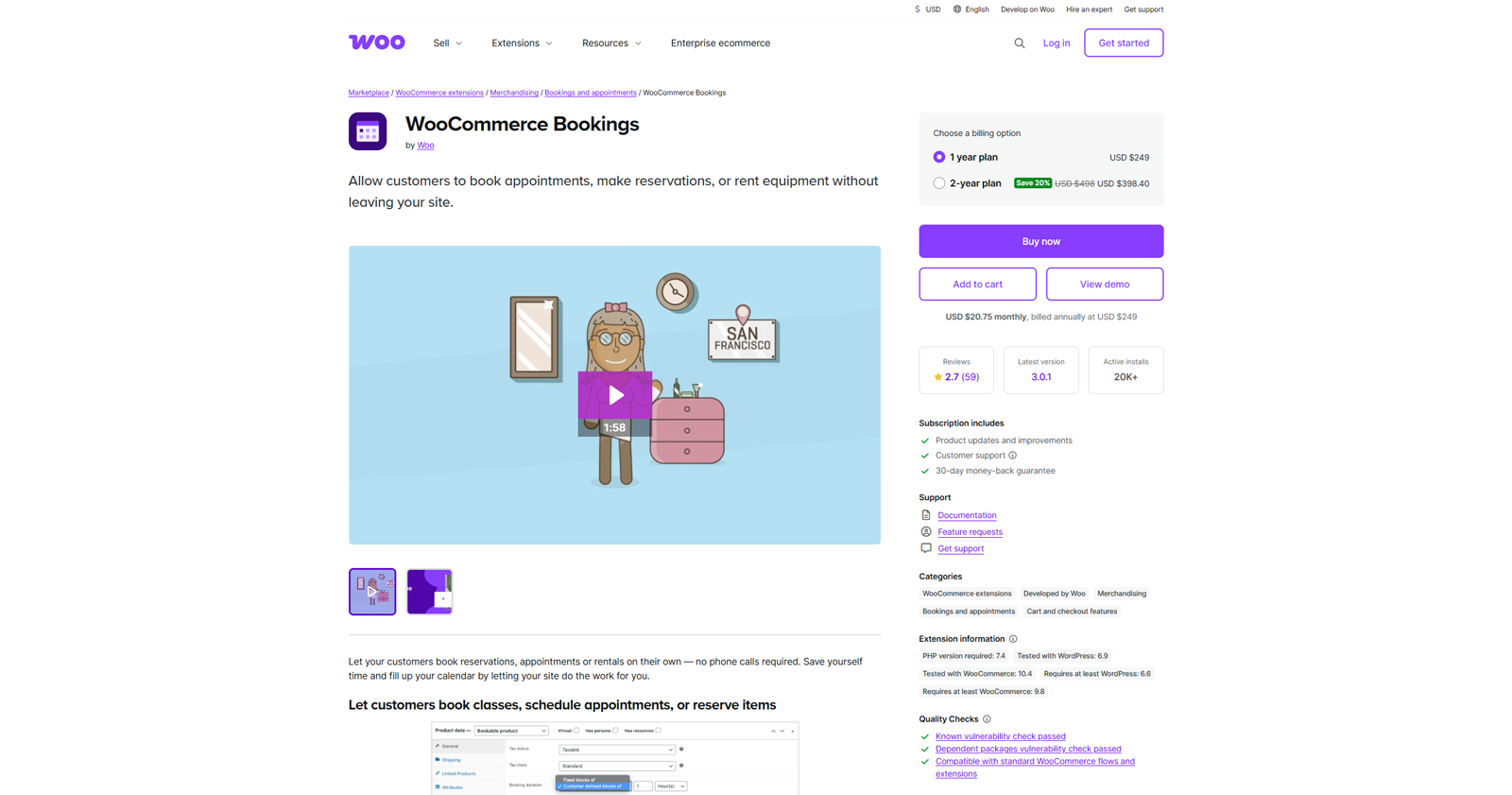 One of the booking software with group scheduling that treats bookings differently is WooCommerce. It can be considered an example of solutions that offer group package types of bookings. Its popular extension, WooCommerce Bookings, is a perfect solution for those online stores that don’t just want to sell products but need tools to manage appointments and rentals. From special pricing for groups to automated reminders and other features, the extension transforms the default plugin functionality and gives you more ways to automate the appointment booking workflow.
Key features:
- One-on-one and multi-person appointment support;
- Google Calendar synchronization;
- Flexible pricing settings;
- Compatible with other WooCommerce extensions.
| Name | Developer | Price | Installations |
|---|---|---|---|
| WooCommerce Bookings | Woo | $249/year | 20k+ |

Bookly
 Next WordPress group booking plugin on our list is Bookly. Being a free and easy-to-use solution for appointments, it is used by a vast majority of businesses. From dental clinics to spa salons, this plugin delivers an extensive range of premium functionality through paid add-ons. One of them allows the plugin to support quantity-based group bookings. By defining available capacity, you can let your customers book multiple spots at once. In addition to this, the plugin offers multiple integrations and online payment service add-ons to enhance the booking experience.
Key features:
- Customizable booking form design;
- User-friendly admin panel;
- Support for packages and taxes;
- Easy-to-edit availability rules;
- User-defined form fields.
| Name | Developer | Price | Installations |
|---|---|---|---|
| Bookly | Booking Technologies, Inc. | Free or from $49/year | 70k+ |
BookingPress
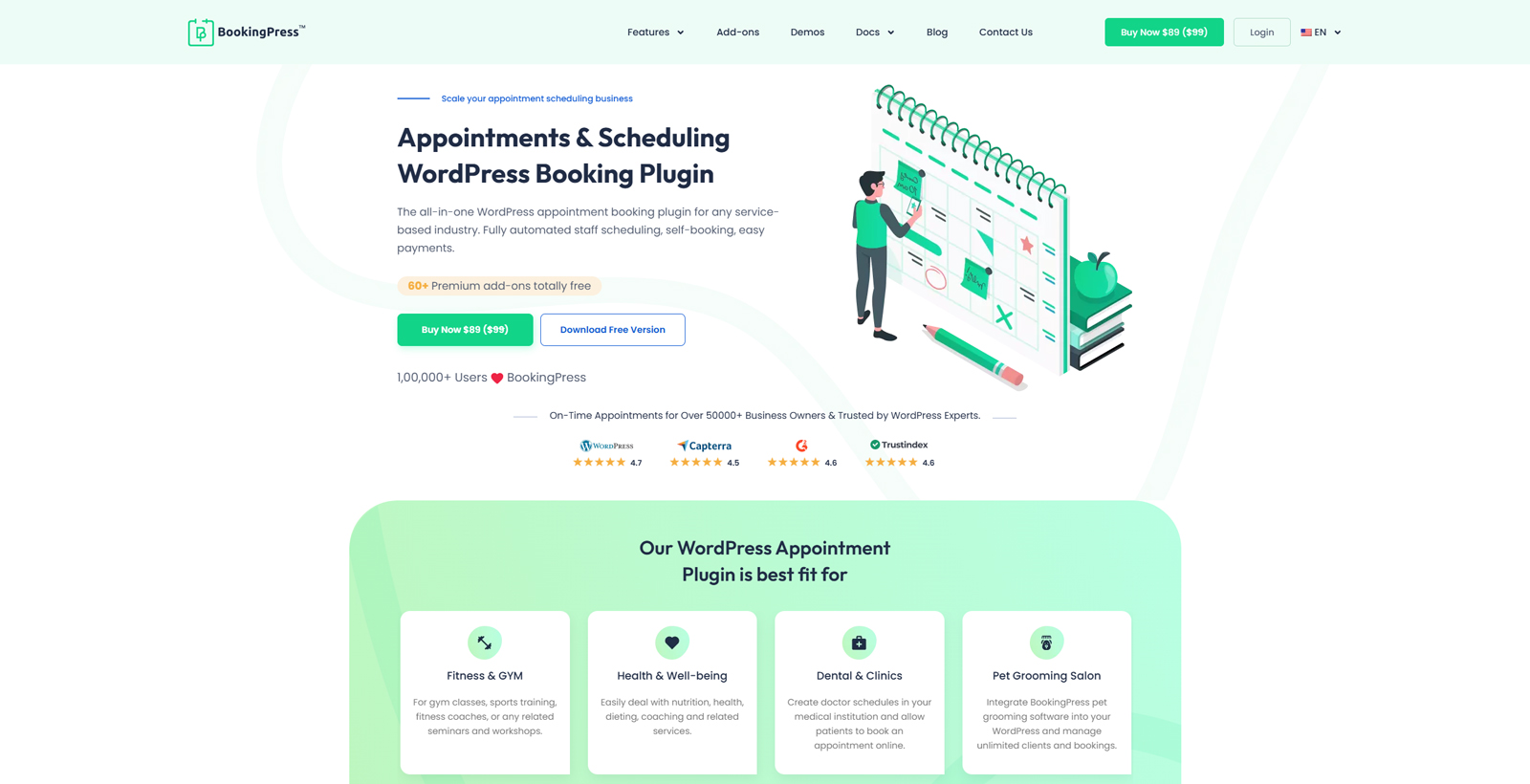 One of the group booking implementation examples is BookingPress, a popular and well-designed solution for scheduling. Similar to previously mentioned plugins, this group appointment scheduling software is a nice fit for beauty salons, yoga studios, and nearly any appointment-based business. To allow group booking, you need to set the available capacity of a service in the plugin dashboard. Additionally, you may want to use other features to improve your customers’ appointment booking experience. From service packages to two-way calendar sync, BookingPress offers a range of advantages for any website.
Key features:
- Unlimited services & bookings;
- Editable booking form;
- Custom checkout fields;
- Built-in spam protection;
- Ready for translation.
| Name | Developer | Price | Installations |
|---|---|---|---|
| BookingPress | Repute Infosystems | Free or from $99/year | 20k+ |
Simply Schedule Appointments
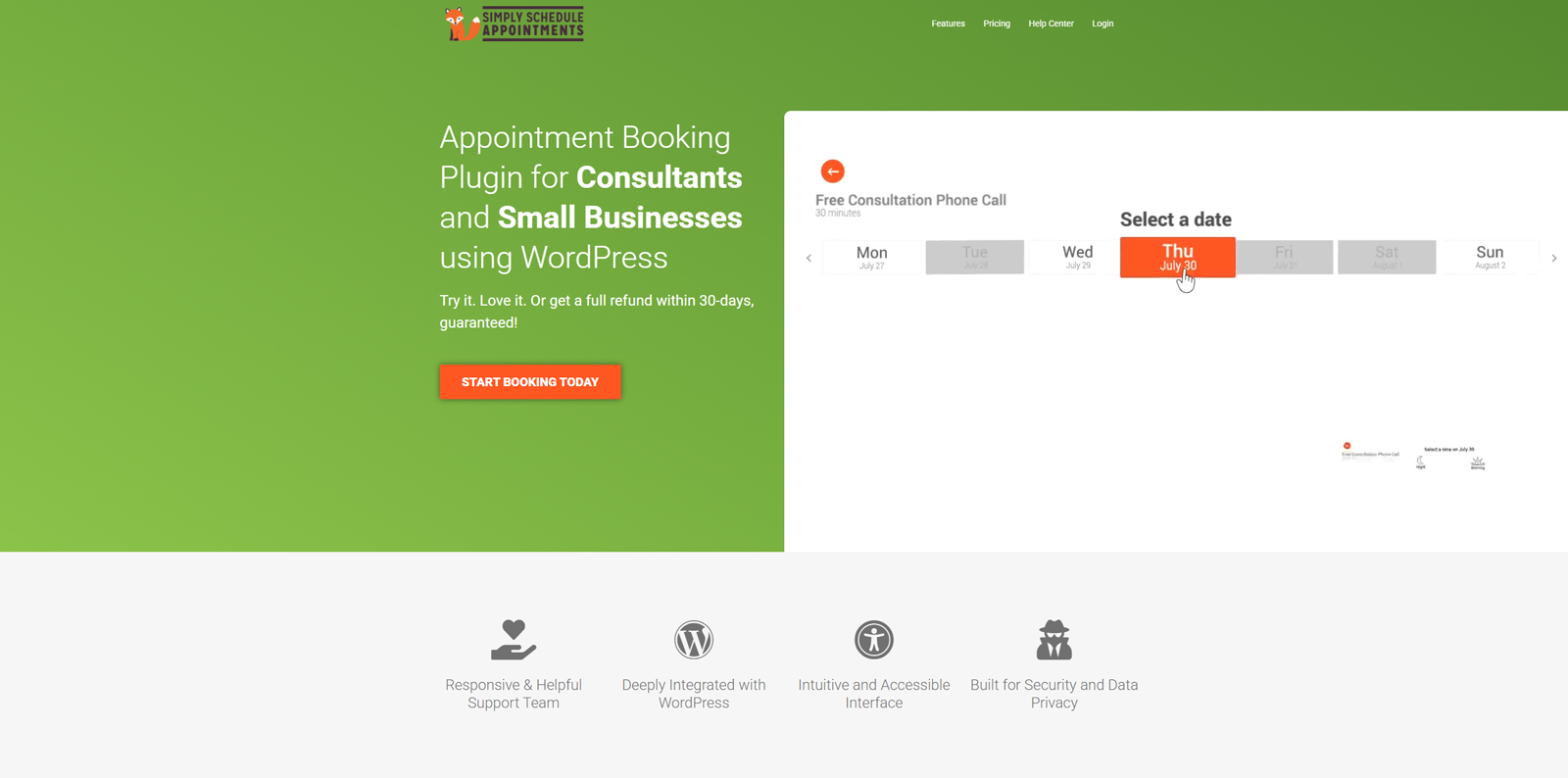 Another WordPress group booking plugin on our list is Simply Schedule Appointments. One of the key differences of this plugin from other solutions is that it doesn’t currently allow booking for a group via a single appointment. To schedule a group booking within a single timeslot or capacity, users need to repeat it multiple times for each group member, depending on the group size. Such a booking software with group scheduling is fitting for classes booked by different people in gyms, fitness centers, or language schools. Extra features provided by this group fitness booking software allow for improvement on other appointment booking aspects, for example, resource scheduling or customizable per-day availability rules.
Key features:
- Customizable booking calendars;
- Supports any appointment duration;
- Easy data import and export;
- Compliant with Web Content Accessibility Guidelines;
- Extra modules and addons available.
| Name | Developer | Price | Installations |
|---|---|---|---|
| Simply Schedule Appointments | NSquared | Free or from $129/year | 70k+ |
FluentBooking
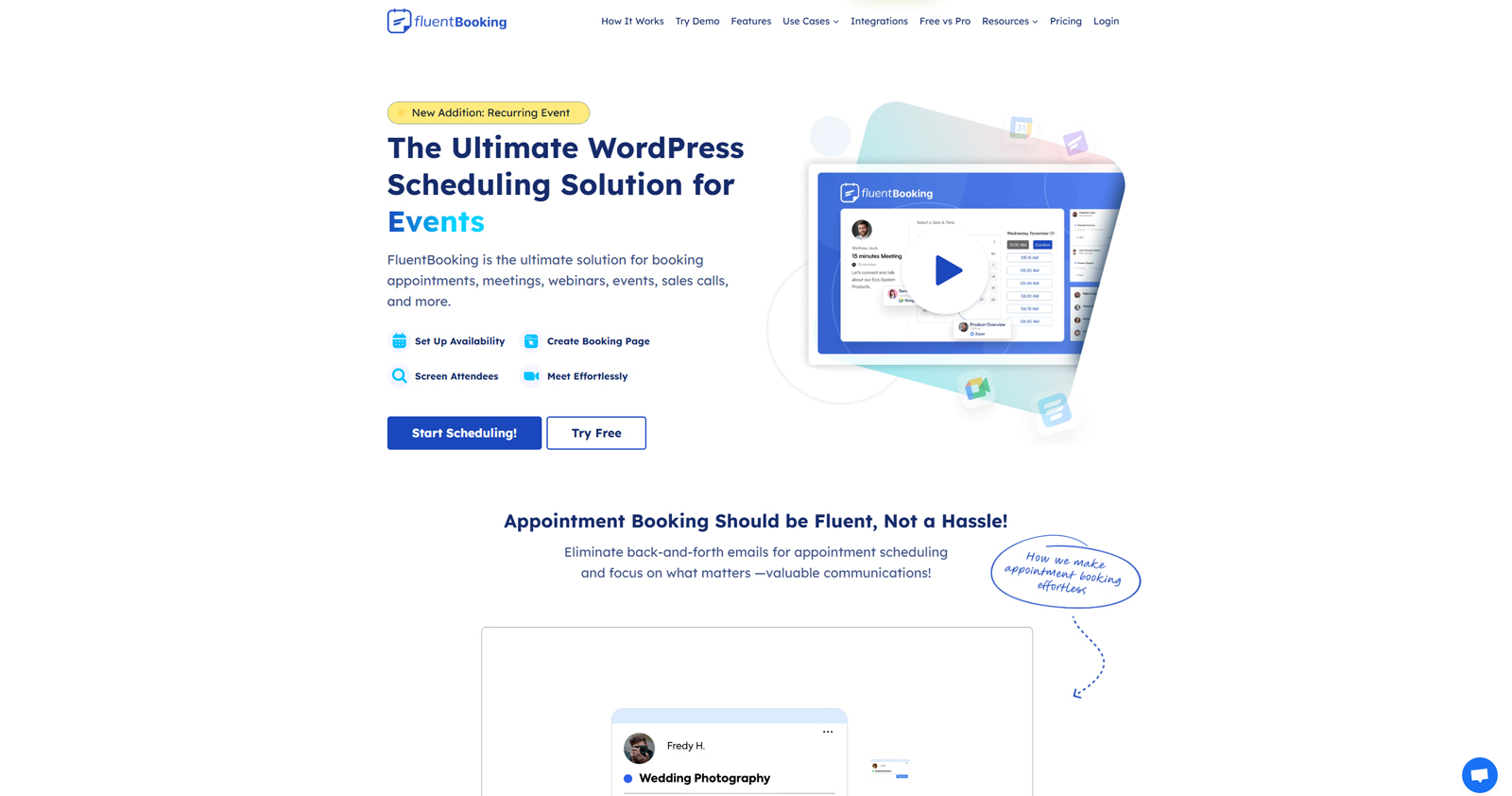 FluentBooking is a group booking WordPress plugin that is designed for personal services and corporate use, unlike the previously mentioned tools. As a premium solution, it is a great choice for small and medium businesses looking for proper appointment management between teams or individual members. The plugin allows you to create group meetings and specify how many people can attend them. In addition to this, FluentBooking group booking software handles corporate events quite well and helps to spread meetings across your team members to reach better productivity.
Key features:
- 4 supported event types;
- Easy-to-edit booking form;
- A wide range of supported integrations;
- Automated calendar synchronization and reminders.
| Name | Developer | Price | Installations |
|---|---|---|---|
| FluentBooking | WPManageNinja | Free or from $79/year | 10k+ |
Booknetic
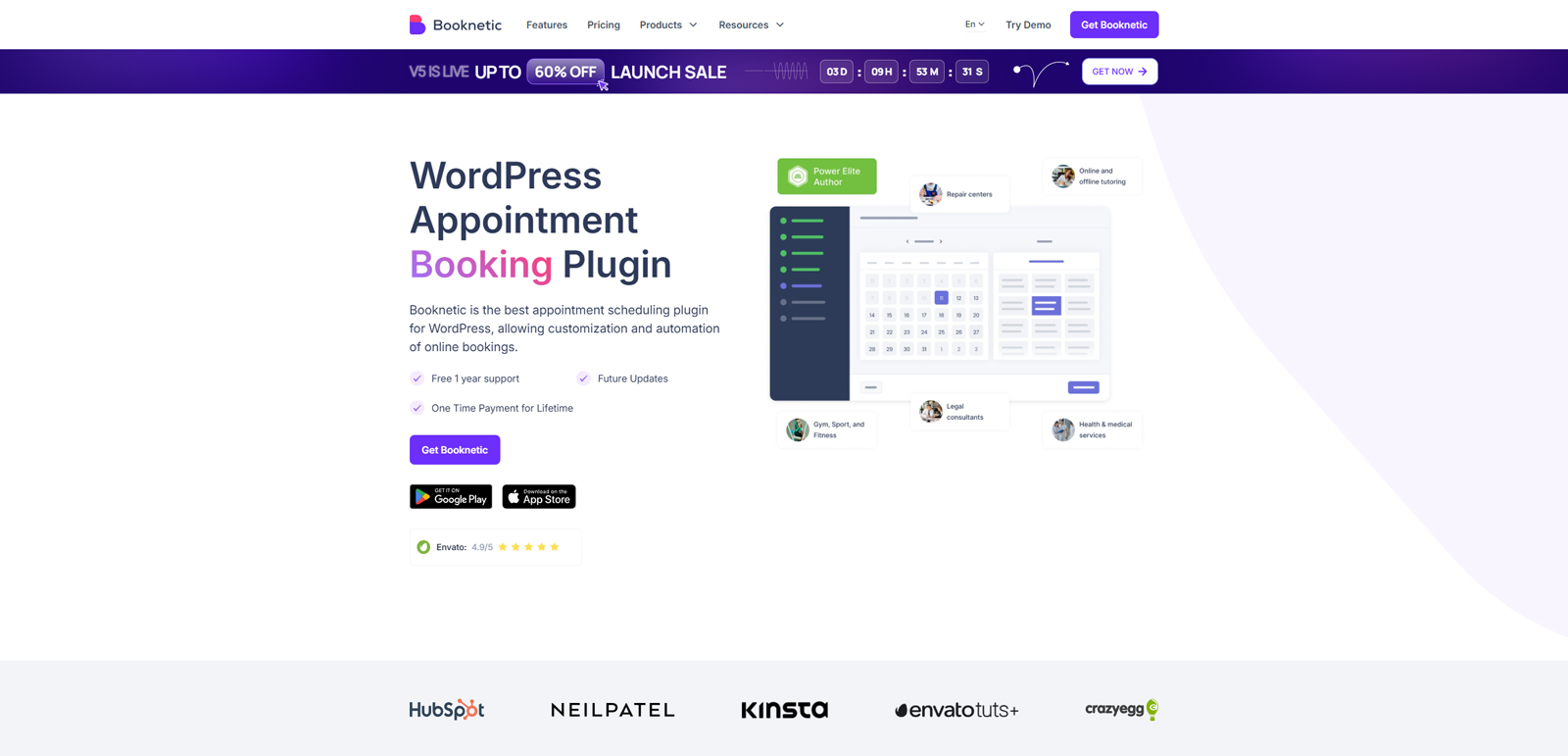 Booknetic WordPress group booking plugin delivers reliable and user-friendly appointment scheduling functionality for any kind of bookings. Its responsive and customizable booking widget helps to make the scheduling process simple, fast, and effective. Site owners can enable group appointments by setting the service capacity for a single person to book an appointment for the whole group. This is a widely used option for many plugins that fit any business based on appointments. Be it a repair center, accounting firm, or an online tutor, Booknetic supports a variety of options to make appointment scheduling smooth.
Key features:
- Editable booking forms;
- Customizable action workflows;
- Dedicated mobile app;
- Multi-booking feature;
- A variety of premium add-ons and integrations.
| Name | Developer | Price | Installations |
|---|---|---|---|
| Booknetic | Booknetic | From $79/year | N/A |
WP Travel Engine
 Tour agencies also rely on booking plugins. One of the WordPress plugins that satisfies the needs of such businesses is WP Travel Engine. Designed specifically for travel agencies, this group tour booking software allows not just book trips for groups but also to provide specific pricing options for them. The mentioned booking software group trips plugin is also equipped with multiple add-ons that extend the default functionality, adding extra services, WooCommerce Payments integrations, and more.
Key features:
- Unlimited itineraries support;
- Powerful tour search and filtering system;
- Advanced analytics & email automation;
- Group discounts;
- Webhooks and API.
| Name | Developer | Price | Installations |
|---|---|---|---|
| WP Travel Engine | WP Travel Engine | Free or from $12/mo | 20k+ |
Conclusion
We hope this short overview of popular WordPress group booking plugin options has helped you choose the right solution for your business and learn more about the management of reservations for groups. Whether you want to provide proper booking tools for gym classes, tours, or workshops, modern group class booking software can easily help you achieve it and save time by automating routine processes. Moreover, booking WordPress plugins provide these advantages:
- Smooth booking workflow: By booking a group class in just a few clicks, your customers avoid any calls and submitting multiple forms. Thanks to the modern WordPress group appointment scheduling capabilities, the whole booking process can be done in just a few steps, including secure online payments.
- Flexible pricing options: Group booking plugins use flat group rates, per-person pricing, or tiered rates depending on your preferences as a business owner. Such a range of options allows for increasing revenue and encourages bookings for larger groups regularly.
- Capacity management: Managing capacity is one of the key benefits that group booking WordPress plugins provide. By automating this process, these tools help you avoid overbooking and skip the need for manual availability checks.
- Centralized booking management: Finally, one of the main advantages of all group booking WordPress plugin options is centralized booking management. Due to a visual calendar dashboard with all bookings listed, such plugins make it easy not just for viewing reservations but also for rescheduling or canceling them. Moreover, by using tools like MotoPress Booking Calendar, you can easily edit multiple bookings and notify your customers of any changes right away.