
TOP 11 WordPress Plugins for Event Management (And Why We Think They’re the Best)
Table of Contents
How do you choose the right WordPress event management plugin when most of them seem to offer the same features? Recurring schedules, multi-day events, attendee registrations, payments, and browsing experience introduce different demands. In this article, we’re listing plugins that cater to various event business scenarios!
We’ll compare tools designed for structured schedules, general-purpose event calendars, ticketing workflows, and more advanced event systems.
Before diving into detailed reviews, here are several WordPress event management solutions that frequently fit a wide range of use cases:
| Name | Provider | Free Trial | Website |
|---|---|---|---|
| MotoPress Events Calendar | MotoPress | Yes | Website |
| EventPrime | Metagauss | No | Website |
| The Events Calendar | StellarWP | Yes | Website |
| Eventin | Arraytics | No | Website |
Let’s get it started!
11 Best Event Management Plugins for WordPress (Mostly Free)
In this section, we’ve curated the top event management plugins for WordPress (both free and premium). Some of them are optimized for simple calendars, while others involve booking workflows or advanced ticketing scenarios. Let’s explore them!
MotoPress Events Calendar
| Name | Provider | Active Installs | Price |
|---|---|---|---|
| MotoPress Events Calendar | MotoPress | N/A | From $49 |
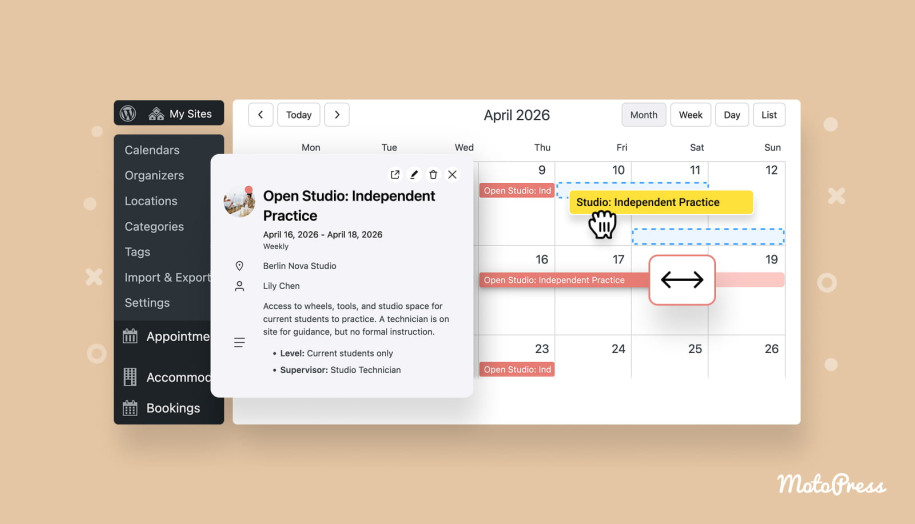
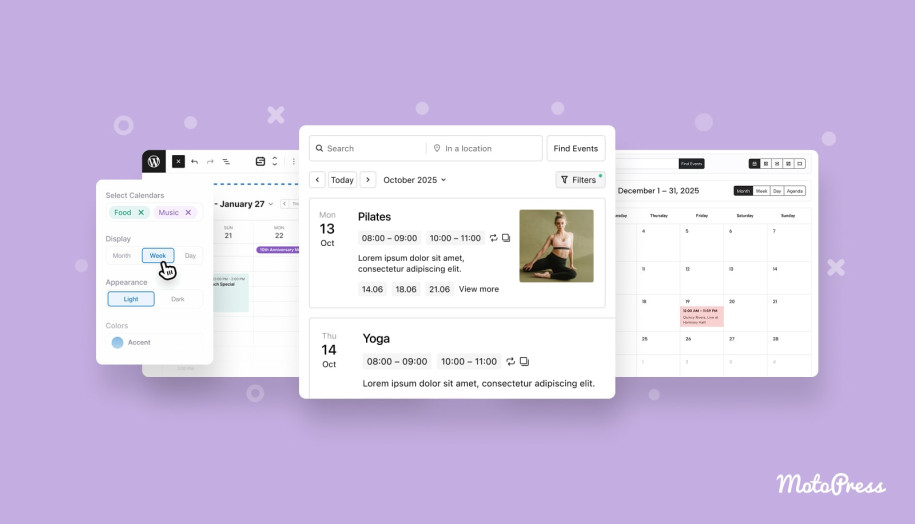
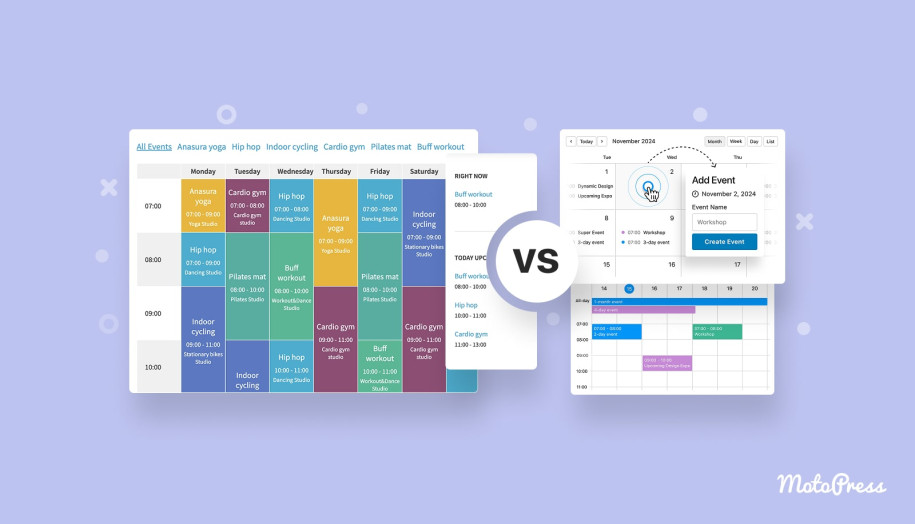
Included in this roundup as the best WordPress event management plugin, MotoPress Events Calendar is built around visual schedule management. You work directly inside a calendar interface. This workflow is useful for sites that manage structured timetables such as classes, lessons, conferences, training sessions, or community programs. The plugin handles recurring events, multi-day entries, and multiple calendars.
Key Features:
- Visual calendar-based event creation and editing;
- Multiple views (day, week, month, and list);
- Supports multiple calendars;
- Flexible recurring event rules;
- Support for multi-day and all-day events;
- Filtering and search tools;
- Dedicated Gutenberg block to add a calendar;
- iCal import & export.
Things We Like:
- A fully visual experience for adding and managing events, just like in Google Calendar;
- A single environment to create unlimited calendars, recurring events, and customize the look of your schedule.
EventPrime
| Name | Provider | Active Installs | Price |
|---|---|---|---|
| EventPrime | Metagauss | 7K+ | From $69 |
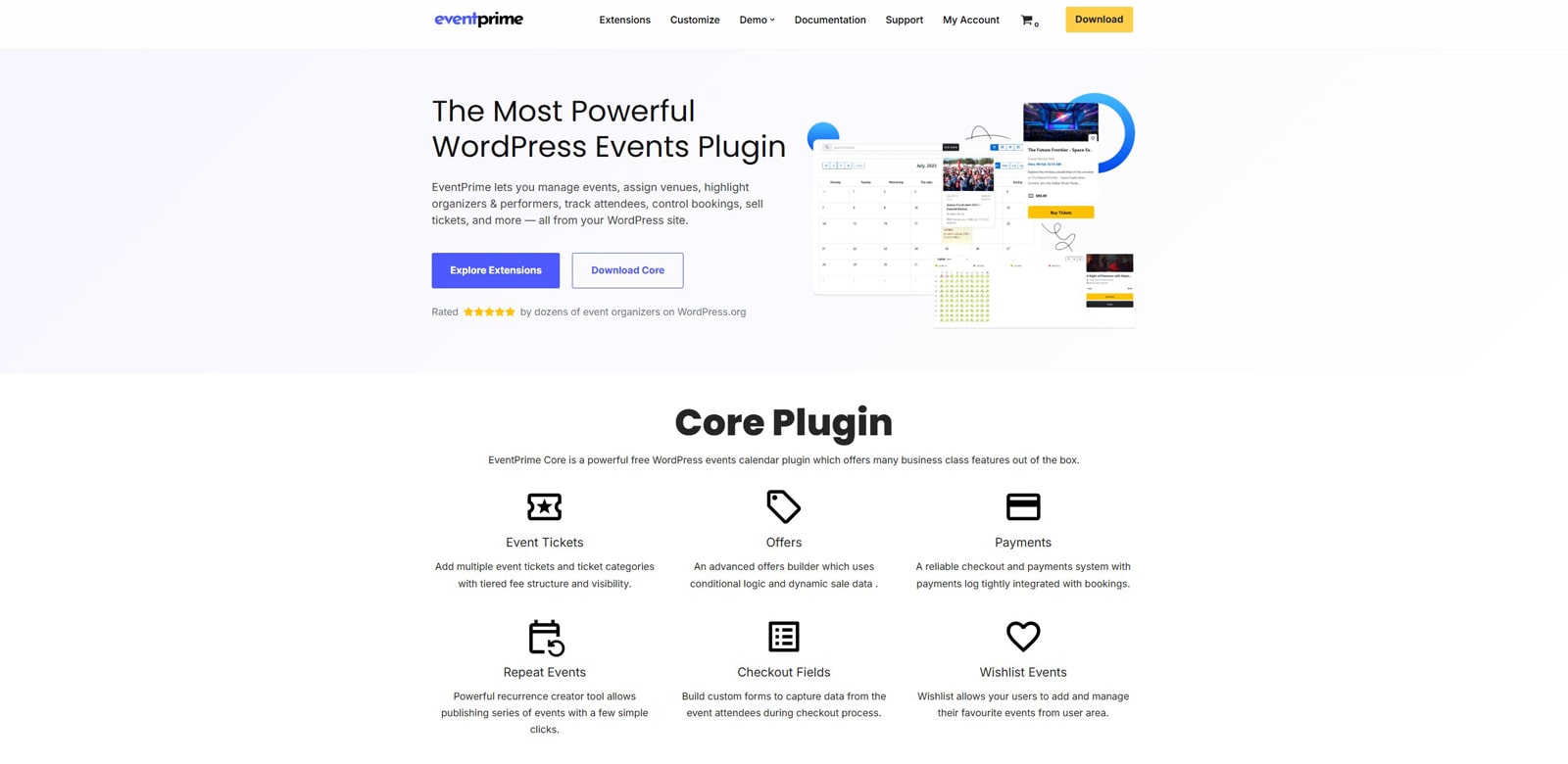
EventPrime functions as a full event management WordPress system rather than just a calendar plugin. Alongside event creation, it includes bookings, tickets, payment gateways, venues, organizers, and user dashboards. You can run informational events or enable booking and ticketing features via dedicated extensions. EventPrime enables structured management for venues and organizers.
Key Features:
- Single-day, multi-day, and recurring events;
- Built-in booking and ticketing system;
- Stripe & PayPal payments;
- Venue and organizer management;
- Multiple event views and layouts;
- Capacity and ticket controls;
- Email notifications.
Things We Like:
- Combination of events and booking options;
- Structured event entities (venues/organizers).
Eventin

| Name | Provider | Active Installs | Price |
|---|---|---|---|
| Eventin | Arraytics | 10K+ | From $89 |
Eventin combines event scheduling, registrations, and ticketing workflows. It fits projects where events require attendee management and payments. The plugin supports both physical and virtual events. Eventin is one of the top WordPress event management plugins that integrates with WooCommerce, supports recurring events, and enables RSVP scenarios.
Key Features:
- Unlimited events with schedules and speaker profiles;
- Recurring event scheduling;
- Ticketing and RSVP workflows;
- Payment gateway compatibility;
- QR-code ticket flows;
- Compatible with Elementor, Divi, Gutenberg, and Bricks builder.
Things We Like:
- Syncs event bookings with Google Calendar, iCal, and Outlook calendars;
- Suitable for hybrid event setups via Zoom integration.
The Events Calendar
| Name | Provider | Active Installs | Price |
|---|---|---|---|
| The Events Calendar | StellarWP | 700K+ | From $149 |
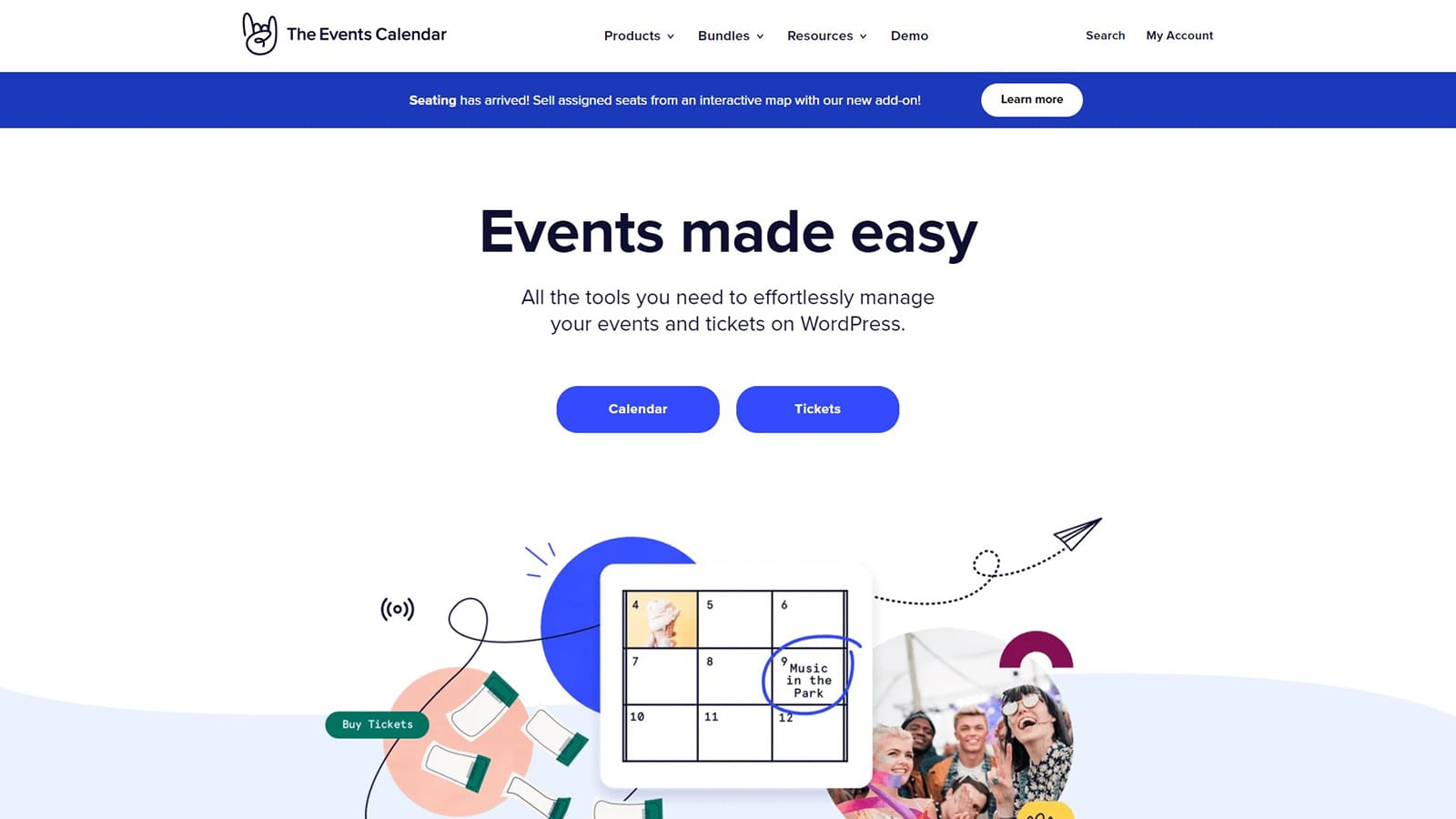
The Events Calendar remains one of the most popular WordPress event management plugin solutions. The free version covers event creation, calendar views, venues, organizers, and calendar exports. Its ecosystem model implies that advanced functionality like ticketing, recurring events, and filters can be added via premium extensions.
Key Features:
- Event creation and management;
- Month, day, and list views;
- Venue and organizer support;
- Event search and taxonomies;
- Widgets and shortcodes;
- iCal & Google Calendar export.
Things We Like:
- A stable ecosystem of event management solutions;
- The ability to purchase premium bundles at discounted prices.

Sugar Calendar

| Name | Provider | Active Installs | Price |
|---|---|---|---|
| Sugar Calendar | Syed Balkhi | 9K+ | From $99 |
Sugar Calendar targets event management plugin WordPress users who want a lightweight solution without heavy interfaces. The plugin keeps event creation simple while supporting multiple calendar displays and categorization tools. Recurring events, RSVP workflows, and advanced features are available through the Pro version. The plugin offers calendar feeds suitable for subscriber-based workflows.
Key Features:
- Calendar and list displays;
- Event categorization and tags;
- iCal feeds/subscriptions;
- Import and export tools;
- Stripe and WooCommerce integration;
- Event venue and organizer management.
Things We Like:
- Dedicated Gutenberg blocks & Elementor widgets for easy embedding;
- Integrations with popular form plugins to allow frontend event submission forms.
Events Manager
| Name | Provider | Active Installs | Price |
|---|---|---|---|
| Events Manager | Marcus (aka @msykes) | 70K+ | From $129 |
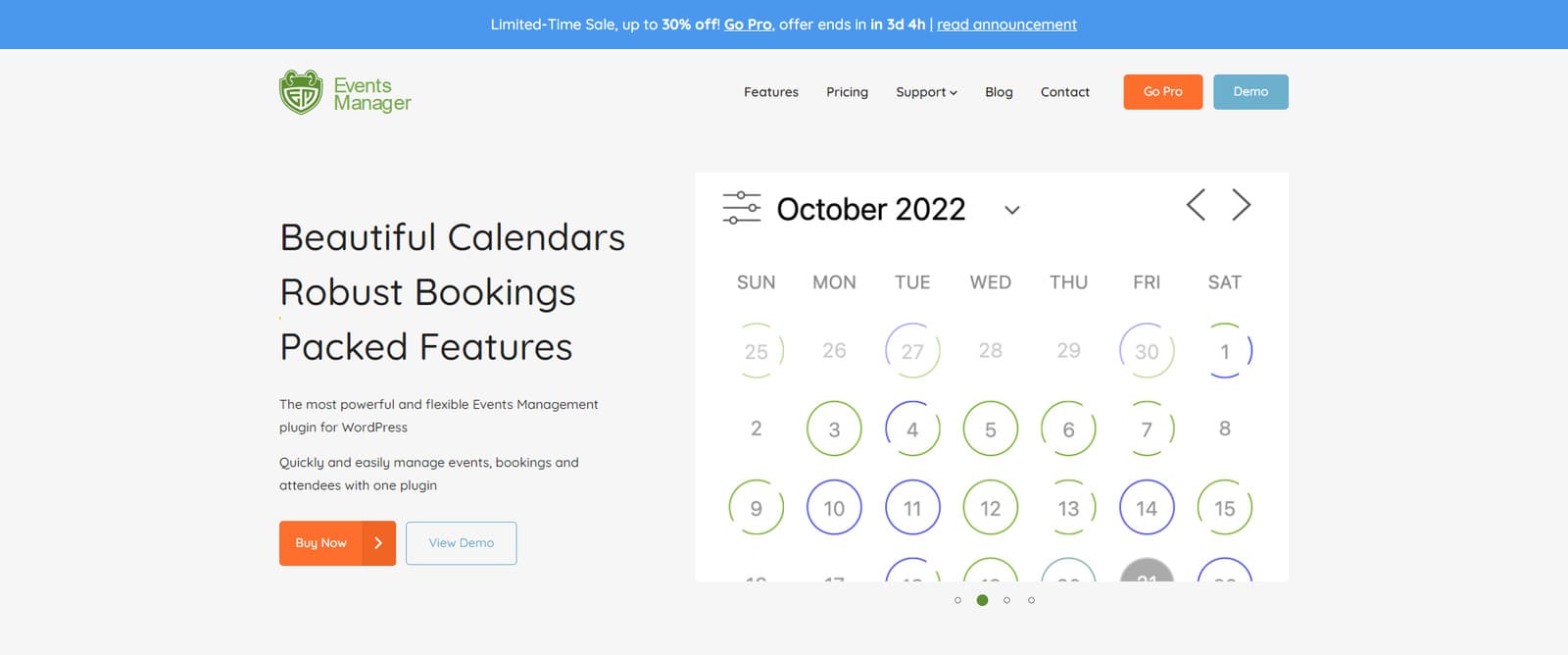
Events Manager is built for advanced event management for WordPress scenarios. It comes with complex recurrence patterns, multiple timeslots, permissions, and location options. Designed for workshops, appointments, and structured event systems, Events Manager is available in free and premium versions. The latter includes payments, emails & reminders, PDF invoices, and more features.
Key Features:
- Calendars, search pages, lists, grids, and booking forms;
- Multiple timeslots per event;
- Location and online event support;
- iCal feeds/subscriptions;
- Pro payment & automation tools;
- Tickets and event types.
Things We Like:
- Suitable for both online and offline events;
- Compatibility with third-party WordPress plugins and services.
EventON
| Name | Provider | Active Installs | Price |
|---|---|---|---|
| EventON | Ashan Perera | 6K+ | From $40 |
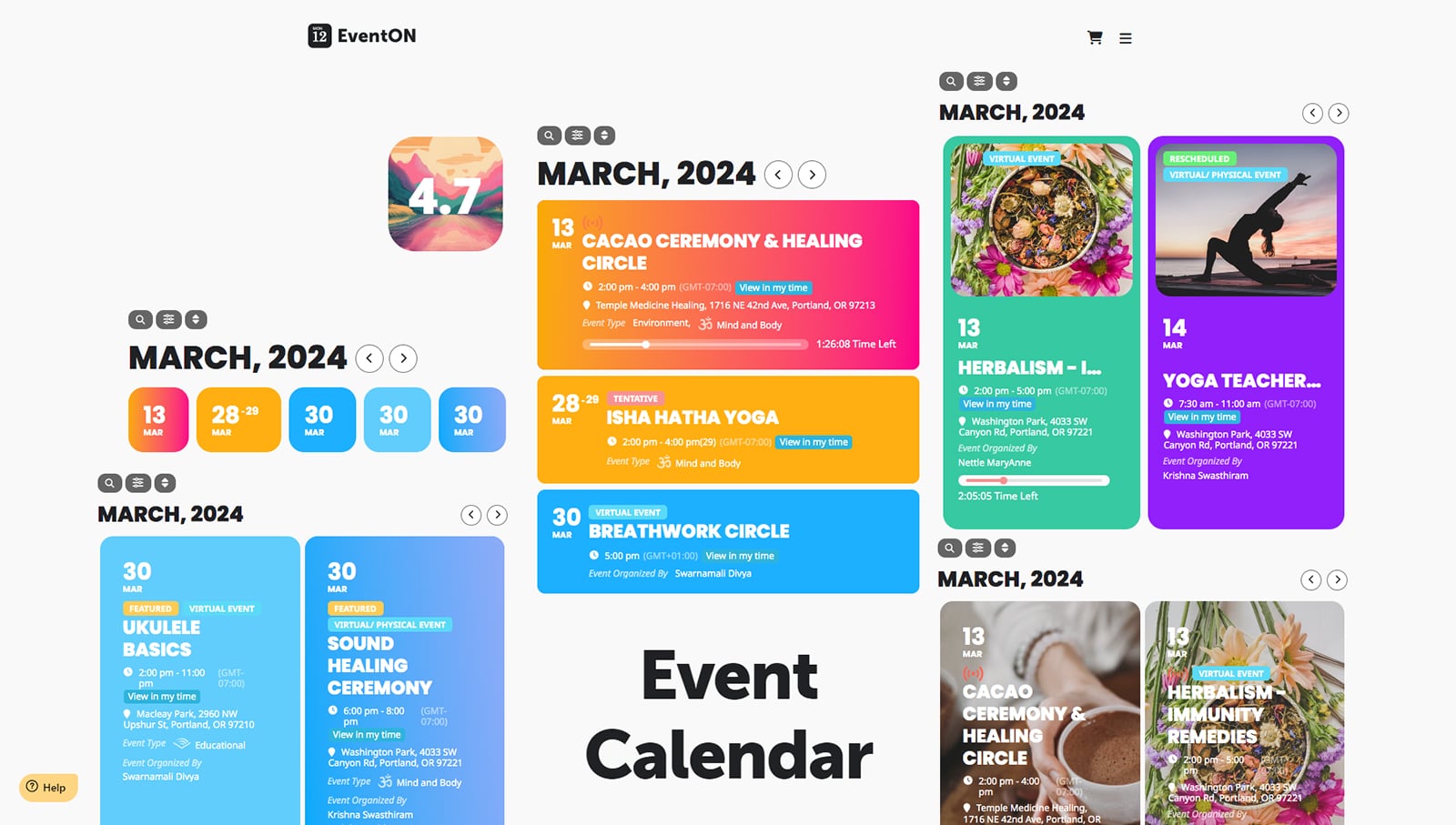
EventON is the event management WordPress plugin packed with rich visual layouts, flexible event durations, and filtering tools. It fits long-duration events (month-long, year-long). With EventOn, you can add unlimited events, colors, and categories. It allows you to set up virtual and repeating events (daily, weekly, monthly, yearly & custom). The premium version gives you access to addons, advanced search capabilities, customizations, etc.
Key Features:
- Recurring and virtual events;
- Flexible event durations;
- Categories and metadata tools;
- Multiple visual layouts;
- Filtering and search tools;
- Calendar exports.
Things We Like:
- The ability to extend the plugins’ functionality with tickets, countdowns, seats, etc.
- Interactive Shortcode Generator to add event calendars to any page or post.
Event Tickets
| Name | Provider | Active Installs | Price |
|---|---|---|---|
| Event Tickets | StellarWP | 90K+ | From $149 |
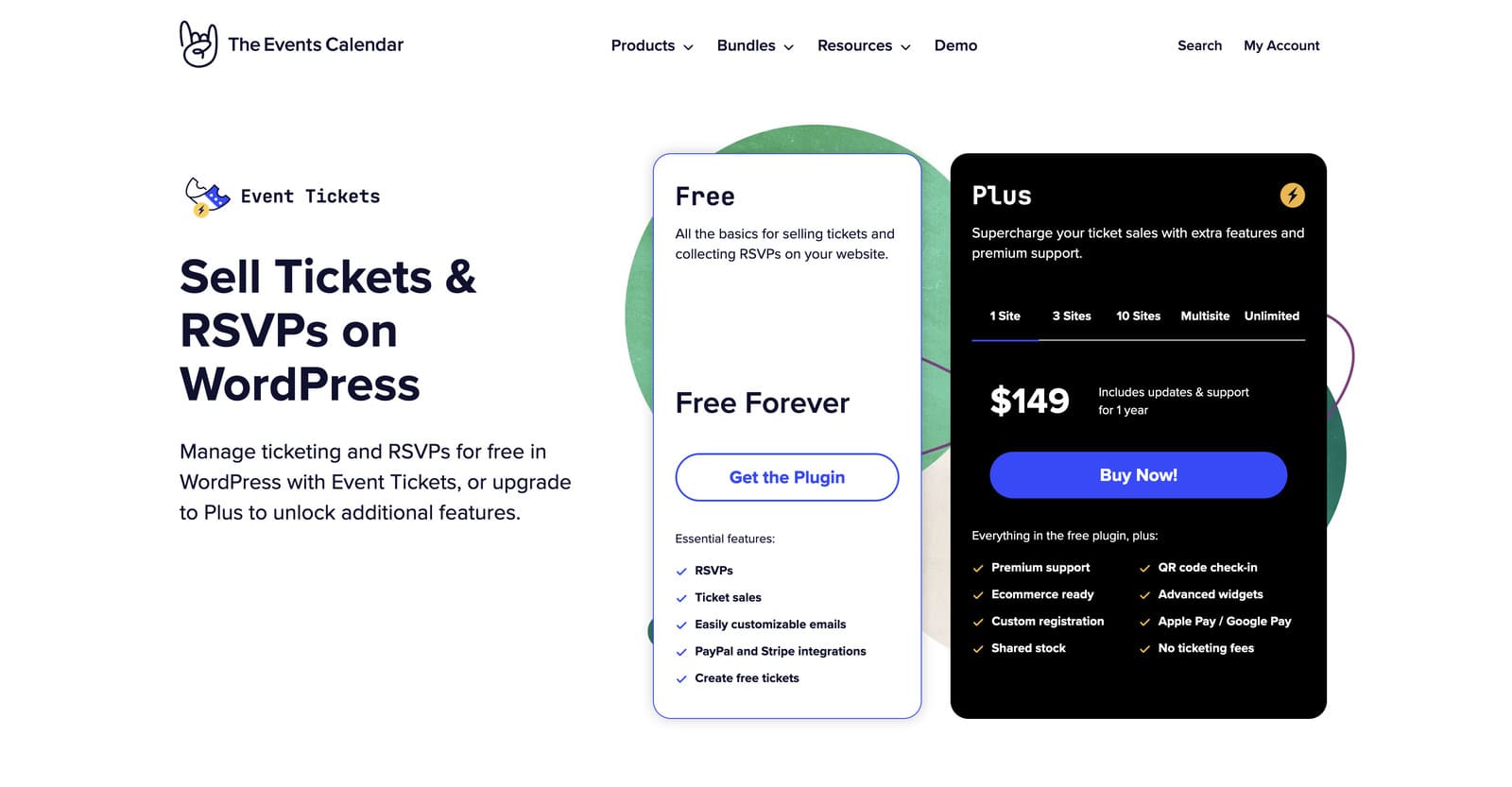
Are you looking for a ticketing plugin for your WordPress event management system? Event Tickets is built around registrations, RSVPs, and payments. It’s commonly paired with calendar plugins when ticket sales or attendee tracking are required. The plugin provides payment handling, stock management, and reports. Since it specializes in ticketing operations, it may ensure cleaner setups than “all-in-one” plugins.
Key Features:
- Ticket sales and RSVP support;
- Stripe & PayPal integration;
- Attendee management tools;
- Stock/capacity tracking;
- Reporting and sales summaries;
- Confirmation email controls;
- Calendar compatibility.
Things We Like:
- Flexible payment options;
- Companion plugin strategy.
My Calendar
| Name | Provider | Active Installs | Price |
|---|---|---|---|
| My Calendar | Joe Dolson | 20K+ | From $69 |
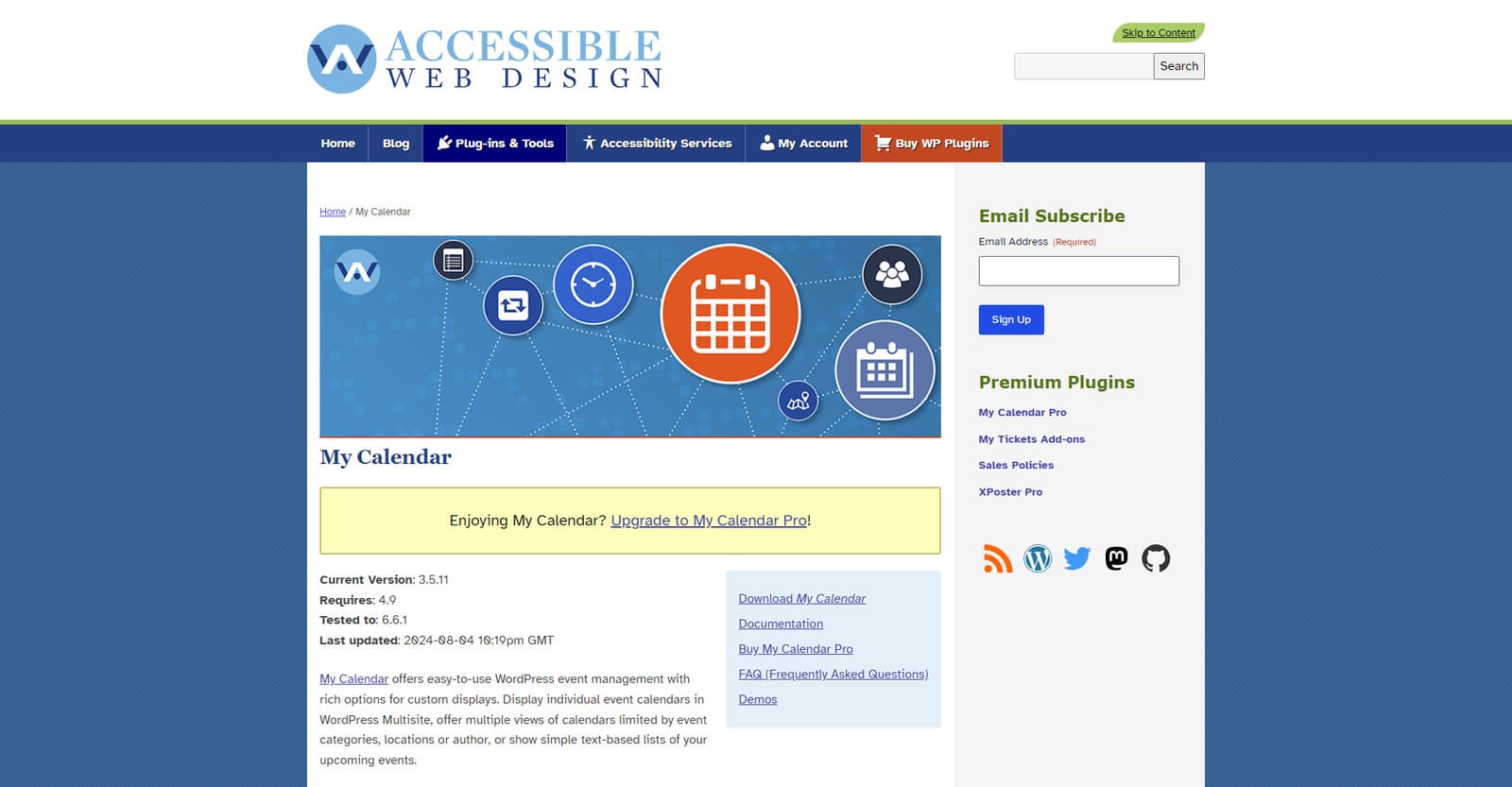
My Calendar emphasizes control over calendar displays, recurring events, and filtering rules. You can manage multiple views of calendars limited by event categories, locations, or author. You’ll find design customization tools, custom templates, and venue support. My Calendar Pro adds advanced search features, user-submitted events, custom fields, etc.
Key Features:
- Multiple calendar display formats;
- Extensive recurring events management;
- Category/location/author filtering;
- Widgets & shortcode generator;
- iCal & Google Calendar export.
Things We Like:
- It’s stated to be built with an accessibility first mindset;
- Supports Multisite WordPress for event management.
Timetable and Event Schedule
| Name | Provider | Active Installs | Price |
|---|---|---|---|
| Timetable and Event Schedule | MotoPress | 30K+ | Free |
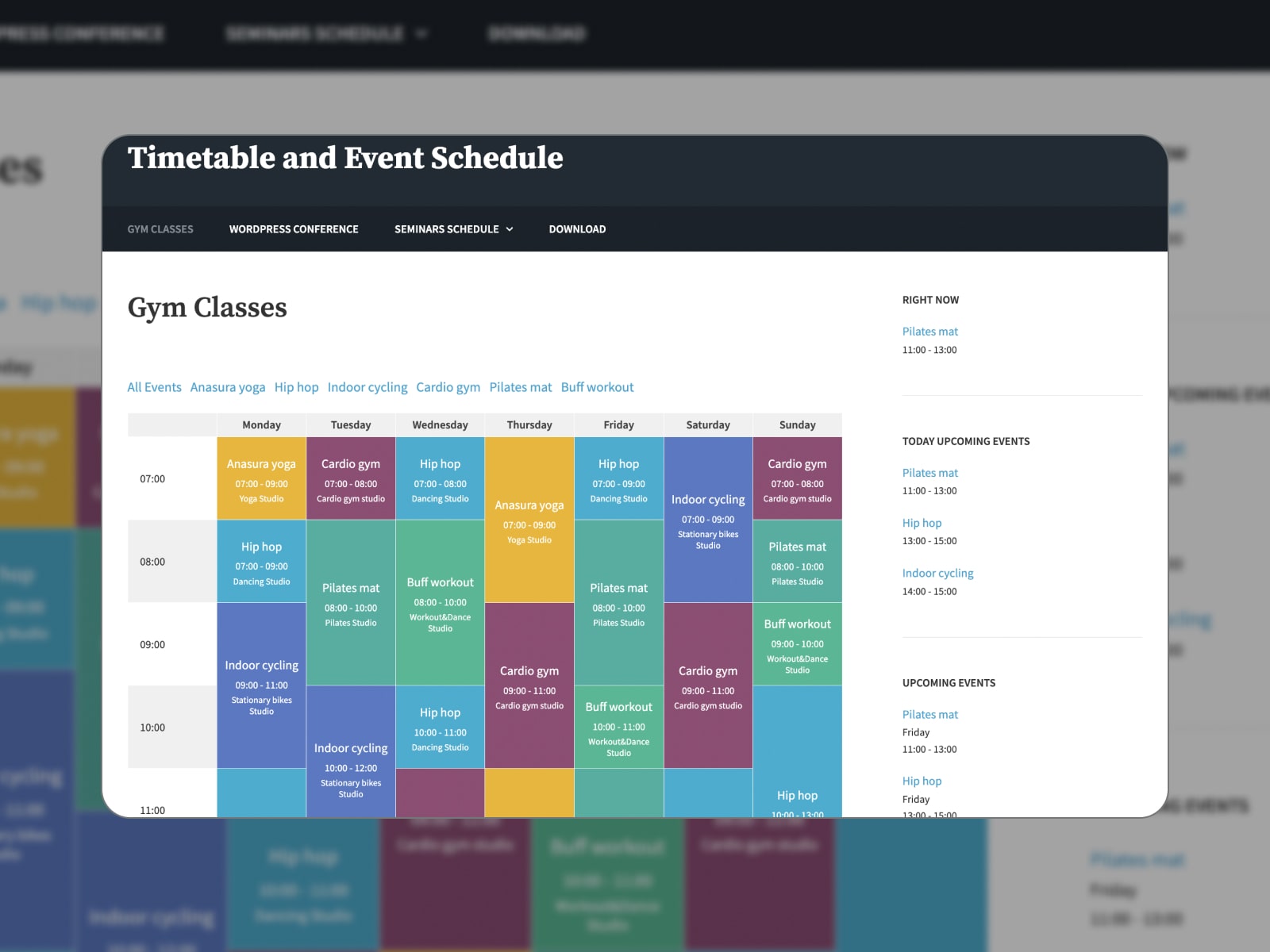
The Timetable and Event Schedule plugin by MotoPress is listed as an event management plugin in WordPress for timetable-style layouts. This format is often clearer than traditional monthly grids for lessons, classes, sessions, and structured programs. The plugin integrates easily with Gutenberg and Elementor to simplify embedding and layout control.
Key Features:
- Timetable layouts & columns;
- Event filtering & categorization;
- Color customization tools;
- Builder compatibility;
- Event URL to link to any external website.
Things We Like:
- Ideal for class-based schedules;
- Clear, structured, and responsive layouts.
More Details Compare Timetable vs Events Calendar
Evently
| Name | Provider | Active Installs | Price |
|---|---|---|---|
| Evently | magepeopleteam | 7K+ | From $75 |
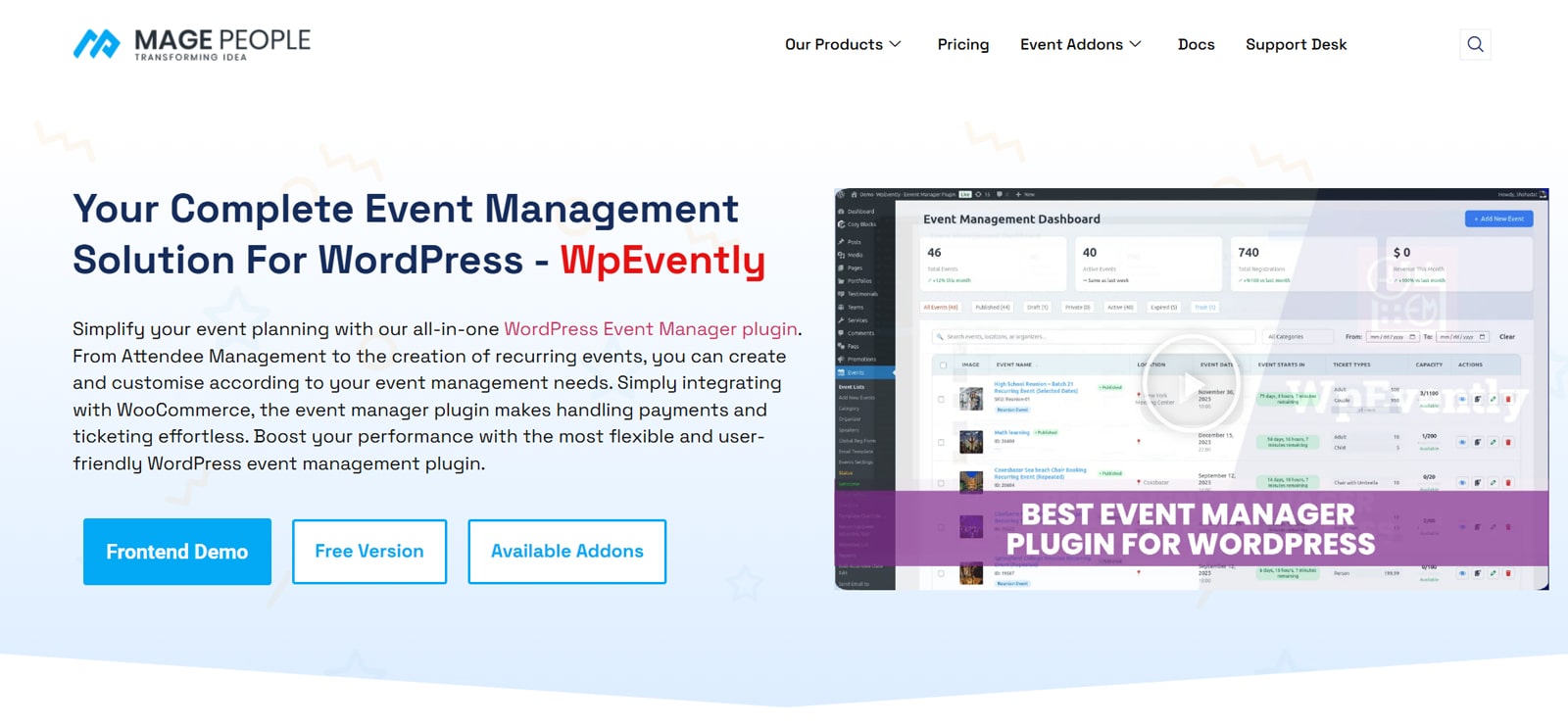
Evently is designed around WooCommerce. It leverages WooCommerce checkout, payment gateways, coupons, and product logic. E-commerce-driven event sites can take advantage of WordPress plugins for event management capabilities. They include recurring events, multiple ticket types, and attendee management.
Key Features:
- WooCommerce-based ticket sales;
- Multiple ticket types;
- Recurring events support;
- Flexible date/time configuration;
- Custom attendee fields;
- PDF ticket workflows.
Things We Like:
- Out-of-the-box fit for WooCommerce sites;
- A customizable and dynamic attendee registration form.
How to Choose the Right WordPress Plugin for Event Management?
When choosing the plugin, you should think about how it helps you present and manage events. What makes a great WordPress event management plugin? We’ve prepared some tips to get you started:
- Match plugin capabilities to your event model. If you manage event schedules, you should look for:
- Strong recurrence/instance editing;
- Multiple calendar views;
- Fast filtering by category/location;
- Search functionality.
- If your event website deals with paid events & ticketing, consider the plugin that provides native or WooCommerce-based ticketing options and supports payment gateways.
- If multiple people manage events on your website, you may need a solution equipped with:
- Front-end event submission;
- Role-based editing permissions;
- Structured event entities.
- While the plugin is responsible for functionality, your theme controls a visual presentation. Here’s what to look for in a ready-to-go event management WordPress theme:
- Dedicated templates for calendar pages, event listings, or single-event pages;
- Compatibility with the required page builders;
- Responsive design for a quick mobile navigation, readable event lists, and touch-friendly calendars;
- Design harmony in color schemes, typography, and spacing around event elements;
- Seamless integration with your event management WordPress plugin.
Final Thoughts
So, WordPress offers various tools to manage schedules, registrations, or ticket flows. Before committing to a WordPress event management plugin, test a few realistic scenarios that apply to your business. Create recurring events, customize calendars, browse them as a visitor, and observe how the plugin integrates with your workflow.
Which type of event experience are you building on your site? Share your feedback with us!
Disclosure: this article may contain affiliate links for third-party products. If you click a link and later make a purchase, we may earn an affiliate commission that doesn’t result in additional charges to you.
FAQ
What is the best WordPress event management plugin?
Are free event plugins enough?
Limitations usually appear when workflows require advanced recurrence patterns, ticket sales, payments, automation, or attendee management. These capabilities are often available as premium features or dedicated extensions.
Do WordPress plugins for event management support recurring events?
Can I sell tickets with WordPress event management plugins?