
The Events Calendar Plugin Not Working for You? Try These Alternatives
Table of Contents
What are the best alternatives to the Events Calendar? Arguably one of the most top-rated plugins that you can find on the CMs catalog, this solution is widely known to provide exceptional tools at a price that is not always acceptable for small event businesses or individual WordPress site owners. That’s why in this article, we’ve decided to take a look at some of the plugins that can replace it or provide similar features for an affordable price, if compared to The Events Calendar pricing.
Before we begin, here are the top 3 options we’d like to suggest right away to build a memorable website that features an events calendar.
| Name | Price | Rating |
|---|---|---|
| MotoPress Events Calendar | From $39/year | N/A |
| Sugar Calendar | Free or from $199.50/year | 4.6 |
| EventPrime | Free or from $69/year | 4.5 |
Top 10 Alternatives to the Events Calendar
So why exactly would you need an alternative to The Events Calendar?
According to some complaints of the plugin users, the mentioned plugin is known for the variety of features that aren’t always needed.
For example, you may decide to upgrade for premium functionality, such as Elementor compatibility or recurring events support. In this case, you’ll also get features you won’t necessarily need, but will have to pay quite a lot for them. Additionally, to get all the functionality (such as ticketing or seating), users will need to buy multiple plugins from the same developers. This, as some users of The Events Calendar say, is not stated upfront and is often misleading. The plugins listed below can be used as an alternative, especially if you don’t want to spend a fortune on functionality you may not need.
MotoPress Events Calendar
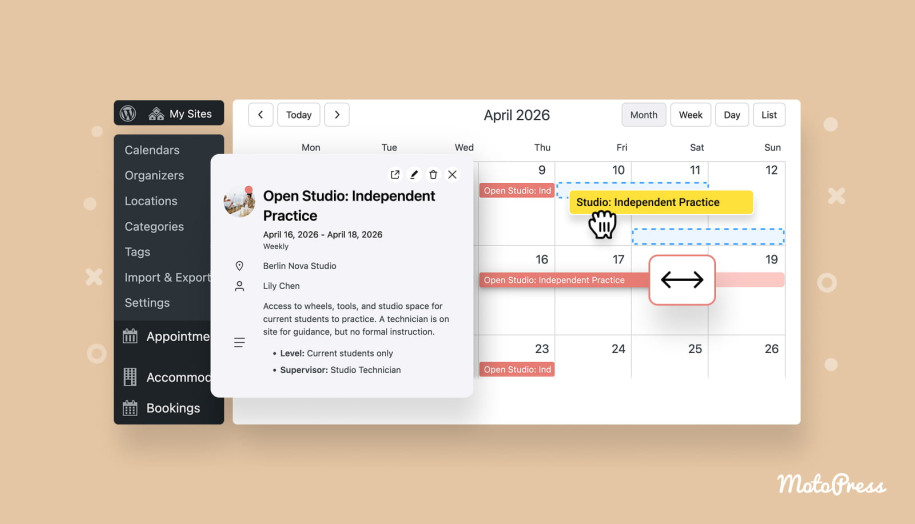
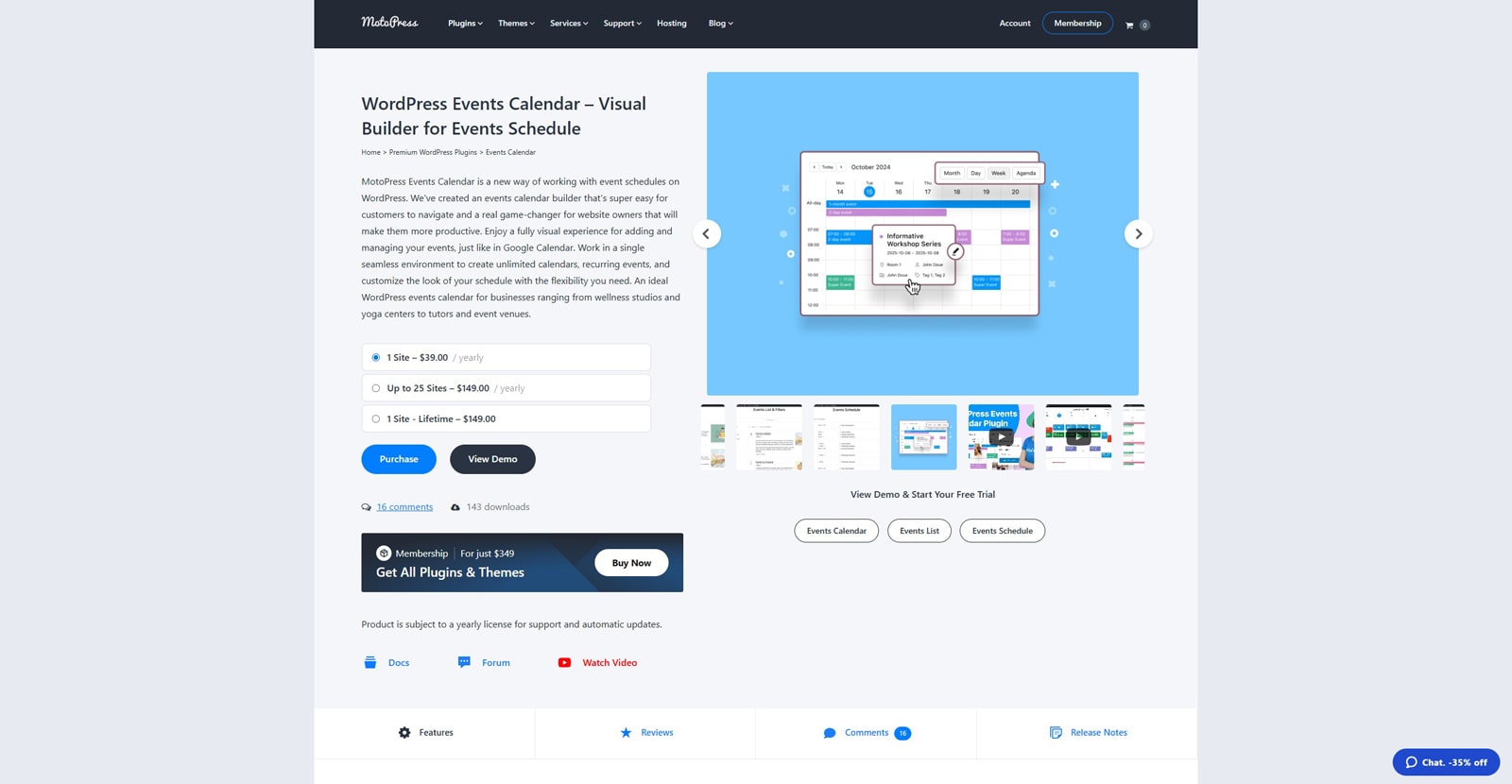 One of the first alternatives to The Events Calendar we’d like to mention is MotoPress Events Calendar. Despite a similar name, the developers of this plugin approach efficient event management in a slightly different way – by providing the essentials and allowing you to work with events just like in Google Calendar.
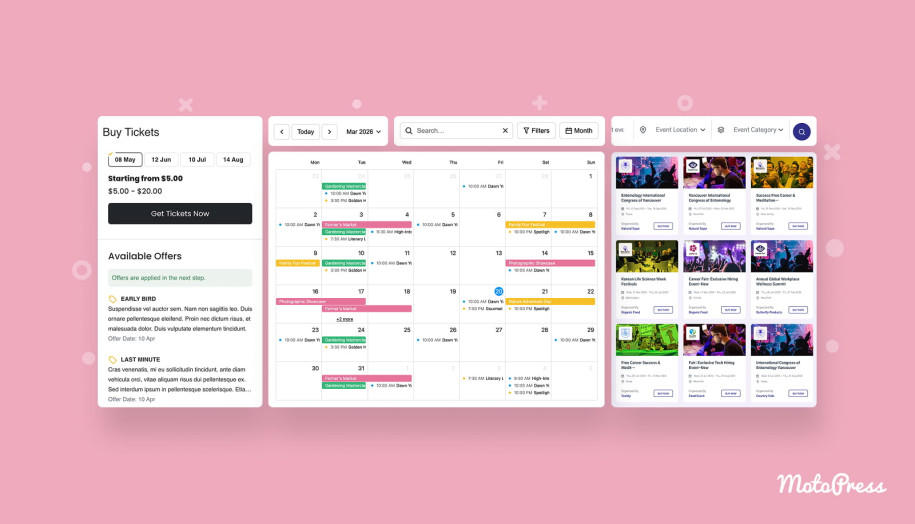
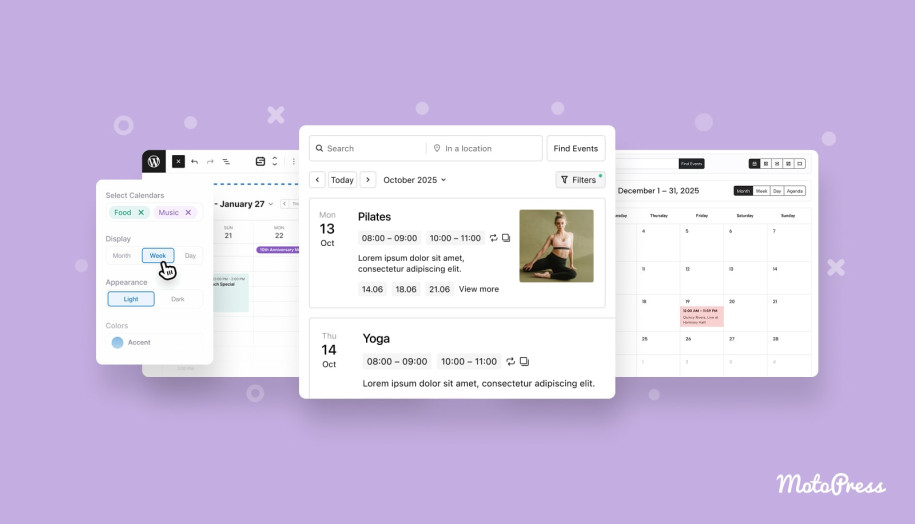
For example, with this plugin, you get a visual builder that supports unlimited calendars and 4 diverse calendar views. While not offering the booking functionality yet, the plugin supports recurring and multi-day events, and it has a really straightforward and user-friendly way of adding and managing them, similar to The Events Calendar shortcodes and Gutenberg block. Being affordable and user-friendly, Events Calendar by MotoPress can be a great choice for small and medium-sized event agencies or online schools that need a flexible and not overly complex calendar plugin.
Key features:
- Easy event management like in Google or Apple Calendar;
- Seamless display for multi-day events;
- Powerful event filters;
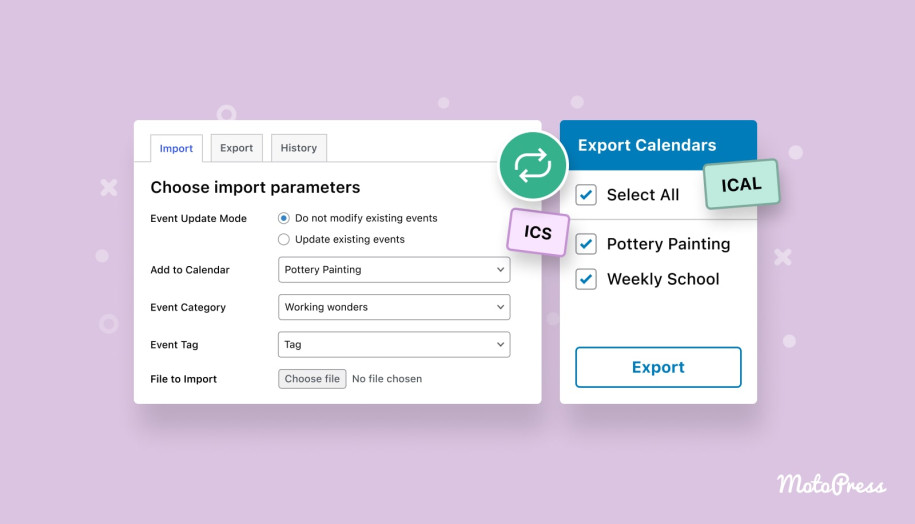
- Quick event import & export.
| Name | Developer | Price | Installations |
|---|---|---|---|
| Events Calendar | MotoPress | From $39/year | 300+ |

Sugar Calendar
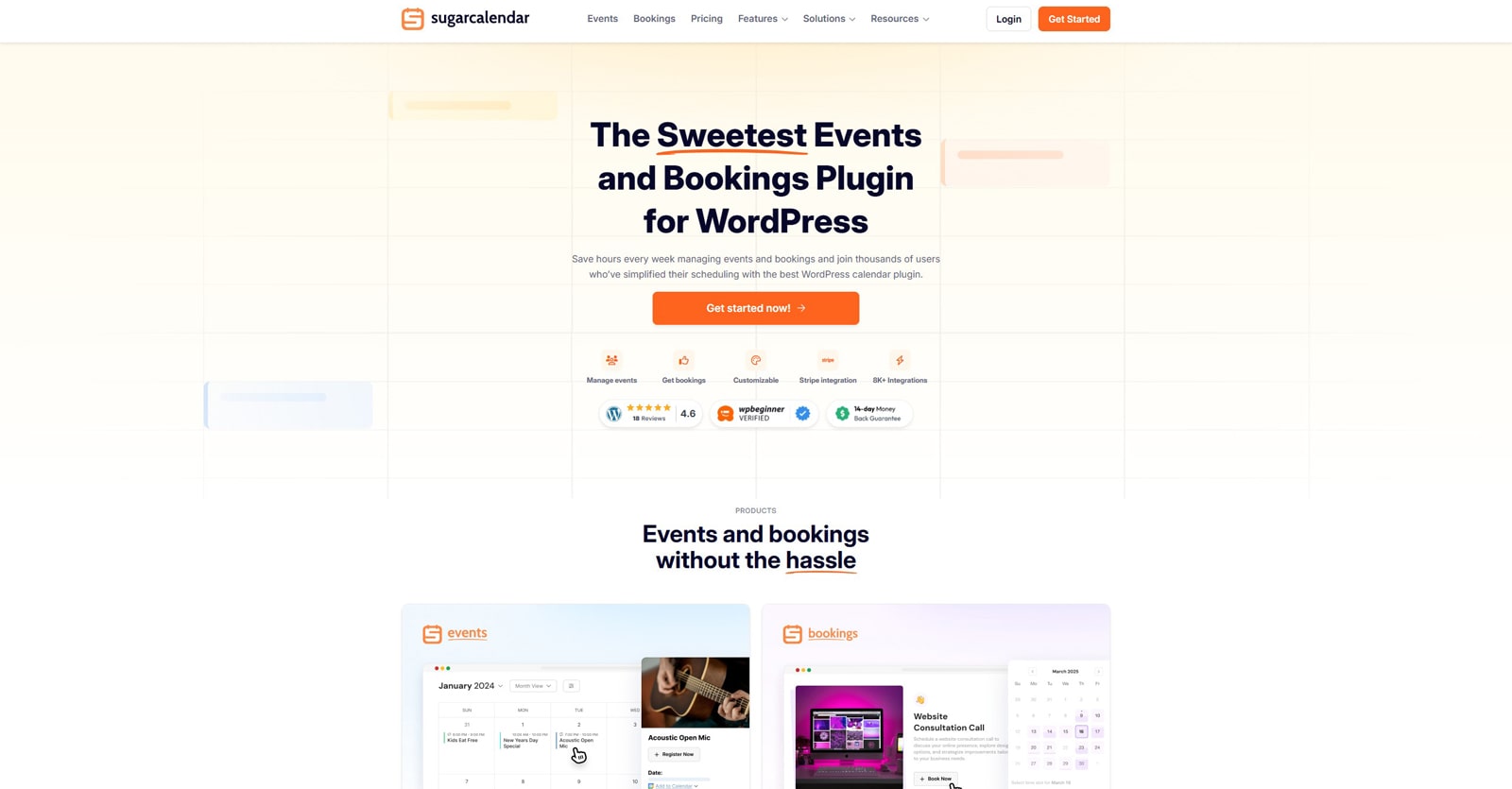 Another useful solution you can benefit from is Sugar Calendar. Allowing you to get your calendar ready in 3 simple steps, it can positively transform any event website. Moreover, it comes equipped with a Stripe integration, ensuring your clients will have a secure way to pay for the booked events. Additionally, it helps you to easily migrate data from The Events Calendar WordPress plugin in case you find Sugar Calendar more suited for your needs.
Key features:
- Recurring events;
- Venue profile management;
- Frontend event submission;
- Enhanced dashboard widget;
- Custom event URLs.
| Name | Developer | Price | Installations |
|---|---|---|---|
| Sugar Calendar | Syed Balkhi | Free or from $199.50/year | 3k+ |
EventON
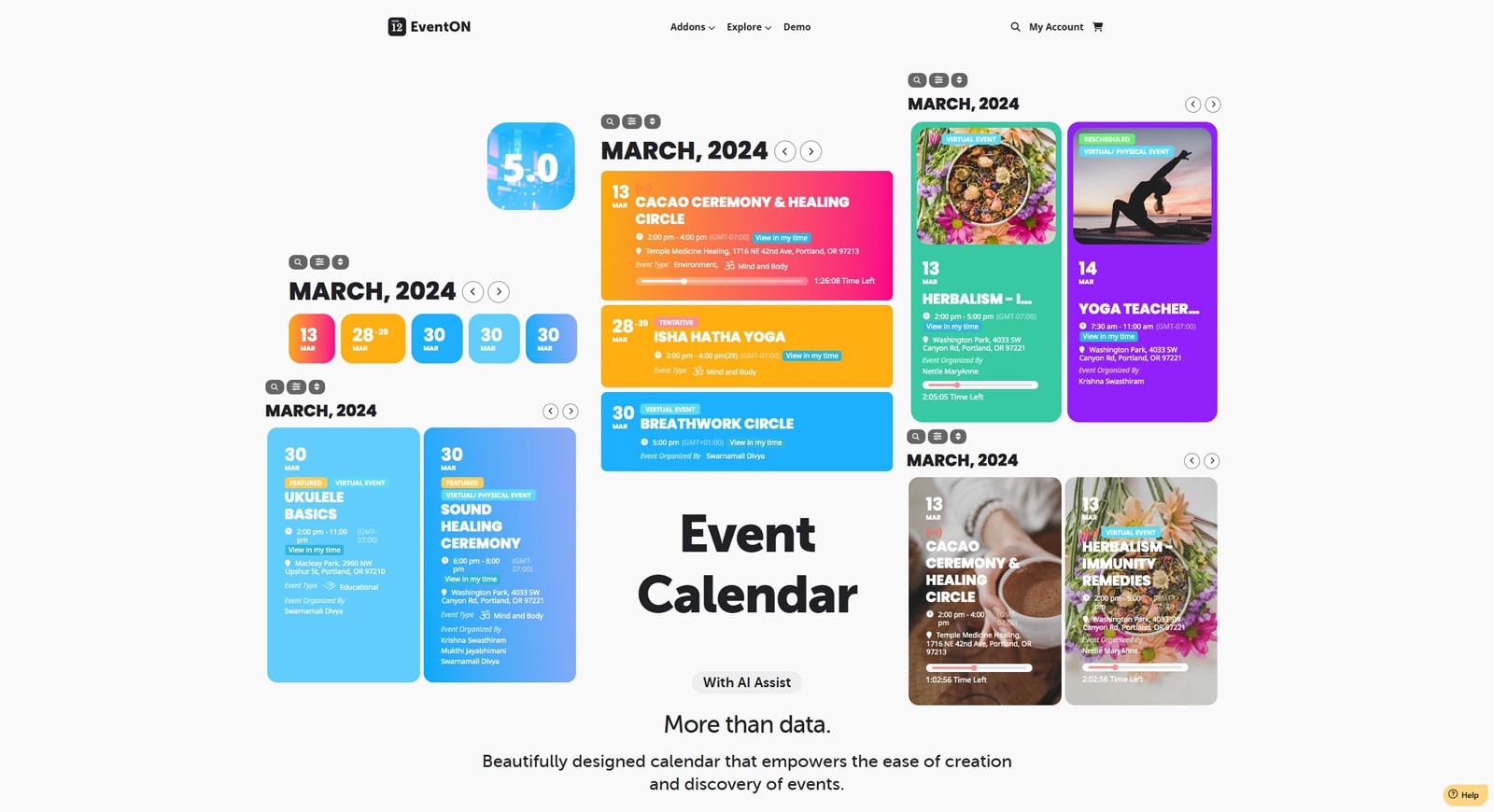 Next on the list of alternatives to The Events Calendar is EventON. Built for efficient event planning, this plugin comes equipped with an extensive list of advantages that make it stand out. Offering support for categories, locations, and time zones, it delivers a reasonably priced set of tools suitable for any event management task, regardless of the size of your business.
Key features:
- Unlimited event support;
- 5 diverse event categories;
- Schedule & Live Now calendar views;
- Multiple event interaction types;
- Easy event data export.
| Name | Developer | Price | Installations |
|---|---|---|---|
| EventON | Ashan Perera | Free or from $30/once | 6k+ |
My Calendar
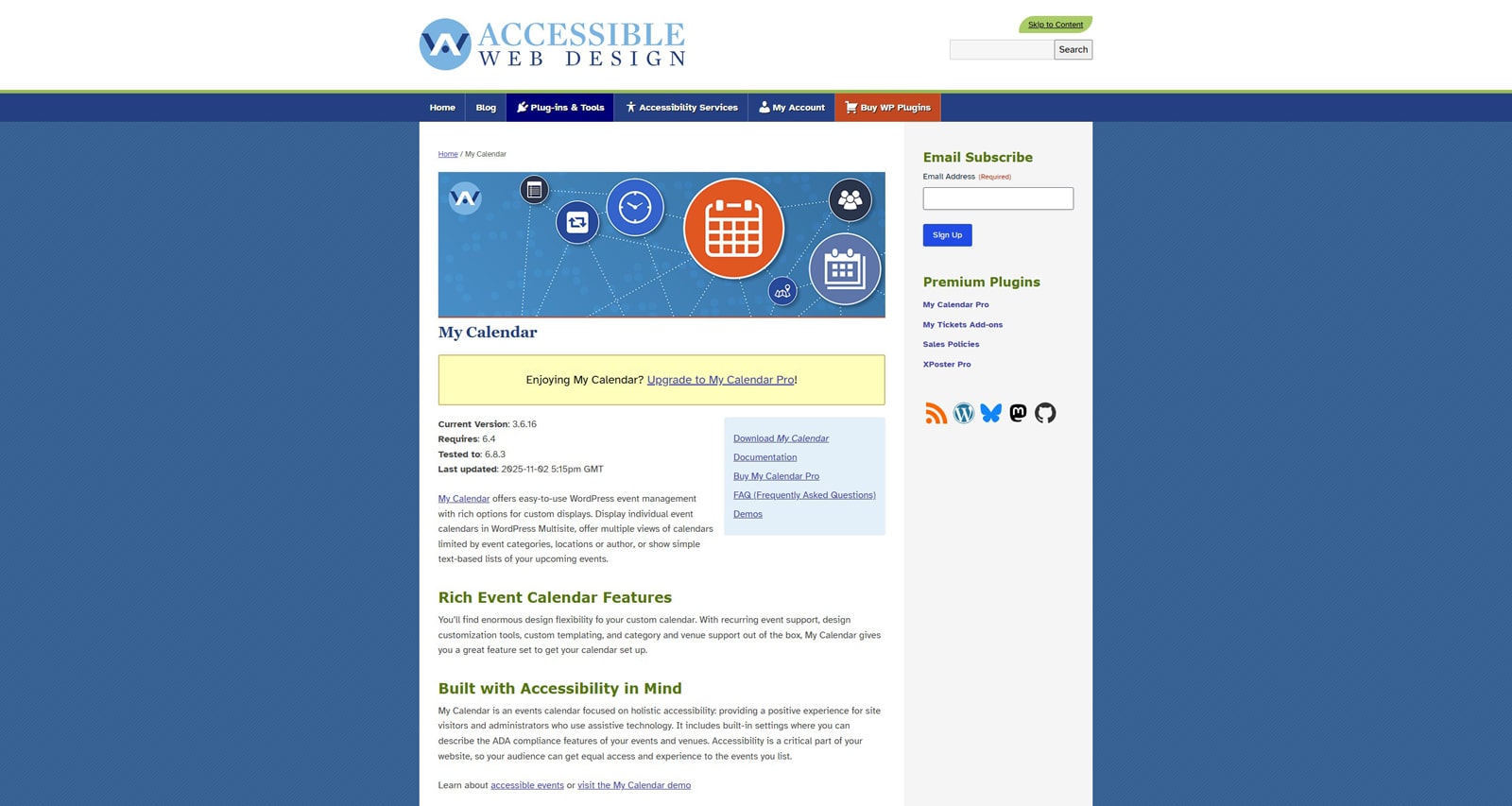 For those who need an accessible solution rather than just a feature-rich solution for WordPress the Events Calendar plugin, we recommend taking a look at My Calendar. Due to its flexibility in functionality and customizable calendar design, the offered plugin can be fitted to your website easily while also delivering core features for free. Additional benefits like user-submitted events support and event sharing between multiple sites are available with the Pro version.
Key features:
- 3 event calendar views (grid, card, and list);
- Various event widgets;
- Email notifications;
- SEO structured data;
- Export and subscribe via iCal and Google Calendar.
| Name | Developer | Price | Installations |
|---|---|---|---|
| My Calendar | Joe Dolson | Free or from $69/year | 20k+ |
EventPrime
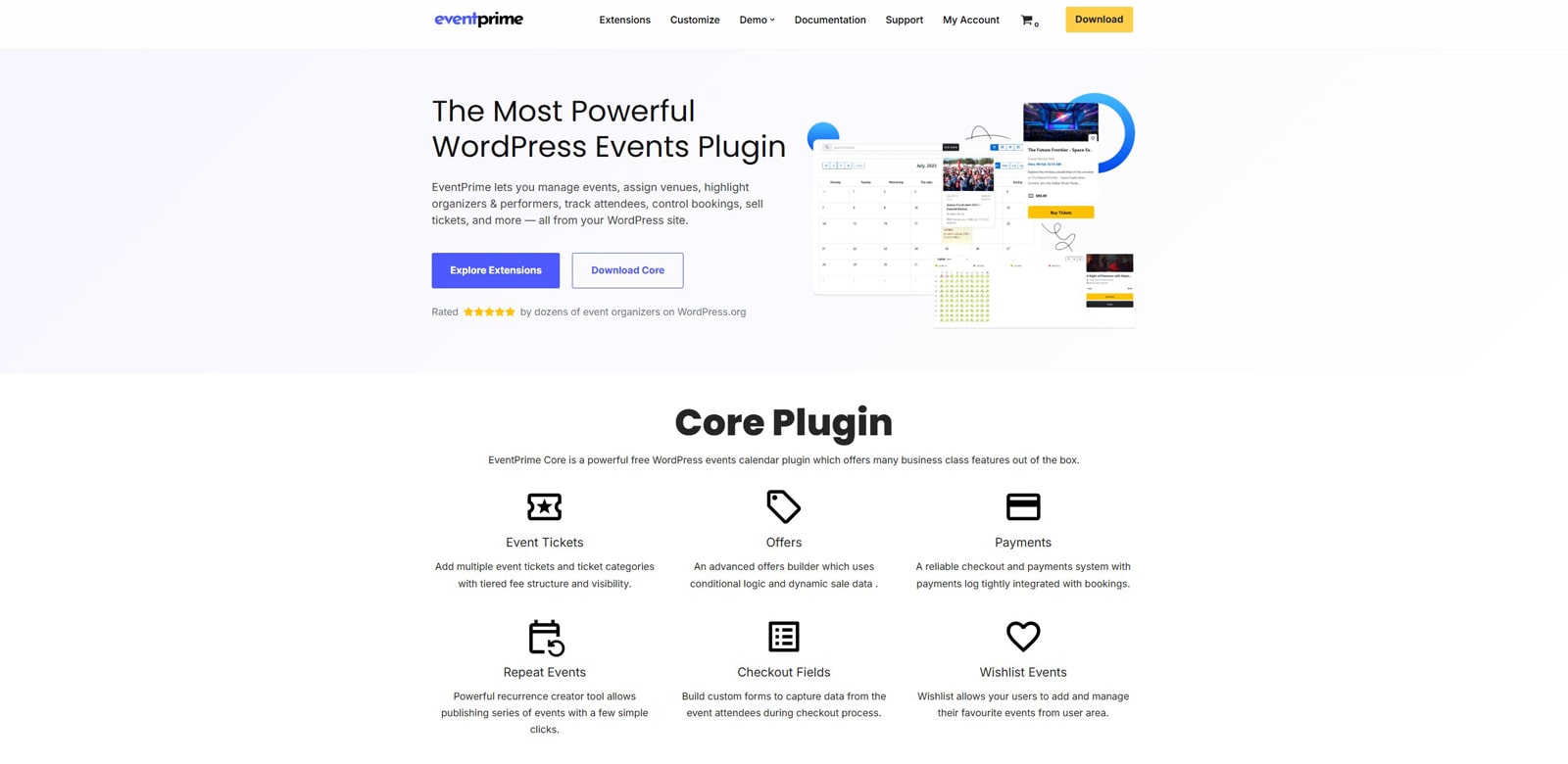 EventPrime is one of the alternatives to The Events Calendar WordPress plugin that is designed to deliver top-notch features out of the box. From ticketing to repeating events and showcasing them with a well-designed calendar and smooth workflow, you can transform your event website in no time. Furthermore, with the provided premium extensions, such as Mailchimp integration or an attendees list, the plugin’s default functionality can be enhanced even more.
Key features:
- Event directories and listings;
- Multiday and recurring event support;
- PayPal and Stripe integrations;
- Virtual and online event support;
- Frontend user area for booking management.
| Name | Developer | Price | Installations |
|---|---|---|---|
| EventPrime | Metagauss | Free or from $69/year | 7k+ |
Eventin
 If you’re looking for a tool to streamline event management and planning, Eventin can also be a suitable choice for your website. From event planners to digital marketers, this solution provides an efficient way to create, showcase, and promote events without having to develop anything from scratch. For example, you can benefit from using the event schedule list if you’re managing events for an online school or managing speakers and organizers for a large-scale business conference. With its increasing and constantly updated list of advantages and integrations, Eventin presents a great way for WordPress users to work with events.
Key features:
- Works with any kind of events;
- Simple calendar synchronization with iCal, Google Calendar, and Outlook;
- Email automation builder;
- Attendee tracking;
- AI-powered event creation.
| Name | Developer | Price | Installations |
|---|---|---|---|
| Eventin | Arraytics | Free or from $129/once | 10k+ |
Calendarize It!
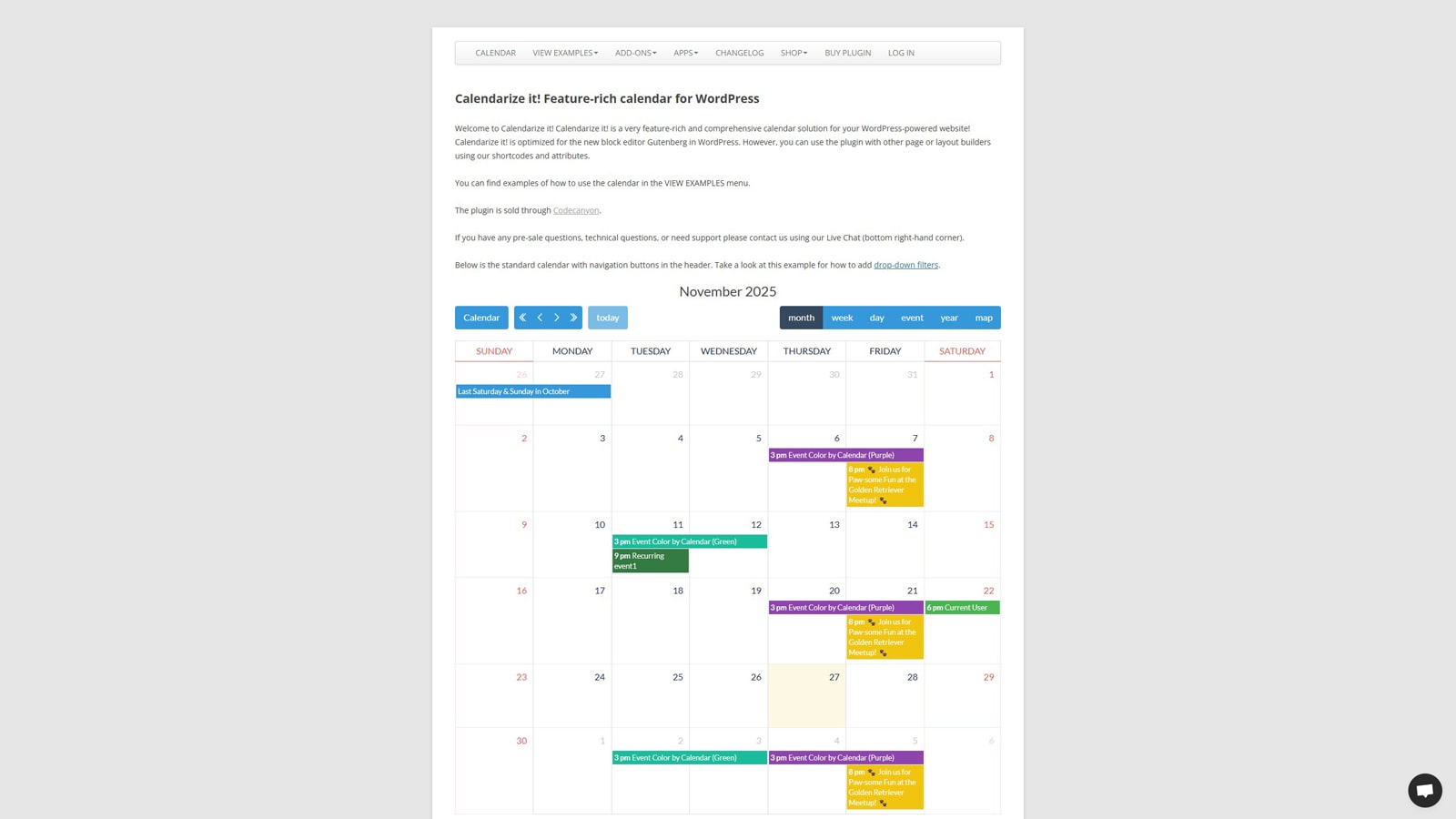 Moving on to one of the next alternatives to The Events Calendar plugin, we need to mention Calendarize It! Combining essentials with advanced features provided by paid and free add-ons, this calendar plugin makes it simple to add and display your events. Despite looking less design-centered than more expensive plugins, this solution delivers everything you’d expect from top-notch calendars for a more affordable price (when compared to The Events Calendar pricing). Thanks to its full customization support and 6 diverse layouts, you can use it to fully improve the look of your online event agency or schedule website.
Key features:
- 7+ calendar views;
- Multiple supplied widgets;
- Compatible with WPBakery and Gutenberg page builders;
- Multilingual-ready;
- A wide range of addons.
| Name | Developer | Price | Installations |
|---|---|---|---|
| Calendarize It! | RightHere | From $25/once | 12k+ |
WP Event Manager
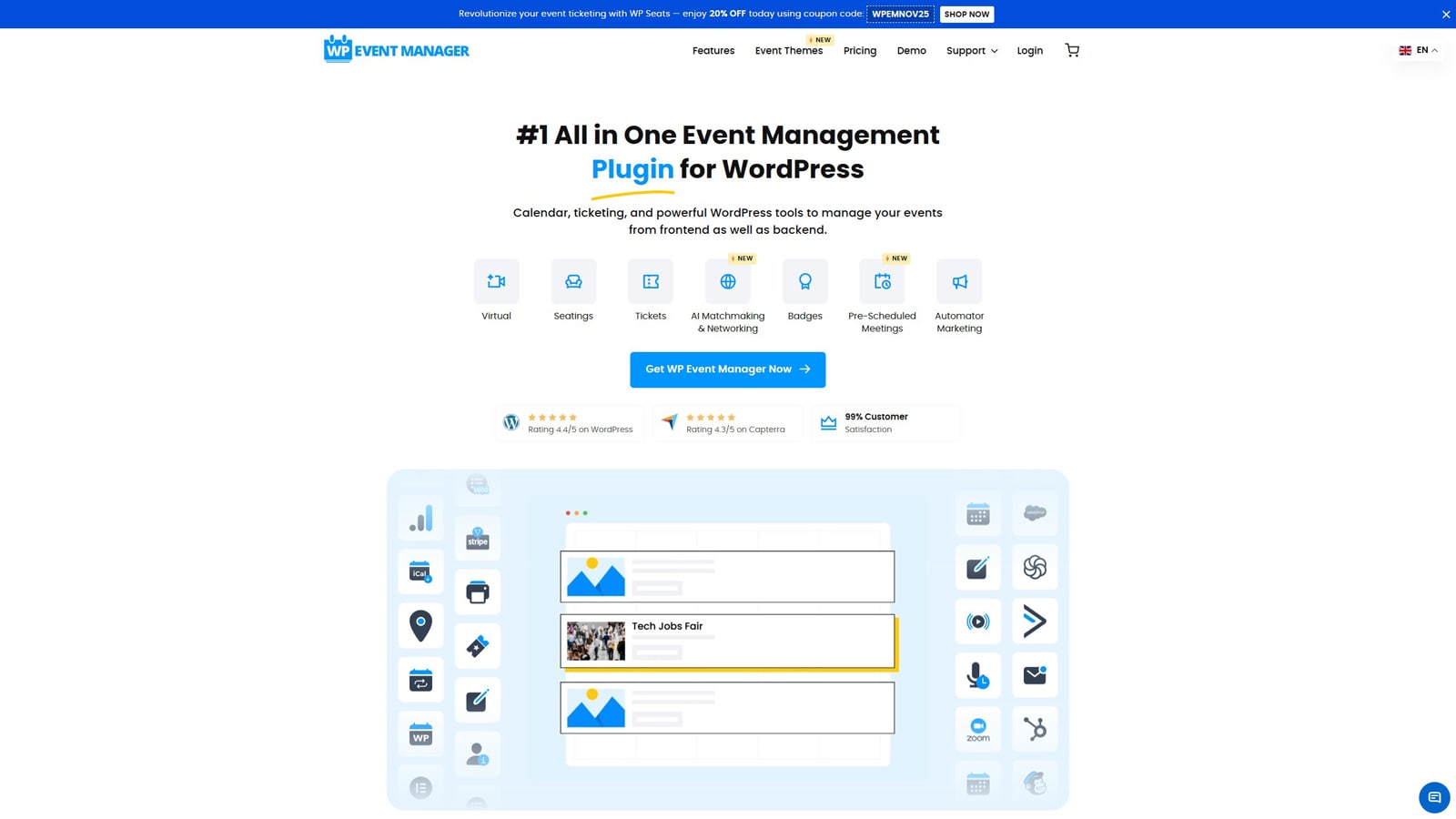 For those WordPress users who prefer using a single plugin with addons similar to Calendarize It rather than what The Events Calendar plugin provides, we suggest trying out WP Event Manager. Developed specifically for event websites, this solution comes with a well-designed calendar and a variety of additional features. By selecting any add-on you need, depending on the chosen pricing package, you can easily enhance the core functionality of your event website without installing any third-party plugins. For example, you can add support for selling tickets, recurring events, and more.
Key features:
- Easy event classification;
- WooCommerce compatibility;
- 37+ premium addons;
- Developer-friendly and easy to use;
- Frontend event submission form.
| Name | Developer | Price | Installations |
|---|---|---|---|
| WP Event Manager | WP Event Manager | Free or from $99/year | 20k+ |
Events Manager
 One of the alternatives to The Events Calendar upcoming events solution you may also find useful is Events Manager. Providing both well-known and enhanced features, this tool is easy to use and fits both new and experienced users. The plugin allows for smooth booking management of events, as well as automating the workflow and managing user bookings on the frontend. Similar to many other solutions, Event Manager has its add-ons that improve the already impressive range of benefits.
Key features:
- Easy event registration & management;
- Multisite event support;
- Graph and statistics tool for data comparison;
- Multiple custom event types;
- iCal and RSS feed support.
| Name | Developer | Price | Installations |
|---|---|---|---|
| Events Manager | Pixelite | Free or from | 70k+ |
WpEvently
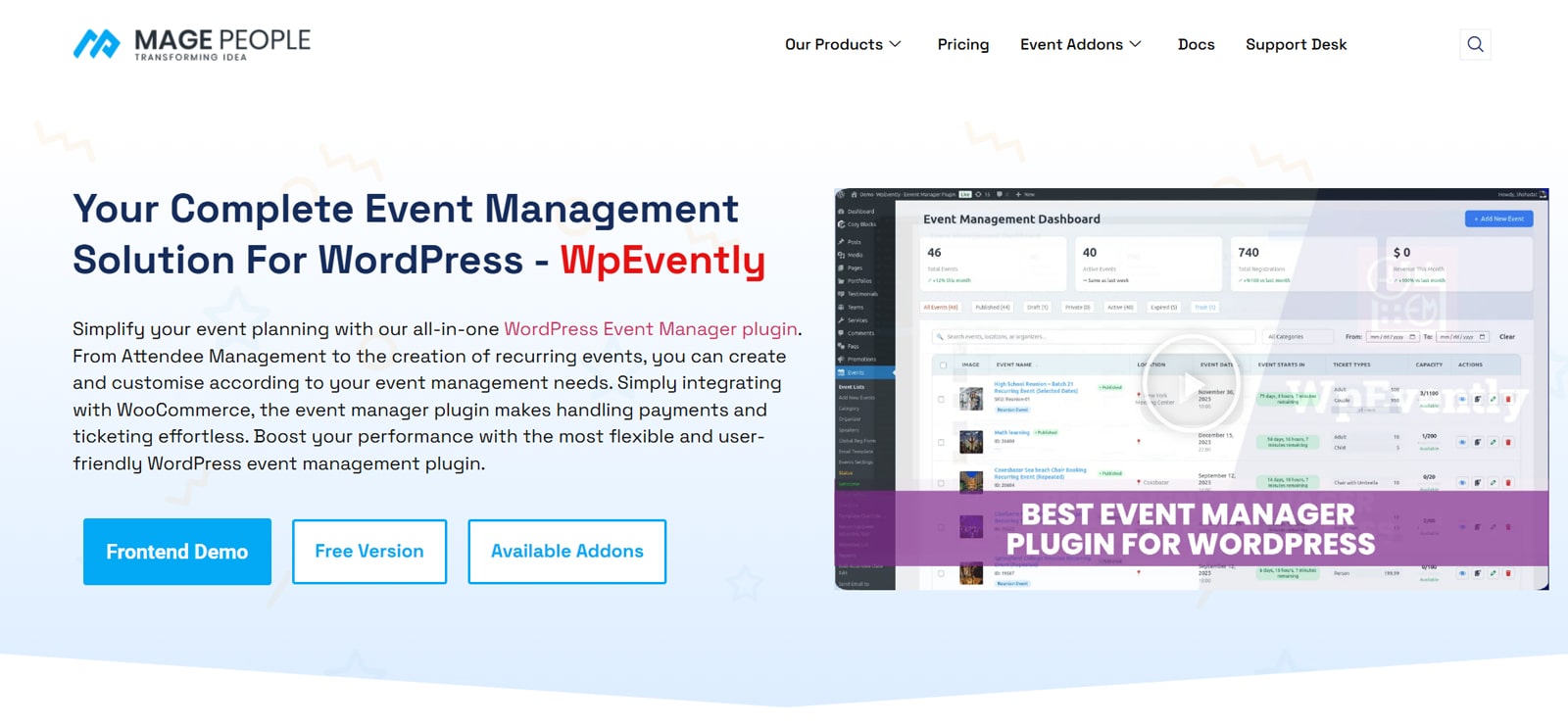 Sometimes you may not just have a purely WordPress event website, but rather a WooCommerce-based one. In this case, a more suitable choice for you may be the WPEvently plugin. Offering everything you’d expect from a professional event management software, the plugin represents an awesome tool for all event planning needs. Whether you need WooCommerce Payment integration, event registration forms, or custom event website templates for displaying what’s planned, WPEvently has it all.
Key features:
- Automatic email confirmation;
- Attendee information editing;
- Flexible event customization;
- Multiple payment methods;
- Google Maps integration.
| Name | Developer | Price | Installations |
|---|---|---|---|
| WPEvently | MagePeople | Free or from $75/year | 8k+ |


Conclusion
As you see, there’s a variety of alternatives to The Events Calendar that you can use regardless of your budget. Whether you’re starting small or looking for something that fits a large-scale event agency, any of these tools can be used to power up your event site in no time. Besides, having a plugin like this as a basis for your online presence creates a positive user experience, while also making event planning an easy and pleasant process, thanks to these advantages:
- Seamless WordPress integration: By using event management plugins that replace The Events Calendar plugin, you can easily integrate them with existing plugins and themes you use to add functionality to your event website.
- Customizable event layouts: With various event calendar views and layouts, customizing it according to your needs is simple and can be done without having coding knowledge.
- Automated scheduling and notifications: If you want to save time on manual event planning and informing your event attendees of available events, plugins such as MotoPress Events Calendar and EventON can do routine operations for you, freeing your time.
- Mobile-friendly design: Finally, thanks to the responsive calendar design, many alternative solutions to The Events Calendar upcoming events layout make it possible for your website events to be displayed properly on any device, from PCs to smartphones and tablets.
Disclosure: this article may contain affiliate links for third-party products. If you click a link and later make a purchase, we may earn an affiliate commission that doesn’t result in additional charges to you.