
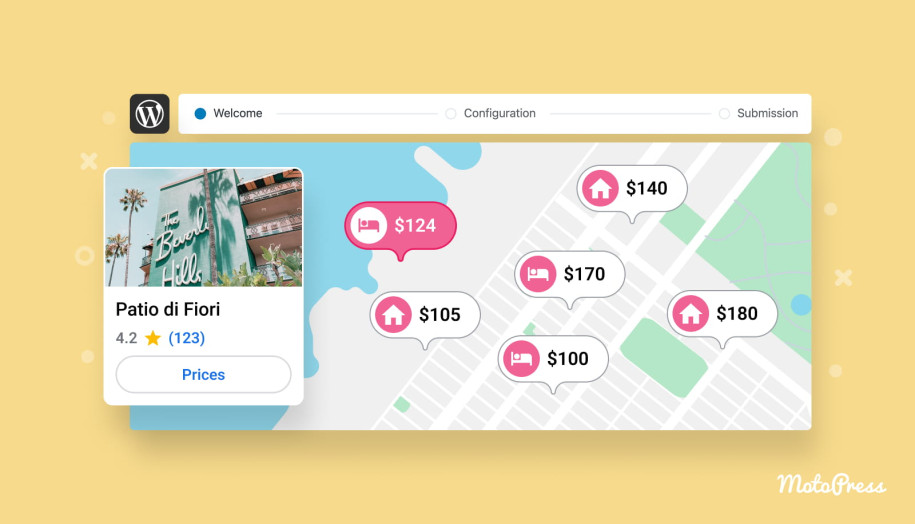

Submit Your Property to Google Hotels & Vacation Rentals through Hotel Booking 5.5.1
Table of Contents
We’ve just released Hotel Booking plugin version 5.5.1, and it introduces something many property owners and managers have been asking about: the ability to submit your property to Google Hotels and Vacation Rentals directly from your plugin settings.
This update adds a brand-new menu called Google Hotels (find it under Accommodation), where you can submit your property information through a simple 3-step form.
Participation is completely optional, but for many property owners it could become a powerful way to increase visibility and drive more direct bookings from Google.
At the moment, individual property owners find it hard to submit listings directly to Google’s hotel and vacation rental systems. These platforms usually require integration through approved connectivity partners that provide structured data feeds and pricing updates.
MotoPress can become such a partner and because your property is managed through our booking plugin, you now have a unique opportunity to participate in this ecosystem!
Important:
We’re not yet an official Google connectivity partner. We’re currently collecting your property data to submit to Google as part of our approval process. Once approved, your listings may appear on Google Hotels and Vacation Rentals.
Submitting the form does not guarantee inclusion, but it is the first necessary step toward potential participation.
Let’s now take a closer look at what’s new and how it works.
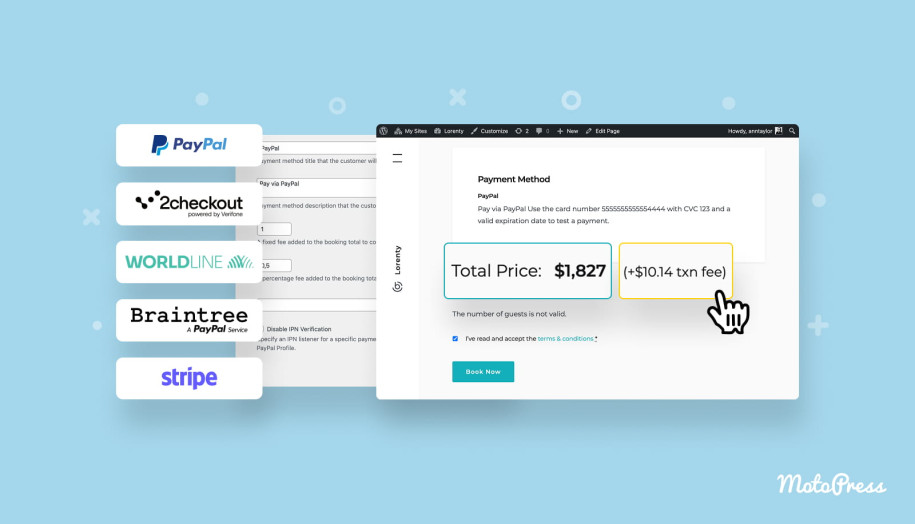
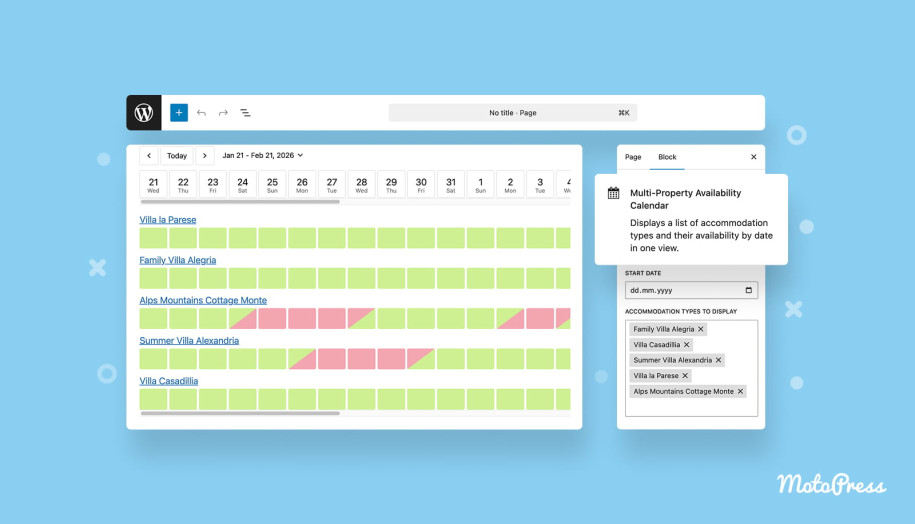
What’s New in Version 5.5.1
With version 5.5.1, we’ve added a new settings section via Accommodation > Google Hotels.
In the new menu, you can:
- Submit your property information for potential inclusion in Google Hotels and Vacation Rentals.
- Select which properties from your Hotel Booking plugin should be included.
- Provide key details like location, contact information, and property data.
The submission process is fully handled though the plugin dashboard, making it easy to complete without any external integrations.
What Is Google Hotels & Vacation Rentals?
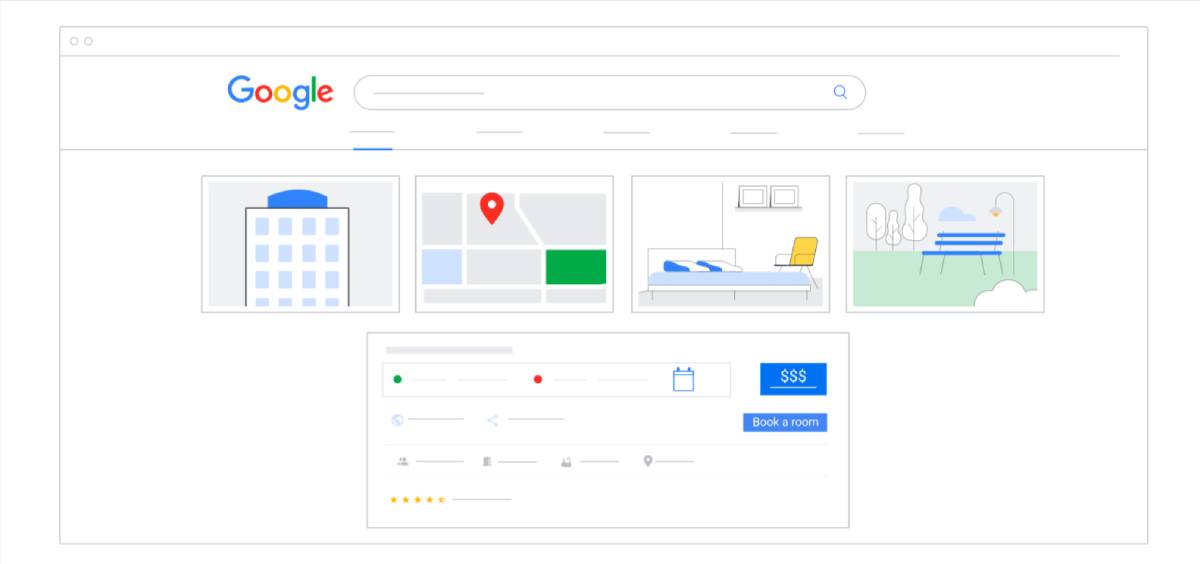
Google Hotels and Google Vacation Rentals are search features that display accommodation options directly inside Google Search and Google Maps.
If your hotel website domain is normally shown via traditional organic search results, you can take it even further with Google presenting property listings with prices, photos, reviews, and booking options directly in the search results interface.
For example, when someone searches for: “vacation rentals near me”, “cabins in Lake Tahoe”, “beach villas in Italy”, Google may show a dedicated accommodation results section with available properties – before standard website results. These listings appear across Google Search and Google Maps, reaching over a billion users worldwide.

What are Google Hotels Benefits for Your Site and Property?
It’s not just going to significantly improve your hotel SEO, but being included in Google’s accommodation listings can drive you many more direct bookings or even reservations from the external platforms. Let’s explain in more detail.
1. Higher visibility in Google search
Google displays accommodation listings above or alongside organic search results, making them highly visible to travelers searching for places to stay.
2. Exposure on Google Maps
Your property can appear when users search for places to stay directly on Google Maps, which is one of the most common ways travelers discover accommodation options.
3. Direct booking traffic
When users click your listing, they are sent directly to your website to complete the booking, which means:
– No online travel agency commissions.
– More direct bookings.
– Full control over your customer relationship.
4. Increased reach to global travelers
Google Search and Maps are used by millions of travelers planning trips every day, giving your property exposure to a much larger audience.
5. Real-time price and availability comparison
Travelers can compare real-time prices and availability before deciding where to book. If your website offers the best price, visitors are more likely to book directly with you.
How to Submit Your Property with MotoPress Hotel Booking – Instruction
Submitting your property through the plugin is easy but the time it takes depends on how many properties or rooms you want to submit (each listing is separate).
The process includes three simple steps.
Step 1. Accept the Terms and Conditions
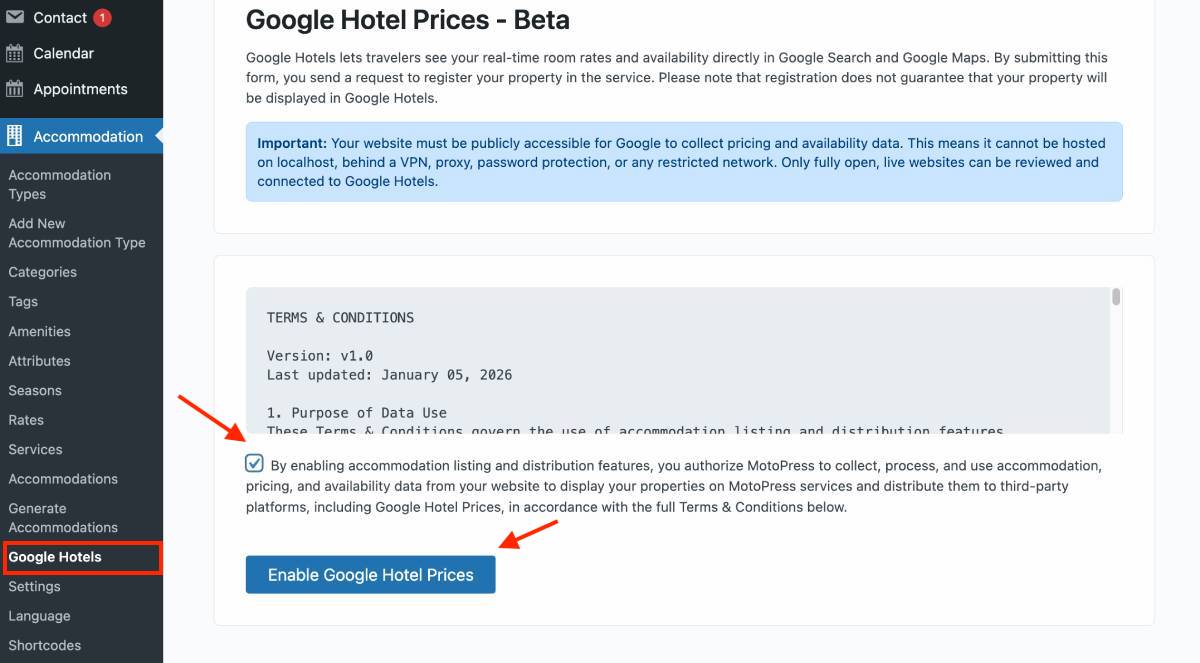
Go to WordPress → Accommodation → Google Hotels
Before submitting any properties, you’ll need to accept the terms and conditions required for participation in Google Hotels.
Once accepted, you can proceed to the submission form.
Important – your website must be publicly accessible for Google to collect pricing and availability data.
Step 2. Choose the Property and Fill in Details
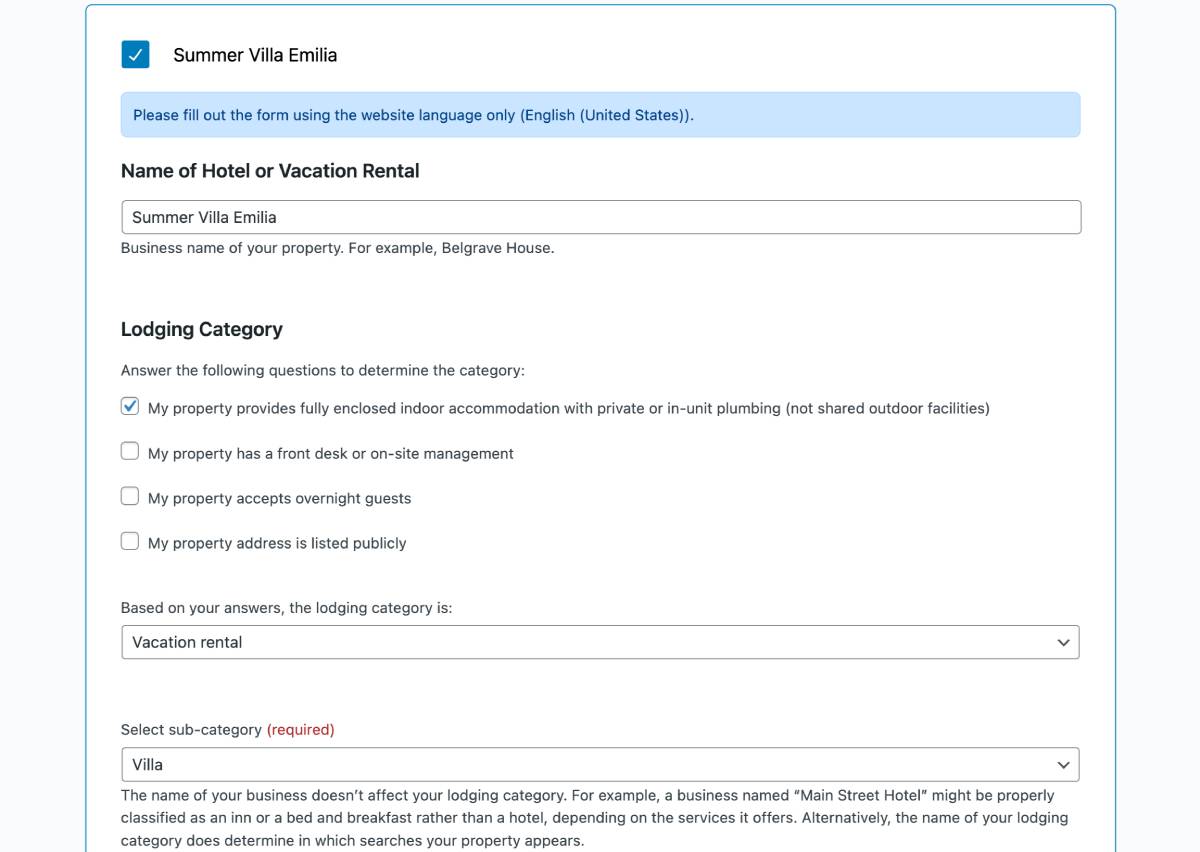
On the next step, you’ll see all the properties sourced from your MotoPress Hotel Booking plugin. You’ll need to select which properties you want to include in the submission.
For each property, you’ll need to provide the following information:
- Property name
- Lodging category (e.g., vacation rental)
- Sub-category (for example, villa)
Note: Outdoor lodgings cannot be submitted at the moment.
Location details
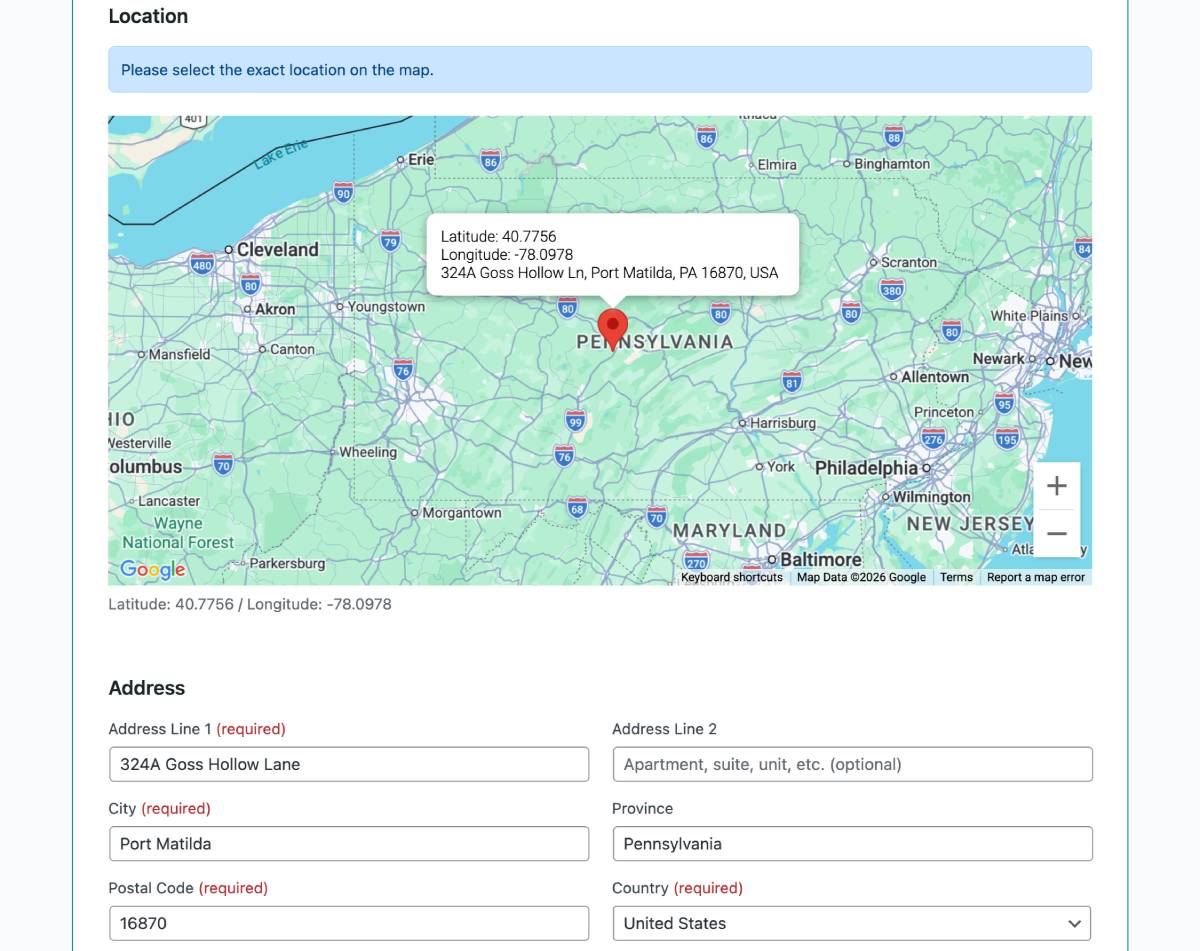
- Exact property location on the map
- Latitude and longitude coordinates
Important: Make sure to drag and drop the map pointer to the exact location of your property. This step ensures Google receives accurate geographic coordinates.
Address
- Address line
- City
- State / Province
- Postal code
- Country
Contact information
- Primary phone number
Additional property information
Some information may be automatically filled from your property data in the plugin, such as:
- Property description
- Guest capacity
Once you finish filling out the details, click Apply for each property you want to submit.
Step 3. Submit the Form
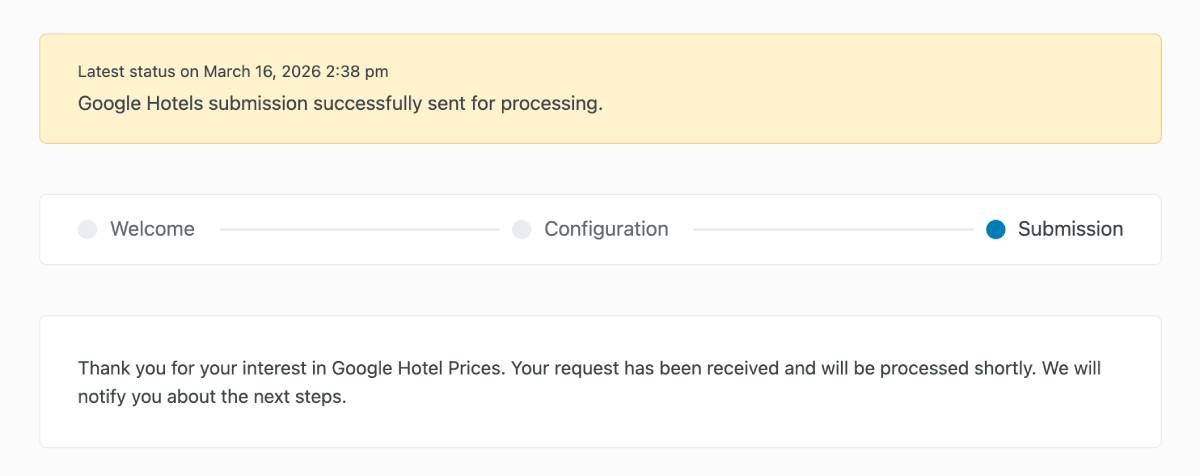
After selecting and configuring your properties, click Save to submit the form.
Your property data will then be stored as part of our Google Hotels integration request.
If you change your mind later, you can simply click “Disable Google Hotel Prices” at any time to remove your property from the submission.
Will Your Property Be Accepted?
This is a great question, and the honest answer is that we cannot guarantee acceptance.
At this stage, we are collecting interest and property data from plugin users who want to participate and get more visibility for their property from the top Google services.
Once we reach the minimum number of properties required by Google, we will submit the data to Google for review and validation.
Google will then decide:
– whether the properties meet their requirements.
– whether they will be included in the Google Hotels and Vacation Rentals ecosystem.
So while submitting the form does not guarantee inclusion, it is the first necessary step toward potential participation.
Bottom Line: Why It’s Worth Submitting Anyway
If you’re looking to increase your property’s visibility online, submitting your information to the Google Hotels system through MotoPress can be a huge opportunity. The key reason – Google already plays a major role in travel discovery. Actually, many travelers start their trip planning directly on Google, where they:
- search for destinations
- compare accommodation options
- check availability
- and choose where to book.
By participating in Google’s accommodation listings, your property could:
- appear in highly visible search results.
- reach millions of potential travelers.
- drive more direct bookings to your website.
- reduce reliance on third-party booking platforms.
Submitting the form doesn’t cost anything and can be disabled anytime! If your property gets approved, however, the potential gains in visibility and direct bookings can be significant.

Hello, I try to register our vacation rentals in Google Hotels as you explained but It doesn’t work. I receive this message : « Please fix errors and submit again.» and «Vacation rental property category is invalid.» whereas I enter «Vacation rentals» and subcategories «Chalet» which is the right thing… I don’t understand why it’s not correct… Could you help me ?
Please update to version 5.5.2 recently released. This should fix the issue.
So excited to see this update!
Hi Adam, Thank you for your feedback.