
WordPress.com or WordPress.org: What Should You Use in 2026?
Table of Contents
In this post, we will talk about one of the first decisions you face in launching your website. Chances are, you are debating between going for WordPress.com or WordPress.org, because the differences on the surface are not clear, and that leaves you wondering which platform would best suit your needs.
I would like to give you some insights about both in terms of the basics, as well as the technical and business aspects. Our goal is to help you decide faster and easier!
The Shared Foundation: Same but Different
WordPress is the most popular content management system (CMS) these days, with millions of websites built on it. Thanks to its open-source, flexible model with tremendous community support, it is perfect for anyone who wants to blog, showcase their professional portfolio, or build an online store for their business.
So essentially WordPress.com and WordPress.org. platforms use the same WordPress software, but they are managed and hosted differently. The technical core and codebase are identical, yet the differences lie in the surrounding ecosystem.

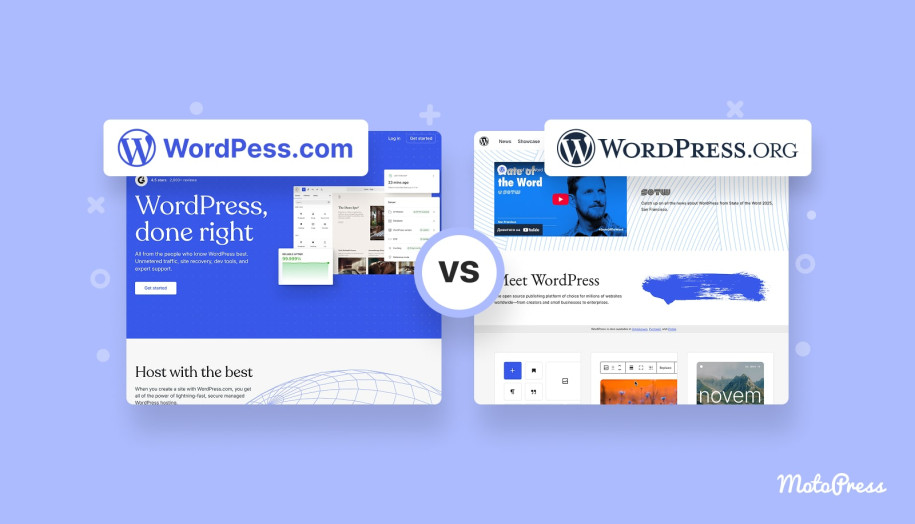
WordPress.com or WordPress.org: Breaking Down the Two Options
Before diving deeper, you should first understand the core distinction between these two paths. On the one hand, you have fully managed wordpress.com hosting, with a ready-to-go setup.
On the other hand, you get complete freedom for any kind of customization with self-hosted WordPress.org. Once you know this distinction, choosing your platform feels less confusing.
WordPress.com: Managed Hosting at Its Core
WordPress.com, being a managed hosting platform, allows you to rent a website. You create an account, select a website type and design theme, and follow the step-by-step guide. Just like this, your website is live, no need to worry about the rest.
It can be appealing to those who are just starting and those who are not interested in technical maintenance. With WordPress.com, you focus on the content, while the rest is taken care of for you. I am referring to hosting, technical updates, and security measures. The platform automatically handles these details, all behind the scenes.
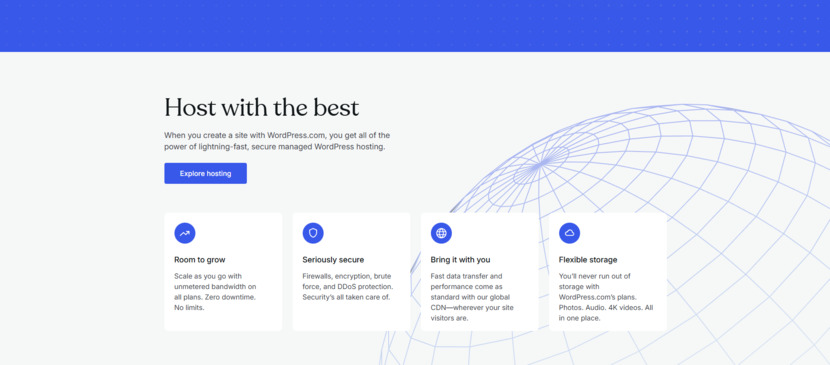
However, you will be met with limited flexibility, restrictions on monetization, and a subscription-based fee structure for advanced plans. Free and lower-tier plans come with quite noticeable WordPress.com branding, and even with paid upgrades, the plan you choose restricts your options.
Those who simply want to get their website up and running with minimal effort will appreciate this. But keep in mind, as your ambitions and the needs of your website grow, these restrictions can become an obstacle you didn’t see coming.
WordPress.org: Power and Responsibility of Self-Hosting
Moving on to WordPress.org, where you can download the free open-source WordPress software. The first step is to secure your own domain name and a hosting service. By doing this, you are gaining immense freedom and flexibility, along with complete control over your website’s appearance and functionality.
You have access to thousands of free and premium themes and plugins that you can install, modify, or build from scratch if you wish. If you`d like to implement tailored code modifications or completely overhaul your site’s design, you’re free to dive into the code and change it to your heart’s content.
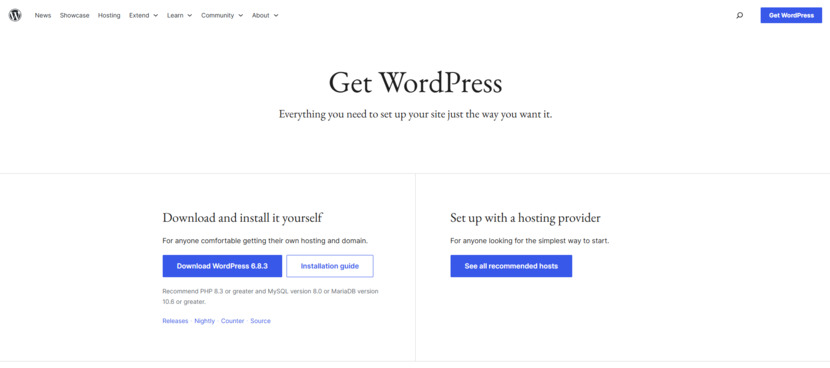
Unlike WordPress.com, which places restrictions on affiliate marketing and sponsored content (especially on free or low-tier plans), a self-hosted WordPress.org site allows you to embed advertising, membership systems, and e-commerce functionalities, letting you monetize freely, all on your own terms.
Certainly, with self-hosting comes the responsibility for your site’s security, backups, and updates, which we’ll touch on later in this post. At the same time, you have abundant resources, support articles, tutorials, and community help within reach. Some of these challenges and technological sophistication are part of what makes WordPress.org a favorite among power users and professionals.
WordPress.org or WordPress.com: Managed vs. Self-Hosted Website Solution
Most beginners wonder: Should I use WordPress.com or WordPress.org? Let’s examine this question from the perspectives of budget, customization, monetization, SEO, and security. All these factors play a significant role in selecting the right platform for your website’s goals.
Let’s Talk Money: How Pricing Stacks Up
The cost is usually the first thing we look at, but it’s all a matter of perspective.
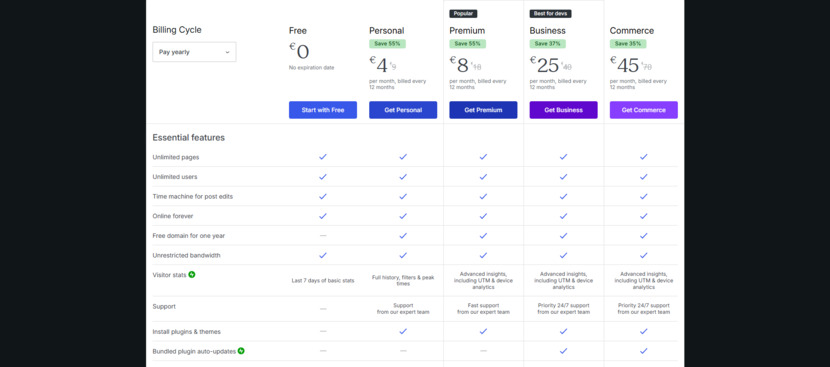
WordPress.com Free Plan offers a quick and low-commitment way to get started, but comes with a subdomain (e.g., yoursite.wordpress.com), limited customization options, and a “WordPress.com” badge on your site. As you upgrade from Personal to Premium to Business, you gain additional features like a custom domain, increased storage, and even the ability to use third-party plugins. However, subscription fees are recurring and can add up over time.
As for e-commerce functionalities, you will be forced to upgrade to even higher-priced tiers. No need to worry about additional costs: hosting, maintenance, and security are all taken care of.
WordPress.org: You will need to invest in a domain name and a hosting plan, and even though prices vary, the cost can be surprisingly affordable, because many hosting providers offer packages sometimes as low as a few dollars per month.
With WordPress.org, you’re in charge of your budget. You can stay on basic plans and add premium features as your site grows. The costs of premium themes or plugins, SSL certificates, or enhanced security services are typically one-time or annual, so you can budget effectively in the long term. Not to mention that choosing your hosting provider means you may scale your website’s performance and storage based on your evolving needs without paying for features you might not use.
Over the long haul, yes, sure, WordPress.org. requires an upfront investment and some ongoing maintenance, but it becomes more cost-effective and flexible as you go.
Customization: Making It Truly Yours
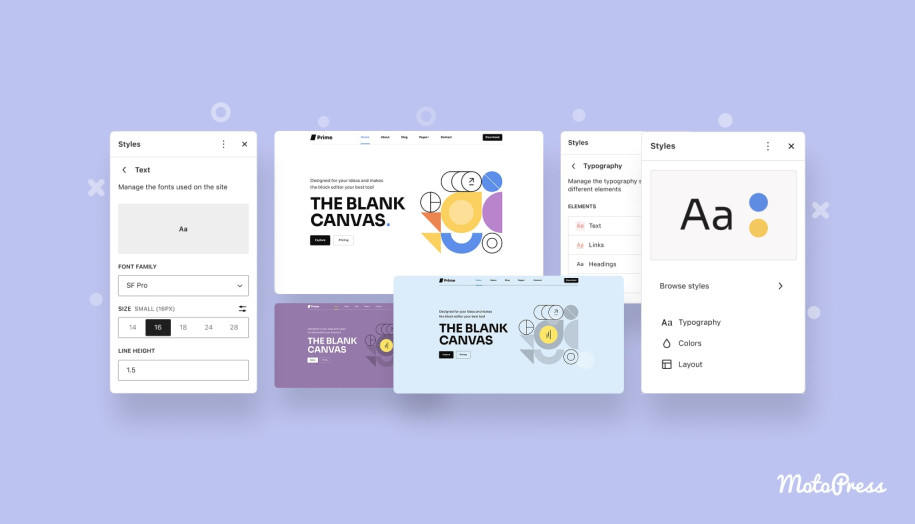
You want your website to reflect your brand’s identity, don’t you? On both WordPress.com and WordPress.org, the editing experience is based on the block editor. You can add content, adjust layouts, and style elements visually. The difference comes with freedom and flexibility.
WordPress.org offers creative freedom. You can choose from thousands of themes and customize them by changing layouts, adding custom widgets, and adjusting every element, not just colors or fonts. On top of that, you can install plugins and add-ons like Getwid to add extra blocks and design options that aren’t available by default.
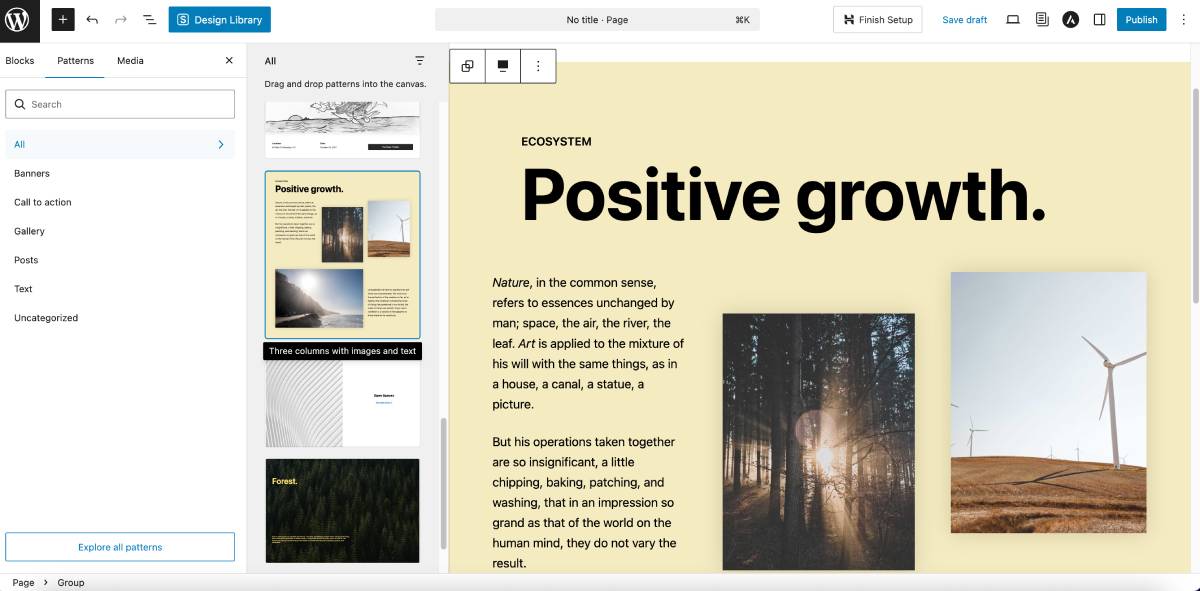
For additional functionalities, such as an advanced WordPress booking system or membership management, numerous plugins are available, too. What’s more, there’s always the option to custom-develop or commission one.
And if you have a knack for coding or you are collaborating with a developer, you are free to dive into the PHP, HTML, CSS, and JavaScript that power WordPress. This way, you can get a truly original website that stands out in a crowded digital landscape.
You need this if you have a clear vision for your brand or if you require features that aren’t available on a heavily managed platform. A self-hosted website lets you experiment, grow, and innovate without the constraints imposed by a managed service.
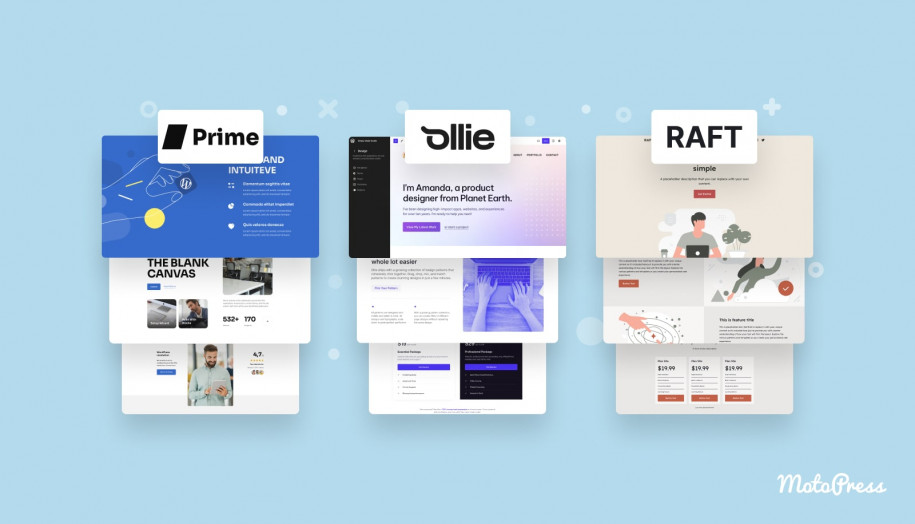
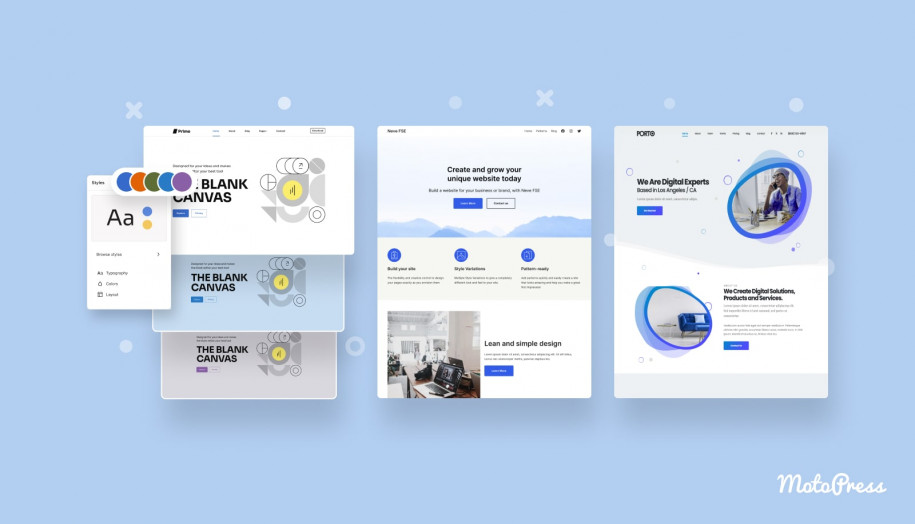
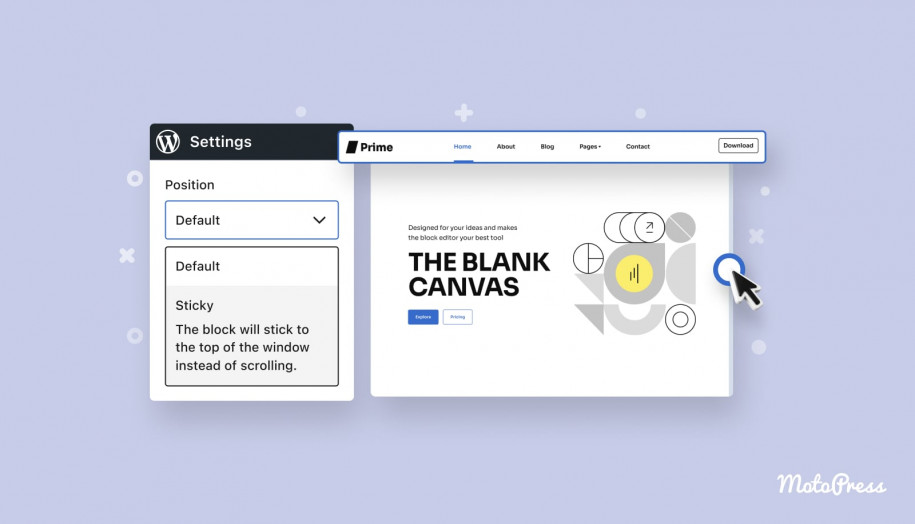
With WordPress.com, by contrast, especially their free or basic plans, you get a ready-made design, although it can feel somewhat limiting, and the same goes for the site’s functionality. Your ability to extend the site is almost restricted. You can’t freely install plugins or add advanced features beyond what your plan allows.
This means that while the editor looks and feels identical, the scope of what you can build with it is much narrower. You’re essentially working within a controlled environment that doesn’t allow you deeper customization. For many simple sites, that’s perfectly fine. But for projects that require custom features, advanced styling, or specialized functionality, those limitations quickly become noticeable.
Monetization Opportunities and eCommerce
If you envision turning your website into a revenue stream, generating income via ads, affiliate marketing, memberships, or running an online store, self-hosting gives you this freedom to make money the way you want.
On WordPress.org, you can unlimitedly place ad banners, embed affiliated links, or use custom placements, wherever they naturally fit within your content.
With tools like the WooCommerce plugin for e-commerce, you can set up your online shop quickly and scale later, as demand increases. You can integrate a variety of payment gateways (e.g, PayPal or Stripe), manage shipping integrations, and tailor your store’s design.
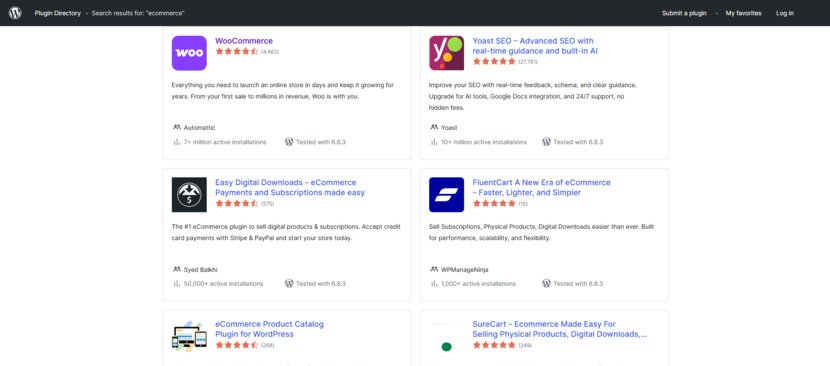
If you are thinking about memberships and subscriptions, there are dedicated plugins that help you create members-only areas, subscription services, or premium content (e.g., online courses). The monetization potential is only limited by your creativity.
By contrast, WordPress.com can be pretty restrictive in these areas; its free plans and low-tier paid plans often limit the kind of monetization you can access. And while WordPress.com’s higher-tier plans support e-commerce, the Free, Personal, and Premium tiers have no commerce solutions.
Nevertheless, on WordPress.com’s Premium, Business, and Commerce plans, you gain access to monetization tools like paid subscriptions, premium content blocks, WordAds advertising, and the ability to accept payments for services or digital products. You can use these features work out of the box, meaning you don’t need extra plugins.
So you can focus on creating content, while WordPress.com will handle the tech behind payments, analytics, and distribution.
Search Engine Optimization (SEO) and Marketing
We can all agree that when the goal is to grow an audience, every detail counts. With SEO playing a vital role in attracting visitors, your website must be optimized for search engines from every angle.
Advantages of WordPress.org
You have tools like Yoast SEO or Rank Mat that allow you to conduct in-depth keyword research, optimize your content on-page, and integrate social media metadata seamlessly. You can achieve faster load times by implementing caching, content delivery networks (CDNs), and regular performance optimizations. Because we all know that a fast, visually pleasing website is key to keeping visitors engaged.
Not to mention that every element, from meta descriptions to heading structures, can be fine-tuned. You’re also free to integrate advanced marketing tools, whether it’s Mailchimp, ConvertKit, or Google Analytics, to help you scale with your marketing efforts.
What about WordPress.com?
WordPress.com does provide some basic SEO capabilities on Business and Commerce plans. But if you’re on Free, Personal, and Premium plans, unfortunately, you’ll have no options for optimizing your site.
Security and Backups
Security is a top priority for every website owner. While no platform is entirely immune to threats, they strive to maintain a high level of security, approaching it differently.
WordPress.com takes care of security automatically, whether it is patches, updates, or backups. If you would like to “set it and forget it”, this can be a huge relief.
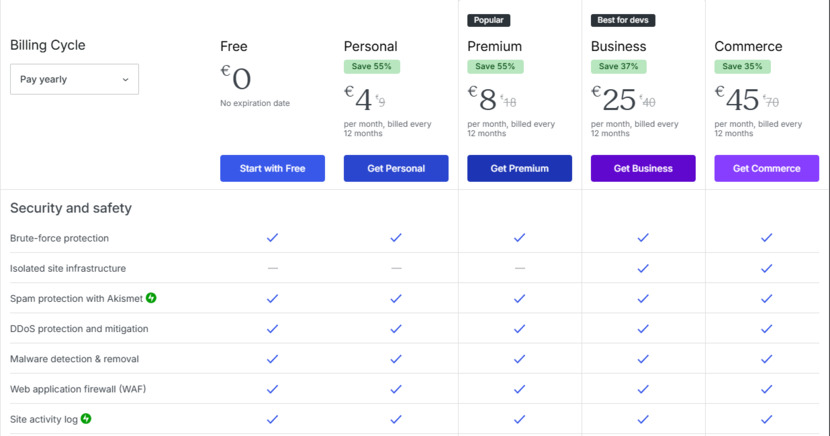
With WordPress.org, however, the security of your website is in your hands. You’re responsible for managing updates, not only for WordPress itself but also for the themes and plugins you install. Regular maintenance offers the opportunity to control exactly when and how updates occur.
You also need to think about implementing backups. There are plenty of excellent backup plugins available, as well as many hosting providers that include daily backups in their packages. With a robust backup plan, you can secure your data against unexpected issues.
There are security plugins (such as Wordfence and Sucuri) and hosting features (like built-in SSL certificates and automated backups) available that let you build layers of protection tailored to your needs. This level of control can be particularly important if you’re handling sensitive data or running an e-commerce business. And while the extra work might seem like a lot to handle, many appreciate the benefits of tight control over their website’s security.

Finally, Which Option Suits You Best?
Which is better WordPress.com or WordPress.org? After walking through the differences in pricing and creative freedom, monetization potential, SEO, and security management, the choice is rather obvious.
When you need a simple, hands-off solution and you are happy to work within set boundaries, you should go for WordPress.com. However, if you plan to grow your site into a scalable online business, an extensive blog, or a successful e-commerce store, WordPress.org cannot be beaten for its freedom and flexibility.
A self-hosted site is an investment in your digital identity. With WordPress.org, you are not locked in with subscription tiers or platform restrictions. You can build, expand, and innovate in a way that reflects your ambitions. Indeed, self-hosting requires you to roll up your sleeves and handle some technical details, but there’s a vast and supportive community ready to help you along the way.
I hope this guide has shed light on the many aspects of both platforms, helping you make a choice that aligns with your long-term goals.
Remember, in the online world, the ability to adapt and customize makes all the difference. Start small, dream big, and use WordPress.org as the foundation for building a truly exceptional online presence.
WordPress.com vs WordPress.org Comparison Table
| Category | WordPress.com | WordPress.org |
|---|---|---|
| Hosting | Fully managed hosting included | Self-hosted; you choose provider |
| Pricing | Free + paid tiers; recurring subscription | Domain + hosting costs; scalable and flexible |
| Customization | Limited on lower plans; restricted themes/plugins | Full access to themes, plugins, and code |
| Monetization | Restricted on free/low-tier plans | Fully flexible: ads, affiliate, memberships, eCommerce |
| SEO | No basic tools on lower plans | Full SEO control with advanced plugins |
| Security | Automatic updates, security, backups | You manage updates, backups, and security plugins |
| eCommerce | Available only on higher-tier plans | Full WooCommerce support; no platform restrictions |
| Ownership | Platform-controlled; limited access | Full ownership and control over your website |
| Best For | Beginners wanting a simple, hands-off solution | Creators, professionals, and growing businesses needing flexibility, full control and room to grow |
WordPress.com vs WordPress.org FAQs
Is WordPress free?
WordPress.com offers a free plan with limited features and branding, and paid plans that include hosting, security, and support. These plans are convenient but come with recurring fees that can add up, especially if you need e-commerce features.
WordPress.org requires an initial investment in a domain and hosting, but gives you full control over your budget. You can choose affordable hosting, add premium features as needed, and avoid paying for unused services. Over time, WordPress.org tends to be more cost-effective and scalable.
Should I use WordPress.com or WordPress.org?
It depends on your goals. Use WordPress.com if you want a simple, hands-off setup where hosting, security, and updates are fully managed for you. Use WordPress.org if you want maximum flexibility, full customization, the ability to install any plugin or theme, and full control over monetization. For long-term growth or building an online business, WordPress.org is usually the better choice.
What does it cost to start a WordPress blog?
Starting a blog on WordPress.com can be free, but you’ll be limited to a subdomain, basic customization, and no advanced monetization. Paid plans start at a monthly subscription price, depending on features.
Starting a blog on WordPress.org requires purchasing hosting and a domain name. Many hosting plans start at just a few dollars per month, and a domain usually costs around $10–15 per year. From there, you can add free or premium themes and plugins based on your needs. Overall, WordPress.org often becomes more cost-effective and scalable in the long run.
Can I use Elementor with WordPress.com?
Yes, you can use Elementor on WordPress.com —but only on plans that support plugins (Business or higher). If you do, you can also enhance your page builder with add-ons like Stratum by MotoPress, which provides extra Elementor widgets for more design flexibility.
Which platform offers more customization options for website design and functionality?
WordPress.org offers extensive customization. You can choose from thousands of themes, modify layouts, add widgets, and even edit the site’s code (PHP, HTML, CSS, JavaScript) for a truly unique design.
WordPress.com, especially on free or lower-tier plans, limits customization to predefined templates and basic settings. Higher-tier plans offer more flexibility, but still don’t match the creative freedom of a self-hosted WordPress.org site.
How do monetization opportunities differ between the two platforms?
WordPress.org gives you full control over monetization. You can run ads, use affiliate links, sell products via WooCommerce, and create membership or subscription services using plugins.
WordPress.com restricts monetization on free and lower-tier plans. While higher-tier plans support e-commerce, they still impose limitations on ad placement, plugin use, and customization, making WordPress.org the better choice for serious revenue generation.
Which platform is better for SEO and marketing integration?
WordPress.org is better for SEO and marketing. It supports powerful plugins like Yoast SEO and Rank Math, allows full control over metadata, and integrates with tools like Google Analytics, Mailchimp, and ConvertKit. You can also optimize performance with caching and CDNs.
WordPress.com offers basic SEO tools, but its limitations (especially on lower-tier plans) can hinder your ability to fully optimize and market your site.
What are the differences in security and backup management between WordPress.com and WordPress.org?
WordPress.com handles security and backups automatically, making it ideal for users who prefer a hands-off approach. Updates and patches are managed behind the scenes.
WordPress.org requires manual management of updates and backups, but offers greater control. You can use security plugins like Wordfence and Sucuri, choose hosting with built-in SSL and backups. This is especially valuable for sites handling sensitive data or running e-commerce.
Disclosure: this article may contain affiliate links for third-party products. If you click a link and later make a purchase, we may earn an affiliate commission that doesn’t result in additional charges to you.