

Divi vs Elementor: Which WordPress Page Builder Wins in 2026?
Table of Contents
The Divi vs Elementor competition makes everyone struggle. Both WP page builders have features that make you toss between one choice or another. At first glance, they solve the same problem. But once you actually start building websites with them, the differences become obvious. In this article, we’ll compare their features, pricing, workflows, and much more!
Before we dive into the details, here is a quick overview of these page builders:
| Feature | Divi | Elementor |
|---|---|---|
| Main approach | All-in-one design framework | Flexible plugin-based builder |
| Interface | Floating panels + full-screen editor | Fixed sidebar + live preview |
| Theme Building | Yes | Yes |
| WooCommerce tools | Yes | Yes |
| AI features | Yes | Yes |
| Third-party tools | Curated marketplace | Massive ecosystem |
| Free version | No | Yes |
And now the comparison is becoming even more interesting. Let’s get it started!
Divi vs Elementor: Hands-On Comparison
Both builders sit at the very top of the WordPress ecosystem. Both promise visual website building without code. Both let you design custom layouts, headers, footers, landing pages, etc. And both have evolved far beyond “simple page builders.” So, what is better: Divi or Elementor?
Overview
The compared WordPress page builders changed how websites are created. Let’s start with their overview.
What is Divi?
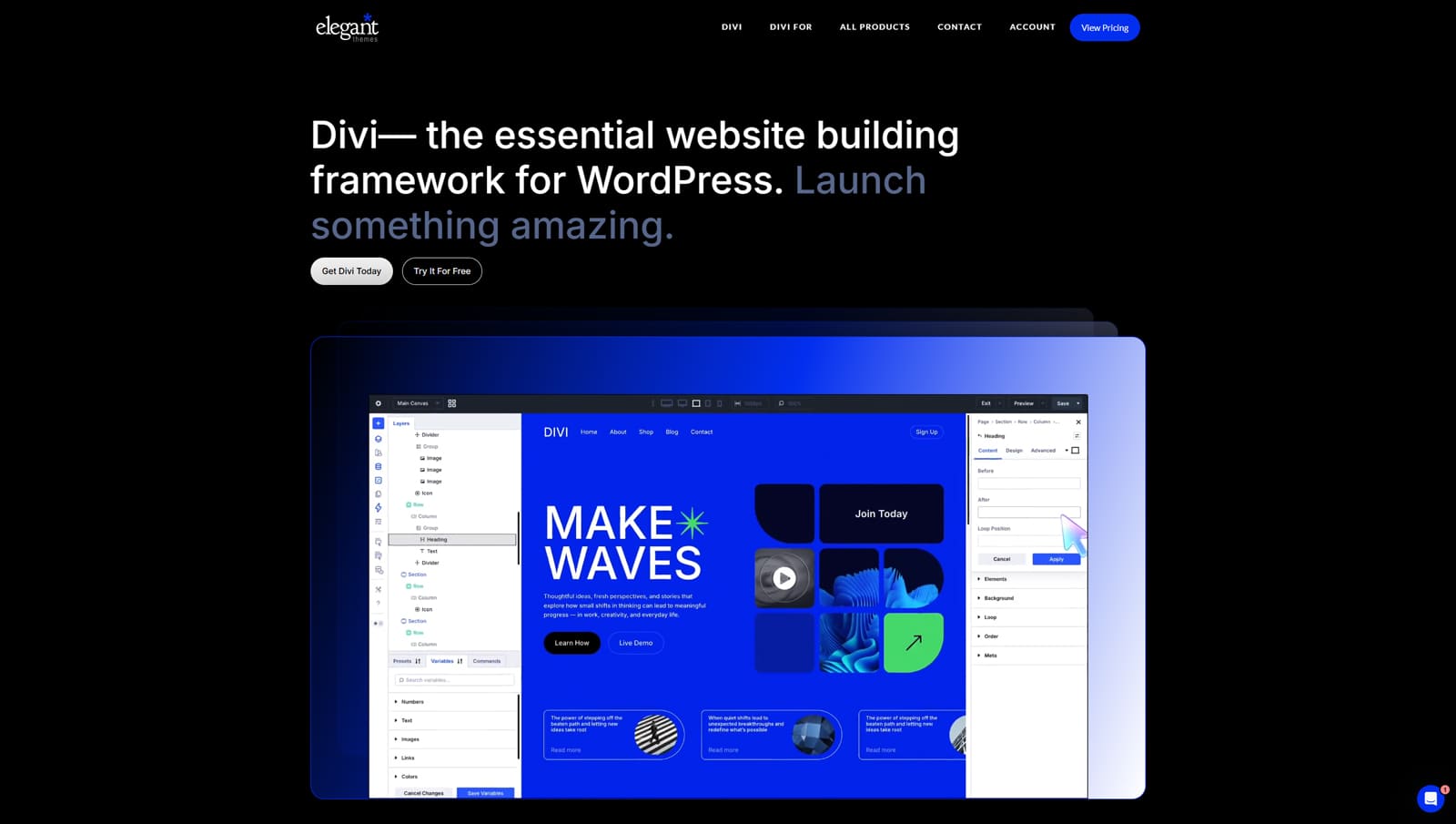
Divi started as a visual editor for the Divi theme but has since evolved into a much broader website-building ecosystem.
Today, Divi works both as:
- a standalone builder plugin,
- and a tightly integrated WordPress theme framework.
At its core, Divi is a visual drag-and-drop builder designed for users who want to create fully custom websites. But what really makes Divi stand out is how much is bundled into the ecosystem itself.
What is Elementor?
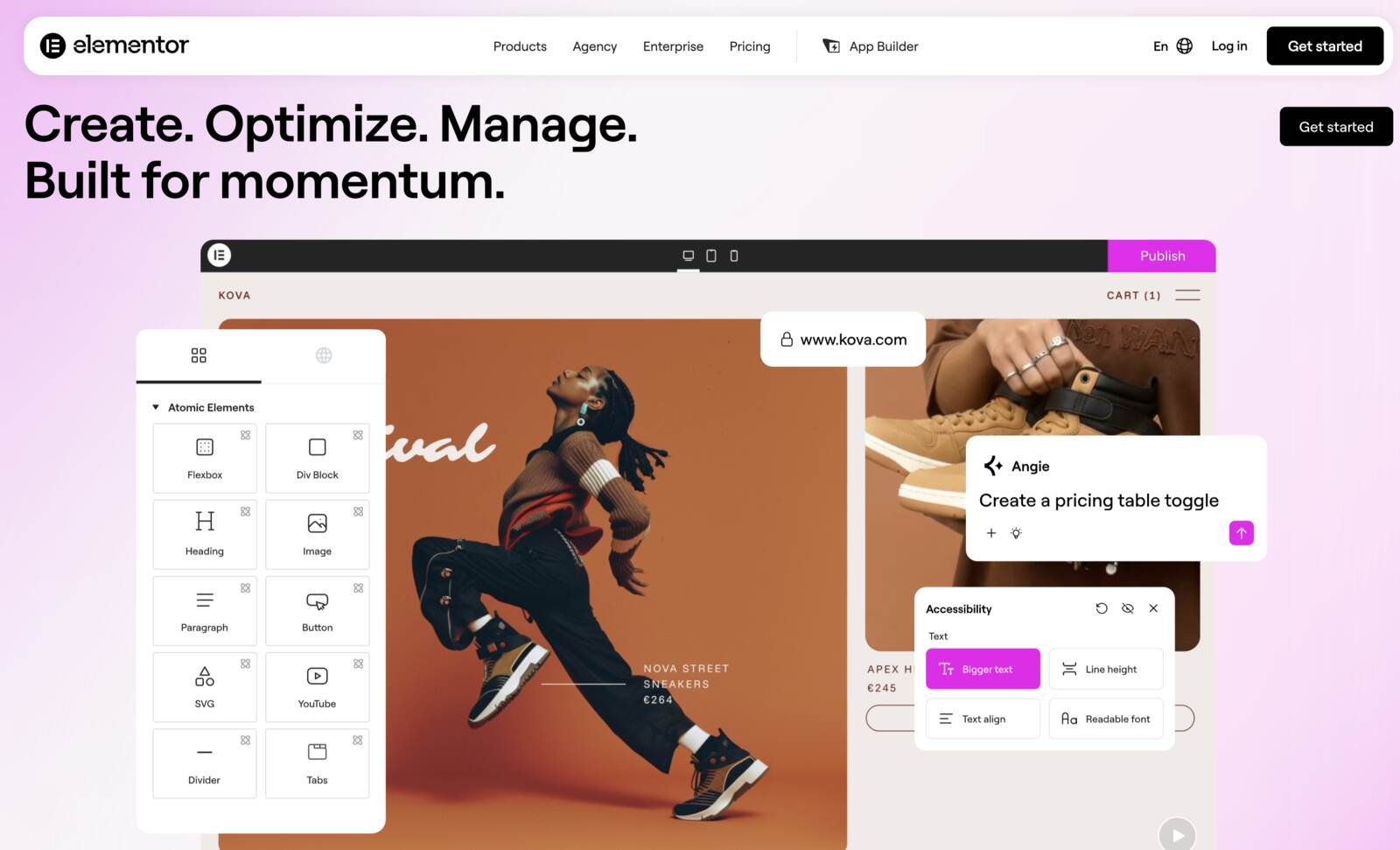
Elementor became the world’s most popular WordPress page builder largely because it made visual website building accessible to almost everyone.
Its free version has over 10 million active installs on WordPress.org, which helped Elementor build an enormous ecosystem of templates, widgets, extensions, integrations, and third-party tools.
Elementor’s growth came from a combination of beginner-friendly editing and strong customization tools. Although this page builder has an official starter site theme called Hello, it works with many WordPress themes.
Such features as reusable components, global variables, atomic styling, and AI-assisted workflows show that Elementor is evolving far beyond a traditional page builder.
Elementor vs Divi Usage Rate
Elementor is currently the more widely used builder by a significant margin. Its free version has over 10 million active installs on WordPress.org.
Some estimates suggest that Elementor is used on around 13.1% of all WordPress websites. Since WordPress itself powers a large share of the web, this gives Elementor a meaningful presence beyond just the WordPress community. Elementor Pro is also estimated to be used on millions of websites.
Divi has a smaller but very loyal user base. The Divi Builder maintains a stable share in the page builder market, helped by its lifetime pricing option and long-standing Elegant Themes community.
User Interface
When comparing Elementor or Divi, the interface is one of the most important differences, as this is where you will spend most of your time.
Both builders offer visual drag-and-drop editing, inline text editing, responsive previews, and right-click actions. But they organize the building experience differently.
Getting Started
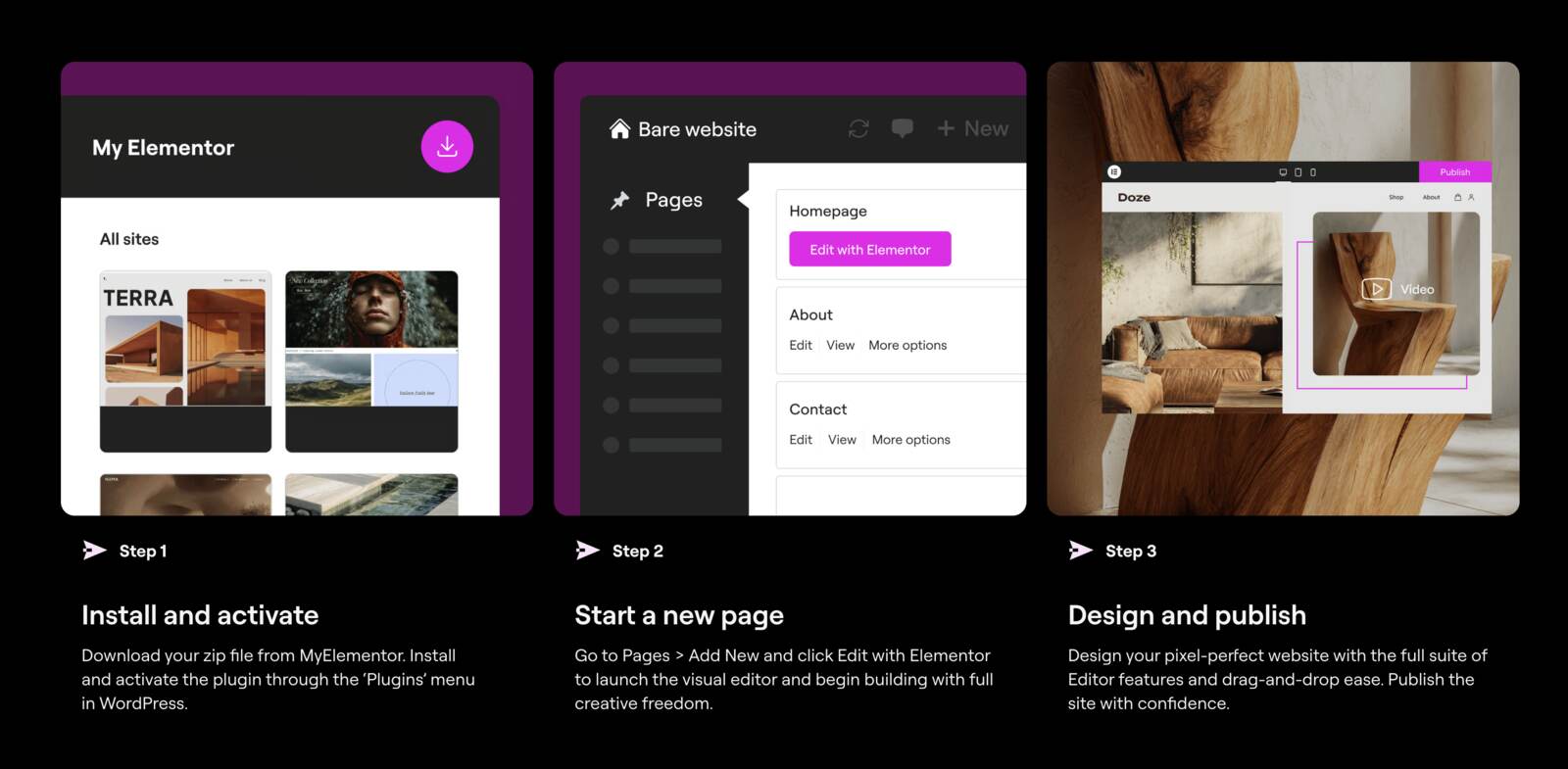
How to get started with Elementor? You install the Elementor plugin, open a page or post, click “Edit with Elementor,” and begin designing. The workflow feels familiar because the sidebar clearly shows widgets, settings, and styling options.
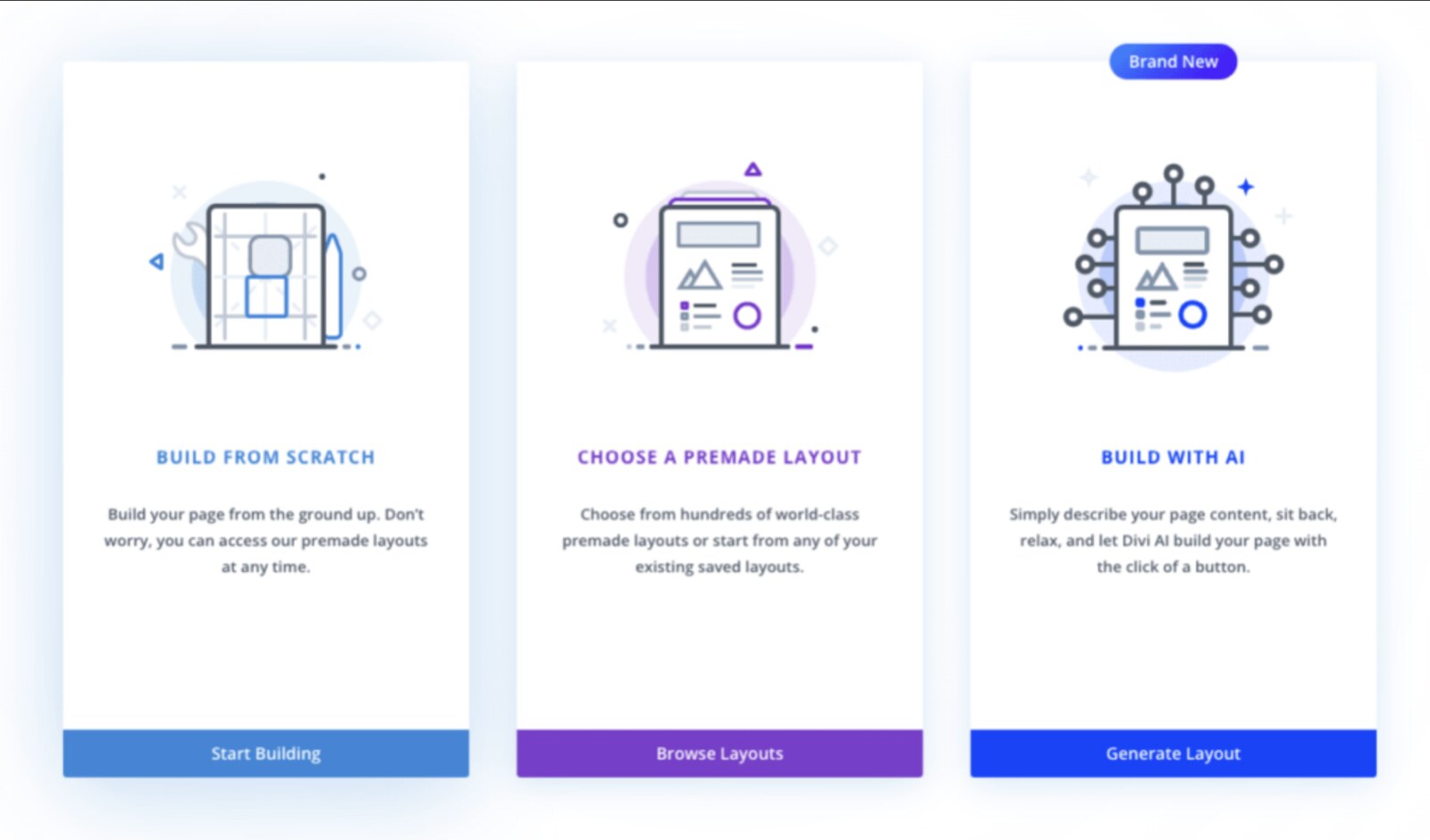
When it comes to Divi, you either install the Divi theme or the Divi Builder plugin. After that, you can launch the builder on a new page by clicking “Use Divi Builder.” Once inside, Divi gives you three options: build from scratch, choose a premade layout, or build with AI by describing the page you want.
Editing Experience
Both Divi and Elementor provide drag-and-drop visual editing and inline editing. You can see changes in real time, while visitors will see them on your site.
In Divi, the visual builder opens as a full-screen live preview. It uses floating icons, a collapsible toolbar, and pop-up settings windows. When you hover over sections, rows, or modules, icons appear so you can add content, adjust settings, duplicate elements, or move items around.
When you select a module, Divi opens a floating settings window with three main tabs: Content, Design, and Advanced. You can resize this settings window, move it around the screen, or position it where it feels most comfortable.
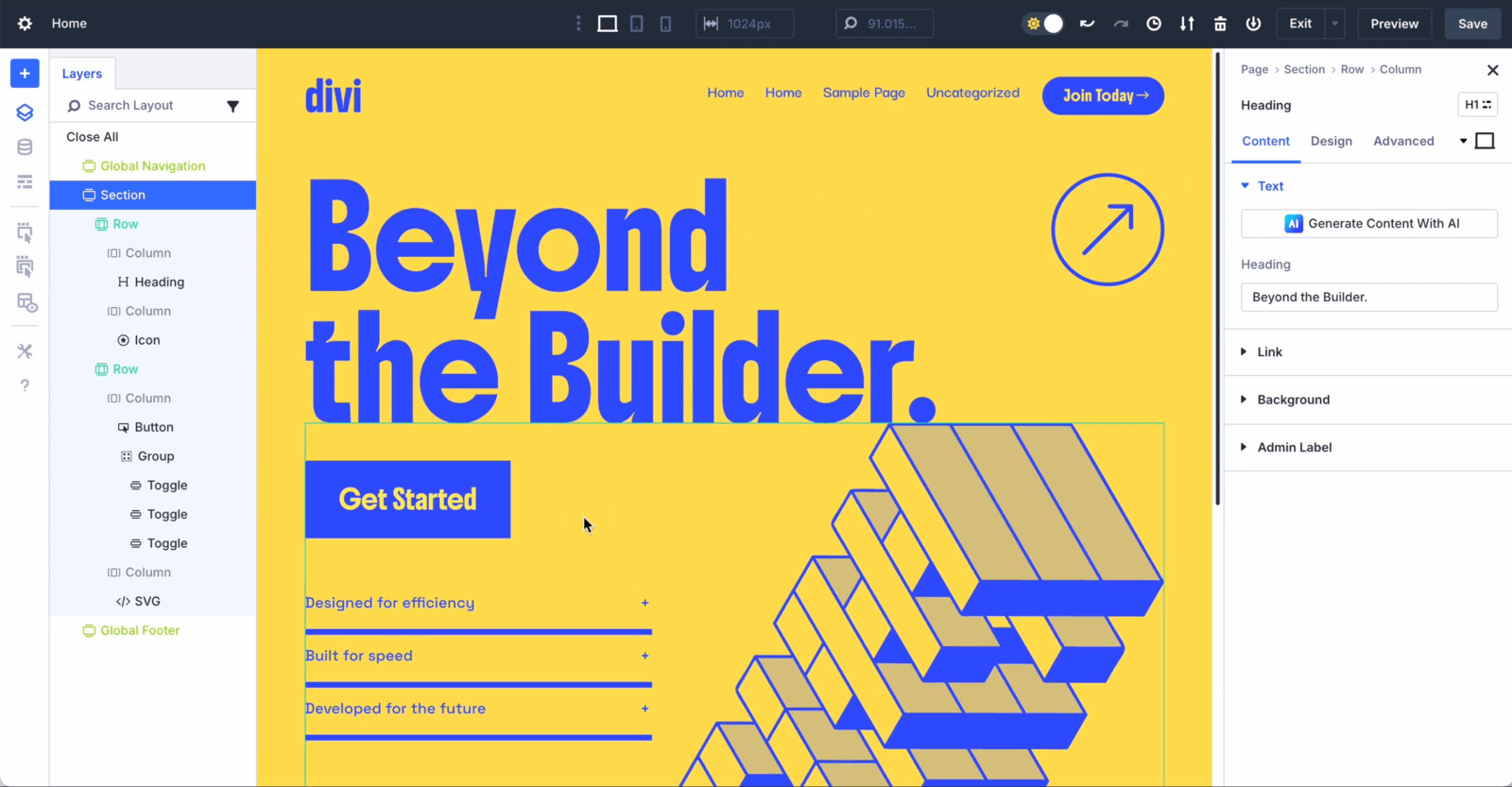
Divi includes a bottom toolbar that opens when you click the purple three-dot icon. From there, you can access page settings, responsive previews, revision history, layouts, wireframe view, and the save button.
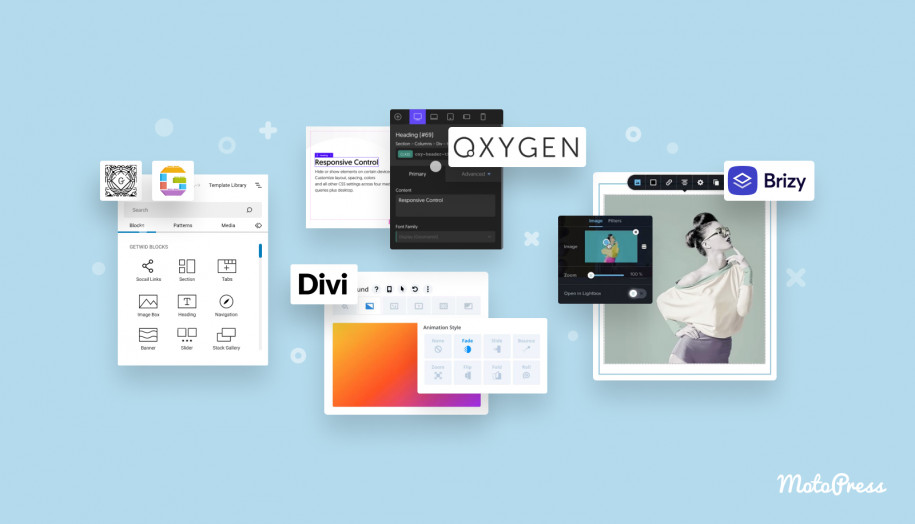
Elementor, by contrast, uses a fixed sidebar on the left and a live canvas on the right. The sidebar contains widgets, settings, and styling controls. Once you drag a widget onto the canvas, its settings appear in the sidebar, usually organized into Content, Style, and Advanced tabs.
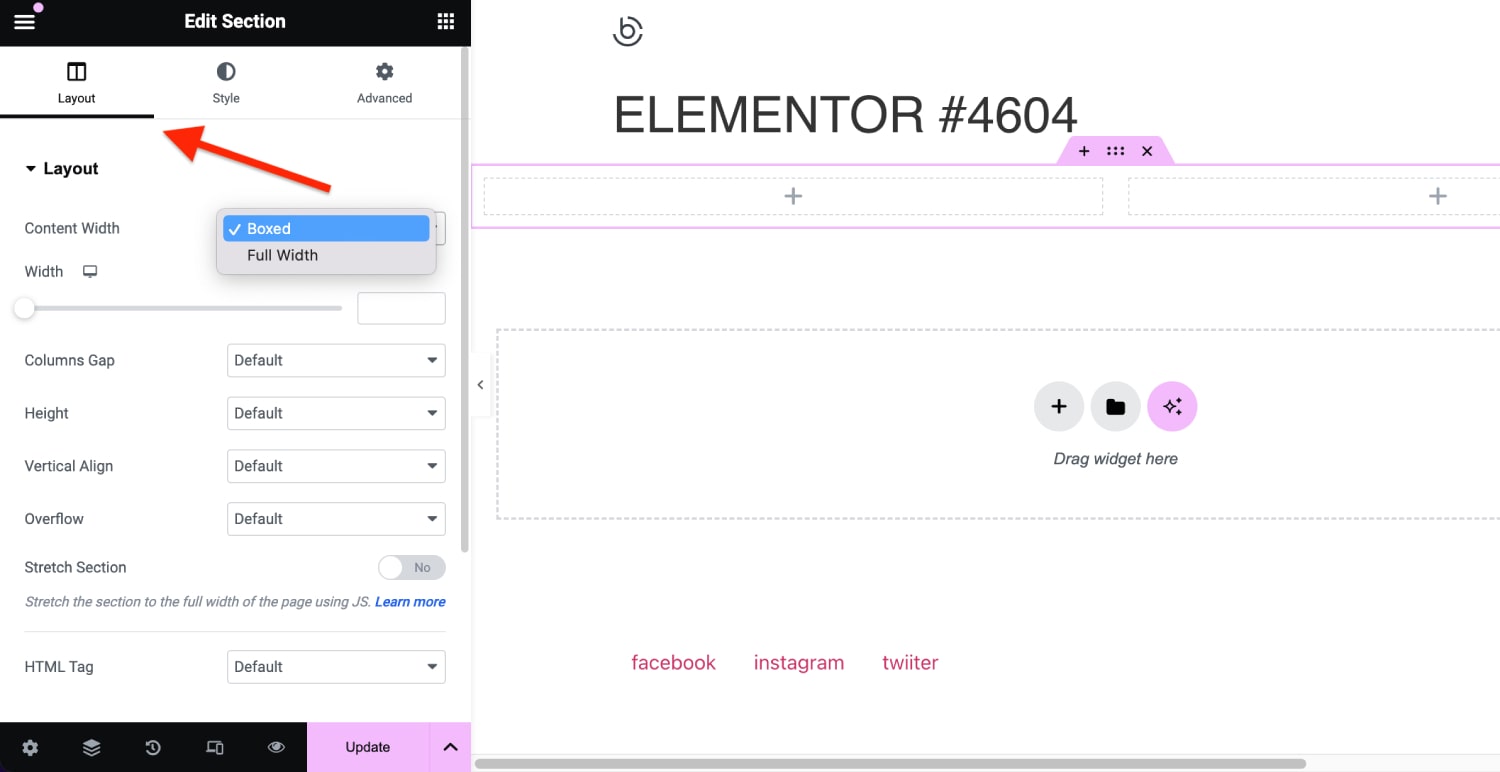
Elementor supports inline editing for text, so you can click directly on a heading or paragraph and edit it on the page. The toolbar at the top gives access to widgets, site settings, structure panel, page settings, responsive preview, Finder, preview, and publish options.
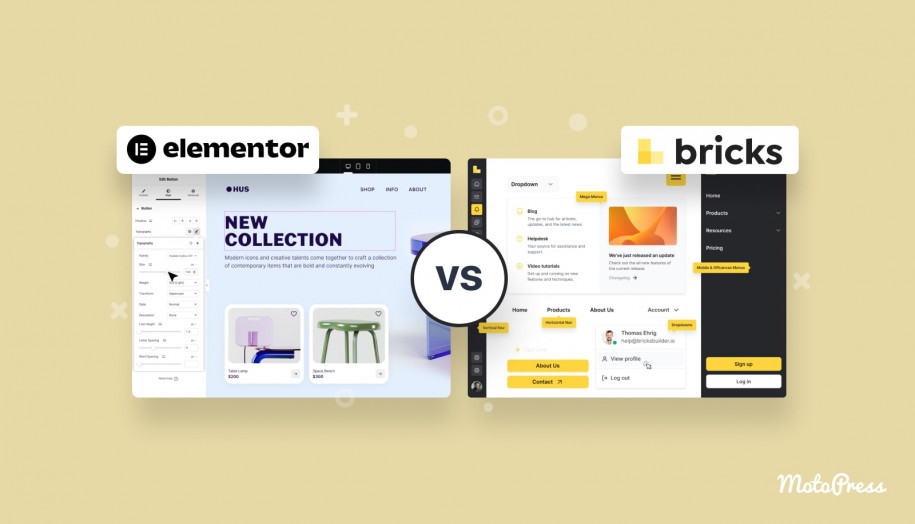
Conclusion: The main difference is that Elementor’s interface is more anchored, while Divi’s is more dynamic. Elementor keeps controls in one place. Divi lets controls float, move, and adapt around the canvas. This gives Divi more interface flexibility, but it can also feel more overwhelming. Elementor may be less immersive, but it is often easier to understand.
What Is Better for a Beginner, Divi or Elementor?
For beginners, Elementor is usually the easier builder to start with.
The reason is simple: Elementor’s interface is more predictable. The fixed sidebar gives new users a clear place to look for widgets, content settings, style controls, advanced options, and responsive settings. You do not need to hunt for floating icons or understand a full-screen pop-up system from day one.
Divi is not impossible for beginners. In fact, once you learn the logic of sections, rows, modules, and settings tabs, it becomes very efficient. But the learning curve is steeper because the interface has more moving parts: floating popups, bottom toolbar, wireframe mode, layers view, right-click options, and many visual controls.
So, Elementor is better for most beginners because it is easier to install, easier to understand, and faster to start building with. Divi comes in handy when you want a complete design system and are ready to spend more time learning the builder’s workflow.
Design Features
When comparing Divi Builder or Elementor in terms of design features, both builders are strong enough for professional websites. You can create landing pages, business websites, portfolios, blogs, online stores, and custom layouts with either tool.
Let’s discover how they organize design control!
Modules & Widgets
Elementor and Divi use different terminology for similar building blocks.
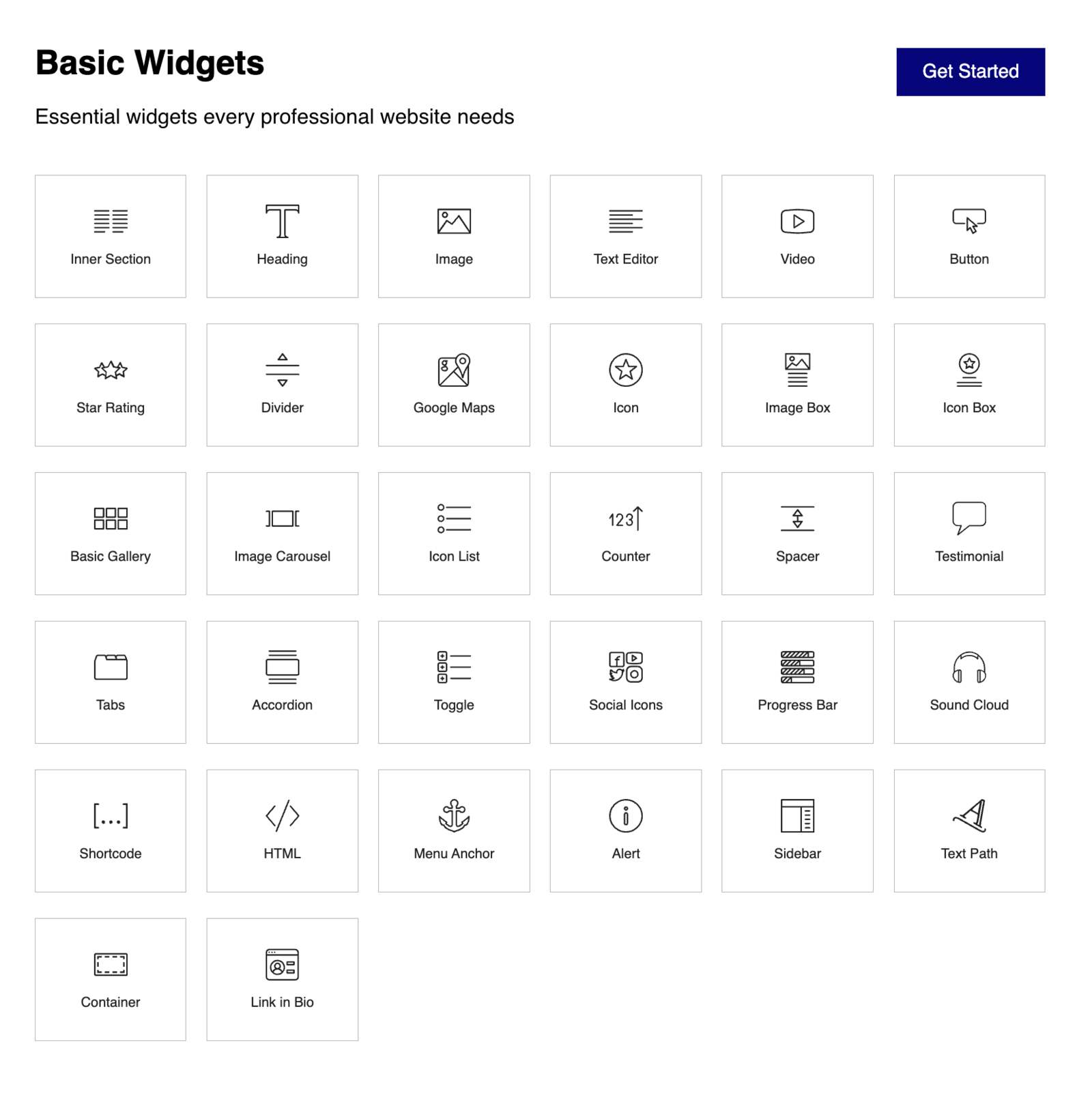
Elementor uses three main structural elements:
- Containers: the largest grouping of elements.
- Grids: used to create structured sections within containers.
- Widgets: content elements such as text, images, buttons, videos, forms, and WooCommerce elements.
The free version of Elementor includes 30+ basic widgets. Elementor Pro expands this with 85+ advanced widgets, including forms, pricing tables, countdown timers, flip boxes, WooCommerce widgets, and more.
Divi uses a different hierarchy:
- Sections: the outermost container.
- Rows: used to create column layouts.
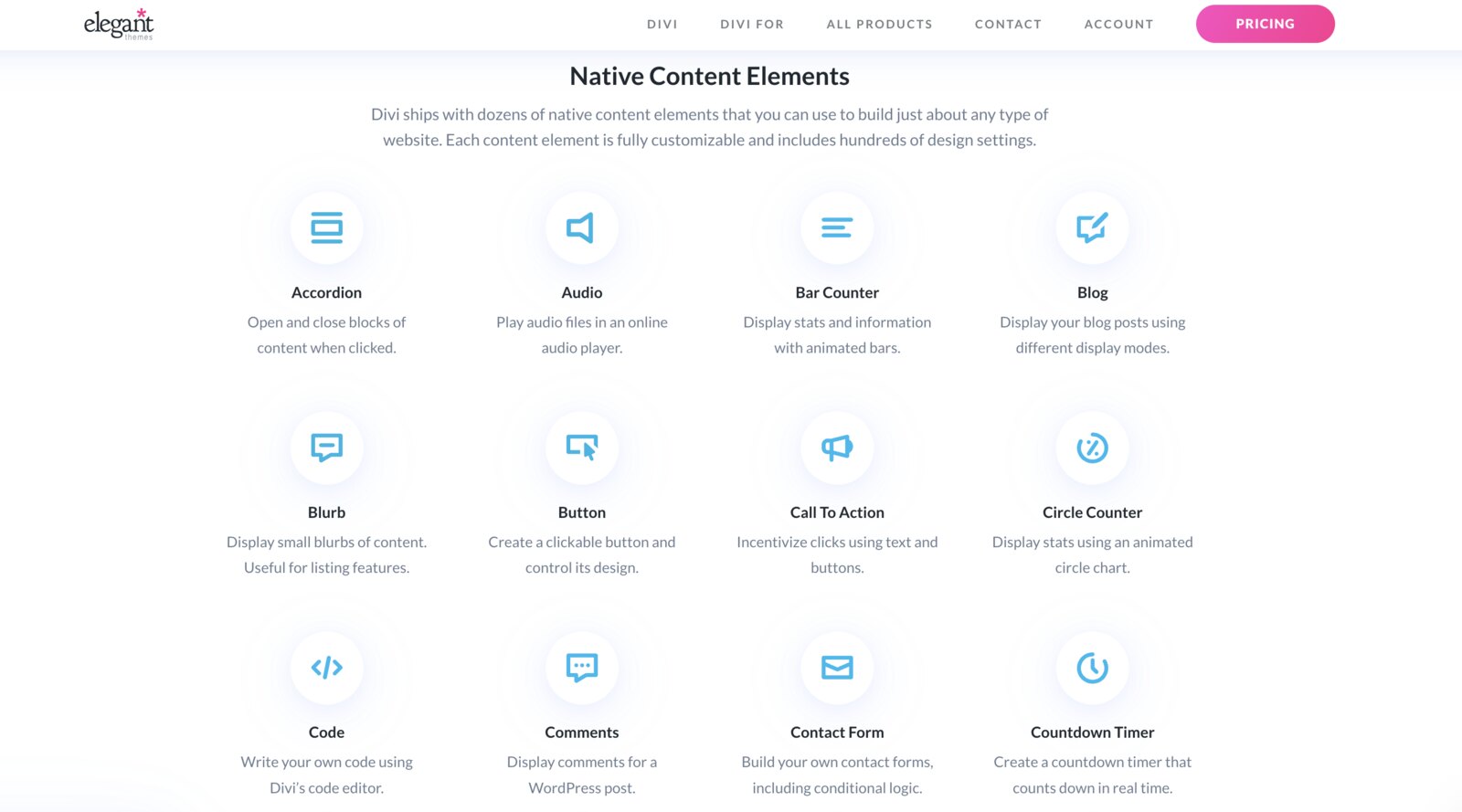
- Modules: design elements such as images, buttons, text, testimonials, maps, galleries, pricing tables, forms, countdown timers, and WooCommerce elements.
Divi includes 65 built-in modules covering basic content, structural elements, WooCommerce, marketing modules, and more.
Conclusion: Elementor has an advantage in variety, especially when Pro and third-party add-ons are included. Divi has a strong built-in module set.
Pre-Made Templates
Both builders offer impressive template libraries officially released by their developers.
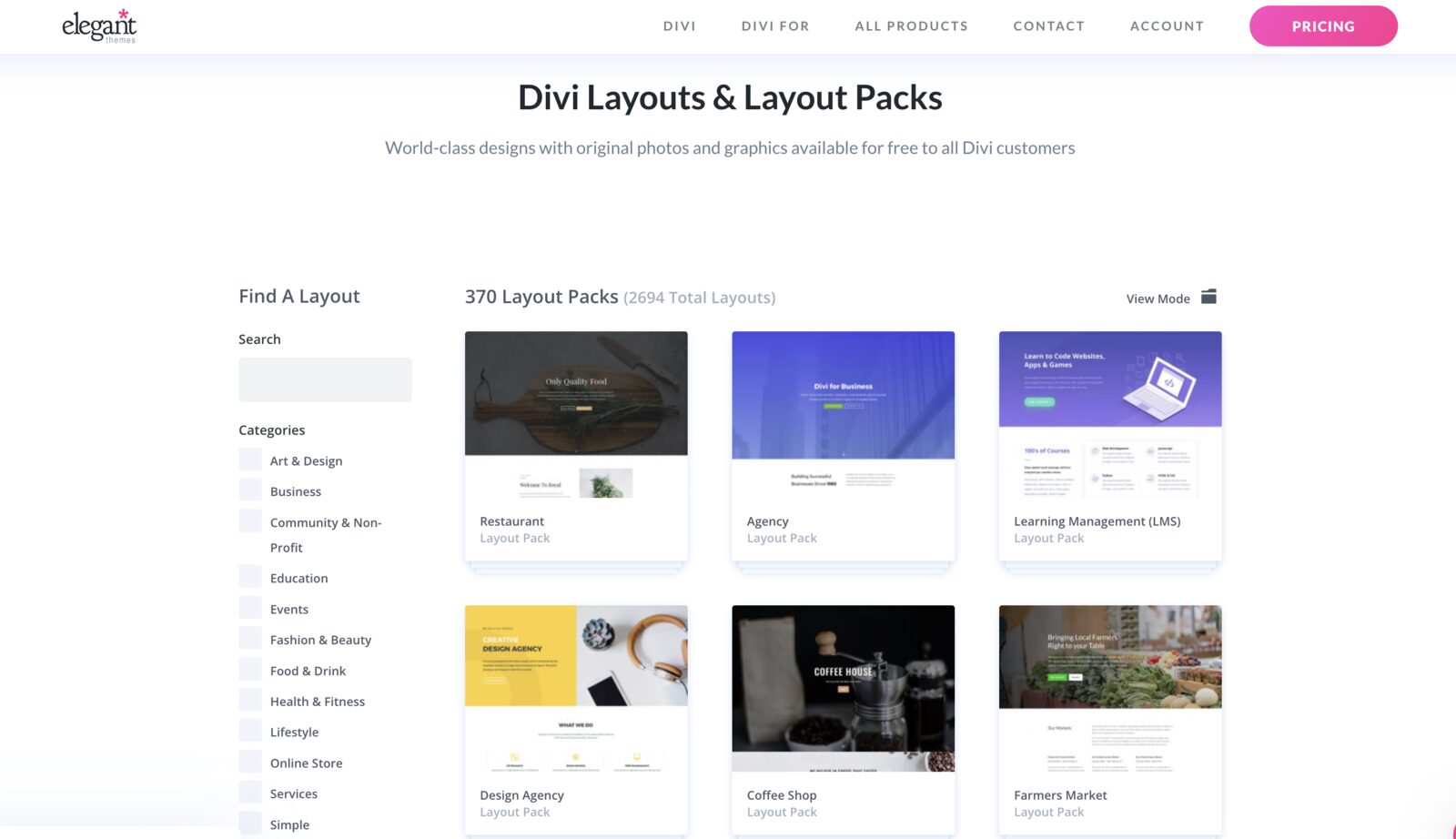
Divi provides access to 370+ layout packs and more than 2600 total layouts. These layout packs are organized by industries and website types, such as business, health and fitness, restaurants, technology, online shops, and more.
A Divi layout pack usually includes a homepage, About page, Services page, Contact page, and other essential pages.
The only drawback is that some Divi designs may feel outdated because many layout packs were created years ago.
Elementor takes a slightly different approach. Its template library includes several template types:
- Kits: complete website templates with multiple pages.
- Page templates: full layouts for individual pages.
- Block templates: pre-designed sections such as hero areas, contact sections, pricing sections, and calls to action.
- My Templates: saved templates created or imported by the user.
The free version of Elementor gives access to 40+ block templates, while Elementor Pro unlocks 300+ full-page templates and 100+ website kits.
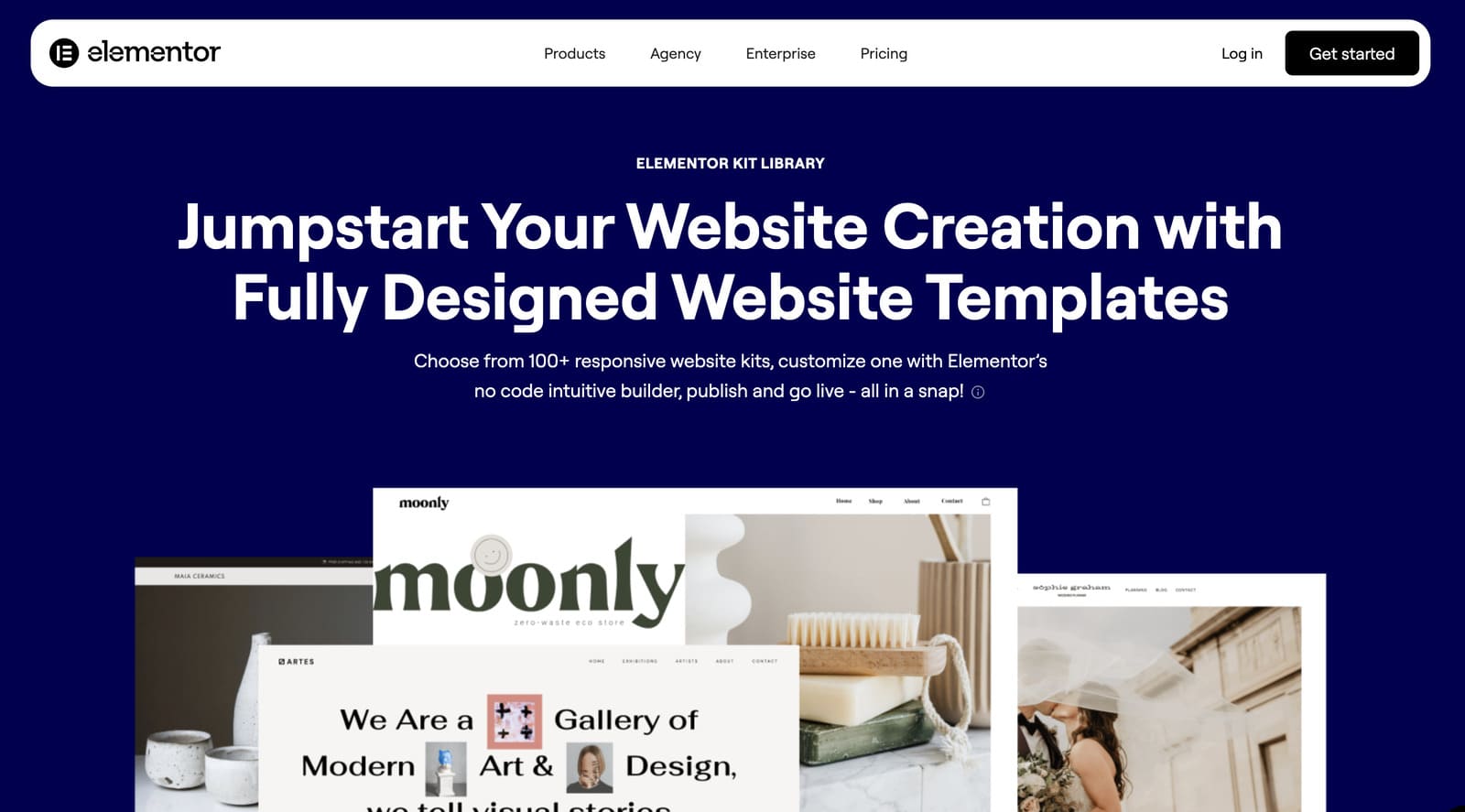
Elementor enables you to save your own templates and reuse them later. This is helpful if you build multiple landing pages, client sites, or recurring page sections.
Conclusion: Divi offers a larger number of full layout packs. Elementor gives you a more flexible template system with blocks, pages, kits, and reusable custom templates.
Styling Options
Elementor for WordPress gives users detailed styling controls. You can customize backgrounds, typography, borders, shape dividers, spacing, motion effects, and responsive behavior.
For backgrounds, Elementor allows colors, gradients, images, overlays, scrolling effects, transparency, blur, scale, and mouse effects. Typography controls include font family, weight, size, alignment, color, line height, letter spacing, text decoration, text transform, direction, font style, and more.
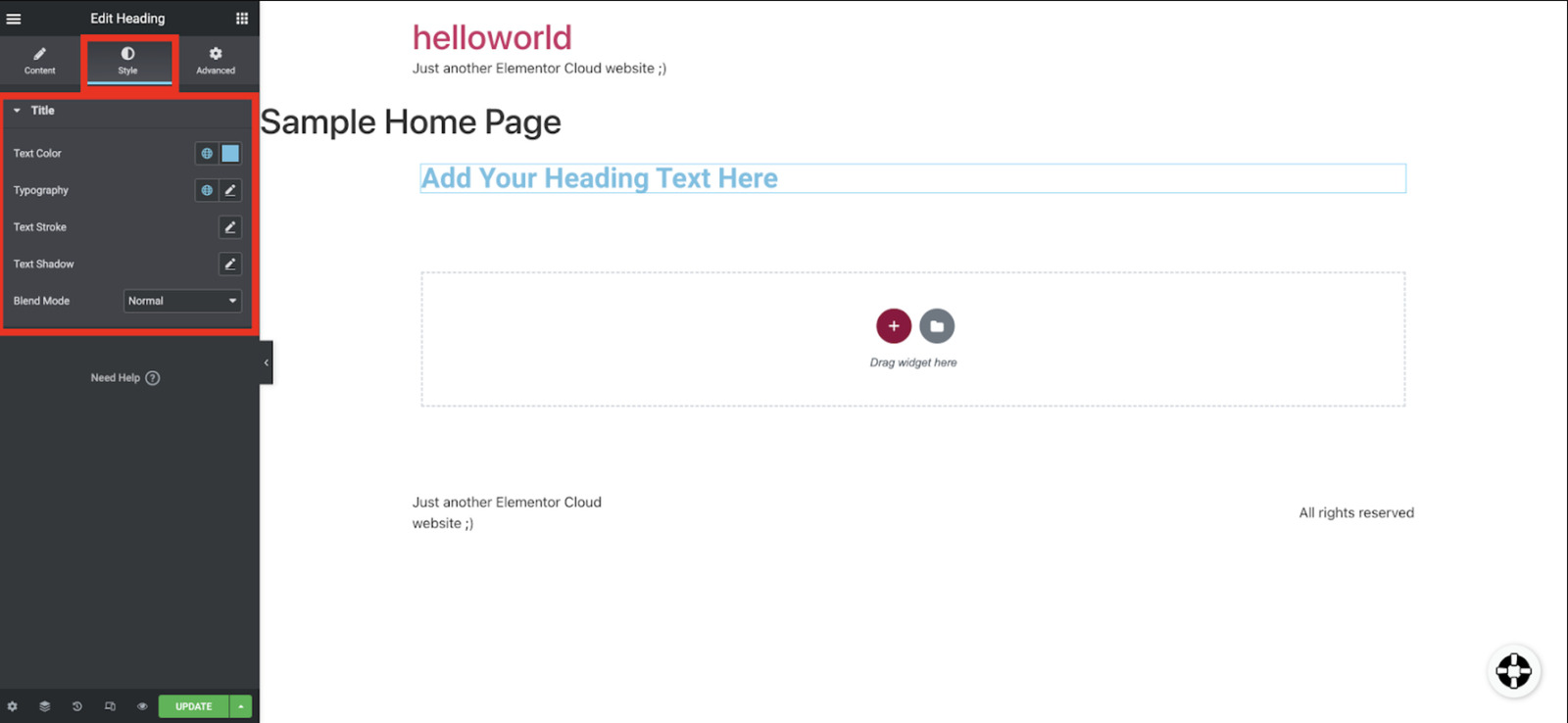
Elementor also supports border settings, radius, shadows, shape dividers, and custom CSS with Elementor Pro. For global design consistency, this page builder includes Theme Style, Global Colors, and Global Fonts. These allow you to define site-wide typography and colors, helping maintain brand consistency across pages.
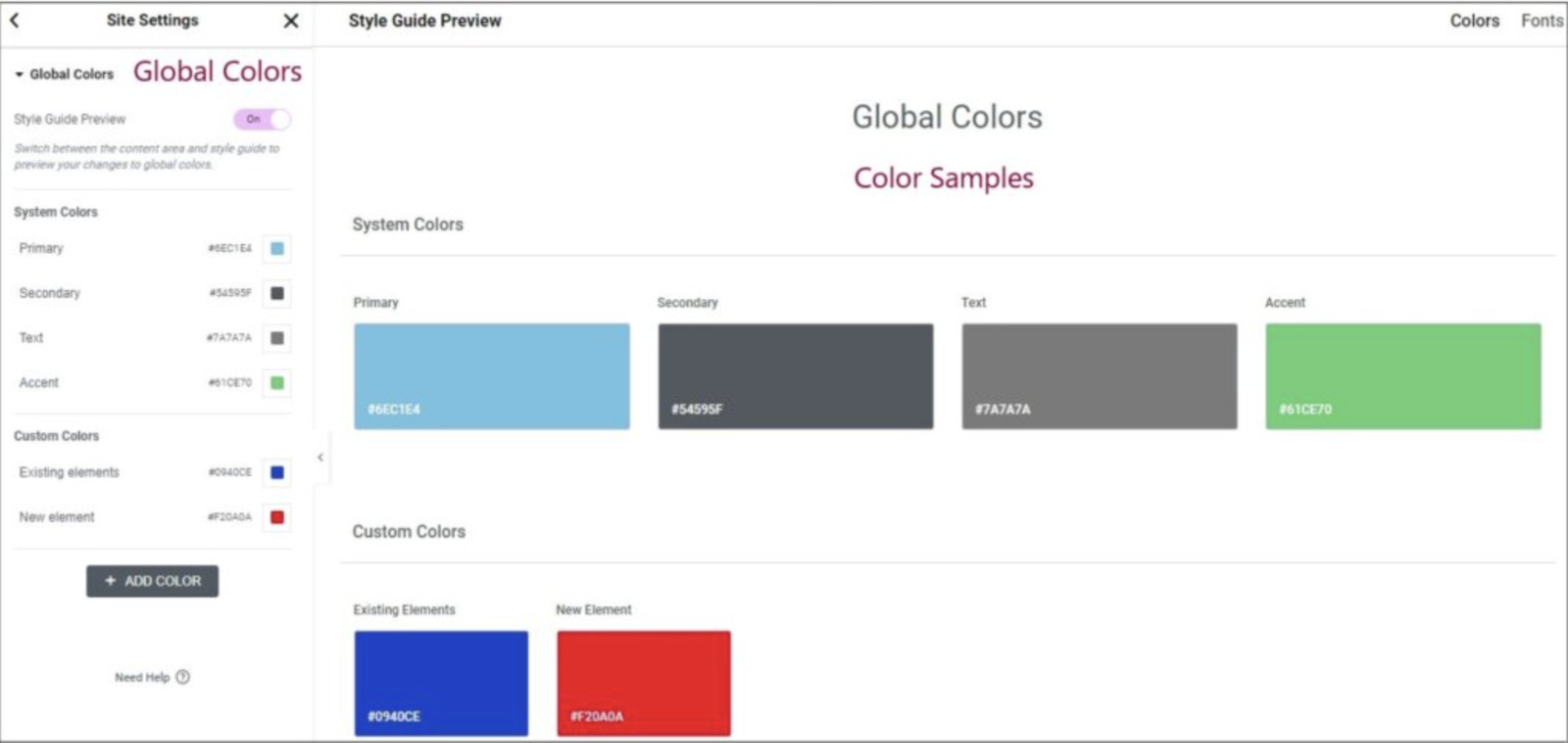
Elementor’s newer design system direction goes even further with Classes, Variables, and Components.
Divi also offers deep styling controls. In Divi’s Visual Builder, clicking a module’s gear icon opens a movable settings window with three tabs: Content, Design, and Advanced.
The Content tab controls the actual module content. The Design tab includes typography, colors, sizing, spacing, borders, shadows, filters, and visual effects. The Advanced tab includes custom CSS, visibility settings, scroll effects, positioning, attributes, and other technical options.
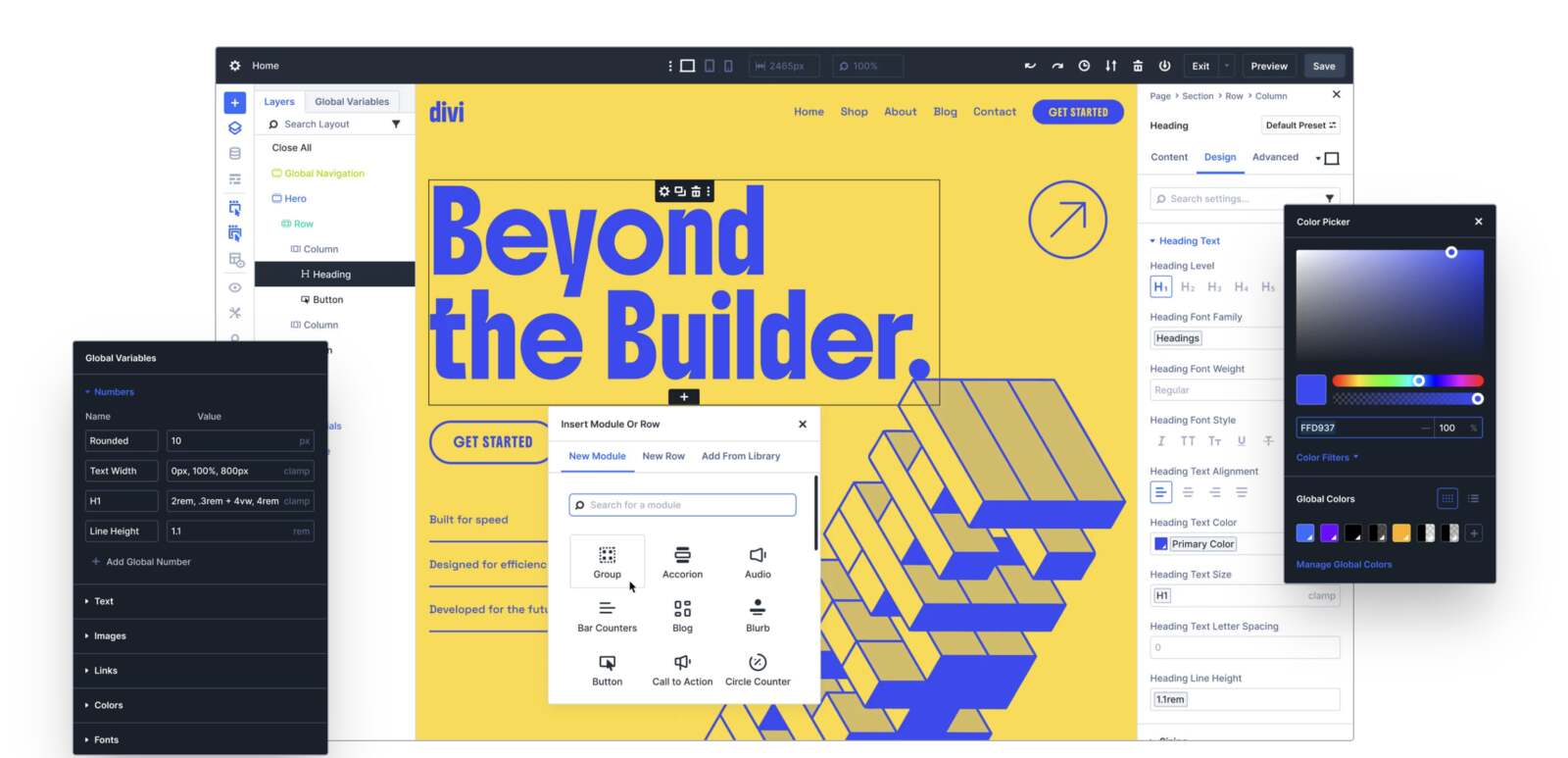
Divi has powerful global design tools. Its Global Website Styles allow users to edit the default design of any element and apply changes across the site. Global Website Colors let you create dynamic color palettes.
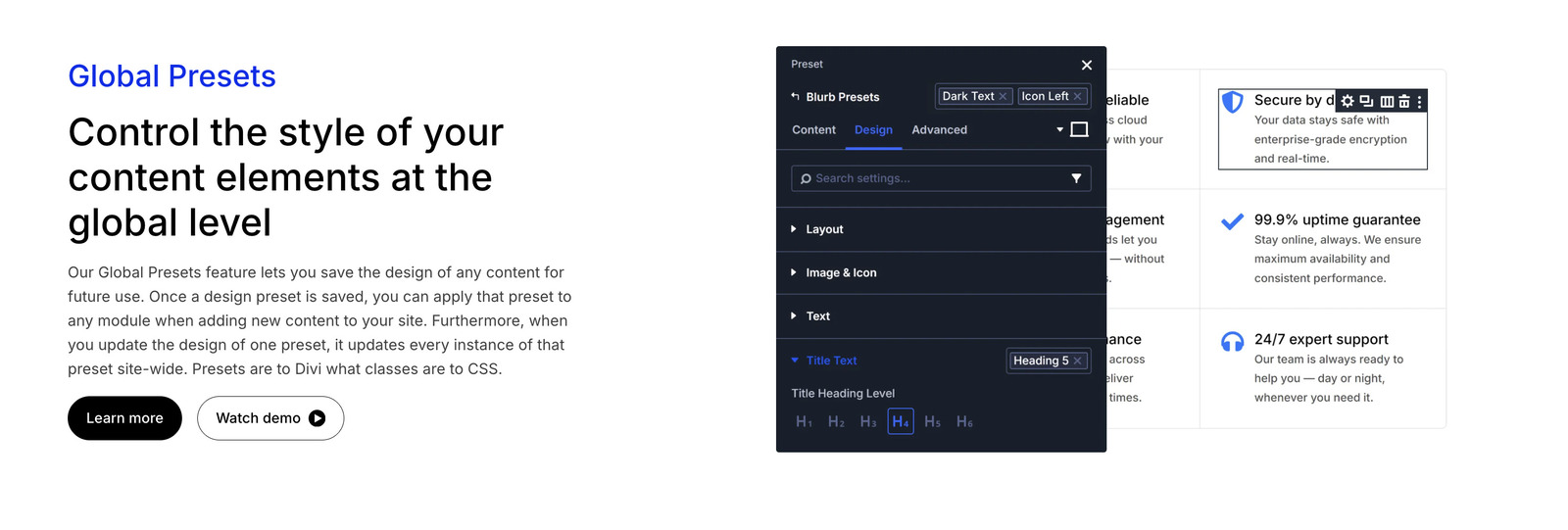
One of Divi’s strongest design tools is Global Presets. These allow you to save a custom design for a module type and reuse it across the site. For example, you can create several button presets and apply them wherever needed.
Both builders also support custom CSS. Elementor Pro lets you add custom CSS to individual elements and global custom CSS. Divi includes an advanced code editor with syntax highlighting, error reporting, auto-complete, color picking, multi-line select, search, find and replace, and other developer-friendly tools.
Conclusion: Divi is suitable for global presets and centralized design consistency. Elementor is stronger for granular control, responsive styling, and scalable design systems with global styles, variables, and components.
Theme Building Capabilities
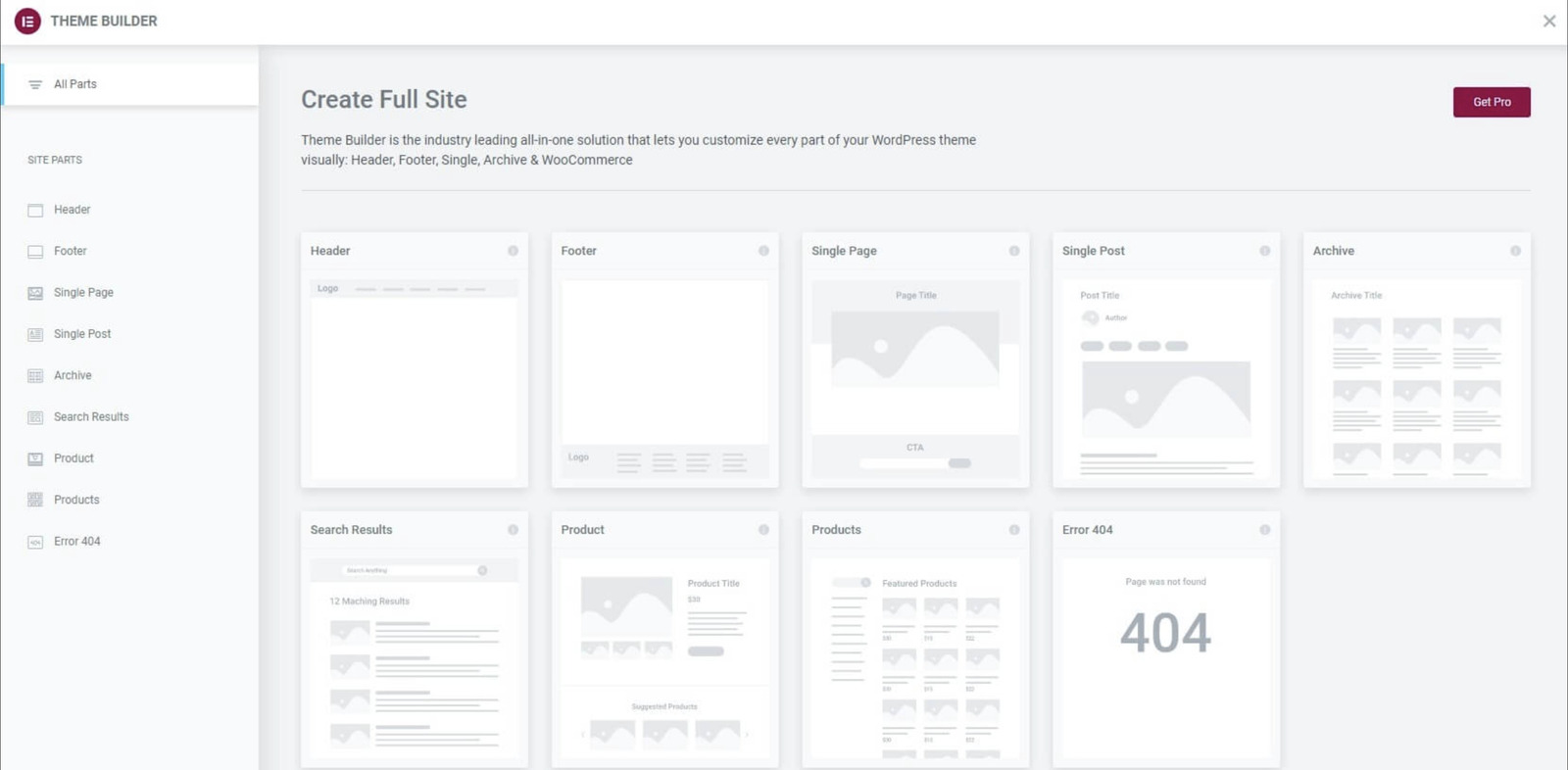
With the compared page builders, you’re no longer limited by your theme’s design for areas like headers, footers, and blog post layouts. Theme builder features allow you to visually design every part of your WordPress site using the familiar drag-and-drop interface. How do you work with them in WordPress Divi vs Elementor builders?
Elementor still holds a slight advantage for dynamic content workflows, largely because of features like Loop Builder.
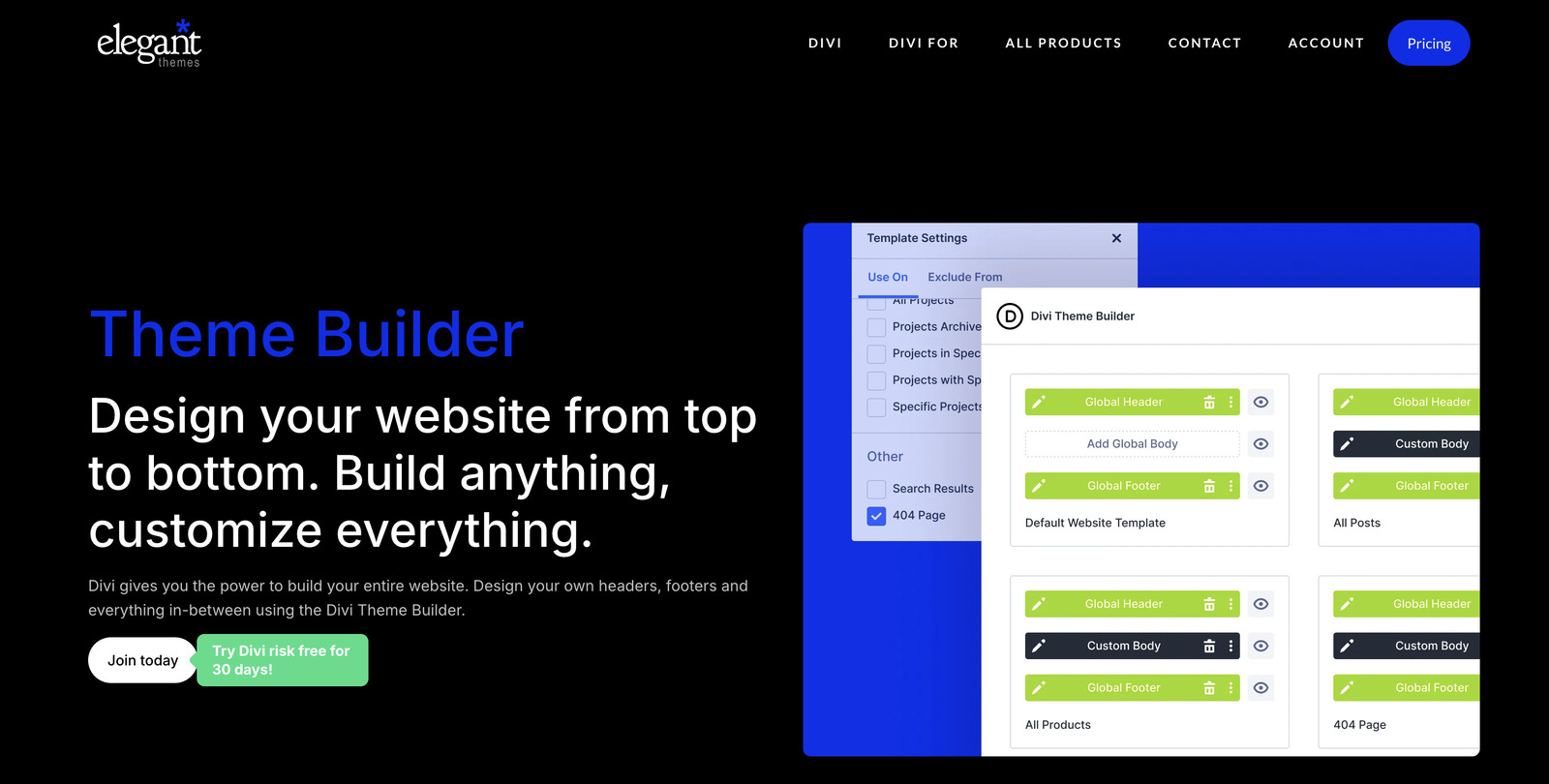
Divi Theme Builder operates inside the same visual environment as the rest of the builder. It includes:
- template conditions,
- import/export functionality,
- cloud template storage,
- and strong WooCommerce template integration.
Conclusion: Divi Theme Builder is powerful and deeply integrated into the Divi ecosystem. Elementor’s Theme Builder is more flexible for dynamic content, especially because of the Loop Builder. If you need complex archive designs or highly customized content lists, Elementor has the edge.
Performance & Speed
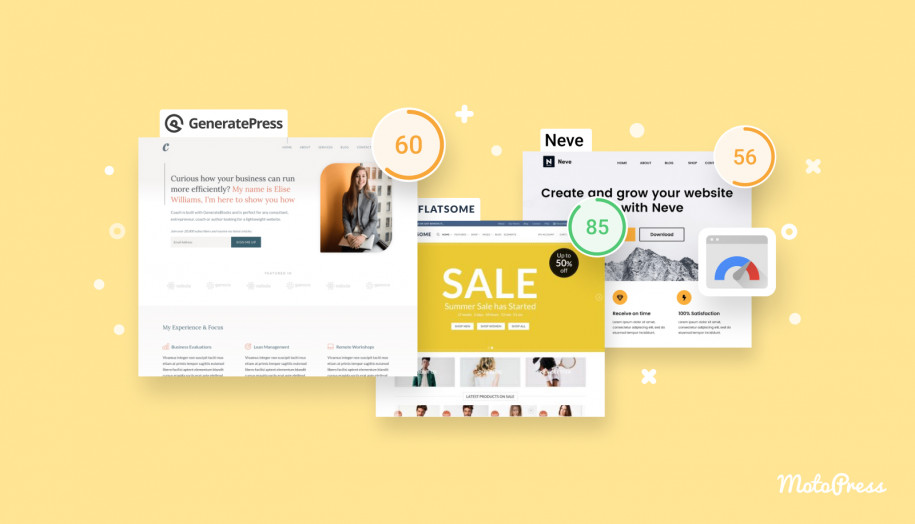
Website speed affects everything from search engine rankings to user experience and conversion rates. So, we compared Elementor vs Divi under the same conditions.
Which Is Faster, Divi or Elementor? We Tested
We’re using Google PageSpeed Insights and GTMetrix for the audit of frontend Divi vs Elementor performance metrics:
- Largest Contentful Paint (LCP);
- First Contentful Paint (FCP);
- Cumulative Layout Shift (CLS);
- Speed Index;
- Total Blocking Time (TBT);
- Fully Loaded Time;
- HTTP Requests;
- Total Page Size.
To keep the test fair, both websites used:
- Identical layouts and content;
- The same hosting environment;
- And the same optimization settings.
Here is the table with the results:
| Metric | Divi | Elementor |
|---|---|---|
| Mobile PageSpeed Score | 76 | 91 |
| Desktop PageSpeed Score | 87 | 98 |
| First Contentful Paint (FCP) | 1.7 s | 1.3 s |
| Largest Contentful Paint (LCP) | 2.6 s | 2.4 s |
| Speed Index | 2.8 s | 2.6 s |
| Total Blocking Time (TBT) | 0 ms | 0 ms |
| Cumulative Layout Shift (CLS) | 0.06 | 0.01 |
| Fully Loaded Time | 1.5 s | 1.3 s |
| Total Page Size | 339 KB | 424 KB |
| HTTP Requests | 28 | 35 |
Overall, Elementor delivered slightly better frontend performance across most metrics. Divi still performed well, but the pages were generally heavier.
That said, both builders can deliver fast websites when paired with:
- quality hosting,
- caching,
- image optimization,
- and a lightweight theme setup.
What about Divi 5?
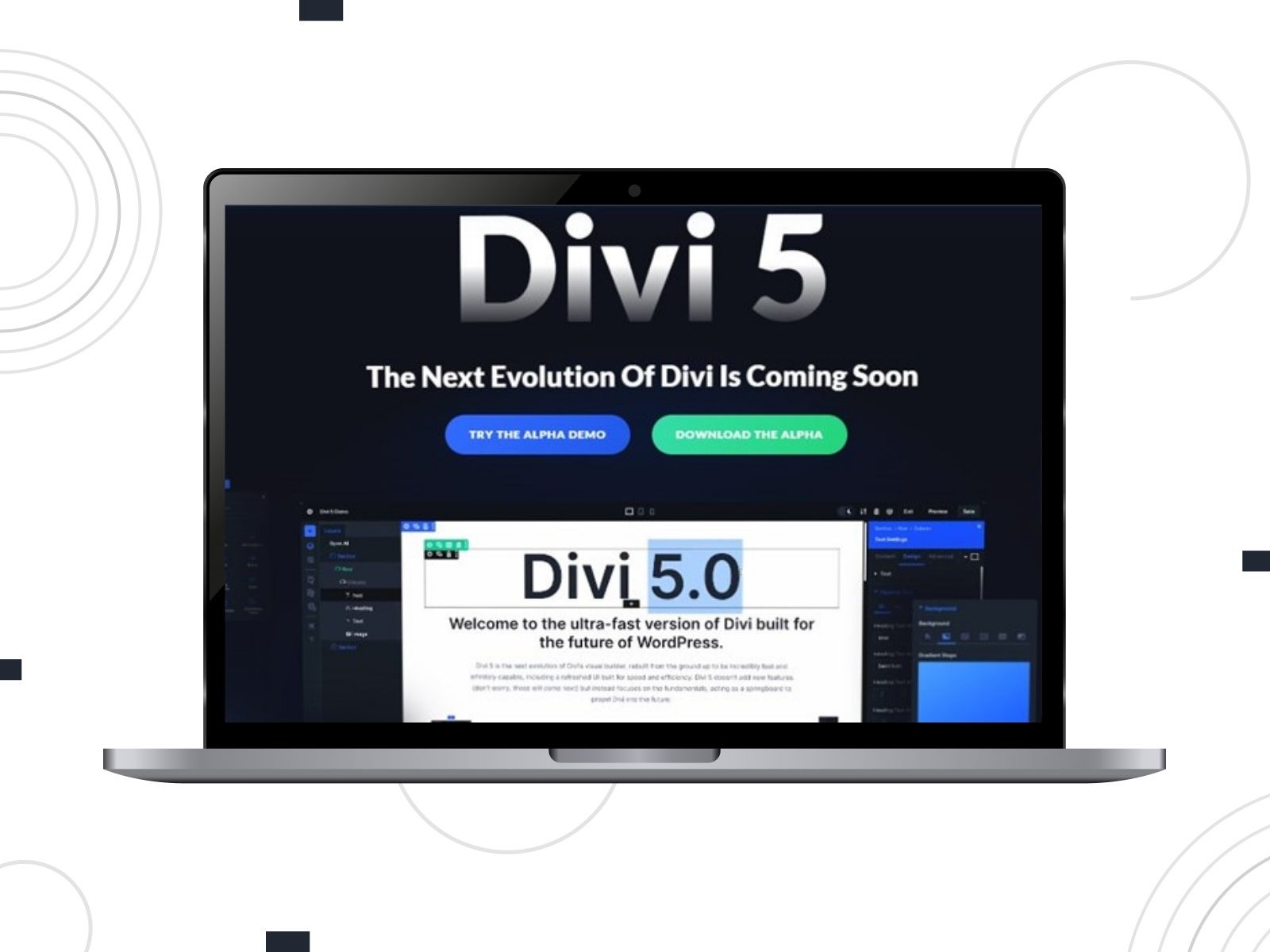
Divi 5 is worth mentioning in the context of comparison of Divi vs Elementor performance.
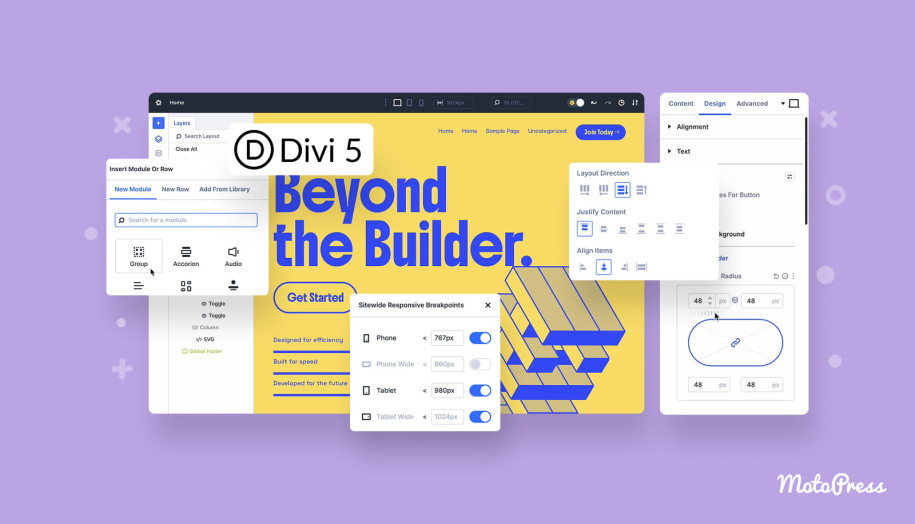
Elegant Themes rebuilt Divi from scratch to make it faster, leaner, and more future-ready. Divi 5 introduces a new tech stack and replaces the old shortcode approach with a more modern WordPress storage format.
It also introduced a new API to build custom modules and integrations. The builder interface itself is designed for speed. Divi 5 offers customizable panel sizes, panel positioning, grouping, light and dark mode, and efficient access to responsive values, global styles, and advanced actions.
So, will Divi 5 make Divi faster than Elementor? Not necessarily. But it is built to solve the problems that made Divi slower.
SEO Friendliness
Search engines prioritize websites that provide valuable, accessible information. A page builder can influence page speed, HTML structure, code weight, mobile responsiveness, schema implementation, and compatibility with SEO plugins. Let’s look at both Divi vs Elementor builders.
Is Divi Good for SEO?
The concern about Divi usually comes from performance and code output. Its modular structure may create heavier pages if the site is not optimized. This can affect loading times and Core Web Vitals.
However, Divi includes built-in SEO settings. Also, it works with popular SEO plugins. Rank Math, in particular, offers deep integration inside Divi’s visual builder. This allows users to manage SEO settings without switching between screens. Through Rank Math integration, users can manage:
- Meta titles and descriptions;
- Live previews;
- Schema markup;
- Social media previews;
- Robots meta settings;
- Canonical URLs.
There are also Divi-specific schema tools, such as the Divi Schema Plugin. It adds structured data to content.
Is Elementor Good for SEO?
Elementor is generally considered SEO-friendly. It produces relatively clean code, works well with major SEO plugins, and gives users strong control over page structure and content layout.
Elementor integrates with SEO plugins like Yoast SEO, AIOSEO, and Rank Math. These tools can provide suggestions and SEO analysis directly inside or alongside the Elementor editing experience.
Responsiveness

Most users visit websites from phones and tablets, and Google recommends responsive design because it helps search engines crawl and index content.
When comparing Divi Builder vs Elementor responsive editing, we found no particular differences. Users can make custom changes for each screen, whether it’s a desktop, tablet, or mobile.
In Elementor, you can switch between desktop, tablet, and mobile views using Responsive Mode. Many settings include viewport icons to make changes only for a specific device size. This means you can adjust typography, spacing, backgrounds, column order, visibility, borders, and other layout details separately for different screens.
The Divi bottom toolbar lets you switch between desktop, tablet, and mobile views. You can adjust many settings for specific breakpoints by using responsive icons next to options.
Elementor AI vs Divi AI for WordPress: Which Is Better?
AI has become a real part of the website-building workflow. It is no longer just about generating a paragraph of text. Modern AI tools can create layouts, suggest sections, generate images, write code, refine copy, and speed up the entire design process. Let’s explore AI features in Divi vs Elementor page builders!
Divi AI features
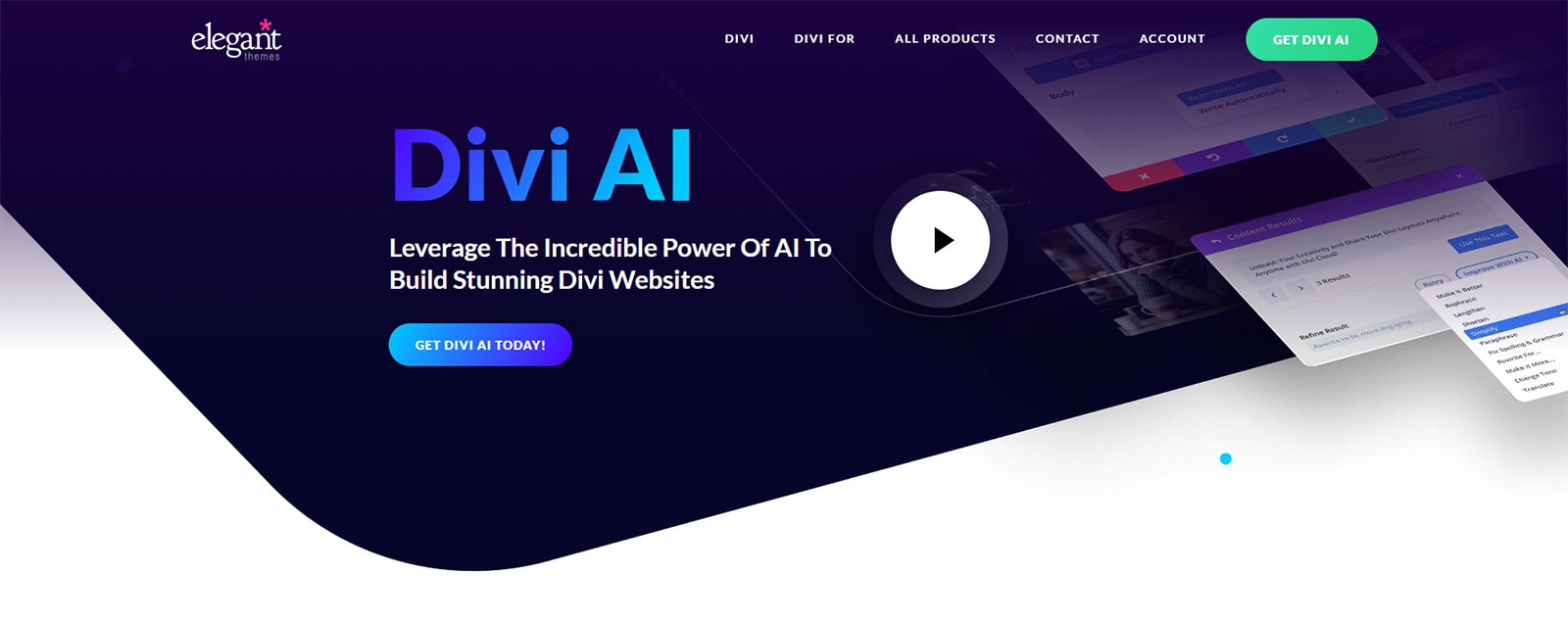
Divi AI is built directly into the Divi Visual Builder. It can generate entire websites, page layouts, sections, text, images, and code. It can learn from your website name, description, current page, and surrounding content.
Divi AI can:
- Build entire websites with AI-designed layouts;
- Generate full pages;
- Create AI-generated images;
- Compose text;
- Refine and rewrite existing content;
- Generate modules;
- Create custom CSS;
- Write code inside Divi’s code module;
- Upscale and enhance images;
- Generate on-brand layouts using custom AI styles.
Divi AI pricing is separate for users who want to add AI to an existing membership. Based on the provided pricing, Divi AI offers unlimited AI generation at $16.08/month billed yearly or $21.36/month billed monthly. Divi Pro also includes Divi AI as part of the broader Pro package.
Elementor AI features
Elementor AI is also built directly inside the Elementor Editor. It helps users create content, layouts, code, and images without leaving the building environment.
Elementor AI can:
- Generate layouts and structure;
- Suggest predictive wireframes;
- Create responsive container layouts;
- Write and refine content;
- Translate and summarize text;
- Generate images;
- Edit and enhance visuals;
- Generate HTML, CSS, and custom code;
- Create hover effects and animations.
The provided Elementor AI pricing starts at €4/month billed annually for the Basic AI plan, which includes text, images, custom code, container layouts, AI Copilot, and 30-day history storage. AI is also included in Elementor One plans.
Integrations
Both Elementor and Divi have active ecosystems and are compatible with popular tools. Let’s compare them!
Third-Party Add-ons/Extensions
What makes Elementor especially attractive is the number of third-party tools built to extend its default functionality.
There are free and premium addons for Elementor for almost everything: extra widgets, advanced forms, dynamic content, booking systems, WooCommerce layouts, and more.
Since Elementor is so widely used, many developers build integrations for it.
MotoPress offers Elementor-related products, including:
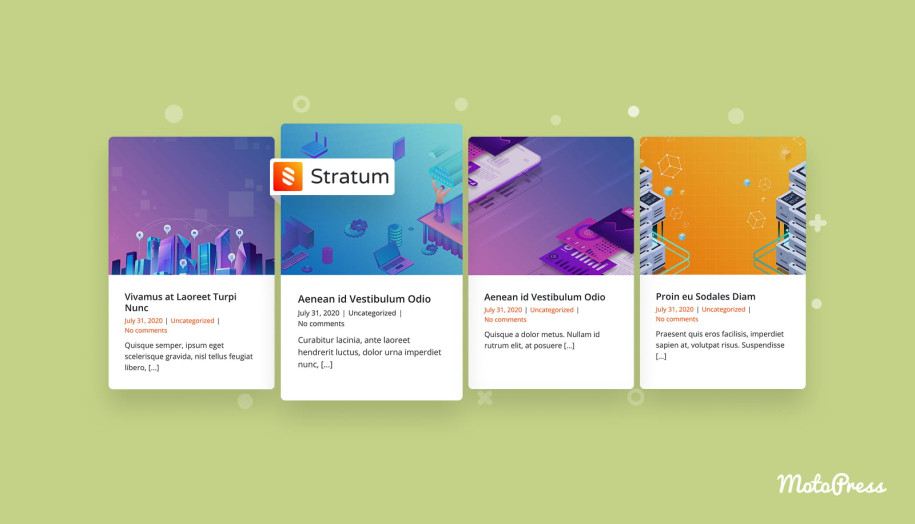
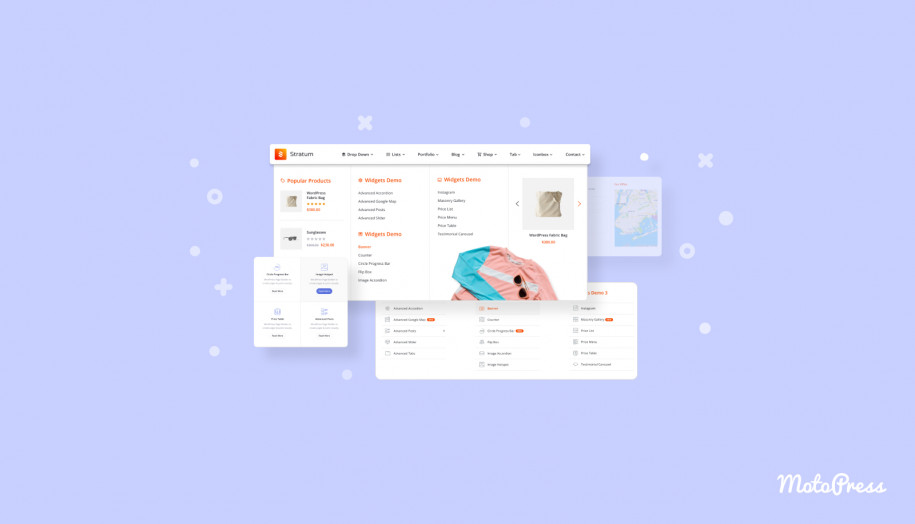
- Stratum Addon for Elementor – a freemium collection of 20+ advanced content widgets.
- Stratum Mega Menu for Elementor – a tool for building custom mega menus with different content types.
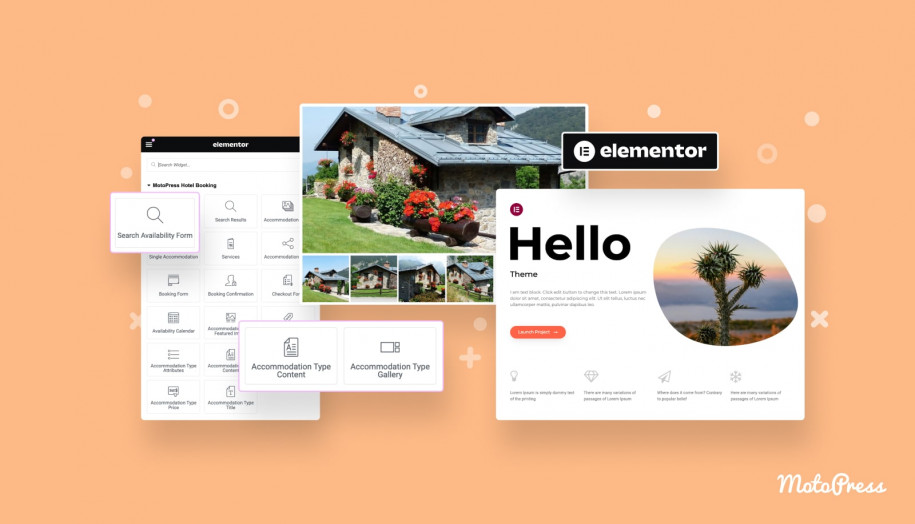
- MotoPress Hotel Booking Integration for Elementor – an extension that transforms MotoPress Hotel Booking sections into Elementor widgets.
The MotoPress lineup includes free and premium Elementor themes designed for various business niches.
Divi also has a strong and growing ecosystem. Elegant Themes curates the Divi Marketplace, which gives users one central place to find Divi extensions, child themes, layouts, and modules. There are over 250 extensions available.
Popular Divi extension examples include Divi Supreme Pro, Divi Essential, and DiviFlash. These tools can add dozens of new modules and hundreds of layouts.
MotoPress also has a free extension for the Hotel Booking plugin that integrates with Divi. It transforms Hotel Booking plugin shortcodes into Divi Builder modules.
Conclusion: Divi has a wide curated marketplace, but Elementor has the broader ecosystem.
Divi or Elementor for WooCommerce: Which is Better?
If you are building an online store, WooCommerce is one of the most popular solutions for WordPress websites.
Both Divi and Elementor provide dedicated WooCommerce tools.
Elementor extends its Theme Builder to WooCommerce and includes over 24 WooCommerce widgets. These widgets allow users to customize product pages, product grids, cart pages, checkout pages, and other store elements.
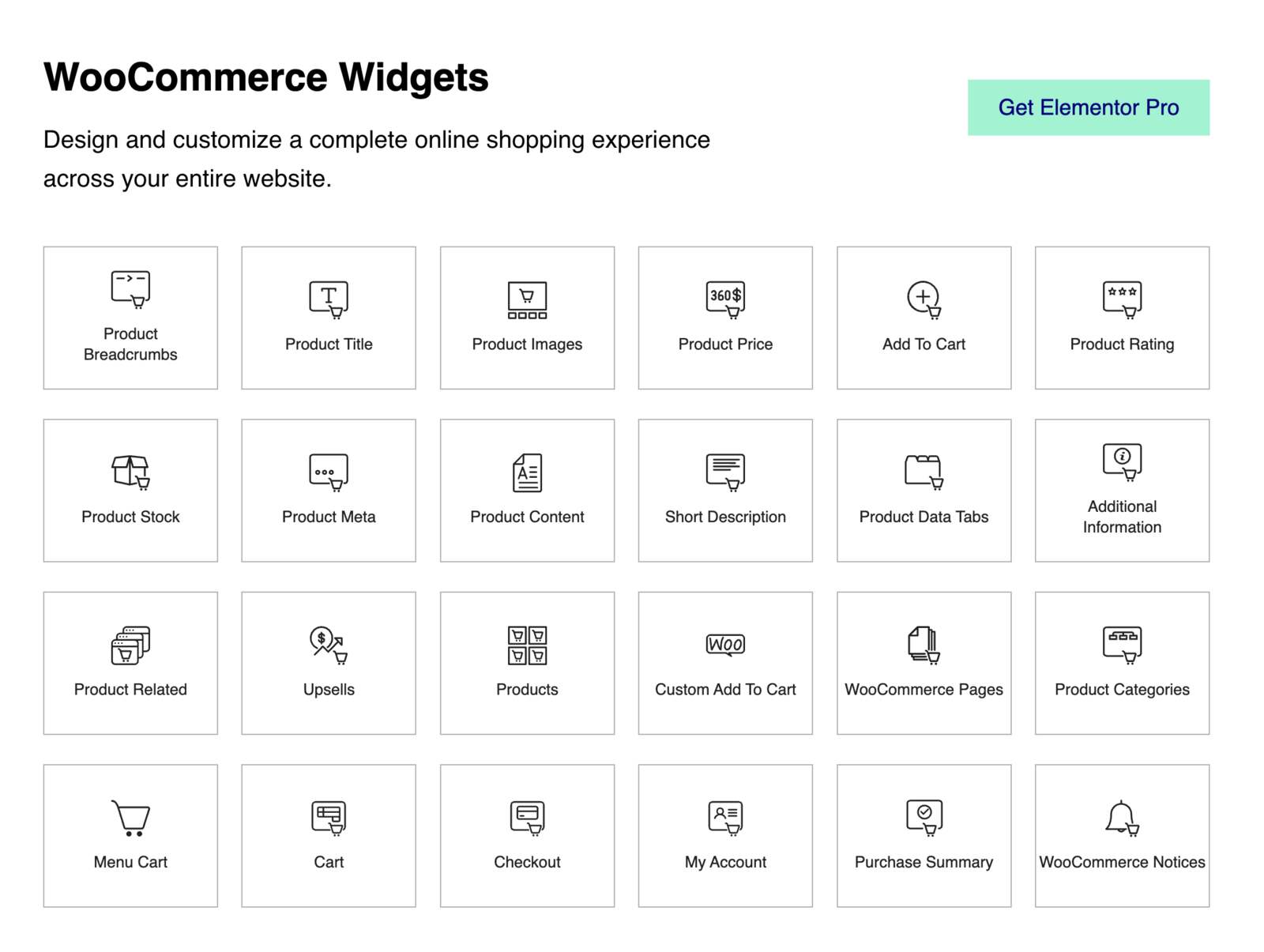
With Elementor, you can build product templates, design dynamic product listings, and customize key conversion pages.
Divi includes 16 WooCommerce product modules to build product pages from scratch. When you enable the Divi Visual Builder on a WooCommerce product, Divi transforms the product content into Divi modules that you can drag, drop, and customize. This builder supports custom cart and checkout pages with 8 dedicated modules.
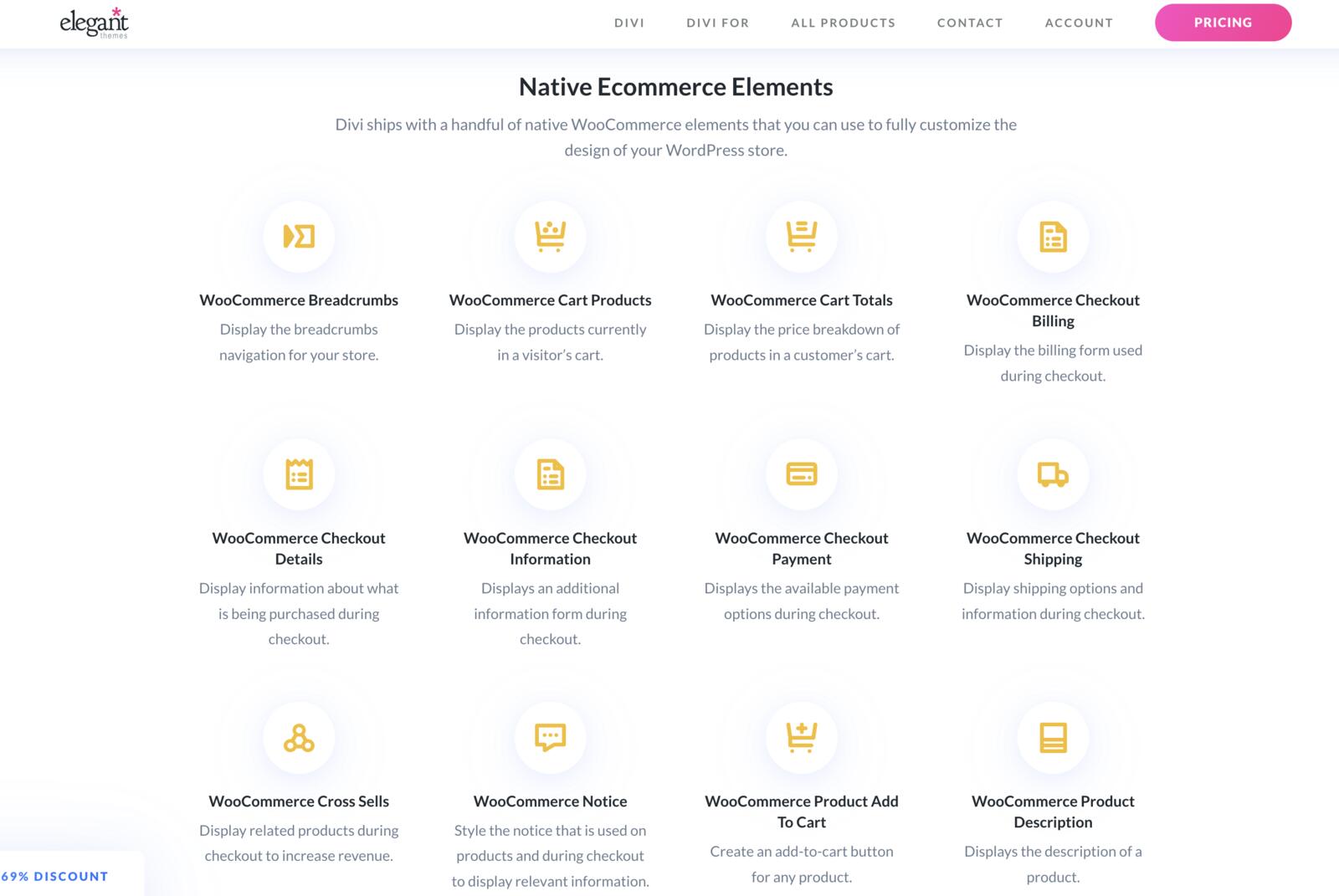
So, which is better?
For simple to medium WooCommerce stores, both builders can work well. Divi gives you a smoother all-in-one design experience. Elementor offers more widgets, more integrations, and more flexibility for advanced store customization.
Pricing
Pricing is one of the biggest differences between Divi and Elementor. Divi is attractive because of unlimited website usage and lifetime options. Elementor takes advantage of a free version and multiple paid plans for different needs.
Divi Pricing
We’ve made a table to highlight the Divi pricing plans:
| Plan | Price | Key features |
|---|---|---|
| Divi | $7.42/month ($89 billed yearly) | Divi Theme & Builder, unlimited website usage, Divi Dash, 24/7 customer support |
| Divi Pro | $23.08/month ($277 billed yearly) | Divi + Pro Services, Divi AI, Divi Cloud, Divi VIP, Divi Teams, unlimited AI usage, unlimited cloud storage, 4 team members, support in 30 minutes or less, 10% off marketplace purchases |
| Divi Lifetime | $249 (one-time) | Divi Theme & Builder, Divi Dash, unlimited website usage, 24/7 support |
| Divi Lifetime + Pro | $297 one-time + $212/year for Pro Services | Divi for life, Divi AI, Divi Cloud, Divi VIP, Divi Teams, unlimited AI usage, cloud storage, marketplace credit, VIP support |
Source: Pricing Page
- Divi’s biggest advantage is unlimited website usage. Even the regular Divi plan allows unlimited websites, which is a major benefit for freelancers and agencies.
- The lifetime plan is another important advantage. If you plan to use Divi for many years, the one-time payment might become much cheaper than recurring subscriptions.
- Divi Pro is more expensive but includes the full professional package: Divi AI, Divi Cloud, Divi VIP, Divi Teams, and unlimited AI generation.
Elementor Pricing
Here are the pricing options by Elementor:
| Plan | Price | Sites | Key features |
|---|---|---|---|
| Essential | €5/month (€60 billed annually) | 1 site | 57 Pro widgets, Theme Builder, Dynamic Content, Form Builder, Basic Support |
| Advanced Solo | €7/month (€84 billed annually) | 1 site | 85 Pro widgets, Theme Builder, Dynamic Content, Form Builder, Popup Builder, Custom Code & CSS, eCommerce features |
| Advanced | €9/month (€108 billed annually) | 3 sites | Same advanced features for 3 sites, 30 Cloud Templates |
| One | €19/month (€228 billed annually) | 1 site | 25,000 monthly One credits, AI-generated code/copy/images/layouts, image optimization, accessibility, priority support, email deliverability |
| Expert | €17/month (€204 billed annually) | 25 sites | 85 Pro widgets, Theme Builder, Dynamic Content, Form Builder, Popup Builder, Custom CSS, eCommerce features, 5,000 Cloud Templates |
| One Agency | €45/month (€540 billed annually) | Unlimited sites | 350,000 monthly One credits, unlimited sites, AI tools, image optimization, accessibility, priority support, 50,000 Cloud Templates, email deliverability |
Source: Pricing Page
- Elementor’s pricing is more segmented. You pay depending on how many sites you need and which features matter to you.
- The free version is useful for basic websites, but many important features are locked behind paid plans. Theme Builder, advanced widgets, forms, dynamic content, popup builder, custom CSS, WooCommerce tools, and AI features are not all available in the free plugin.
- So, is Elementor Pro necessary for Elementor? For a very basic website, no. You can build simple pages with the free version. For a serious business website, online store, booking site, custom blog, or client project, yes, Elementor Pro is usually necessary.
Support
Divi is a premium-only product, so everyone with an active Elegant Themes license gets access to support. Elegant Themes provides 24/7 live chat support, documentation, and a knowledge base. Divi Pro and VIP options provide faster support.
Elementor has different support levels depending on the plan. Free users rely mainly on documentation, community support, and public resources. Elementor Pro customers get premium support, typically through a support system.
Higher-level support features on some plans include priority support, multi-channel support via WhatsApp, email, or live chat, direct access to experts, and monthly 60-minute consultation sessions starting from higher-tier plans.

WordPress Elementor VS Divi: What Users Are Saying?
Real user feedback matters because it shows what people experience after months or years of using a builder.
Elementor receives strong ratings across platforms. Based on the data provided, it has:
- Trustpilot: 4.4/5
- WordPress.org: 4.5/5
Users like Elementor for its intuitive interface, flexible design options, free version, and large add-ons ecosystem. However, some users complain about yearly renewal costs, support response times, and performance issues on complex websites.
Divi from ElegantThemes receives strong user feedback on Trustpilot:
- Trustpilot: 4.8/5
- WordPress.org: N/A for the premium product
Divi users praise the customer support, huge template library, lifetime pricing, and all-in-one value. On the negative side, some users criticize Divi for code bloat and a confusing icon-heavy interface.
Divi vs Elementor: Pros & Cons
In the previous sections, we covered the main features of both Elementor and Divi. Now let’s focus on the practical advantages and disadvantages of each builder. These points will help you clarify the major strengths and weaknesses on both sides and ultimately, make a smarter decision.
Elementor Pros and Cons
Elementor might be the better choice if you value flexibility, integrations, beginner-friendly editing, and scalability.
Elementor Pros:
- Beginner-friendly interface with a fixed sidebar.
- Free version available on WordPress.org.
- Large user base and huge ecosystem.
- Strong third-party add-ons market.
- 85+ Pro widgets.
- Advanced theme-building features.
- Loop Builder for dynamic layouts.
- Strong WooCommerce customization.
- Popup Builder and Form Builder in Pro.
- Flexible responsive controls.
- Elementor AI website builder and AI tools for content, code, layouts, and images.
- Hello Elementor free starter theme.
- Works well with many WordPress themes.
Elementor Cons:
- Many advanced features require Elementor Pro.
- Pricing becomes more expensive across multiple sites.
- AI features are not included in all plans.
- The ecosystem is powerful, but it can lead to plugin overload.
- Heavy use of add-ons may lead to lower performance results.
Divi Pros and Cons
Divi is suitable for users who prefer one ecosystem over assembling many separate plugins.
Divi Pros:
- All-in-one theme and builder system.
- Unlimited website usage.
- Lifetime pricing option.
- 65 built-in modules.
- 370+ layout packs and 2600+ layouts.
- Strong global presets and global colors.
- Built-in A/B testing.
- Theme Builder included.
- WooCommerce modules for products, cart, and checkout.
- Divi AI is deeply integrated into the builder.
- Divi 5 improves performance direction.
- Curated Divi Marketplace.
Divi Cons:
- No free version like Elementor.
- Interface can feel overwhelming for beginners.
- Floating controls and icons require learning.
- Some templates may feel dated.
- Advanced flexibility may require Divi-specific extensions.
Wrapping Up
Both Divi and Elementor still deserve their place among the best WP page builders in 2026. They are powerful, actively developed, and capable of building professional websites. But the choice is not as simple as saying one is better than the other. Start with your own needs first.
Are you building one website and want a free starting point? Or are you building many websites and want unlimited usage? Do you prefer a fixed sidebar and a cleaner editing workflow? Or do you like a full-screen canvas with movable panels and a more immersive design experience?
Divi may seem cheaper in the long run, especially with lifetime pricing and unlimited websites. But it requires a steeper learning curve. Elementor may be easier to master and more flexible, but it can become more expensive if you need Pro features across multiple websites.
We’ve summarized some key points of the Divi or Elementor Pro comparison in the table below:
| Feature | Divi | Elementor Pro |
|---|---|---|
| Widgets / Modules | 65 built-in modules | 85+ Pro widgets |
| Templates | 370+ layout packs, 2600+ layouts | 300+ page templates, 100+ kits, blocks, saved templates |
| Theme Builder | Yes | Yes |
| WooCommerce | Product, cart, checkout modules | 24+ WooCommerce widgets |
| Popup Builder | No | Yes |
| Form Builder | Via modules | Yes |
| Header & Footer Builder | Yes | Yes |
| Custom CSS | Yes | Yes |
| Built-in A/B Testing | Yes | No |
| AI Features | Yes | Yes |
| Interface | Full-screen editor with floating panels | Fixed sidebar + live canvas |
| Pricing Structure | Yearly and lifetime, unlimited websites | Subscription by plan/site count |
So, what is better, Elementor or Divi? Share your experience working with these page builders in the comments!
Disclosure: this article may contain affiliate links for third-party products. If you click a link and later make a purchase, we may earn an affiliate commission that doesn’t result in additional charges to you.
FAQ
What is better for a beginner, Divi or Elementor?
Which is faster, Divi or Elementor?
Divi or Elementor, which is better for WooCommerce?
Which is better, Divi AI or Elementor AI?
Is Elementor Pro necessary for Elementor?
Divi or Elementor Pro, what to choose?
What are the Divi theme pros and cons?


Yoast does not fully support DIVI. If would have known taht I would have start it with Elementor instead of DIVI.
Thanks for your feedback.
« No custom header & footer builder »
!!!! Divi has a header & footer builder since v4 with full Divi builder for each and capabilities to create any number of versions that you can assign to post, pages, CPTs etc with many filtering options !
Hi, thanks, we’ve updated this part. We’d recommend readers to look for recent reviews to get the most up-to-date information.
sounds like your work for Divi
I bet the post would not contain any Divi cons if we had worked for them 😉